
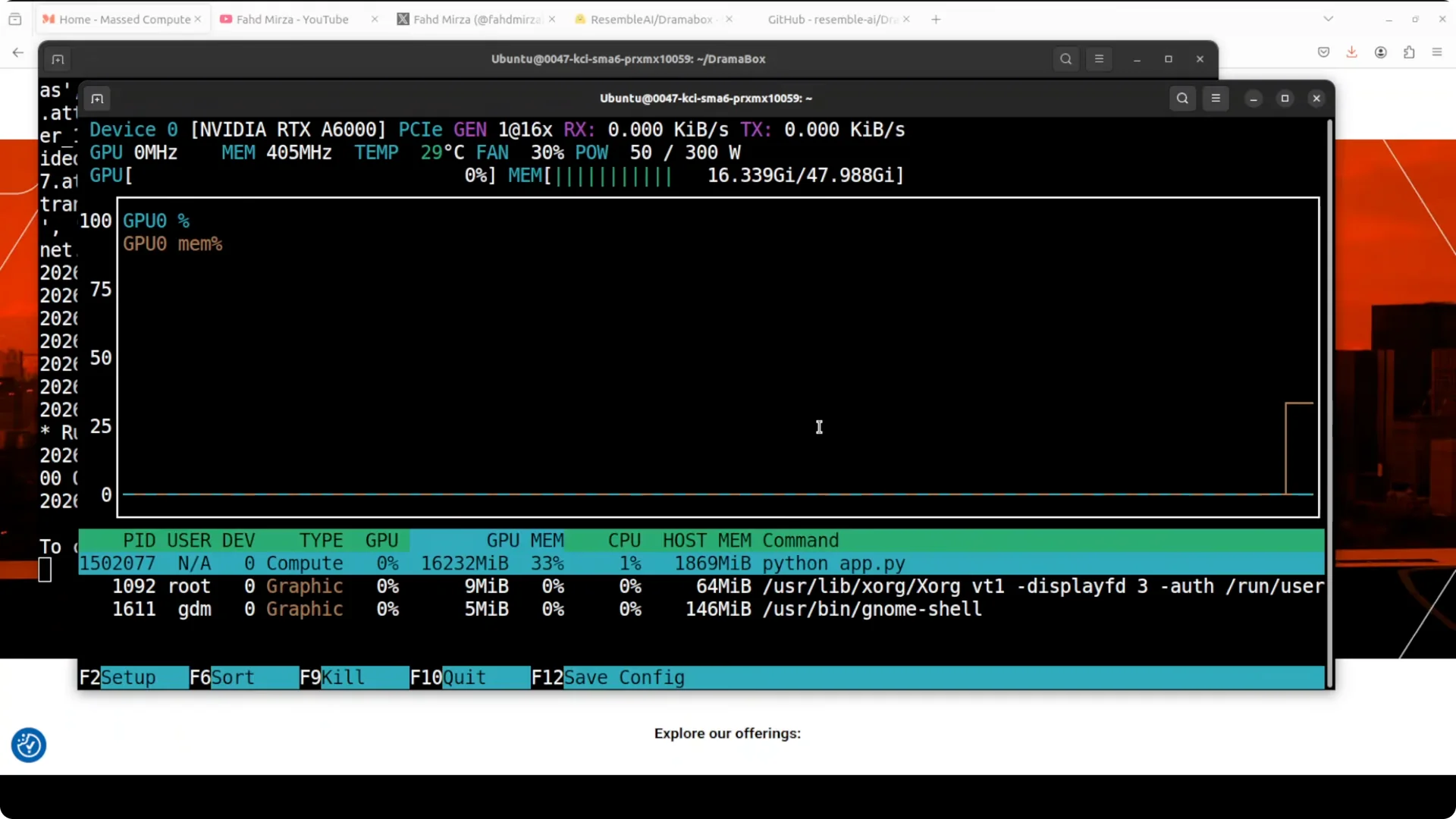
To install and test Drama Box locally, clone the repo, install the requirements, and launch the Gradio demo. The first run downloads the model and serves the UI at localhost:7860. On an Nvidia RTX 6000 with 48 GB of VRAM, I saw just over 16 GB VRAM consumption while generating.
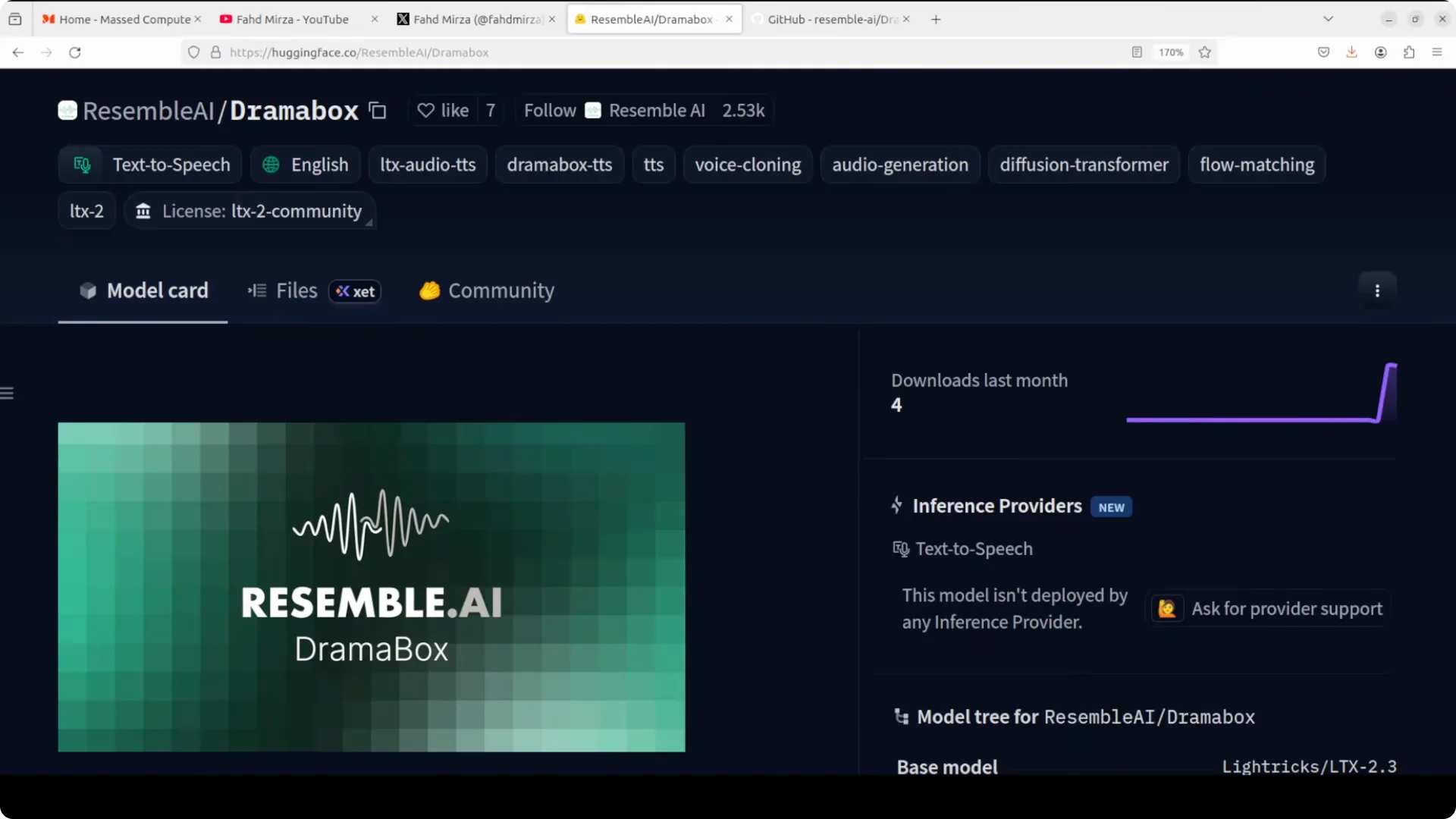
Drama Box is a fine-tune of Lyra X LTX 2, a 3.3 billion parameter audio-only diffusion transformer using flow matching conditioned on Gemma 3 12B text embeddings.
The architecture combines a diffusion transformer backbone with an audio variational autoencoder, which brings the voice from hidden space to the space where you can listen to it quite easily.
It also uses a vocoder for pauses and other timing.
Environment
I used Ubuntu with an Nvidia RTX 6000 48 GB. The Gradio app ran locally without issues. First launch triggered the model download automatically.
Install and run
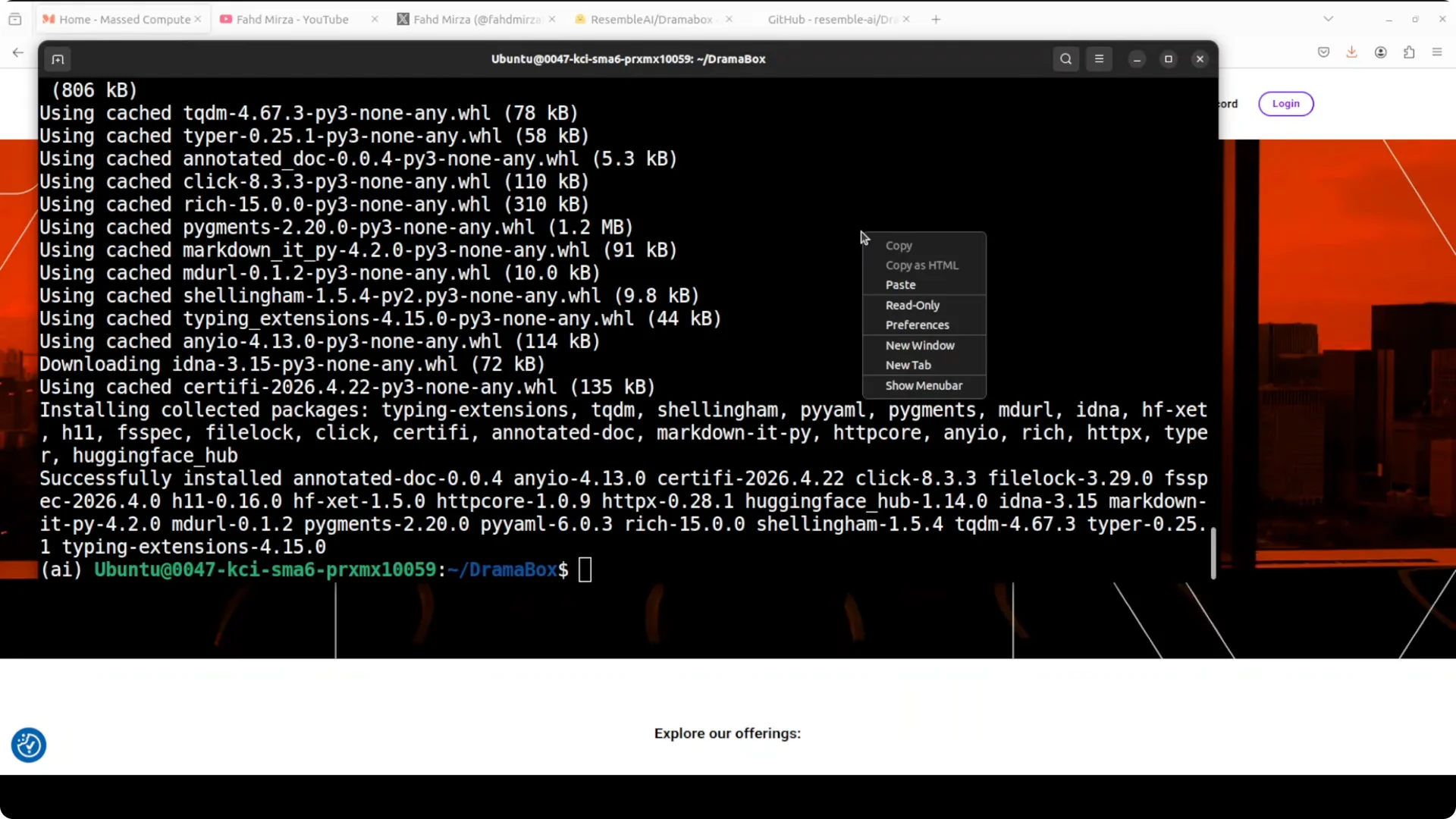
Clone and requirements
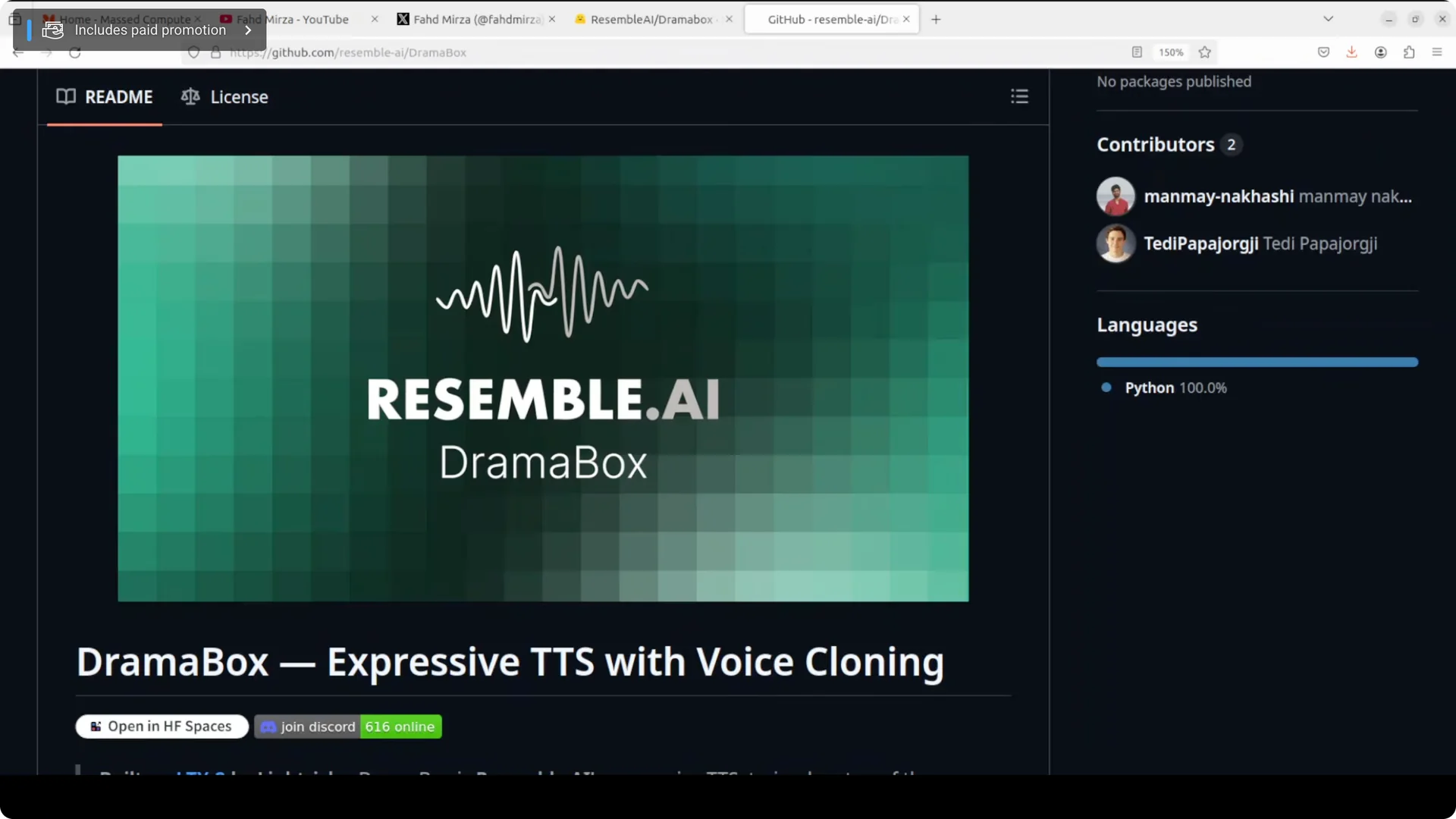
Clone the Drama Box repository to your machine.
Install the Python requirements in a fresh environment.
Confirm CUDA and the correct GPU drivers are available before launching.
Launch the app
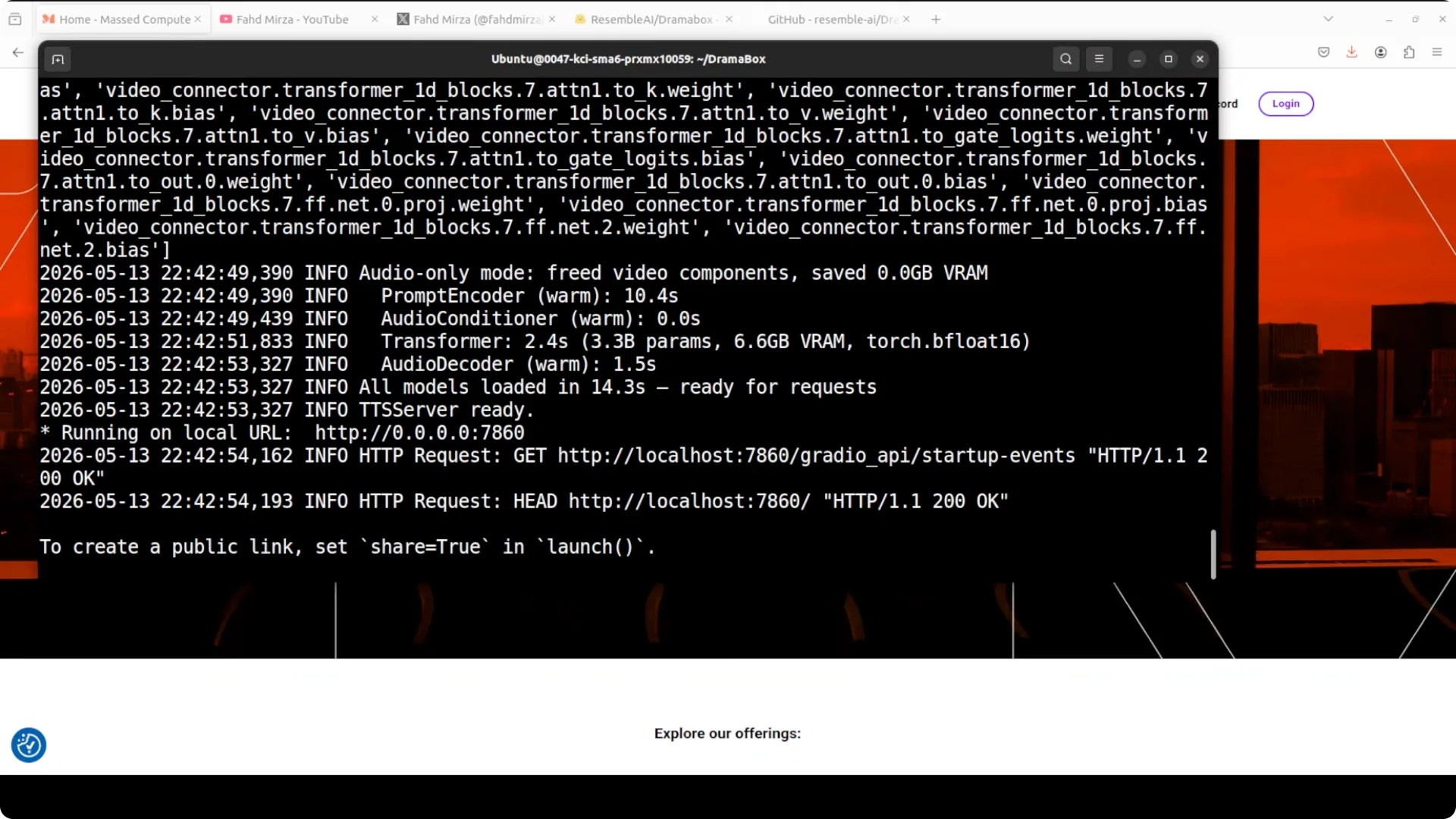
Launch the Gradio demo from the project directory.
The interface comes up at http://localhost:7860. On first run, the model files download and initialize.
For teams coordinating multiple tools and services around this workflow, see our agent manager guide to keep projects organized.
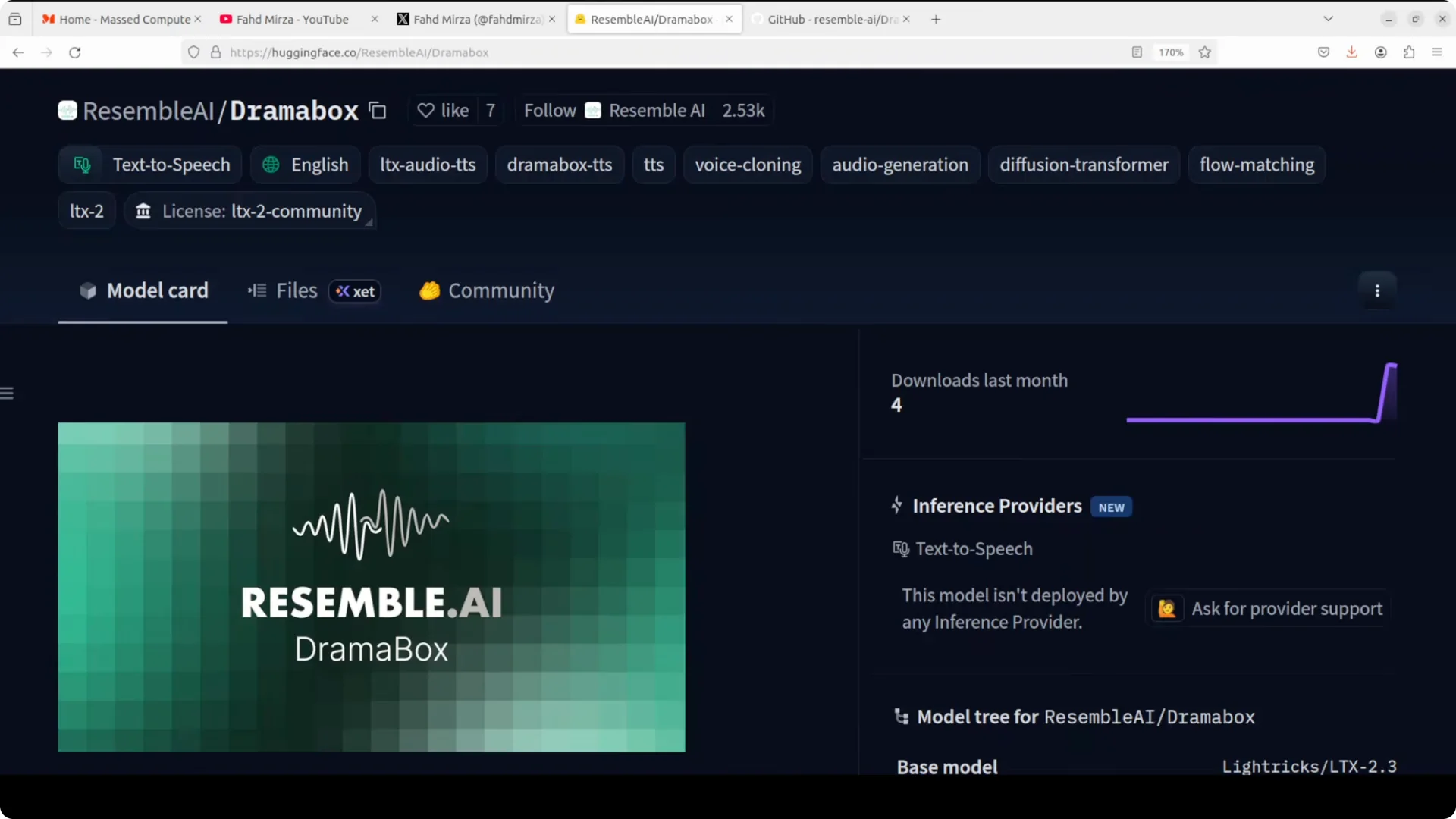
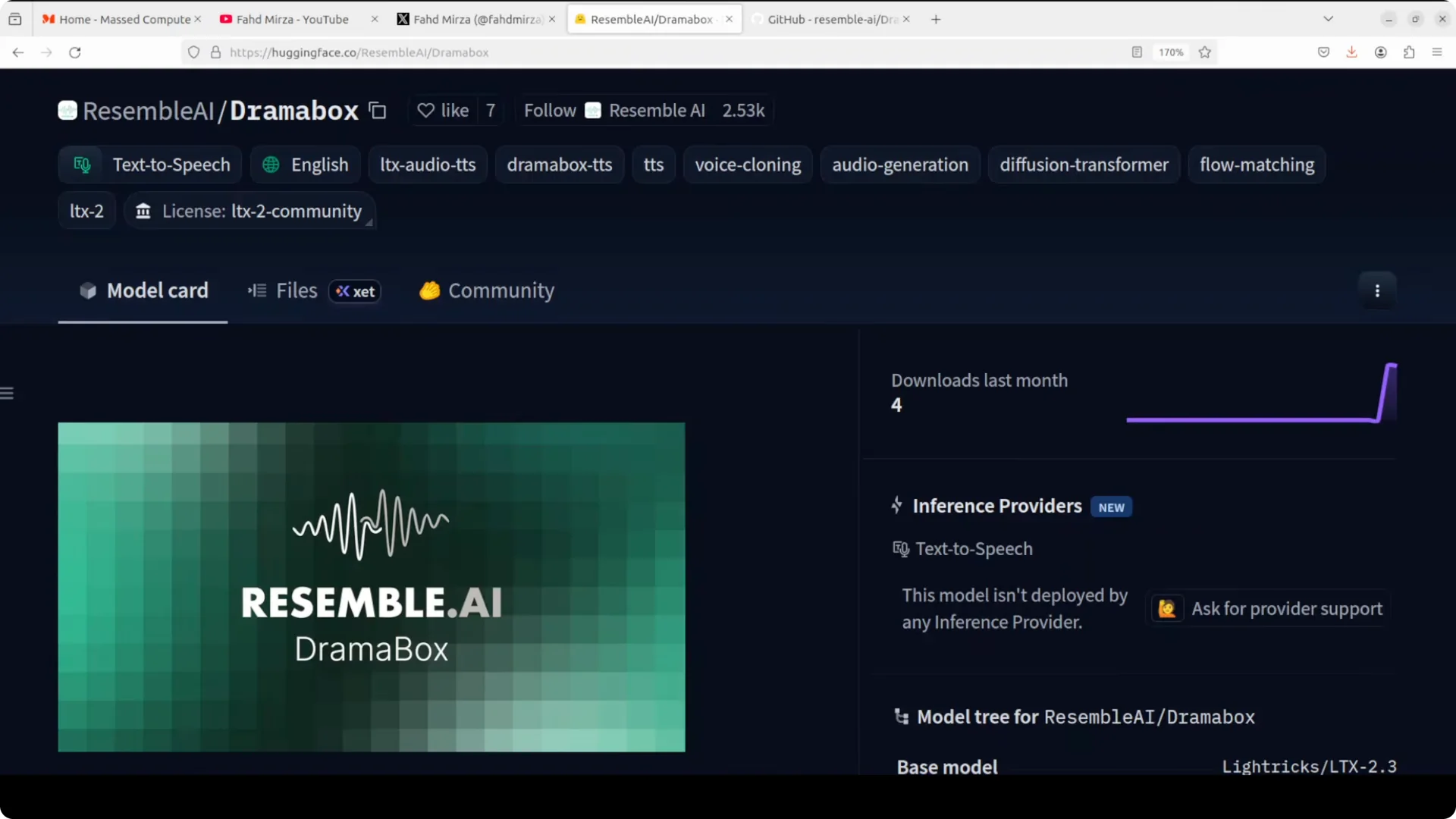
What is DramaBox?
Drama Box is a fine-tune of Lyra X LTX 2 using flow matching and Gemma 3 12B text embeddings for conditioning. The backbone is a diffusion transformer paired with an audio VAE. A vocoder handles pauses and prosody details.
Prompting method
Dialogue and directions
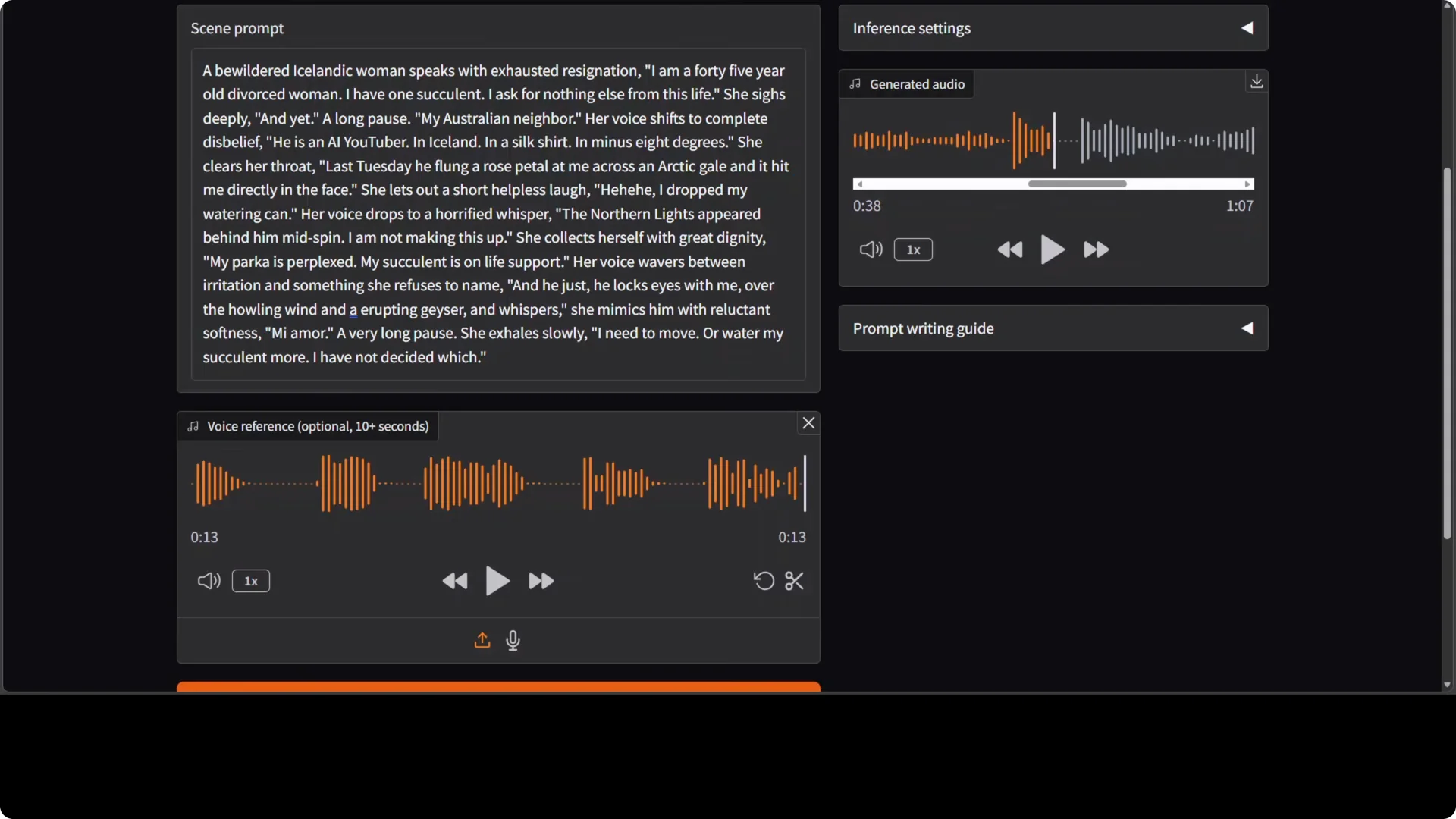
Treat the prompt as a full performance script. Dialogue goes inside double quotes and the model speaks it literally.
Everything outside the quotes is stage direction that shapes delivery without being spoken.
You can layer emotional transitions mid sentence, shift from a shout to a whisper, or drop in a laugh or a sigh, all through how you write the prompt.
You are not just writing text, you are directing a performance. That is why the name Drama Box.
Voice reference
You can drop in an optional 10 second voice reference clip and the model clones that timbre. I do not think the voice cloning is as good as it should be yet. Hopefully a future version brings the same expressive control on top of any voice you feed it.
If you are building tooling around prompts and scripts, check our workflow tips for Claude Code to keep your prompt engineering and code glue tidy.
Tests and observations
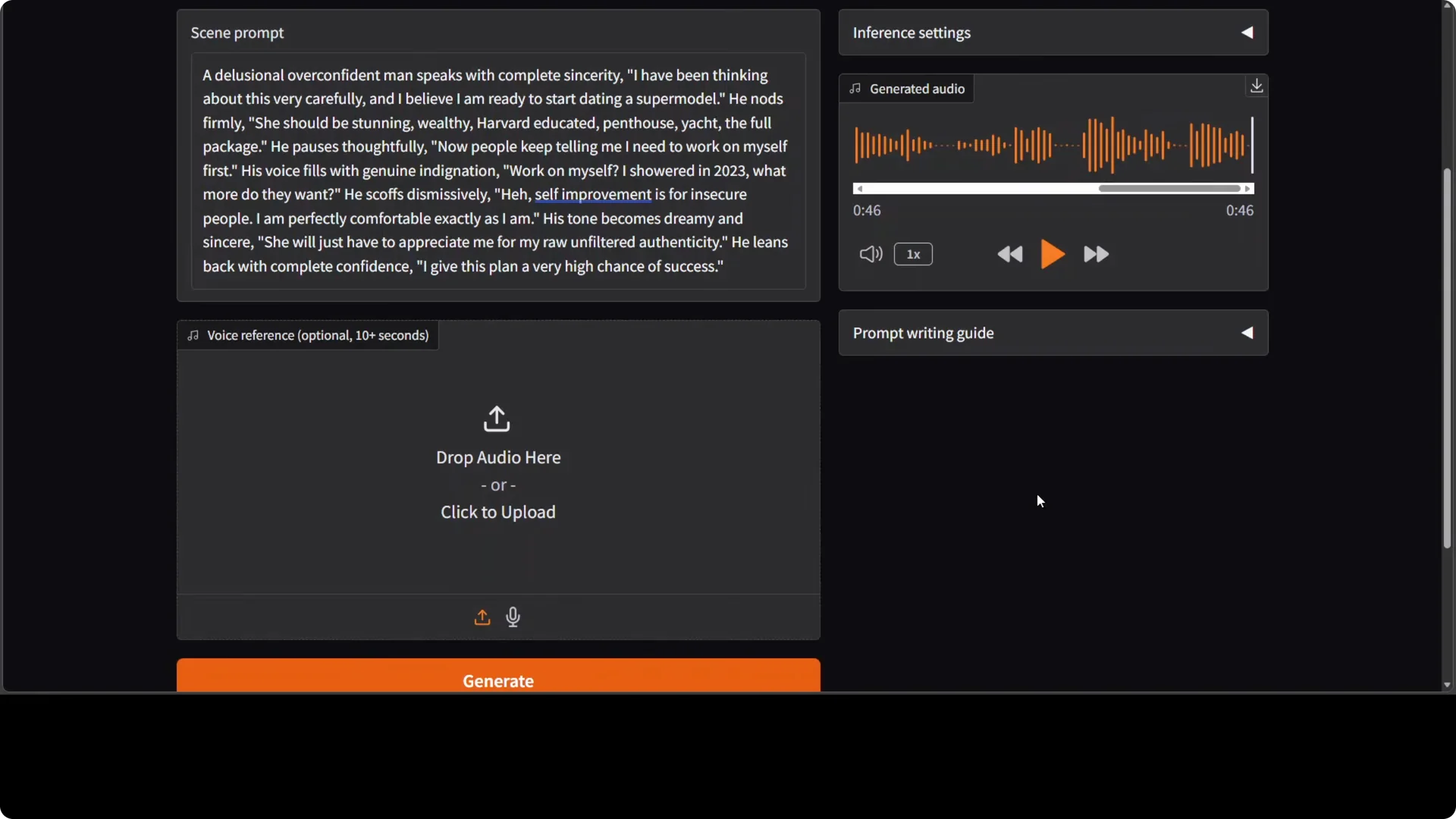
In a scene with rich stage directions and no reference audio, the delivery carried clear expressions and timing.
I think still bit robotic and plasticky, but as far as expressions are concerned, there is lot of improvement, no doubt about that. The expressive control is the standout.
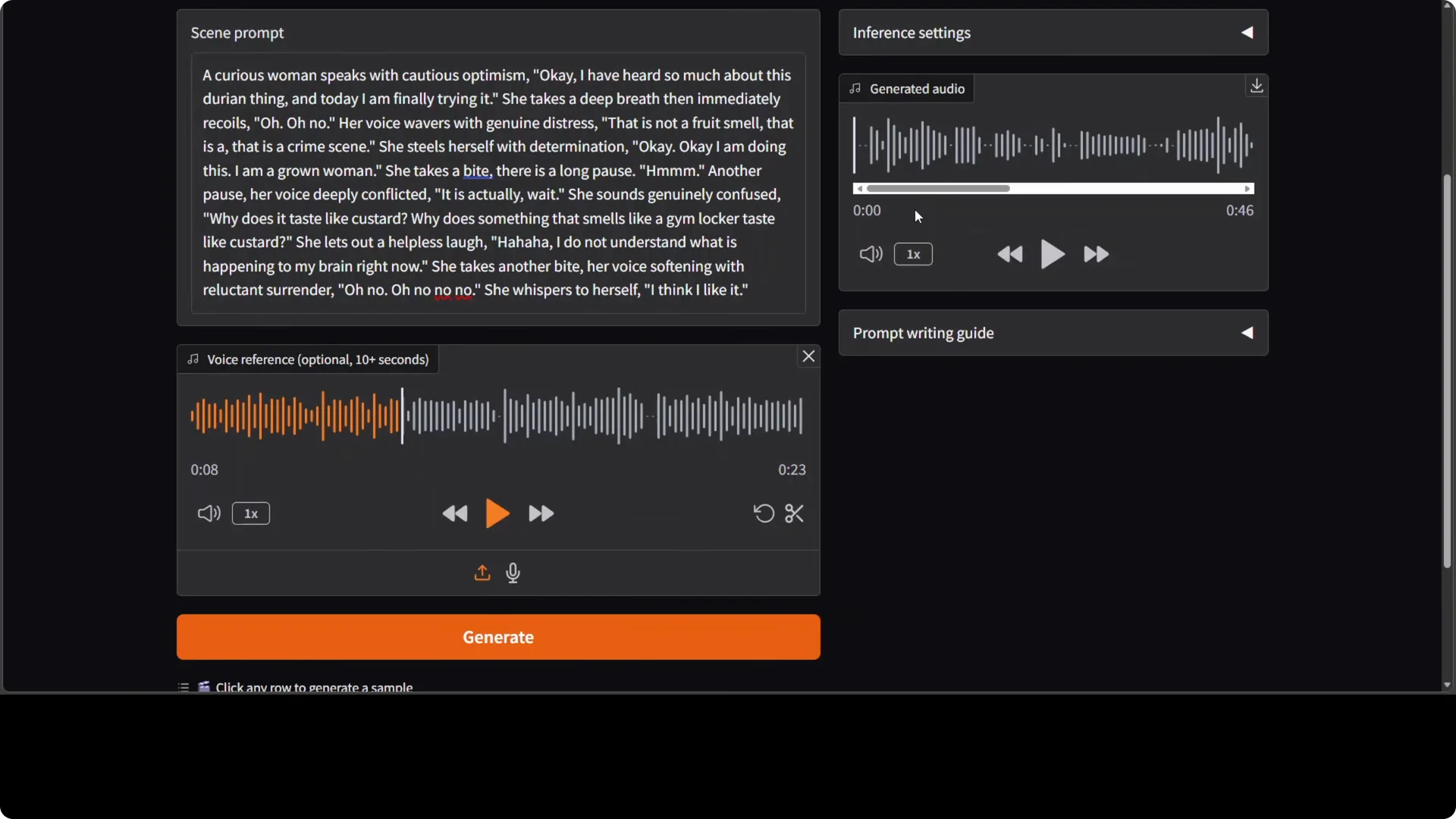
In a female voice test with a reference clip, expressions stayed strong but voice cloning felt not really good enough.
Timbre resemblance was partial and inconsistent. The emotional beats, pauses, and emphasis were convincing.
In a longer scripted scene with complex structure, I saw hallucinations and rushed lines.
Some sentences were spoken correctly while others were mangled or skipped.
It might be sensitivity to length or an issue in the pipeline.
Resource notes
VRAM usage was just over 16 GB during generation. The Gradio UI ran on localhost:7860.
The model download happened automatically on first run.
If you compare your tooling stack across projects, see this comparison of two coding approaches to plan your integration path.
Limitations
Voice cloning is not there yet in terms of strong timbre match. Longer and denser scripts can trigger hallucination or pacing issues. Expressions and delivery control are already compelling.
Final thoughts
Drama Box installs cleanly, runs locally, and delivers expressive speech from script-like prompts with strong control. Voice cloning needs work, and longer prompts can wobble, but the progress on performance-style prompting is clear. Good start, with plenty of room for refinement as the model matures.