

Here is the short answer. Use Antigravity if design and speed are your priority or if you want to test something for free before you commit. Use Claude Code if you care about real code quality, configurability, and production reliability.
My recommendation is to learn Claude Code first. The output quality and the pace that they are shipping at right now is hard to beat, and I consistently see better planning and reasoning. Antigravity shines when you need a good looking front end fast and it feels quicker with Gemini, but it carries more drift on longer projects.
Both Claude Code and Antigravity are agentic coding platforms that can plan large missions, spin up sub agents to work in parallel, manage files and folders, run terminal commands, and execute across your code base.
Claude Code is powered by Anthropic models and is terminal first with a CLI that plugs into your current editor or setup, plus a VS Code extension, a desktop app, and a web version.
Antigravity is a standalone IDE that defaults to Gemini models, with a manager view for parallel agents and a built in browser agent.
Claude Code Vs Antigravity
| Category | Claude Code | Antigravity |
|---|---|---|
| Interface | Terminal-first CLI, VS Code extension, desktop app, and web app | Standalone IDE with manager view and built-in browser agent |
| Default models | Anthropic Claude family | Google Gemini family |
| Setup | Install via NPM, then run claude in the terminal, or use the VS Code extension, desktop app, or web app | Download the app and work directly inside the IDE |
| Planning style | Dedicated planning mode that maps multi-file work before editing | Includes a planning mode, but Claude Code generally thinks deeper before making changes |
| Project awareness | Strong understanding of existing project structure and coding conventions | Can drift from initial instructions on larger or longer-running projects |
| Design strength | Prioritizes functional UI with stronger logic and architecture | Generally produces more visually polished UIs and front ends from scratch |
| Speed | Usually slower but more deliberate and thoughtful | Often feels faster thanks to Gemini models |
| Benchmarks | Claude Opus 4.6 achieved about 80.9% on SWE-Bench Verified | Gemini 3 Pro in Antigravity scored about 76.2% |
| Real-world impact | Reported 50% productivity gain and 67% more pull requests per engineer per day | Independent 21-day test reported 60–70% faster development and a 94% clean code rate |
| Stability | Production-ready with frequent updates | Public preview that is improving quickly but still has more instability reports |
| Limits & quotas | Token costs can increase quickly if unmanaged; previous caching bug has been fixed | Quota system can temporarily lock out Pro users, and credit usage isn’t always transparent |
| Integrations | MCP support through CLI or JSON configuration with extensive customization | MCP support via a visual settings panel and configuration file, making setup easier for beginners |
| Terminal access | Full terminal access for running external CLI tools | Full terminal access, including the ability to run Claude Code CLI inside Antigravity |
| Pricing | Paid Claude plan recommended (Pro or Max), or use your own API key | Free tier with weekly limits, Pro at $20/month, Ultra at $250/month |
What they are
Both tools are agentic coding platforms that plan, coordinate sub agents, and execute across your repo. Claude Code lets you keep your editor, your key bindings, and your extensions, and surfaces orchestration through the terminal or inside VS Code. Antigravity is its own environment that you move into, with multi agent views and a browser agent that can navigate real pages.
The simplest frame is this. Claude Code gives you the primitives and lets you keep working the way you already work. Antigravity packages the full agent workflow inside a purpose built IDE.
Setup options
Claude Code gives multiple entry points. Install with NPM, type claude in any terminal, and Claude Code pops up.
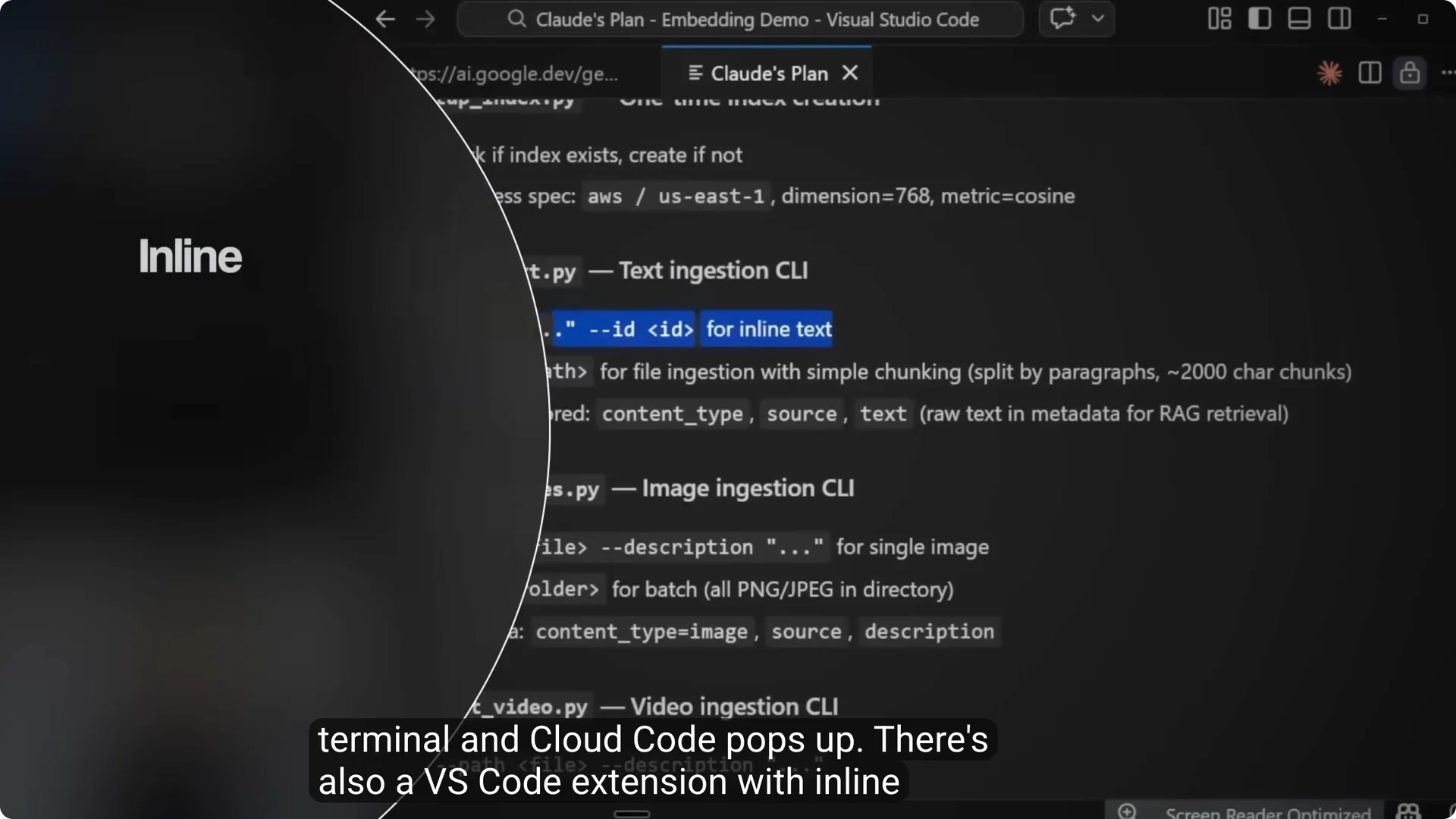
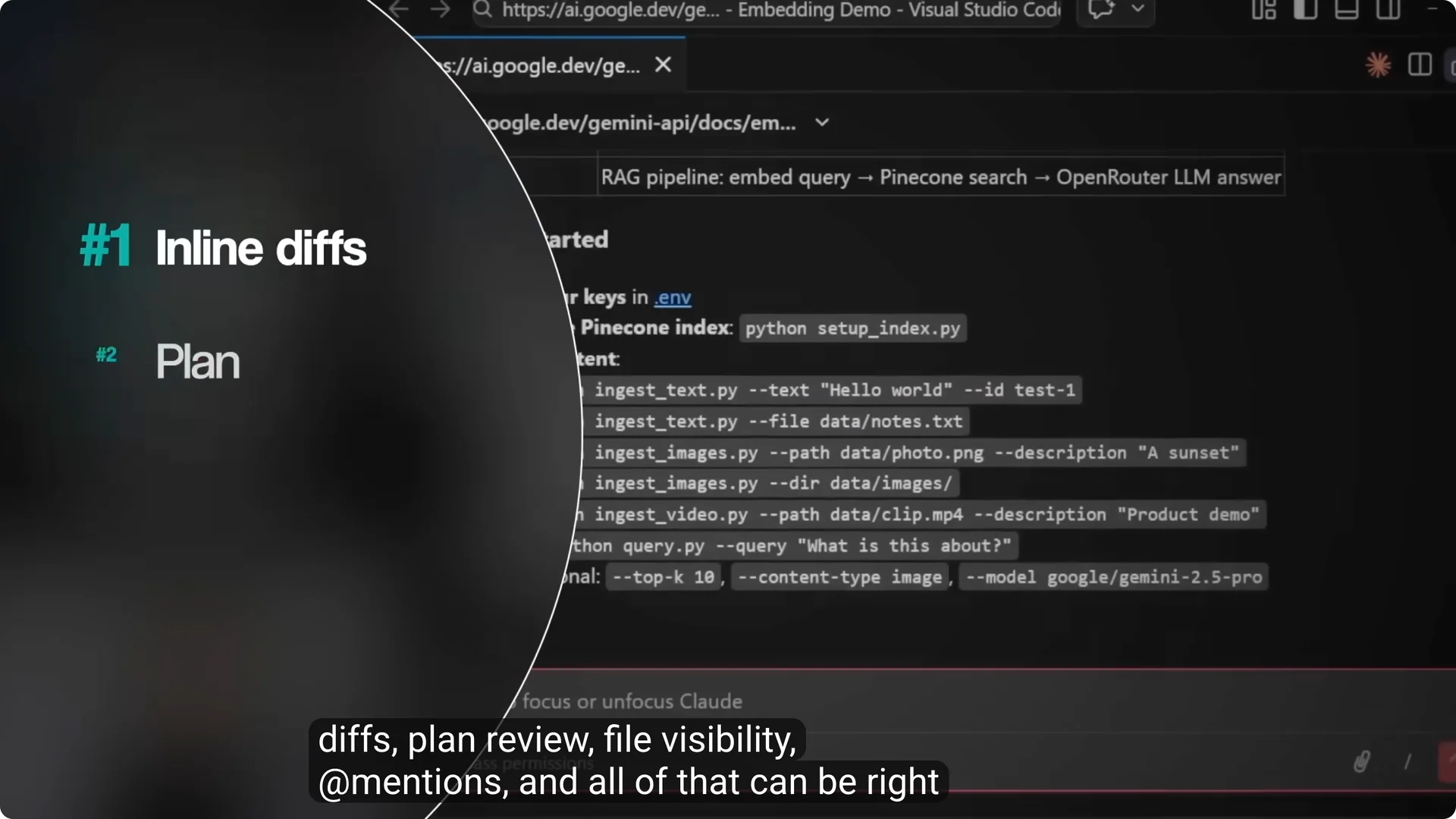
There is a VS Code extension with inline diffs, plan review, file visibility, and mentions.
There is also a desktop app and a web version for zero install.
For a practical walkthrough, see our guide on getting the most from Claude Code here best practices for using Claude Code.
Antigravity has one front door.
You download the app and run it there.
There is a CLI command to launch it, but it just opens the IDE.
This is the core of antigravity claude code setup.
Claude Code flexes to your workflow, Antigravity asks you to live inside its IDE.
Output quality and models
The model you choose inside the tool matters a lot. Claude Code with Haiku is a very different experience than Claude Code with Opus, and Antigravity with Gemini Flash is different from Gemini Pro. The wrapper shapes how you work, but the model sets the ceiling.
Claude Code’s biggest strength is how it thinks before it acts.
Its planning mode maps multi file work, stays read only while it forms a strategy, and asks clarifying questions.
You can control how deep it reasons, up to Anthropic’s Ultra Think for hard problems.
Antigravity has a plan mode too, but Claude Code does it better in my experience.
Both tools let you set project level rules, conventions, and custom instructions that persist.
Both support plugins, custom commands, and external integrations.
How they feel in real projects
Claude Code reads your project deeply, picks up your naming conventions, and the generated code fits your code base.
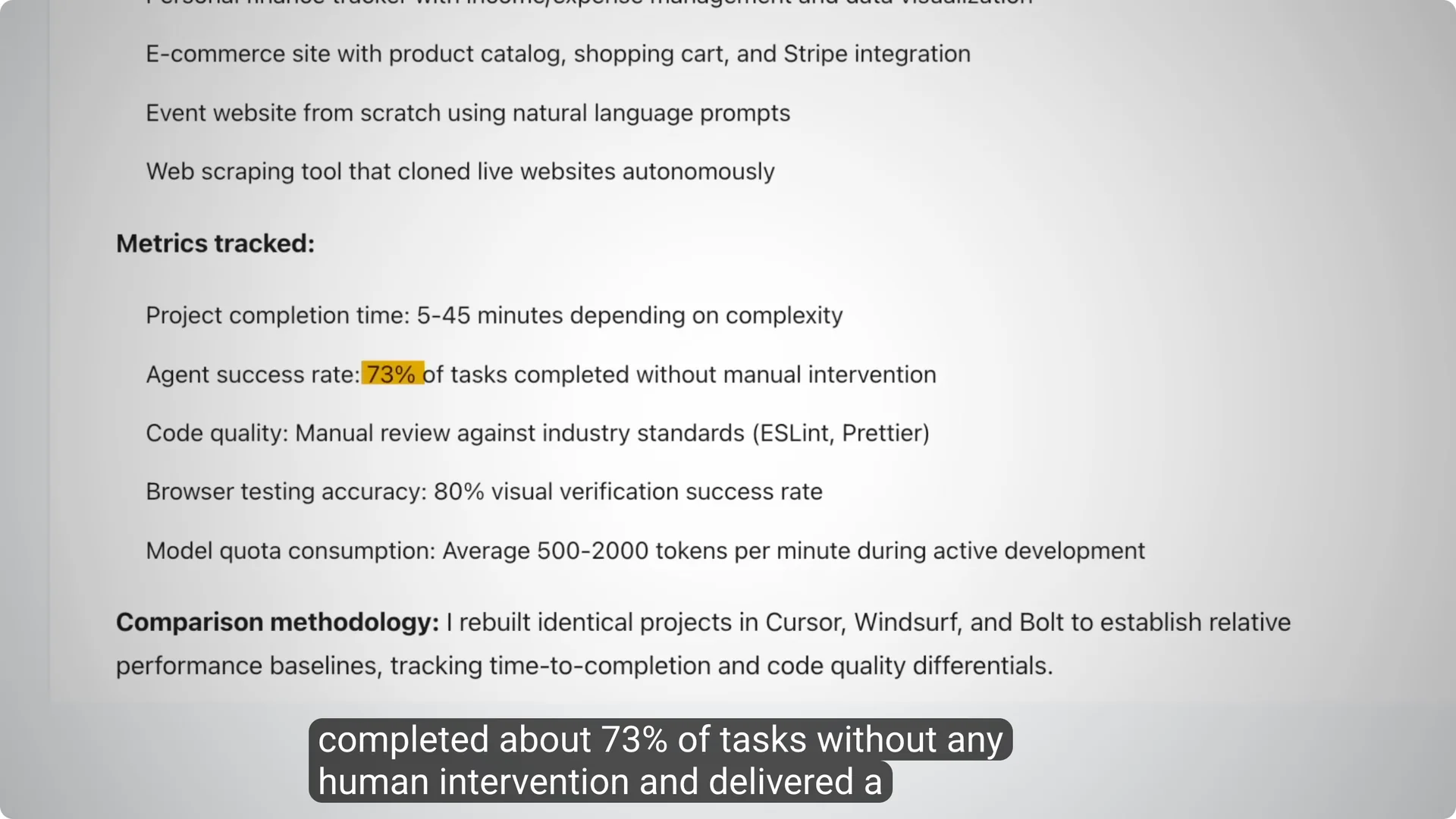
Antigravity is strong at building full apps and front ends from scratch and in one independent 21 day test across 12 projects, 94 percent of generated code was clean and it completed about 73 percent of tasks with no human help.
I use Antigravity mainly for UI and web apps because it has more taste and makes things look and feel more real.
The trade off is drift on longer projects, where it can slowly ignore your original rules.
That pattern shows up across coding agents, but I see it more with Antigravity on multi day efforts.
Benchmarks and field reports
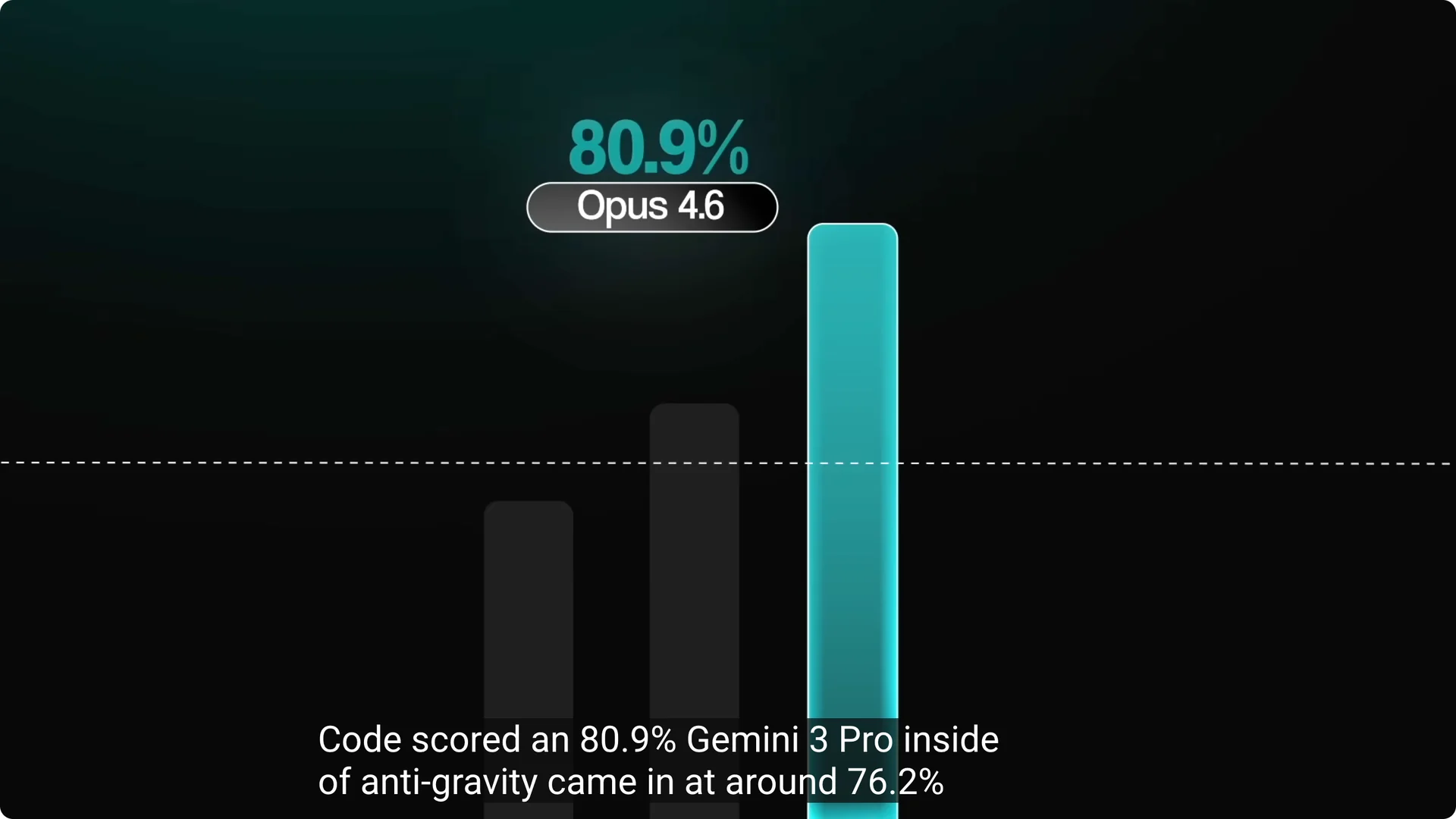
SWE Bench Verified is a standard for AI coding tools that takes real GitHub issues and measures resolution. Claude Opus 4.6 inside Claude Code scored about 80.9 percent, while Gemini 3 Pro inside Antigravity came in around 76.2 percent.
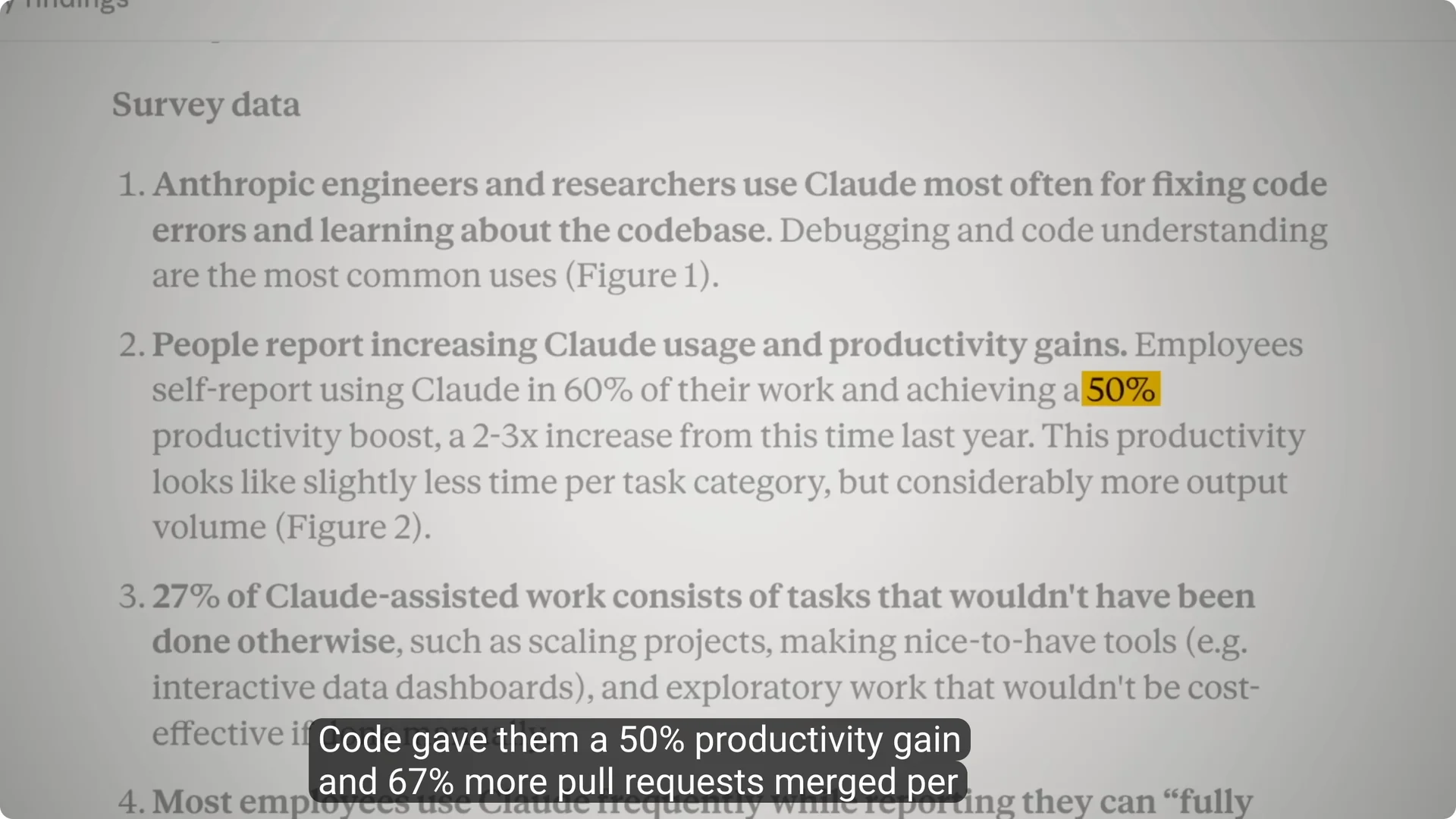
On productivity, Anthropic’s own team reported a 50 percent productivity gain and 67 percent more pull requests merged per engineer per day with Claude Code.
An independent Antigravity test showed 60 to 70 percent faster development across real projects.
Speed, reliability, and limits
Remember you pay for the model usage, not the tool. These models can burn through your allocation fast if you are not careful.
Learning token management is one of the most important skills you can build right now.
Claude Code had a caching bug in March 2026 that inflated token costs, which Anthropic acknowledged and addressed, and they continue to optimize tokens.
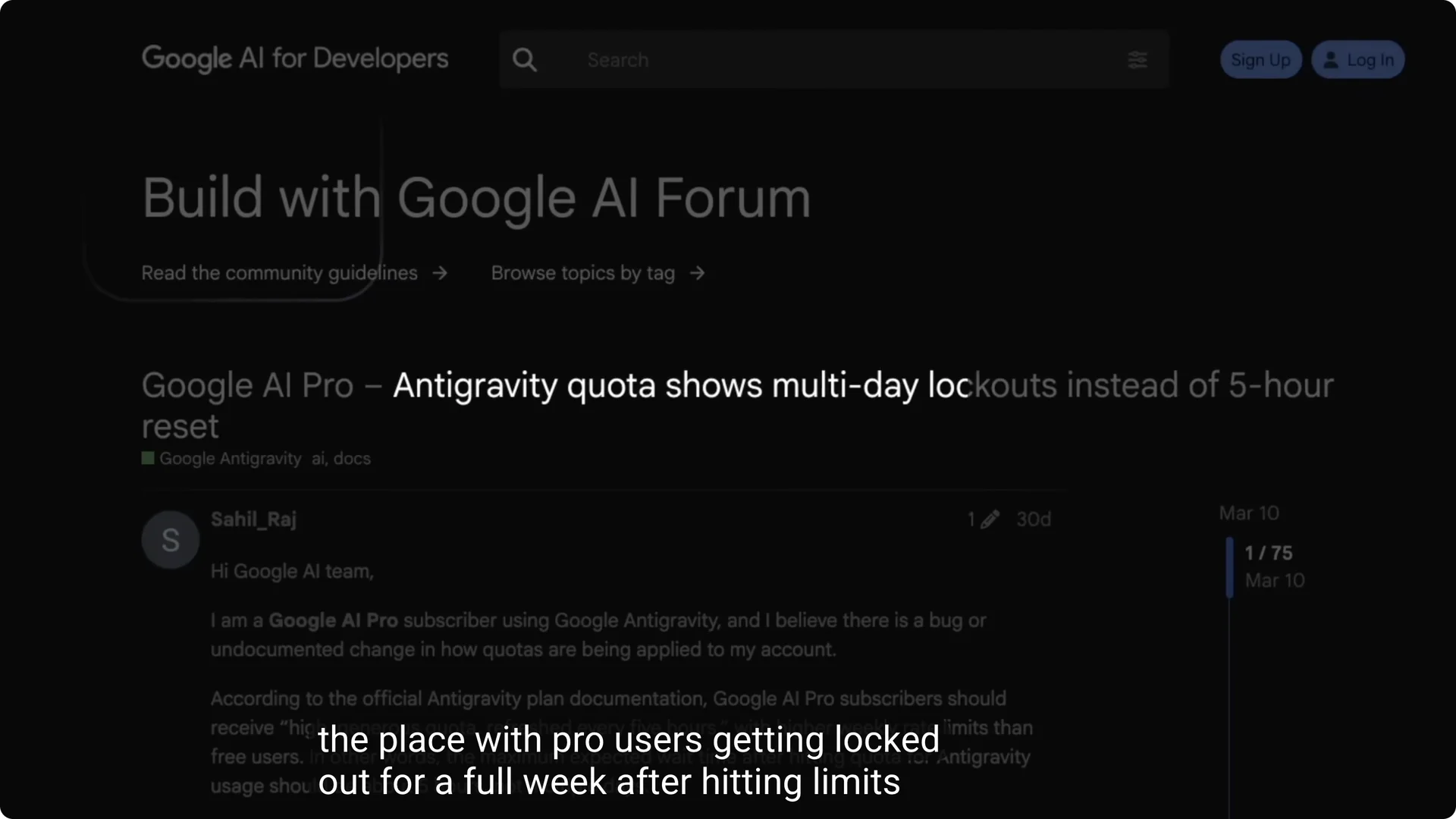
Antigravity’s quota system has been all over the place for some users with pro accounts getting locked out for a week after hitting limits and a credit system that is not always clear.
This is the heart of claude code vs antigravity limits, and why I keep sessions focused.
For long chats, both can lose context.
Claude Code offers a compact command to compress history, but the best practice is the same for both tools, one task per session and start fresh often.
Release pace and maturity
Claude Code is production released and ships multiple updates per week. In quarter one of 2026 alone, they shipped six major features and at one point three different releases in five days.
Antigravity is still in public preview and is improving fast, but it carries the instability of that stage.
Some users report login issues, occasional Windows bugs, and agents getting stuck in loops.
Integrations and tooling
Both support Model Context Protocol with over one thousand five hundred servers available. Claude Code’s MCP integration is CLI driven, add servers with a single command or by editing a JSON config per project or globally.
Antigravity gives you a visual MCP panel with a marketplace like feel that is beginner friendly, and for advanced setups you still edit a config file.
Both tools have direct terminal access, so they can run Git, NPM, Docker, Playwright, or Google Workspace tools. You can even run the Claude Code CLI inside Antigravity’s terminal if you want both in one environment, which many refer to as a claude code extension in antigravity even though it is simply the CLI running there.
If you want to push your setup with skills and persistent rules, see this overview of the strongest skills I recommend here Claude Code skills to add.
Pricing and plans
Claude Code requires a paid Claude plan for steady usage. Pro is 20 dollars a month, Max tiers are 100 or 200 dollars for more usage, and you can also pay beyond plan on standard API rates.
Antigravity is tied to Google AI plans. There is a free tier with weekly limits, Pro at 20 dollars per month with higher rate limits that refresh every five hours plus two terabytes of storage and monthly cloud credits, and Ultra at 250 dollars with the highest limits.
ISome users on Pro report very restrictive limits for premium non Gemini models inside Antigravity, getting locked out after a single session.
That matters for claude code vs gemini antigravity decisions if you plan to run Claude models inside Antigravity.
Features breakdown
Claude Code
- Planning mode that maps multi file work before any edits and can ask clarifying questions.
- Deep understanding of your repository structure and conventions, generated code fits your style.
- Multiple entry points with CLI, VS Code extension, desktop, and web.
- Persistent custom instructions and project rules that actually stick across sessions.
- Strong MCP integration and very configurable setup through CLI and JSON.
- Frequent releases and fast shipping pace.
For a desktop focused workflow, here is a quick overview you can use to get started fast Claude Code desktop app guide.
Antigravity
- Standalone IDE with a manager view that shows multiple agents working across workspaces.
- Built in browser agent that can navigate real pages when needed.
- Strong at building full apps, websites, and front ends from scratch with tasteful UI.
- Visual MCP panel that is beginner friendly to browse and connect tools.
- Feels faster with Gemini in many tasks and produces good looking results quickly.
- Free tier to experiment and try workflows before you commit.
This section also covers antigravity tools claude code since you can run Claude Code CLI in the Antigravity terminal to mix strengths.
Pros and cons
Claude Code pros
- Strongest planning and reasoning in my tests.
- Deep repo awareness and code that fits your structure.
- Multiple ways to work, including VS Code extension and web.
Claude Code cons
- Can feel slower than Gemini on some tasks.
- Token usage can spike if you are not careful with context.
- New users may miss some CLI only features if they stay inside the extension only.
Antigravity pros
- Fast feeling with Gemini and quick time to first result.
- Better default visual design for UI and landing pages.
- Built in browser agent plus a clear multi agent manager view.
Antigravity cons
- Public preview stage has more instability and drift on longer projects.
- Quota system and credits can be confusing and restrictive with non Gemini models.
- You must work inside a new IDE and cannot run it inside VS Code.
Hands on tests
Test one one shot app build
Prompt was to build a full stack habit tracker with a dashboard that shows streaks, a calendar heat map, and the ability to add, edit, and delete habits. No special skills or planning mode.
Antigravity finished first but the page initially showed blank until it fixed itself. Claude Code delivered a working app with add, edit, delete, color changes, and streaks that felt more thoughtful, and Antigravity delivered a better looking UI but a bit more limited function at first.
Test two plan mode research report
Prompt was to research AI trends in the small and medium business market and create a three page PDF. Claude Code produced a stylized report with better headers, colors, and tables, and importantly cited sources like an industry report, business dot com, and LinkedIn economic graph.
Antigravity produced a readable PDF quickly but did not cite sources by default. Winner here is Claude Code for planning and execution.
Test three landing page design
Prompt was to design a landing page for a premium AI automation course targeted at agency owners with hero, social proof, pricing table, and a call to action. No design skills or plan mode and no questions allowed.
Claude Code generated solid copy and structure and a usable page. Antigravity felt better from a design perspective with nice animations, depth, and color choices, and it looked more premium overall.
Use cases
- Choose Claude Code for complex multi file changes, back end heavy tasks, automations, skills, and production repos.
- Choose Antigravity for rapid front end MVPs, landing pages, and fast UI iterations where looks and speed matter.
- Mix them when you want Claude Code’s logic with Antigravity’s design feel by running the Claude CLI inside Antigravity and handing off tasks each tool does best.
For practical training on shaping prompts, plans, and persistent rules in Claude, see this guide on smarter workflows how to use Claude Code effectively.
Setup tips
- Claude Code entry points include CLI, VS Code extension, desktop, and web. Type claude in your terminal after installing with NPM, or open the VS Code extension to work with inline diffs and plan review.
- Antigravity entry point is the IDE. You can launch it from a terminal command that opens the IDE, but it will not run inside VS Code.
This is the practical angle for antigravity claude code setup, and it is where your day to day flow gets decided.
Managing limits
- Keep sessions focused and short to reduce context loss, one task per session is a good rule.
- Watch your token usage and turn on planning first to avoid expensive flailing edits.
- This will help with claude code vs antigravity limits no matter which model you are on.
For a deeper stack of reusable instructions and project skills in Claude, review this list and import what fits your repo recommended Claude Code skills.
Final Conclusion
Claude Code thinks better and gives you more control. Antigravity looks better and feels faster. In my tests, Claude Code wins for planning, reasoning, and production reliability, and Antigravity wins for quick front end output and visual polish.
My recommendation is clear. Learn Claude Code first for day to day engineering work and use Antigravity when design speed is the priority or when you want to test for free. If you need both, run the Claude CLI inside Antigravity for a combined setup and hand tasks to the tool that does each job best.