Baidu’s ERNIE Image Turbo is an open text to image model built on a single stream diffusion transformer, distilled from the full ERNIE Image, and it produces high quality images in just
eight inference steps. Instruction following is strong,
text rendering is unusually reliable, and it handles posters, comics, multi panel compositions, and dense text overlays with convincing results.
You can run it locally with
SGLang and a simple Gradio front end. First launch will download the weights, VRAM use sits just under
30 GB on an NVIDIA RTX 6000 48 GB, and quality holds without sacrificing detail or typography.
What is ERNIE Image
ERNIE Image is Baidu’s family of image generation models focused on instruction following, compositional control, and
text inside images. Turbo is the distilled variant that keeps quality while cutting the sampler to
only eight steps.
If you want broader context on the ERNIE stack, see our hands on results in
this ERNIE 5.1 evaluation.
Install and run
I did this on an Ubuntu system with an NVIDIA RTX 6000 48 GB.

Step 1. Install SGLang.
pip install sglang
Step 2. From the repo root, install requirements if provided.
pip install -r requirements.txt
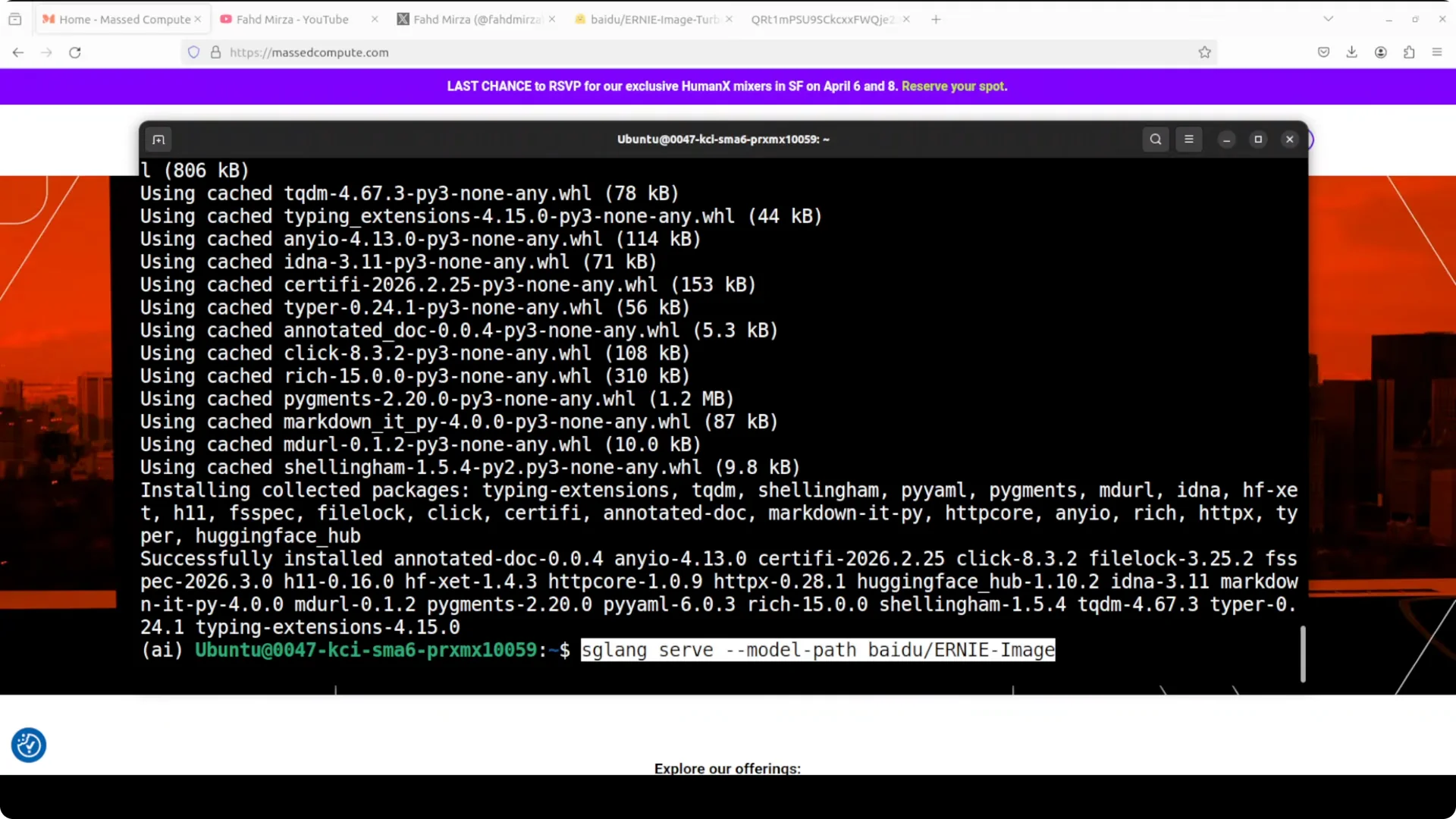
Step 3. Serve the model. First run will download the weights.
sglang serve
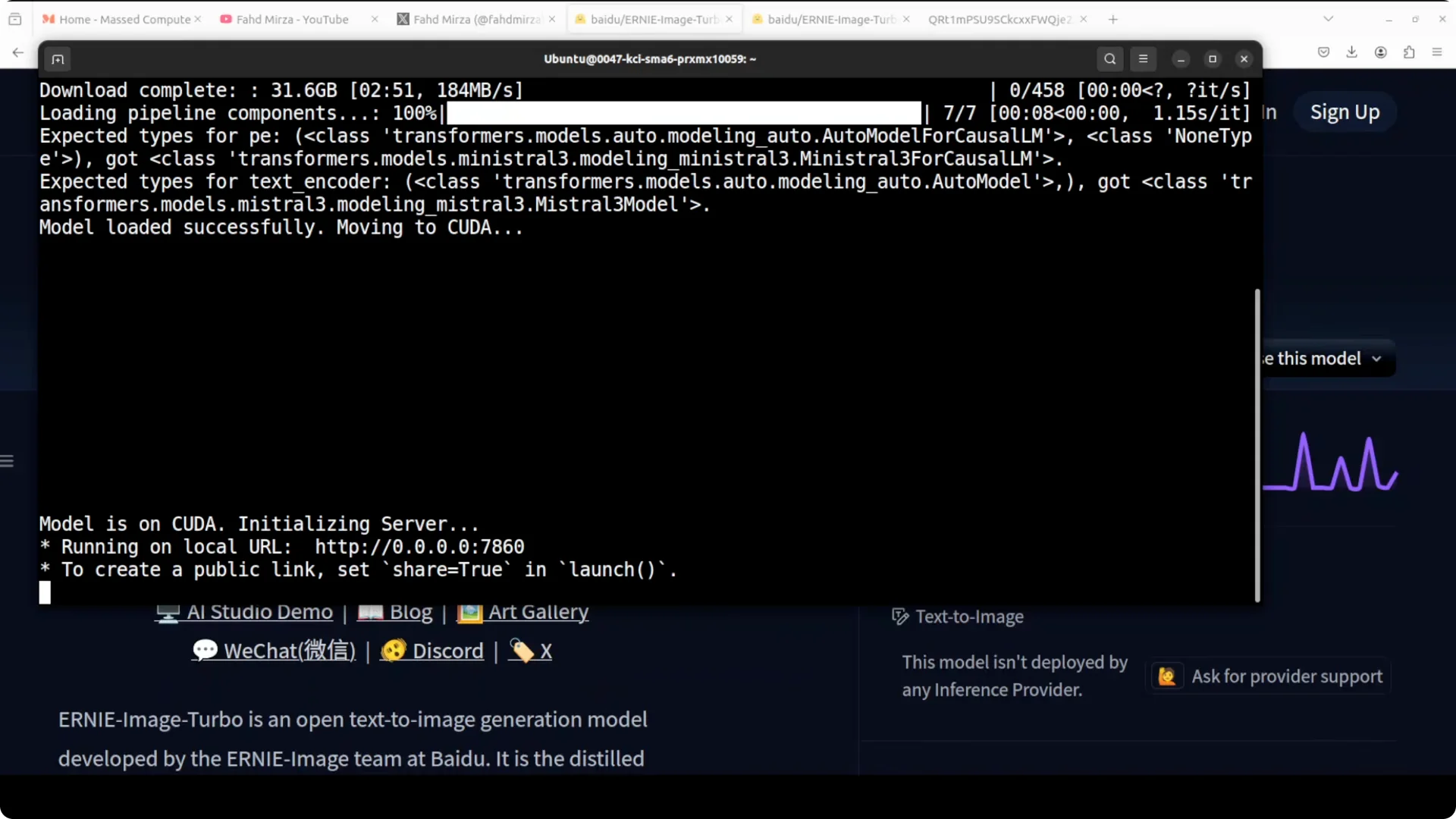
Step 4. Add a quick Gradio interface on top if you want a local UI at port 7860.
import gradio as gr
import requests

def txt2img(prompt):
    r = requests.post("http://127.0.0.1:30000/generate", json={"prompt": prompt})
    return r.content  # adapt to the API response you expose via SGLang

gr.Interface(fn=txt2img, inputs="text", outputs="image").launch(server_port=7860)
If you already run large local models, the workflow will feel familiar. For a refresher on managing big checkpoints at home, check our guide on how to
run a 27B model locally.
Architecture
Baidu’s open text to image model is built on a
single stream diffusion transformer. Turbo is the distilled version of the full ERNIE Image model, kept for speed while preserving quality.
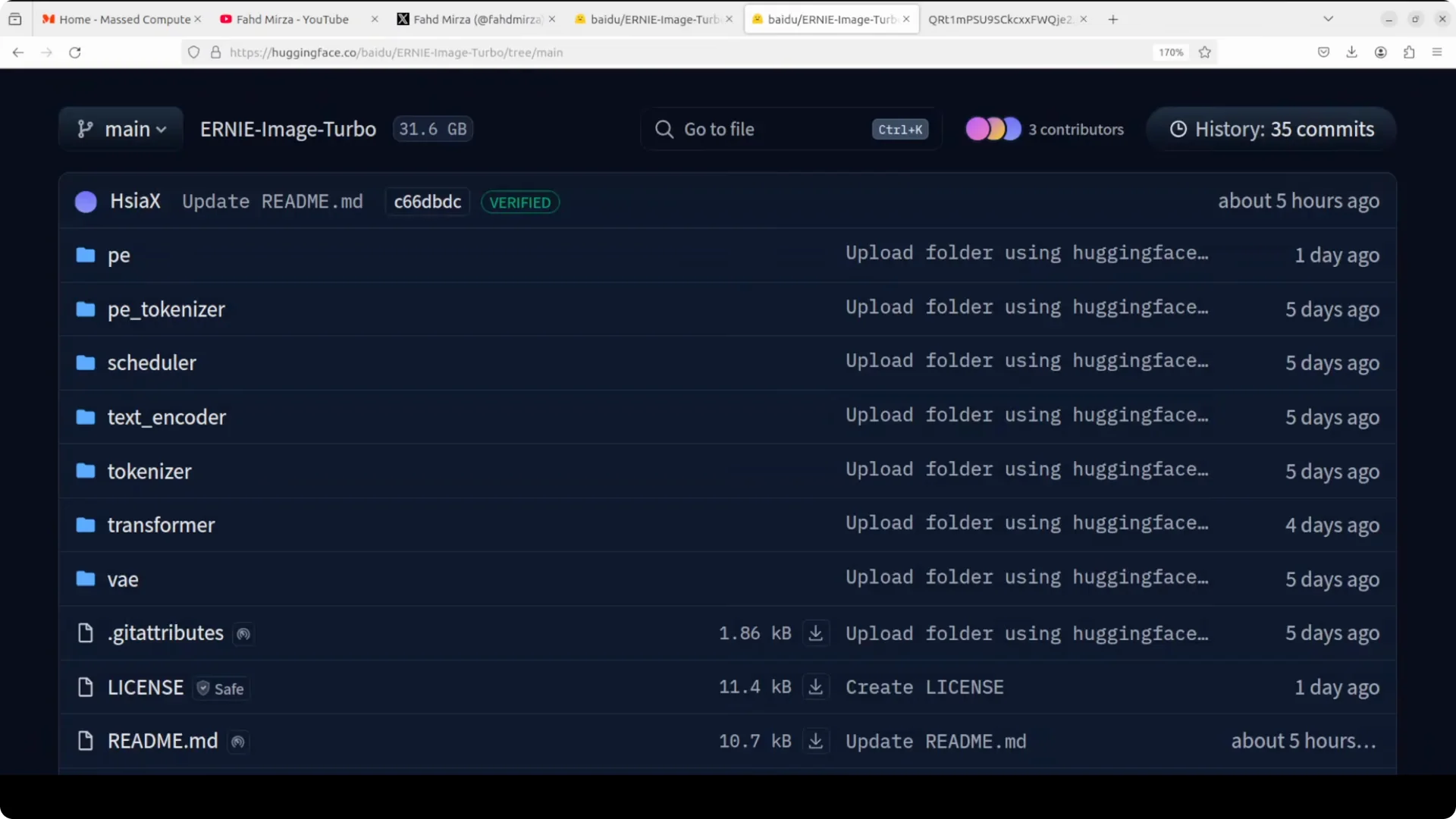
The model card exposes a tidy file structure that is genuinely useful. PE are
positional encoding weights that tell the model where things are spatially in the image, and a
PE tokenizer handles tokenization for that system. A
scheduler controls the denoising schedule, which in simple words means how noise is removed across the eight inference steps.
A
text tokenizer breaks your prompt into tokens, then the
text encoder converts them to embeddings the diffusion transformer can understand. The
transformer is the core model, the main brain doing image generation. A
variational autoencoder VAE compresses images into latent space per generation and then decodes back to pixels.
Turbo’s headline is still the same.
Eight steps, high quality, no compromises on instruction following, no sacrificing text rendering.
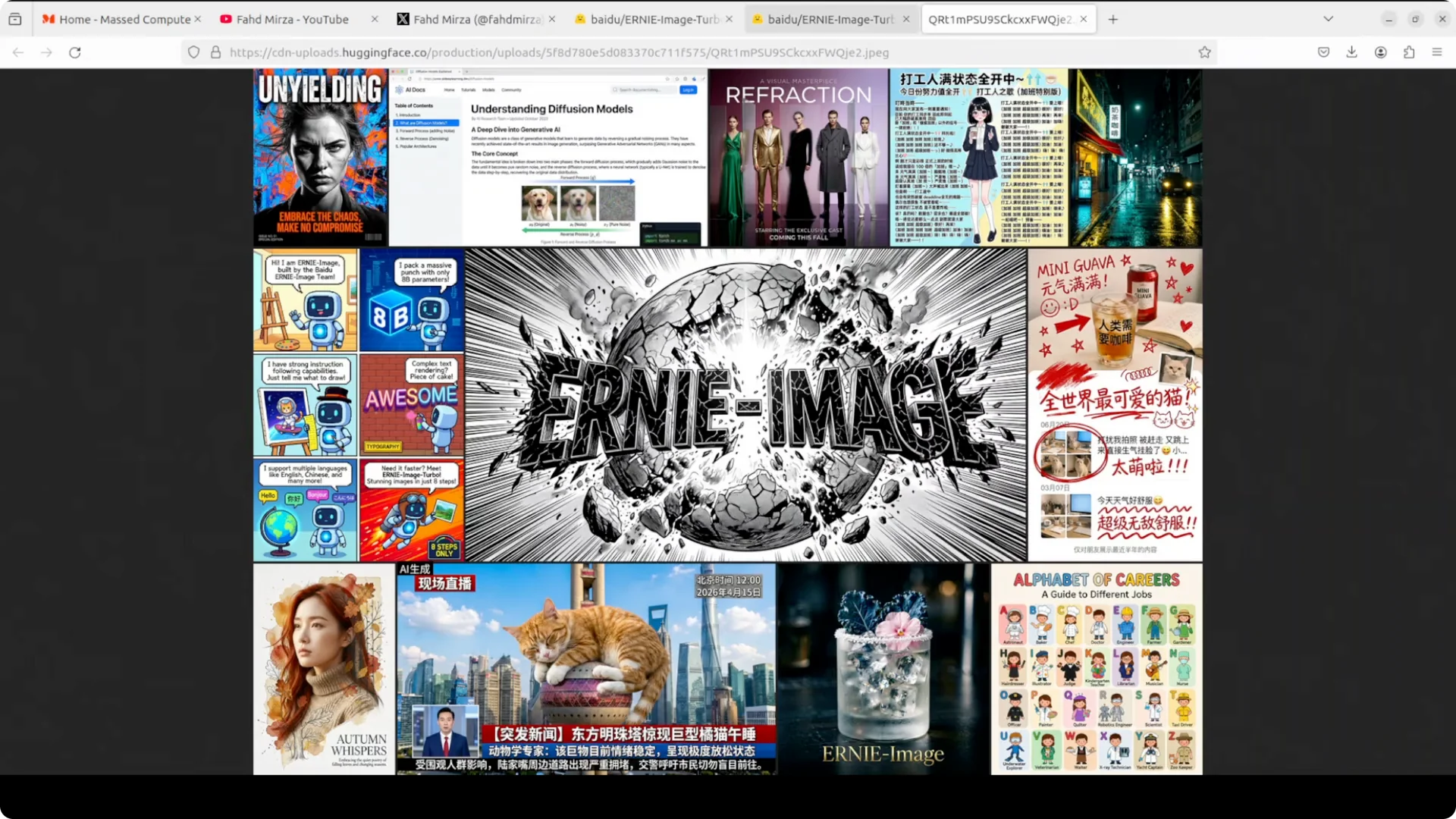
For teams standardizing local deployment patterns, see our walkthrough to
run DeepSeek V4 Flash locally and reuse the same environment and GPU planning.
Performance at a glance
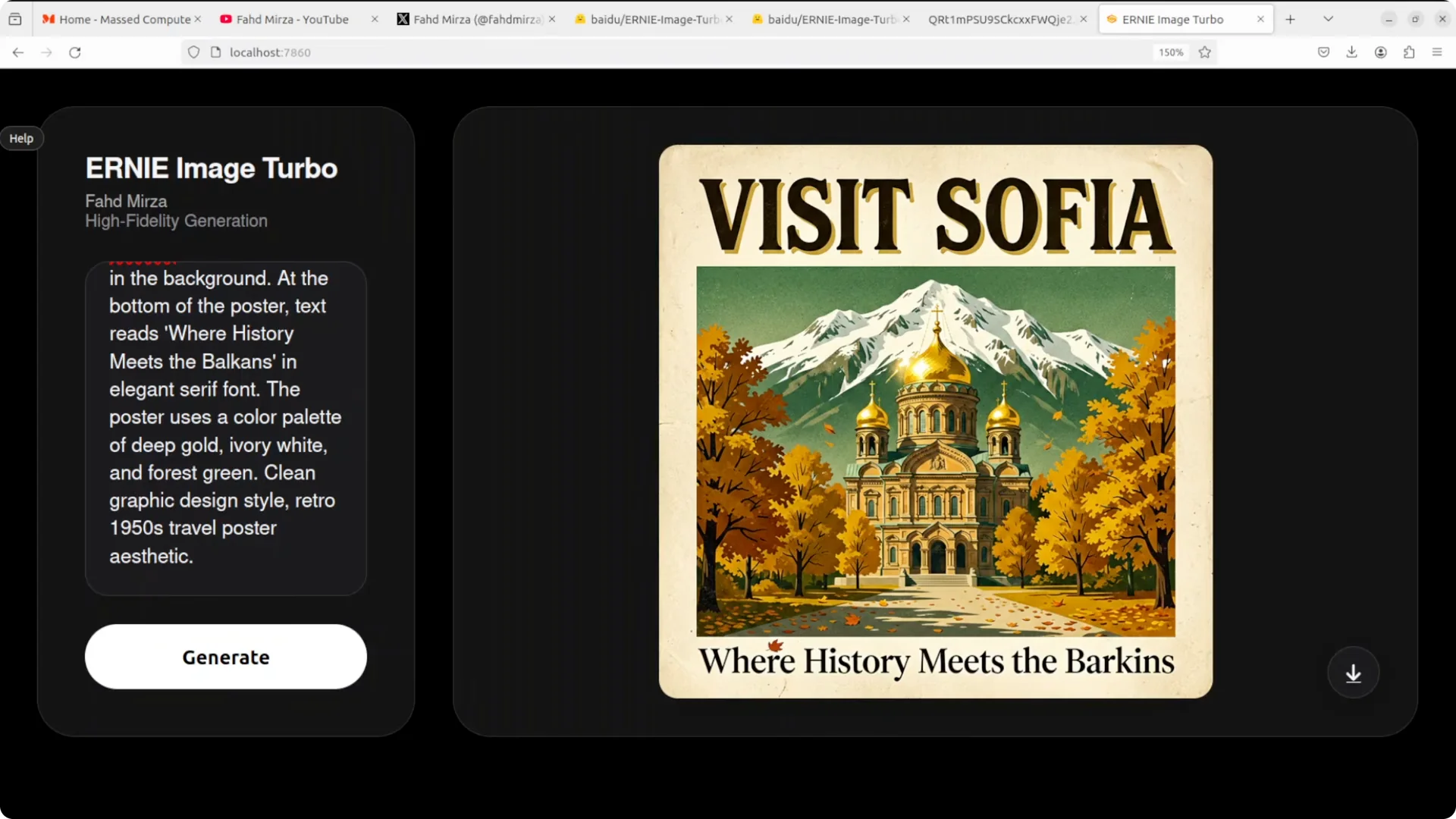
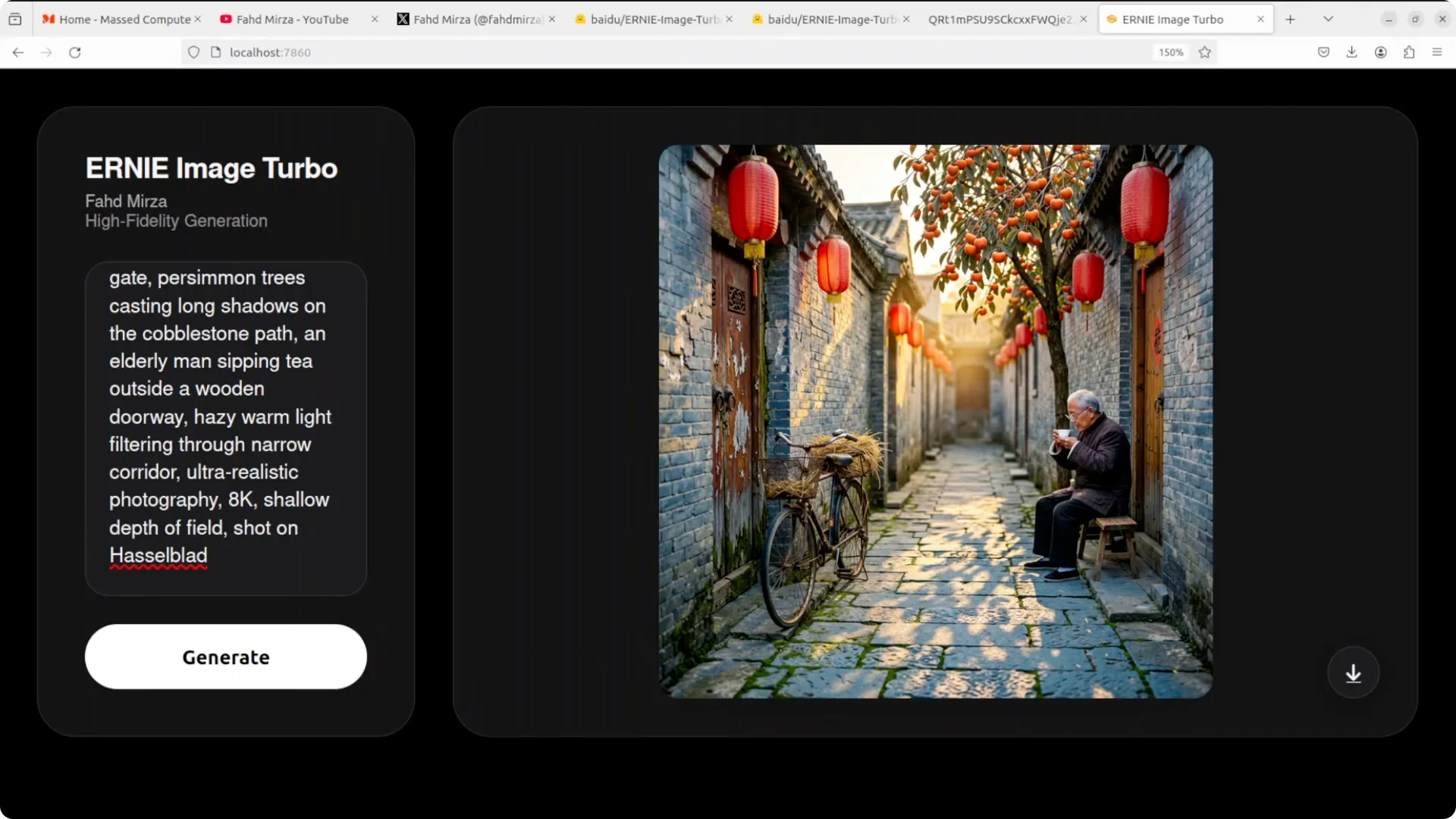
Composition is excellent, perspective control is solid, and lighting carries a pleasing cinematic warmth when asked.
Text in headers like poster titles tends to be perfect, while long body text is mostly clean with occasional slips on less common words. Character consistency across panels in comics is impressive and
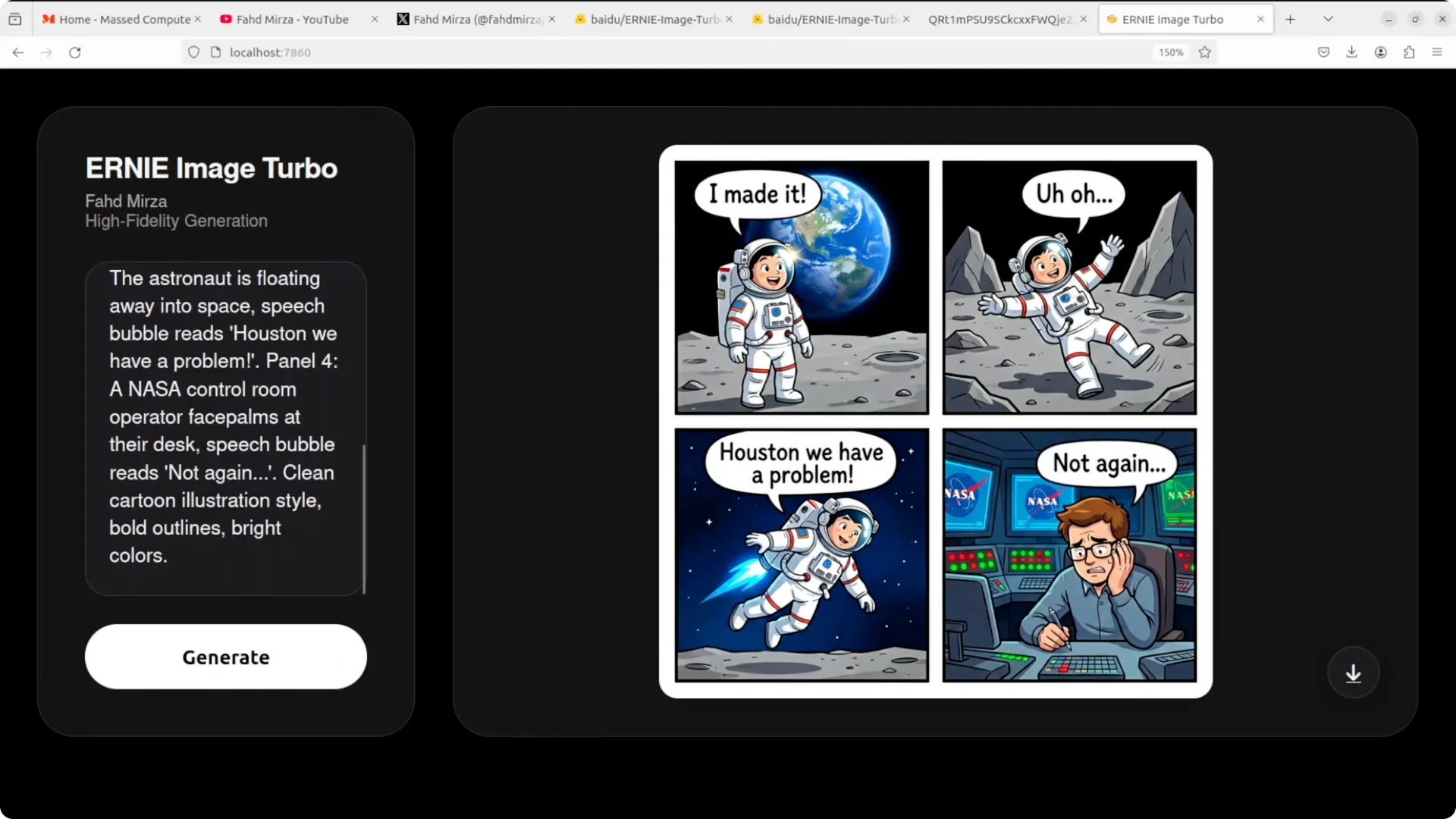
speech bubbles are often perfectly spelled and correctly placed.
VRAM consumption lands just under 30 GB in my setup. That is perfectly fine for a 48 GB card and leaves headroom for a Gradio UI.
If you compare cross model behavior for layout and typography, these strengths put Turbo in a very competitive place. For cross model context on multimodal stacks and selection tradeoffs, see our broader
multi model benchmarking notes here:
comparative benchmarks across popular systems.
Text and layout ability
Posters with big headlines and retro aesthetics come out crisp, with clean kerning and accurate color palettes when specified. Comics with a
four panel layout, clean borders, sequential narrative, and
speech bubbles are handled with logic across panels and consistent characters.
Infographics with a structured
two by two grid, icons, header, body, and footer are especially good. Layout discipline is pixel level and icon semantics tend to match the requested section.
When picking a model for structured visual tasks alongside an LLM backbone, it helps to know your text limits and layout strengths. If you are weighing top tier LLM choices for companion prompting and validation, here is a compact head to head on larger models:
DeepSeek V4 Pro vs Claude Opus vs Qwen 3.6 Max.
Limits and gotchas
Hands and small human elements still show the usual soft spots when inspected closely. Uncommon words in dense body text can slip, so keep a second pass for niche terminology.
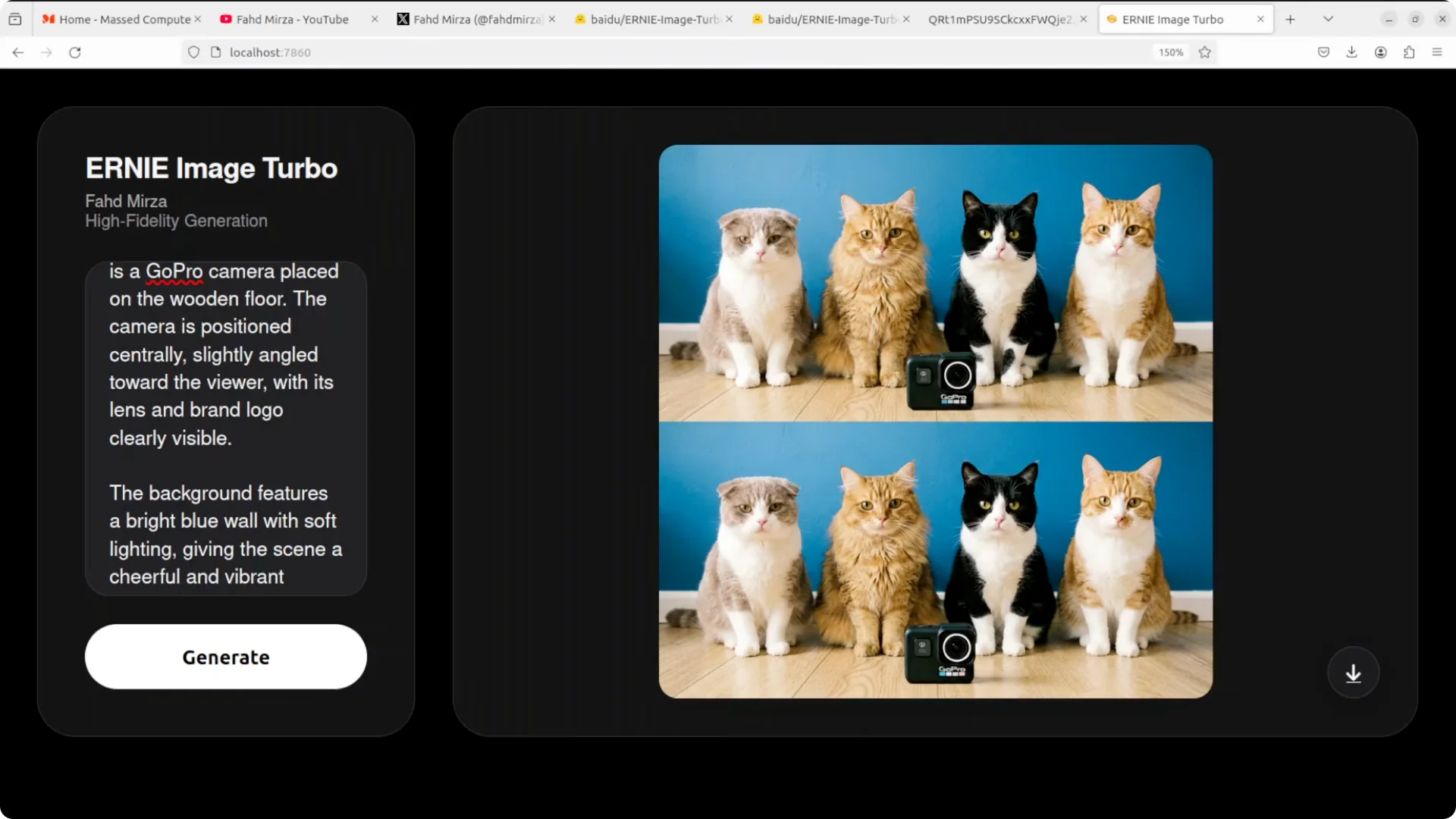
Occasionally a duplicate panel can appear or an action can be slightly misinterpreted across comic frames. For technical diagrams that require strict scientific fidelity, the model can hallucinate a generic satellite shape rather than the exact structure, which matters if you need
scientifically accurate labels bound to the right geometry.
For readers tracking rapid progress across Baidu and peers, I also recommend our
ERNIE 5.1 field notes for extra color on instruction handling and reliability under constraints:
ERNIE 5.1 tested.
Use cases
Use it for
marketing posters that need sharp titles and art directed color palettes, then replace body copy with proofread text after a design pass. It is a strong fit for
comics and storyboards where character consistency, clear speech bubbles, and panel to panel flow matter.
It also works for
infographics and
presentation graphics where layout rules must be obeyed and icons have to match semantics. For educational diagrams, keep a human in the loop to check structural accuracy while letting Turbo handle labels and legible type.
If you plan to orchestrate ERNIE Image Turbo alongside local LLMs for prompt planning and QC, our
model shootouts and local run guides can help you pick a pairing: see
multi system comparisons and this primer to
running Qwen locally for companion reasoning.
Troubleshooting
If the server pulls the model but the UI does not appear, confirm the SGLang endpoint and the port your Gradio client targets. If VRAM spikes, reduce resolution or batch size and try again.
For text heavy outputs, ask for shorter headers and add niche terminology in a later inpainting pass. That keeps typography crisp while avoiding long tail spelling slips.
Final thoughts
This Turbo model is a
serious contender among open image generators right now.
Eight step sampling with strong instruction following and unusually clean text inside images makes it easy to recommend for posters, comics, and infographics.
Keep a human proofread for fine hand details, niche spellings, and scientific geometry. With that small guardrail, ERNIE Image Turbo delivers fast, reliable visuals at local speed.