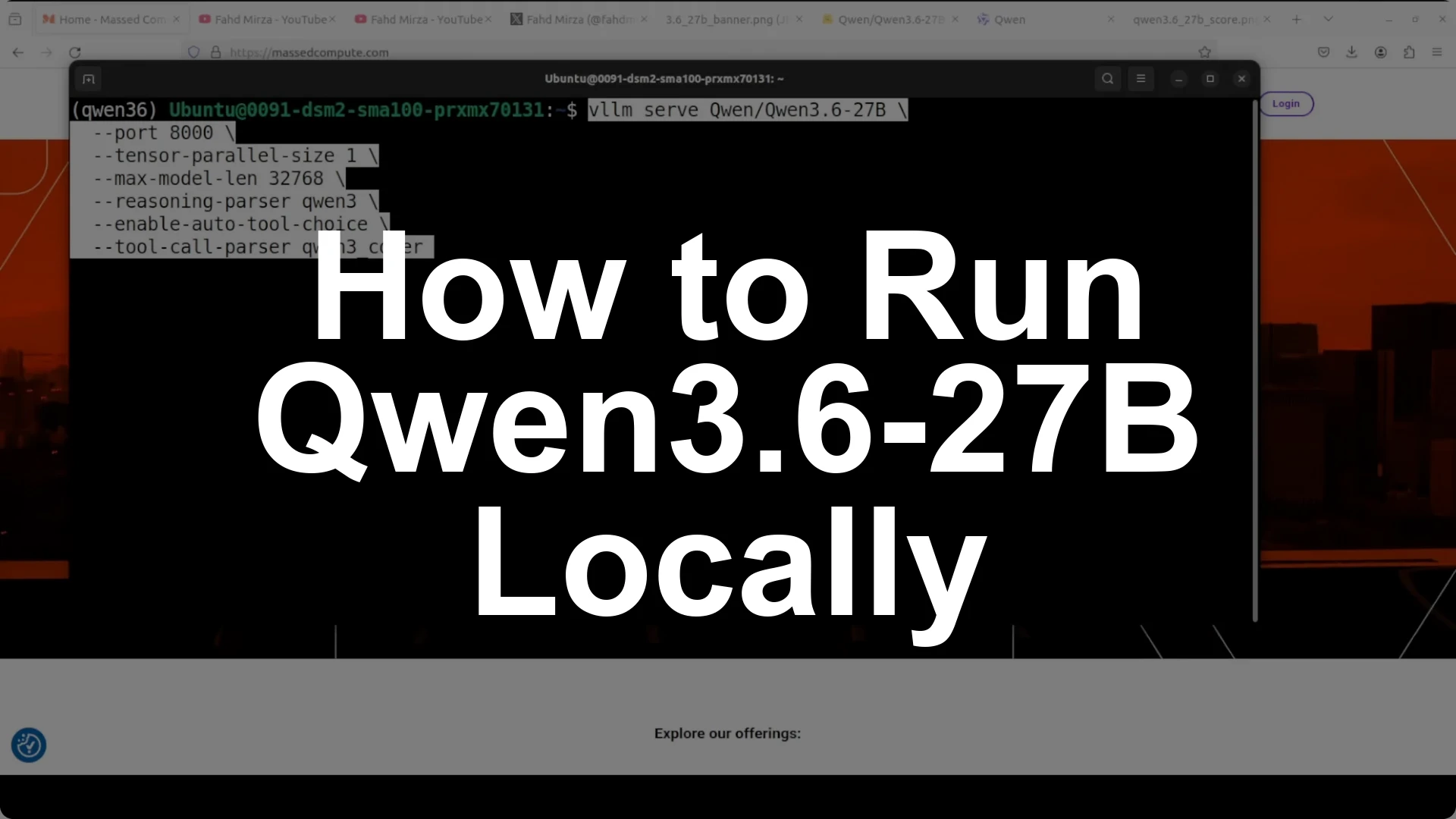
Qwen 3.6 27B runs locally on Ubuntu with a single NVIDIA A100 80 GB by logging in to Hugging Face, starting a vLLM OpenAI-compatible server with the right context length, and serving on port 8000. With default settings the full model occupies about
74 GB of VRAM, so keep the
max context at 32k if your GPU is tight on memory and raise it only if your hardware allows.
It is a
dense and
natively multimodal model that supports
up to 262k context and introduces
preserved thinking, which remembers its reasoning across the entire conversation. On coding it is positioned as a flagship at this size, posting
77.2 on SWE-bench Verified and
48.2 on Skill Bench, beating larger Qwen 3.5 baselines and sitting just below Claude Opus 4.5 across many coding tasks.
Quick setup
I am using Ubuntu with one
NVIDIA A100 80 GB. Install the essentials, log in to Hugging Face, and bring up vLLM so the model is served locally on
port 8000 as an OpenAI-compatible endpoint.
# 1) Login so you can pull gated models if needed
pip install -U huggingface_hub
huggingface-cli login

<img src="https://modelscopeai.com/wp-content/uploads/2026/07/how-to-run-qwen36-27b-locally-for-stable-practical-use-1.webp" alt="How to Run Qwen3.6-27B Locally for Stable, Practical Use? screenshot 1" style="max-width:100%; height:auto;" />

2) Install vLLM and friends
pip install -U "vllm" "transformers" "accelerate" "torch" "huggingface_hub"

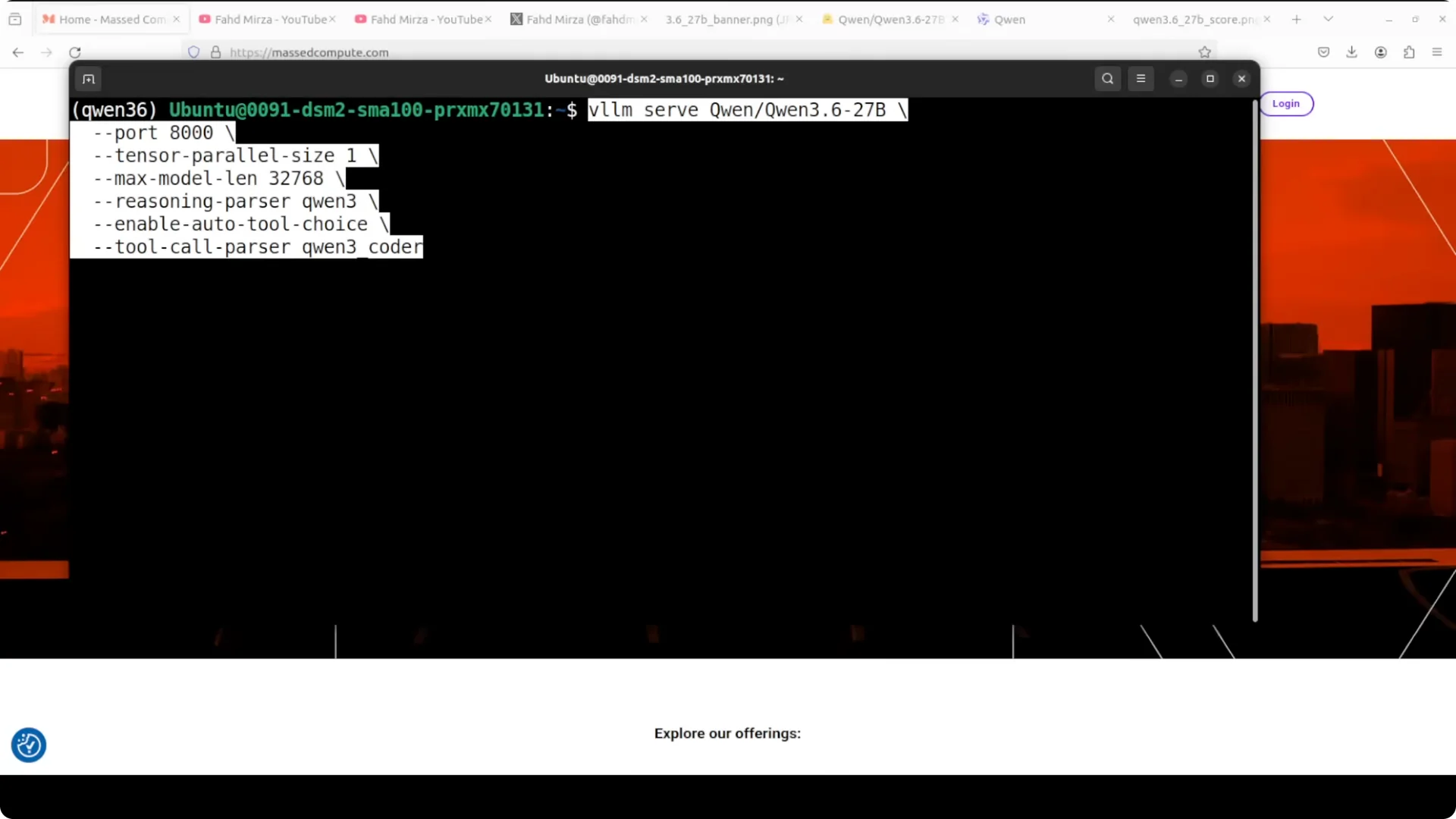
3) Launch the OpenAI-compatible server on port 8000
Replace the model slug with the exact Qwen 3.6 27B repo name you have access to.
python -m vllm.entrypoints.openai.api_server \
  --model Qwen/Qwen-3.6-27B-Instruct \
  --host 0.0.0.0 \
  --port 8000 \
  --trust-remote-code \
  --dtype auto \
  --max-model-len 32768
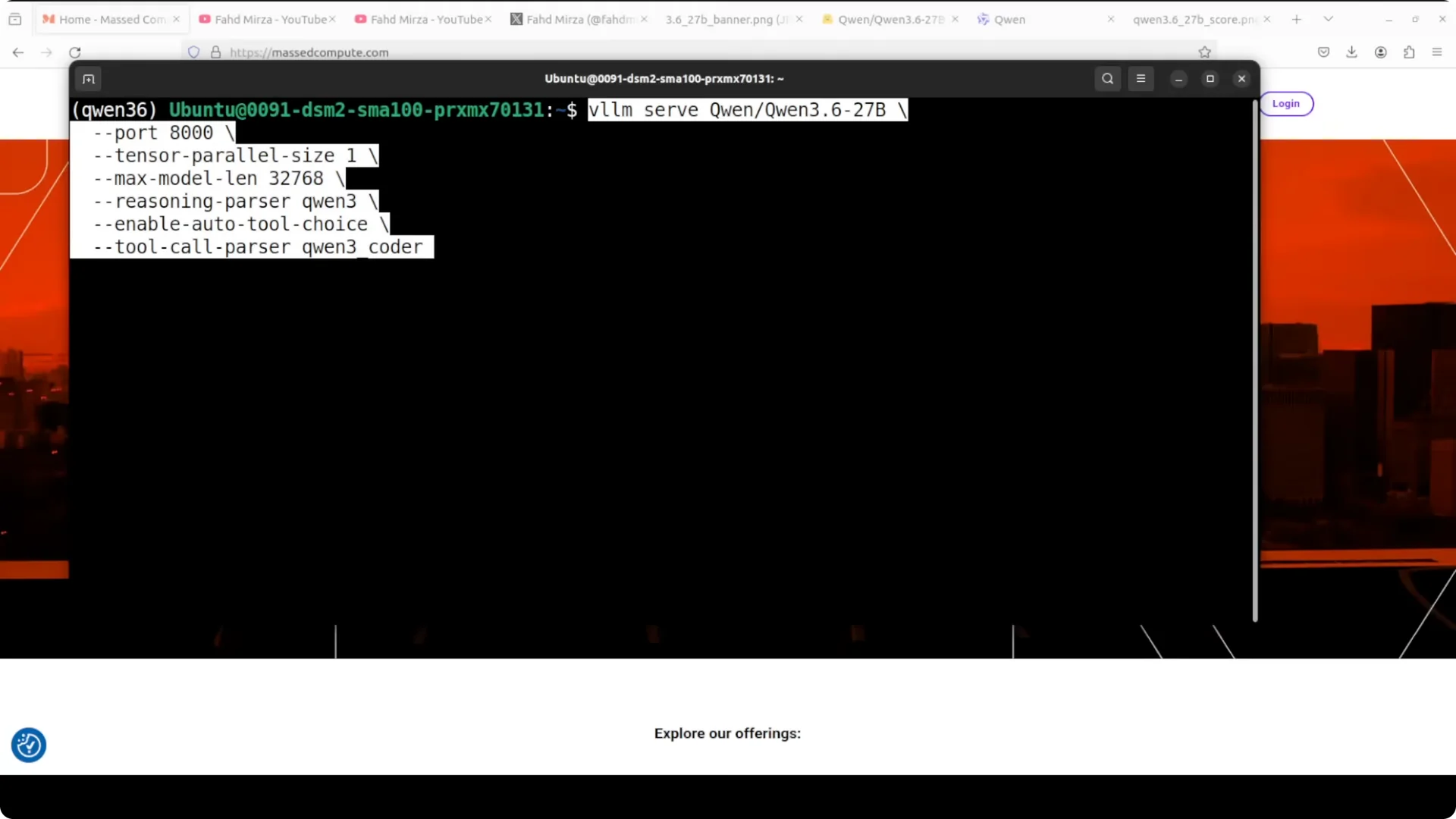
If your GPU is smaller, reduce
--max-model-len further. Keep an eye on memory and adjust until the server loads cleanly.
Verify the endpoint
Send a minimal chat completion to confirm the server is healthy and that thinking tokens are handled by the model’s chat template.
curl http://localhost:8000/v1/chat/completions \
  -H "Content-Type: application/json" \
  -d '{
    "model": "Qwen/Qwen-3.6-27B-Instruct",
    "messages": [{"role": "user", "content": "Hello, Qwen 3.6!"}]
  }'
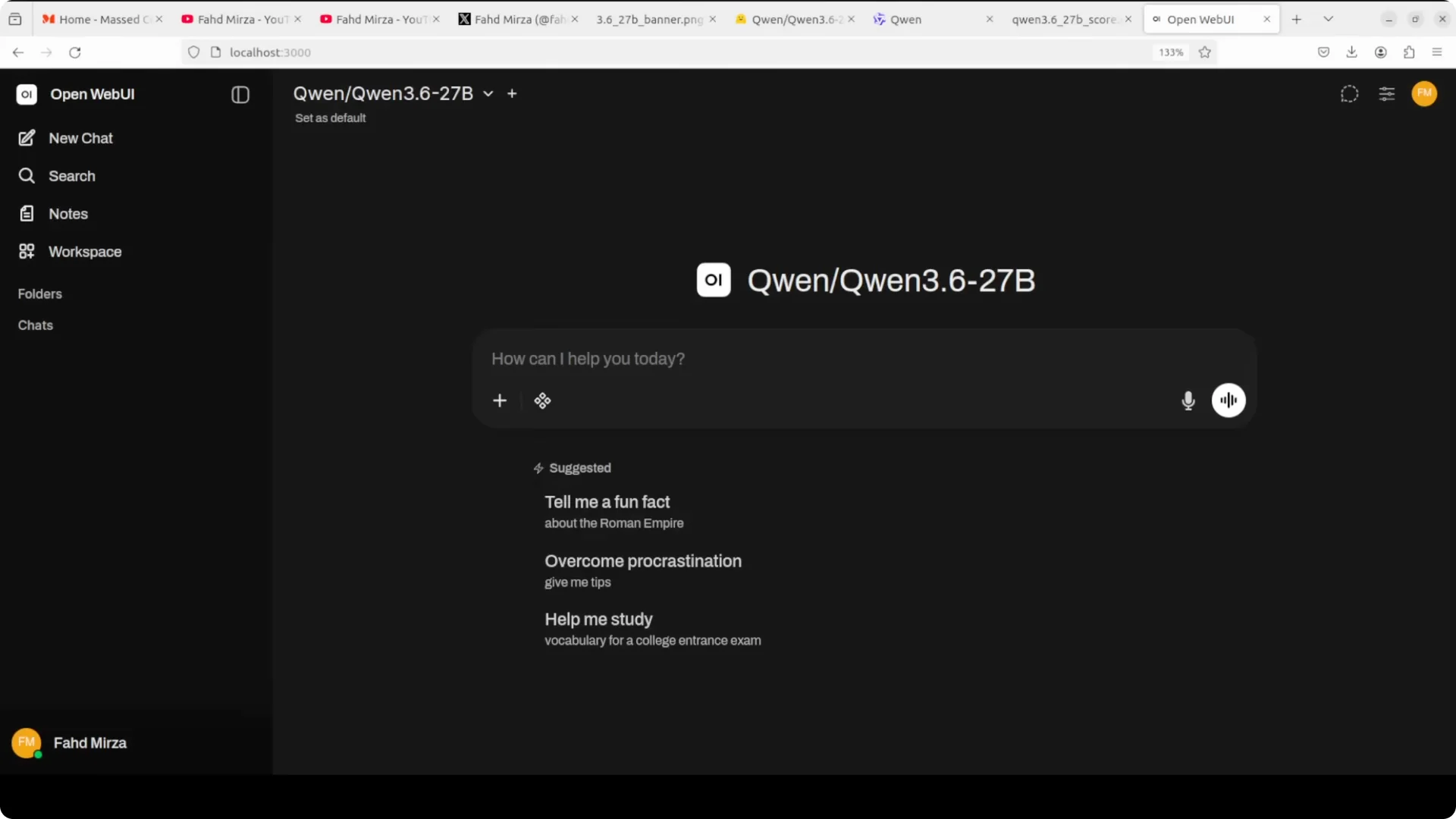
You can also point a local UI to the same OpenAI endpoint at
http://localhost:8000/v1 for an interface-driven workflow.
Why dense at 27B matters
This is a
dense model: all
27 billion parameters activate on every token. There is no routing or sparse shortcutting as in Mixture of Experts, where a larger parameter count only partially activates each step.
Dense models are simpler to deploy, more predictable token to token, and often easier to optimize in production. Qwen is betting that with the right training, dense can win over MoE in practical coding and agentic use.
Multimodal and long context
The model is
natively multimodal for text and vision, which enables image-grounded reasoning and instruction following in a single system. It supports
262k context natively, which is valuable for large codebases, multi-file memory, and document-grounded chat.
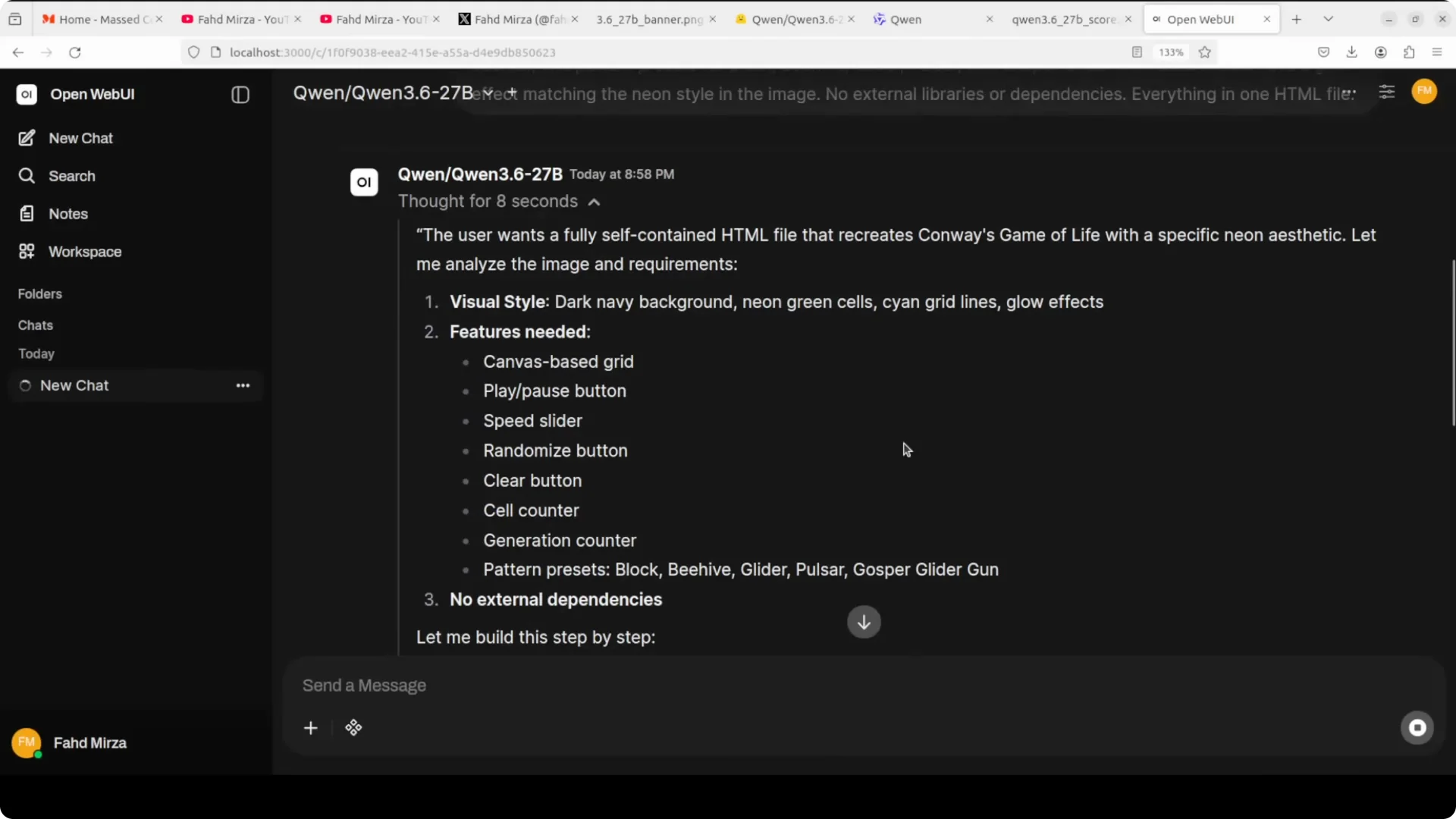
Preserved thinking lets the model remember and reuse its earlier reasoning across the
entire conversation, not just the last turn. That directly helps
agentic coding and long-running sessions where plans evolve over time.
 Read More: Comparison of top long-context and coding models
Benchmarks that stand out
Qwen 3.6 27B posts
77.2 on SWE-bench Verified, surpassing much larger Qwen 3.5 variants on the same task. On
Skill Bench it scores
48.2 vs 28.7 for the prior baseline and lands just under
Claude Opus 4.5 on many coding workloads.
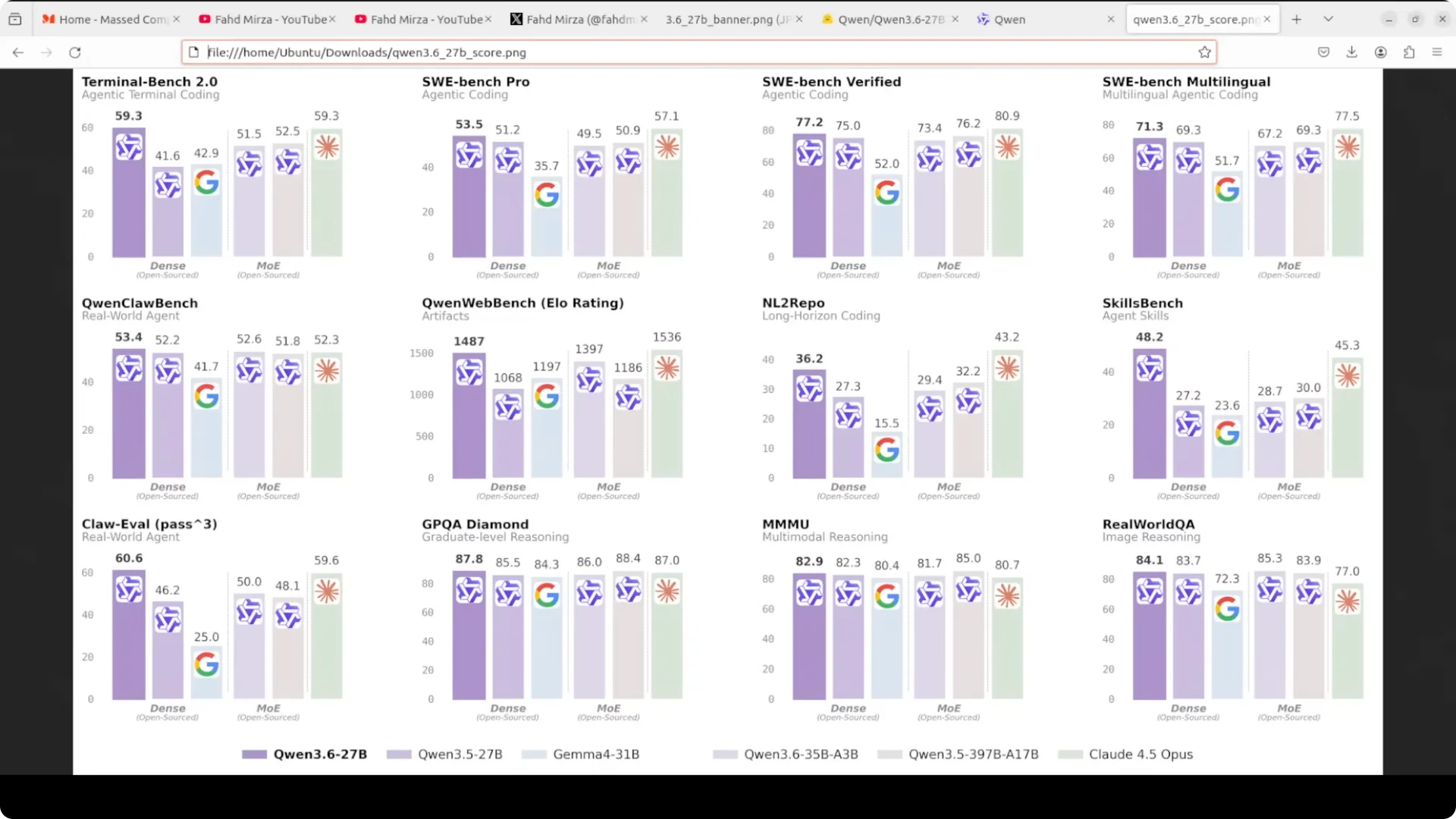
The takeaway is consistent with the theme of doing more with less. This is a compact model that competes well with far larger systems on coding-centric benchmarks.
Resource profile
On an
A100 80 GB, VRAM usage sits at just under
74 GB with the full model loaded. That leaves headroom for reasonable batch sizes or moderate context windows at FP16 or auto dtype.
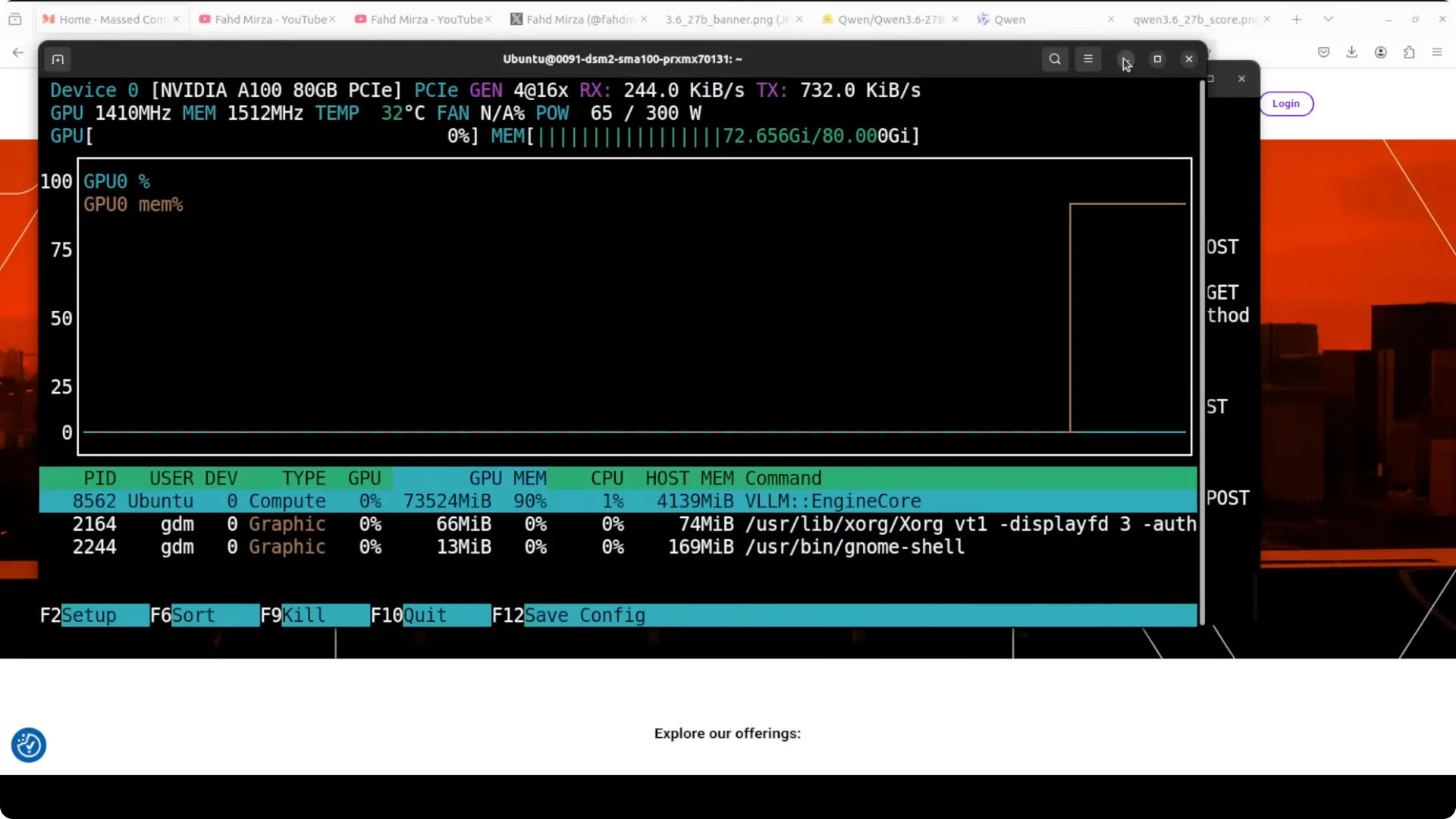
If you are constrained, lower the context length and request sizes. You can also experiment with quantization during inference if your runtime stack supports it.
Read More: A similar local setup walkthrough for a different model
Step-by-step guide
Authenticate
Get a Hugging Face read token from your profile and log in so gated artifacts can download correctly. Confirm with a quick pull or rely on the server to fetch on first run.
Install vLLM
Install vLLM, Transformers, and Torch as shown earlier. Use current stable CUDA-compatible wheels for Torch to avoid runtime errors.
Serve the model
Start the server with
--trust-remote-code so the tokenizer and chat template are correct for Qwen. Keep
--max-model-len 32768 unless you have headroom for longer windows.
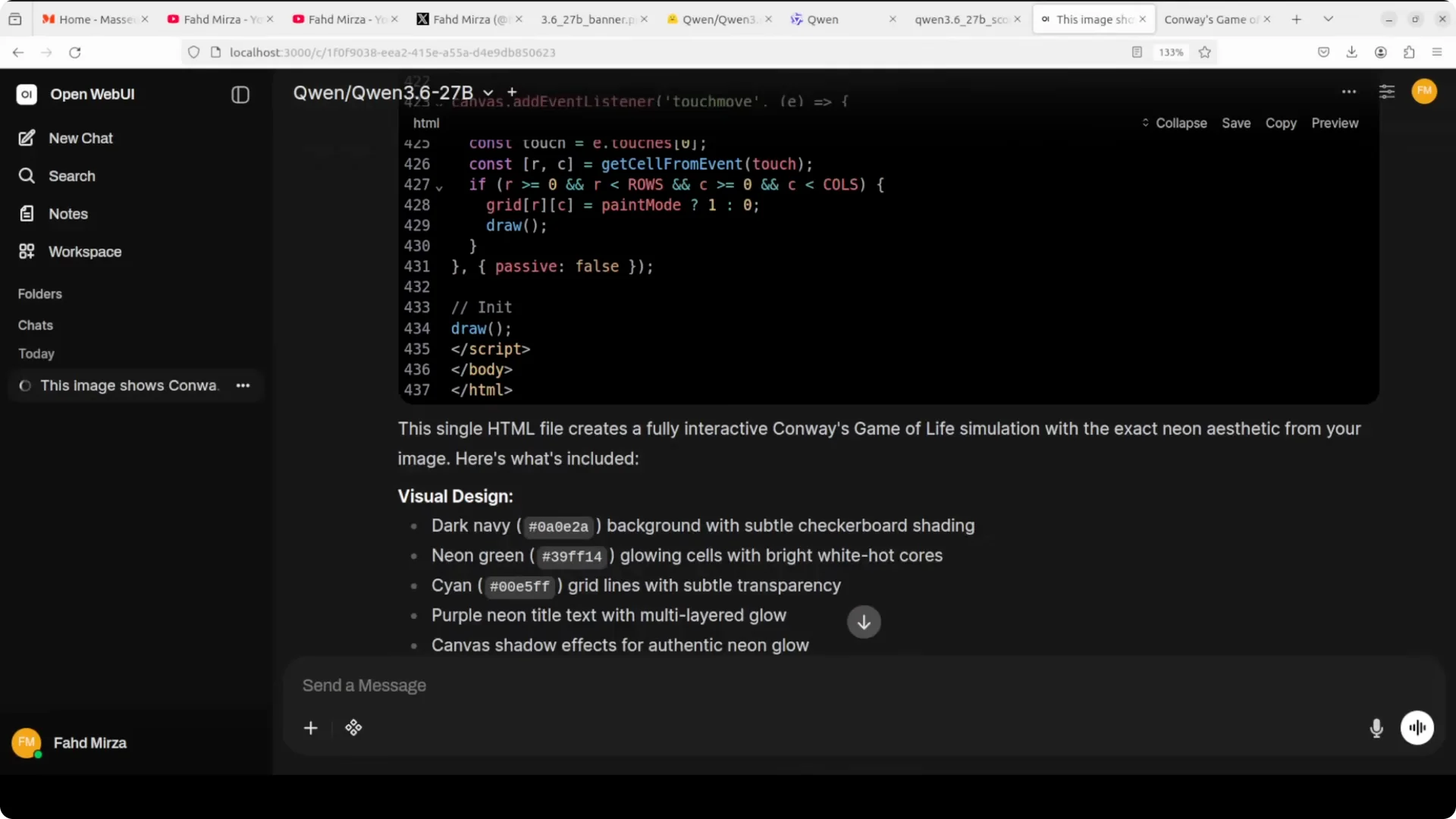
Connect a client
Use any OpenAI-compatible SDK or a local UI and point it to
http://localhost:8000/v1. Send short prompts first, then test longer contexts and multimodal inputs as needed.
 Read More: Fix Stitch project not loading
Tuning for your GPU
If loading fails, drop the context length and restart until it fits. Watch GPU telemetry to confirm stable VRAM use during generation.
Raise batch size and context cautiously and prefer incremental changes. Keep logs verbose for the first session so tokenizer or template issues are obvious.
Read More: Resolve Stitch export issues from Figma
What I am testing for
I focus on instruction following under long context, multi-turn reasoning stability, and coding tasks that stress test preserved thinking. I also test vision-grounded prompts that require accurate OCR and selective summarization.
For coding, I check planning, error repair, and iterative refactors over extended chats. I pay attention to how well it carries reasoning forward without drifting.
Practical use cases
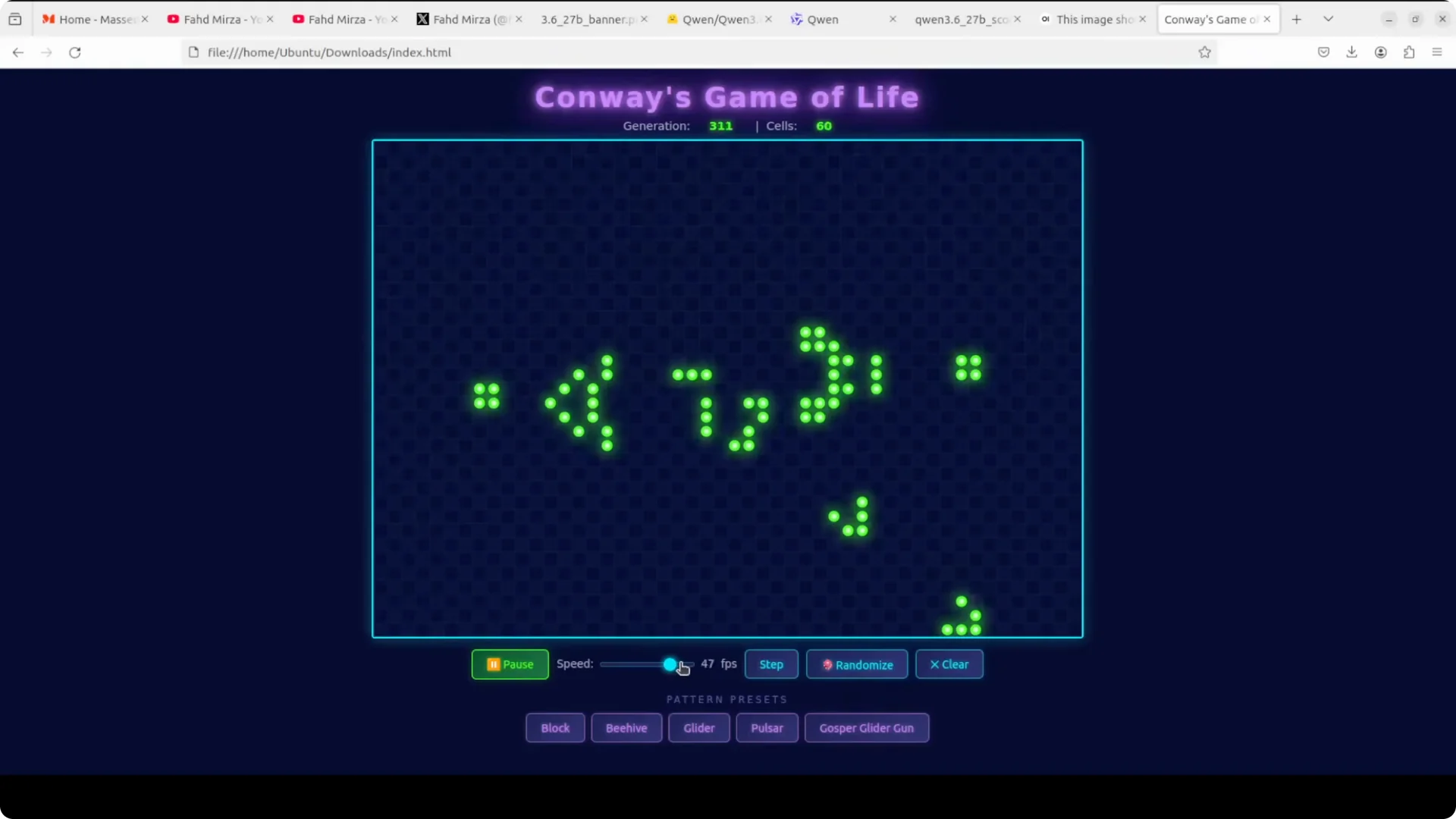
Use it as an
agentic coding assistant that can manage multi-file changes and remember prior decisions across the session. Apply it to
code comprehension for large repositories, documenting modules while keeping relevant context active.
Adopt it for
image-grounded analysis such as technical diagrams and math notes that need precise extraction and explanation. Put it behind a local
OpenAI-compatible API to power tools that require private, on-prem capability.
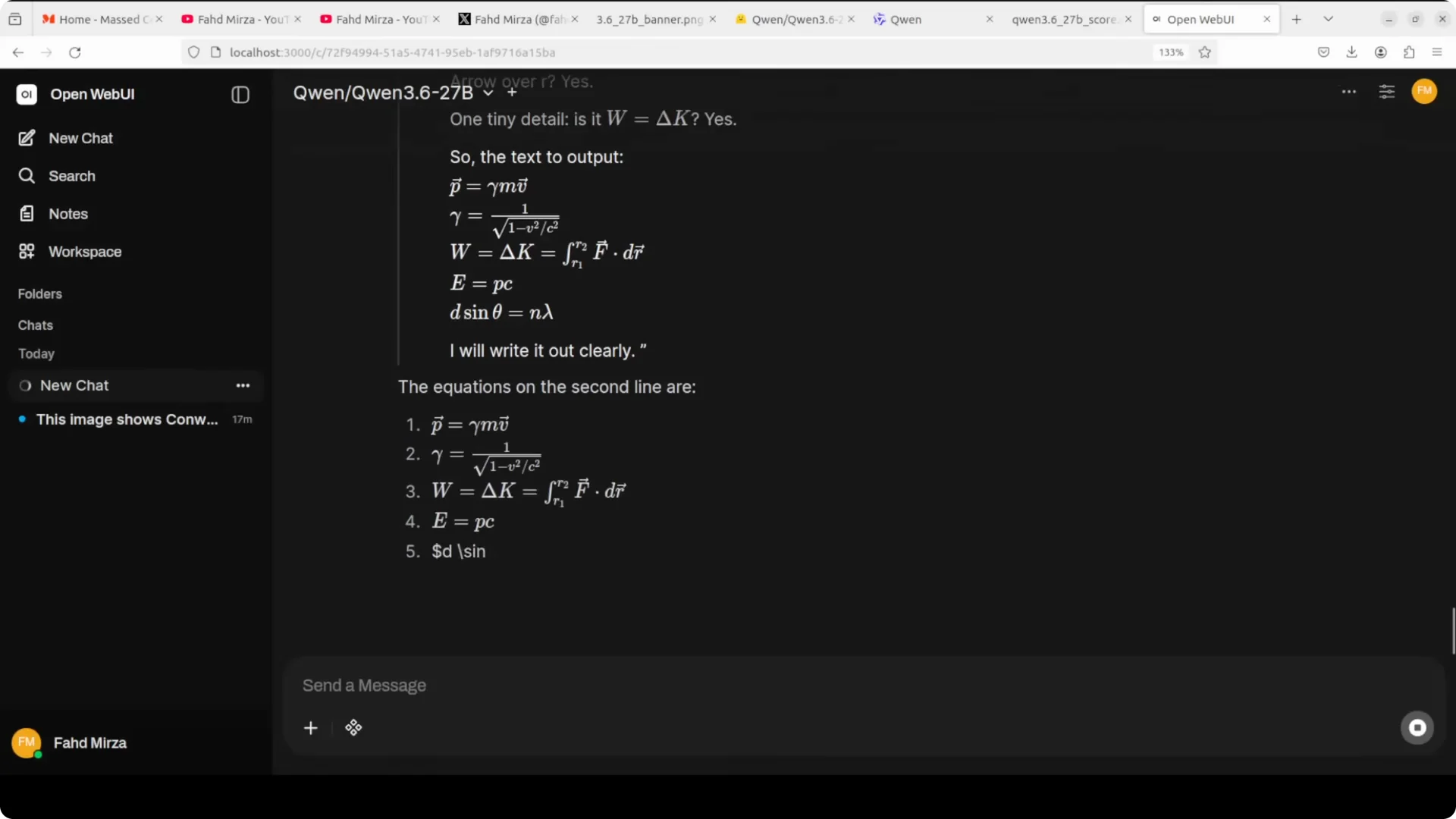
For teams already using Claude for coding, see practical workflow tips in our guide to
using Claude for code effectively. It pairs well with a local Qwen instance for privacy-sensitive tasks.
A brief note on the bigger story
From the Ming Dynasty’s
Yongle Encyclopedia in 1408 to today’s Qwen 3.6 series, the drive to organize knowledge and do more with less has deep roots. Alibaba’s 27B model that beats models many times its size on coding fits that same arc.
Dense, predictable, and easy to deploy often wins in real workloads. That is the bet here.
Final thoughts
Qwen 3.6 27B is easy to bring up locally with
vLLM on port 8000, fits an
A100 80 GB at around
74 GB, and brings
multimodal,
long-context, and
preserved thinking to practical coding and reasoning tasks. It posts
strong coding benchmarks that challenge much larger systems.
Start with a 32k context, validate your endpoint with a simple chat call, then scale into longer sessions and multimodal prompts as your hardware allows.