
Quantizing Qwen 3.6 35B MoE to Q4_K_M in Ollama does reduce memory and make local inference more accessible, but it does trim quality. Across coding, multilingual, and vision tests, the full precision model produced more accurate and complete outputs, while the quantized model delivered roughly about 85 percent of the quality at a fraction of the memory. Use full precision for production if you have the hardware, and use the Ollama Q4_K_M build on consumer GPUs or for prototyping and lighter workloads.
Footprint and behavior differences were consistent. Full precision via vLLM loads at about 65 GB and showed faster, more confident reasoning with richer detail. The Ollama Q4_K_M build sits around 23 to 24 GB, draws significantly less VRAM, and remained stable and coherent, but it was slower and showed small gaps under deeper stress.
Setup and model footprints
I ran both models on Ubuntu with a single Nvidia H100 80 GB card. The vLLM full precision model consumed close to 68 GB of VRAM when serving, while the Ollama quantized model stayed close to half of that as it fully loaded. The Open WebUI interface listed both models side by side for identical prompts.
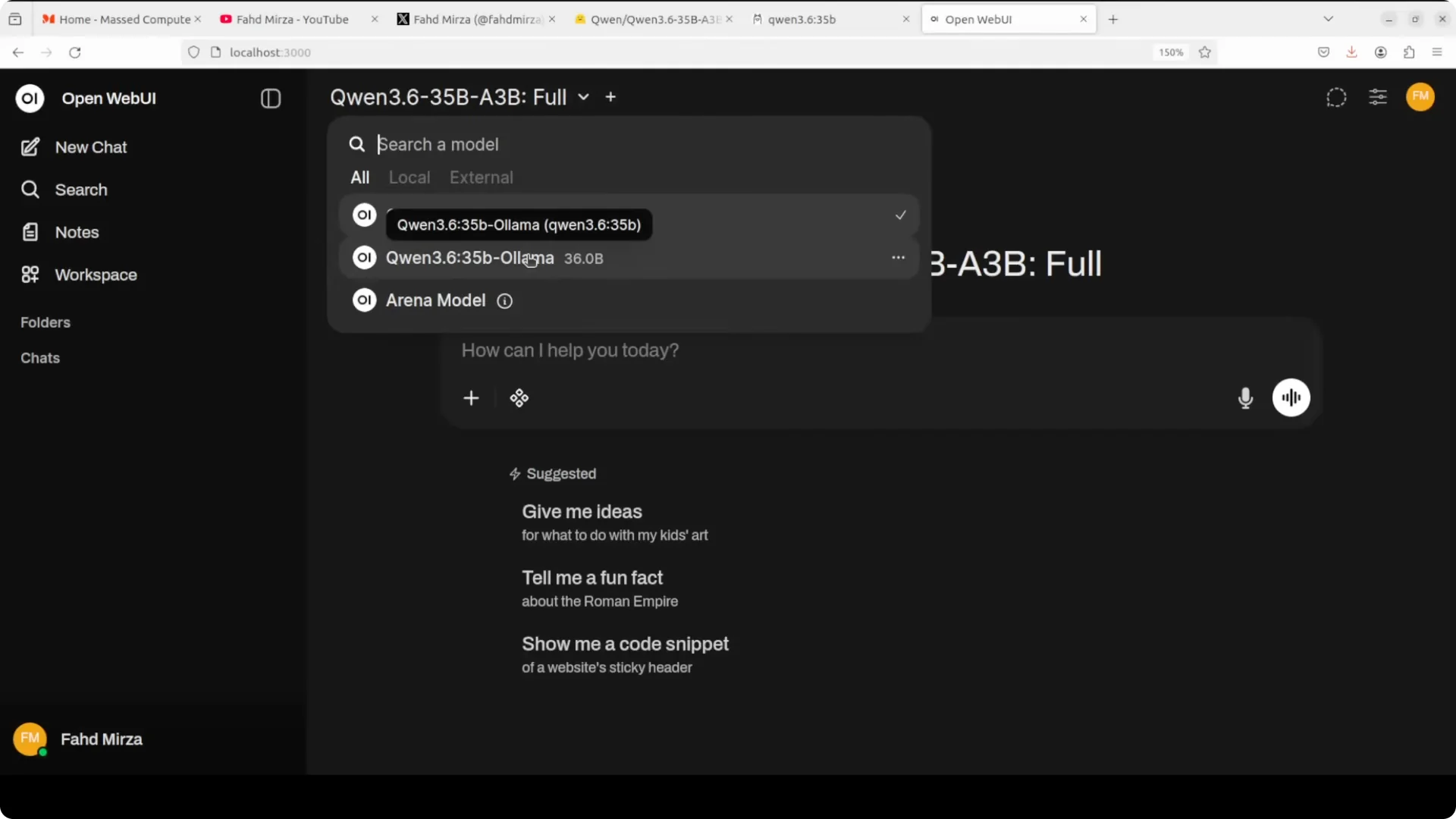
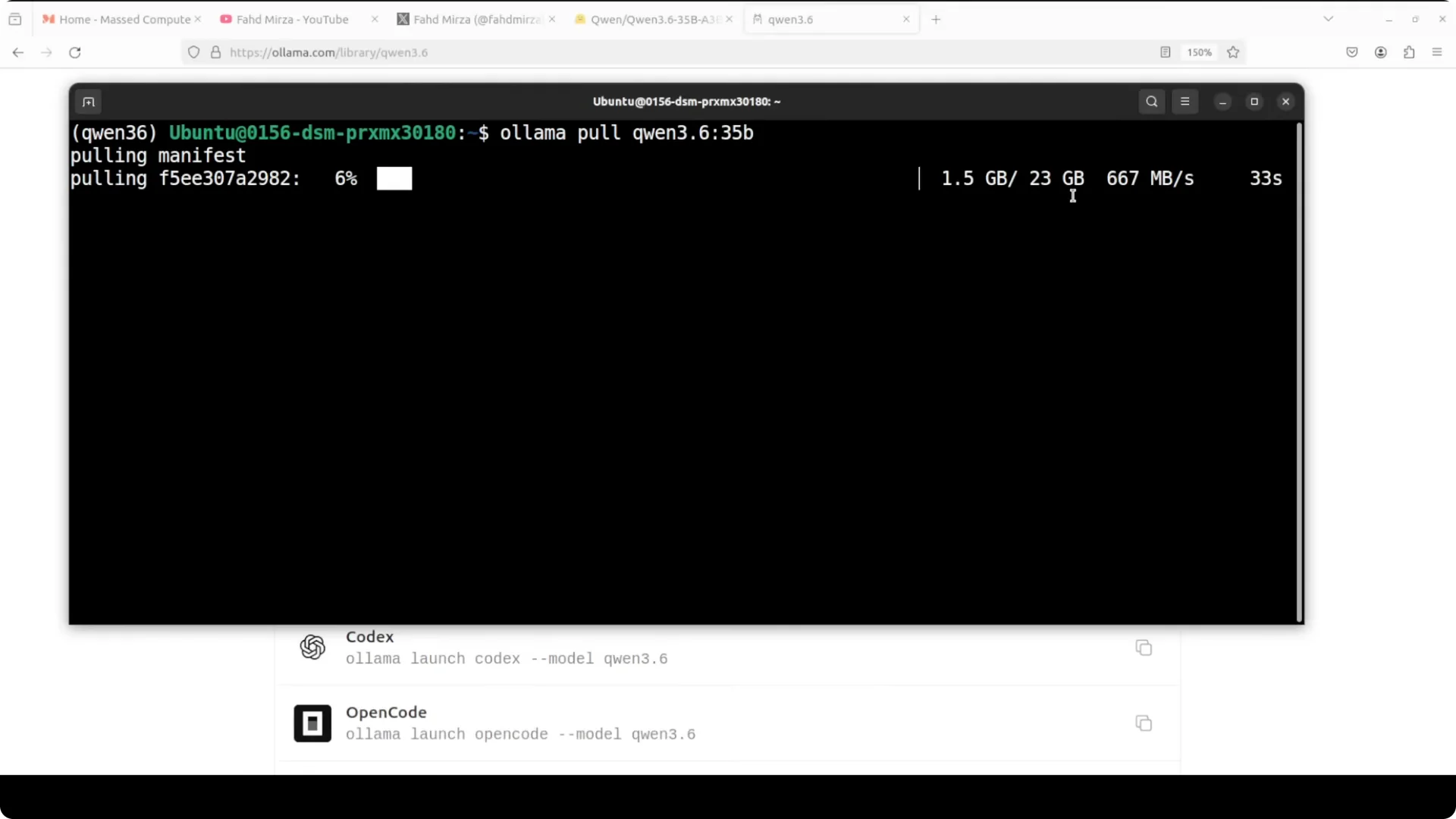
You can verify Ollama models with ollama list. The Ollama pull for Qwen 3.6 comes down at roughly 23 GB compared to about 65 GB for the vLLM full precision package. Both were straightforward to load and test locally once present in the UI.
Read More: Deepseek V4 Pro Vs Claude Opus Vs Qwen 3.6 Max
What Q4_K_M quantization means
Instead of storing each weight as a 16-bit float, Q4_K_M stores weights as 4-bit integers, cutting memory by roughly 75 percent. The K refers to K-means clustering so weights are grouped intelligently rather than compressed uniformly, and M is a medium setting to balance size and quality. The question is simple: does that compression hurt the output quality enough to matter?
Test 1: C Minesweeper game from scratch
I prompted both models to write a fully playable Minesweeper in C with a twist where mines move every 10 turns. I compiled outputs for each with GCC and then ran them.
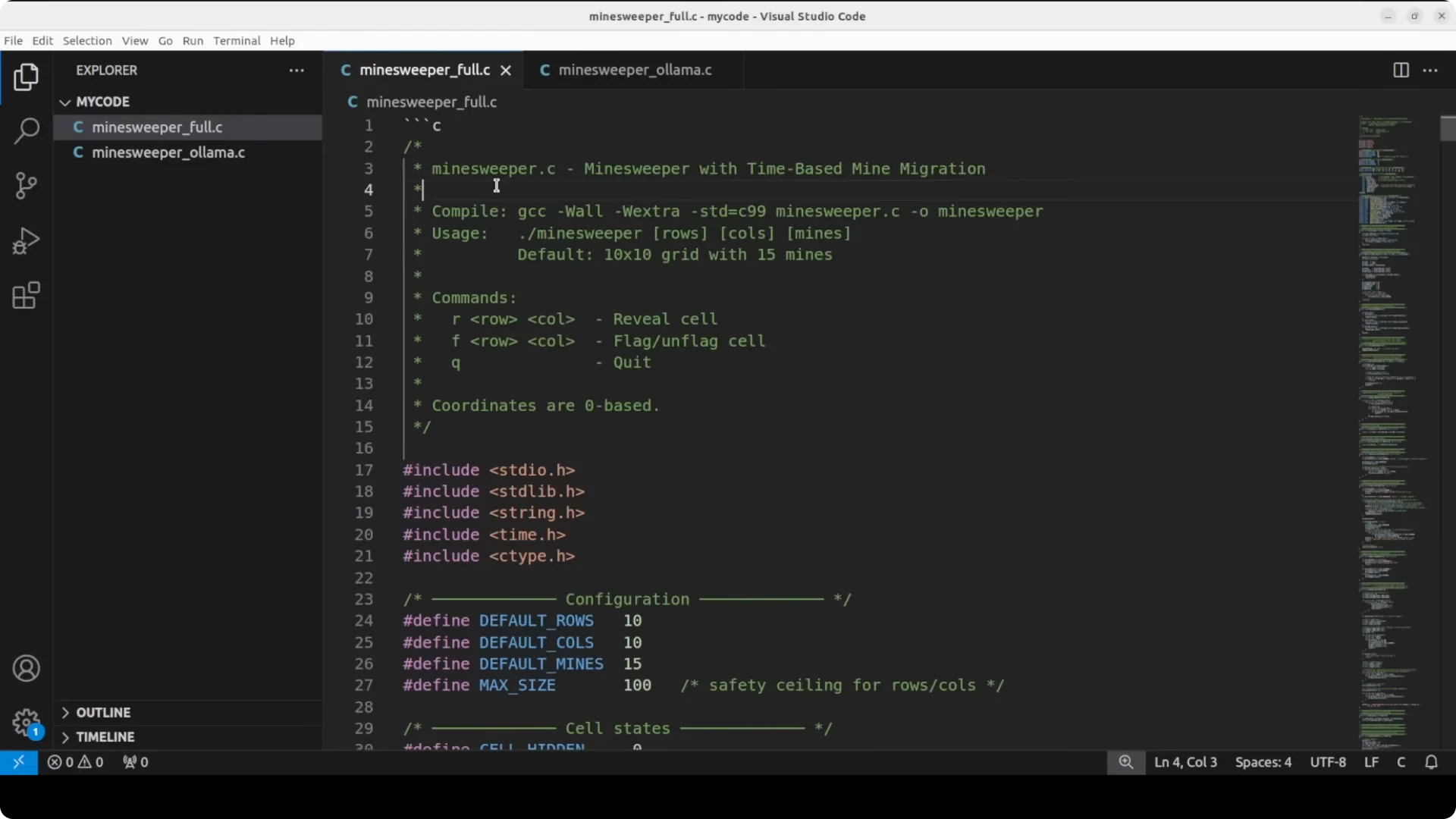
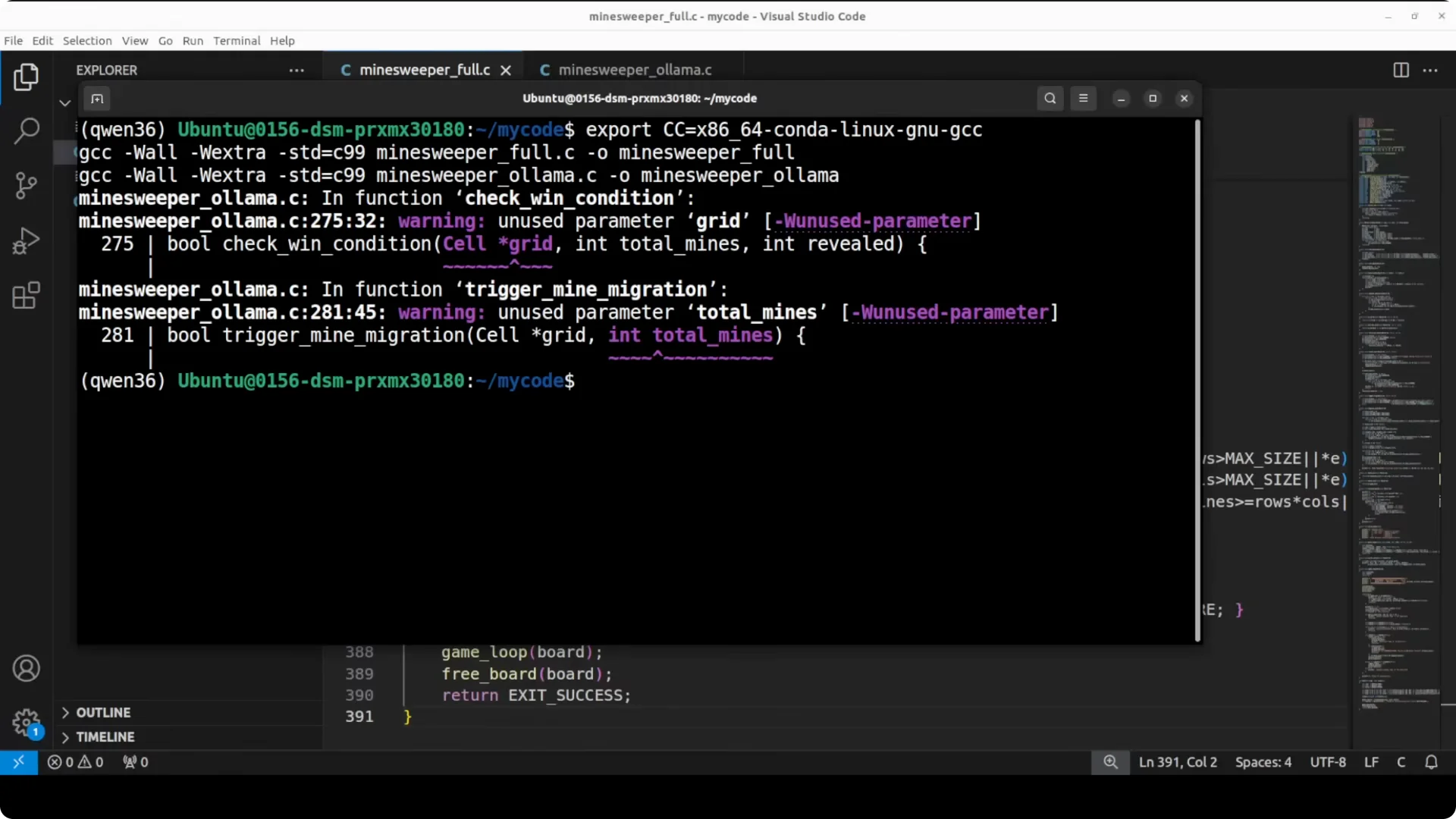
Both compiled cleanly with the full precision code showing zero errors. The Ollama code compiled with two minor warnings for unused function parameters, which did not affect execution.
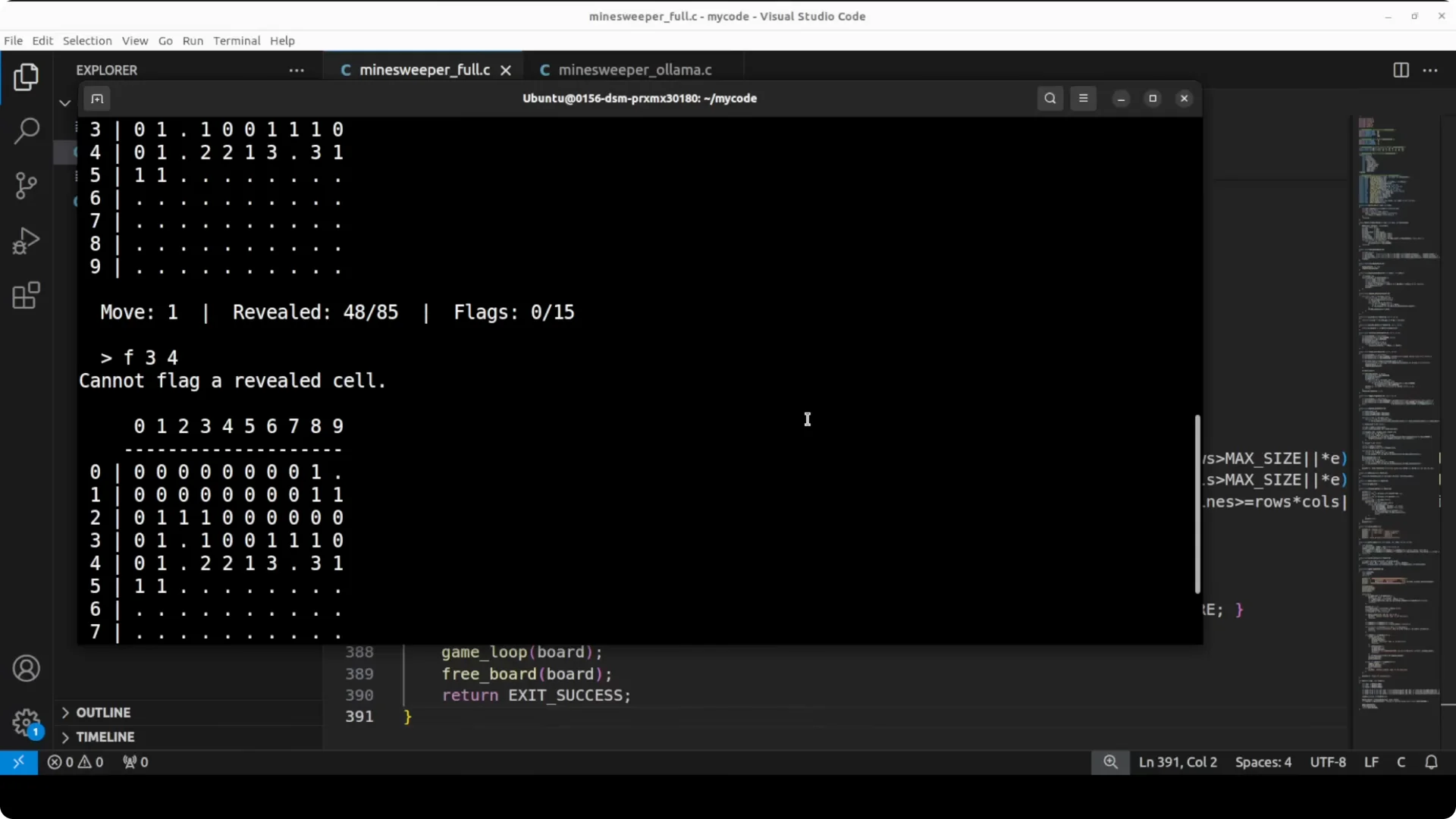
At runtime, the full precision build performed like a complete game. An example move such as R 3 4 revealed 35 of 85 cells via a correct recursive flood fill and flagging validation behaved correctly, with a clean display and an accurate move counter.
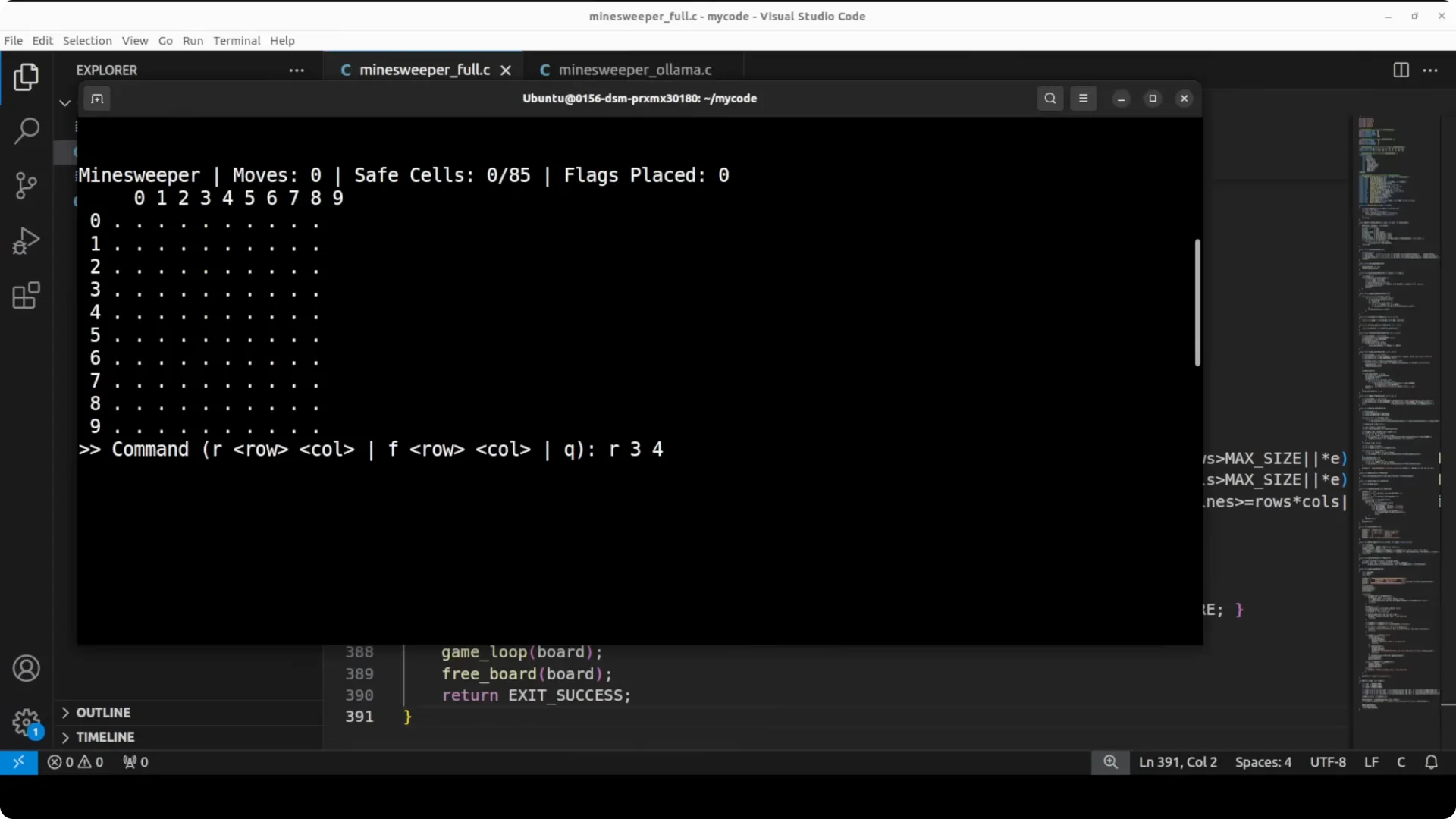
The Ollama build’s core mechanics worked, including flagging validation, move counter, and input handling. But the recursive flood fill did not trigger on the same move, revealing only the clicked cell instead of the connected zero-count region. That missing flood fill is a meaningful logic gap, and it shows how quality can trim under quantization.
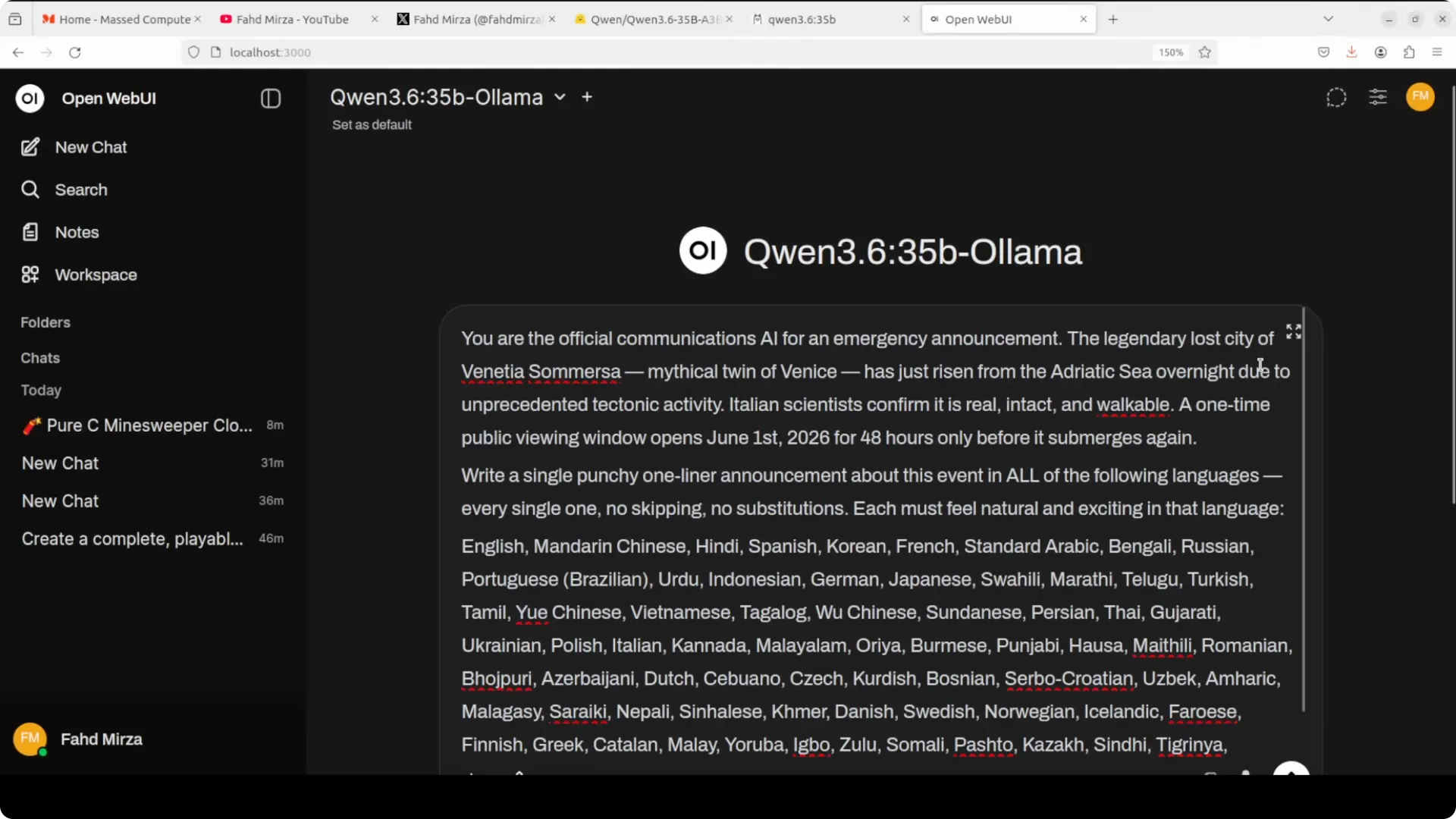
Test 2: One-line emergency announcement in 80 plus languages
I asked both models to craft a single punchy one-liner for an emergency public announcement about a mythical city resurfacing with a strict viewing window. Both handled coverage across the language list impressively and produced coherent lines per language.
The full precision model felt more culturally native and naturally phrased. A telling example was Tagalog, where the Ollama build initially used “abuso” then self-corrected in parentheses, while the full precision model got it right on the first attempt.
The gap here was smaller than in the coding test, but it was still noticeable. The full precision model projected more confidence and fewer small slips.
Read More: Claude Opus 4.6 Support Antigravity
Test 3: Vision analysis on an AI-generated satellite-style image
I prompted both models as a satellite imagery analyst to describe terrain, vegetation, water features, formation hints, a white boundary marking, a circular formation, and regional plausibility. Both produced strong structured analyses with plausible terrain and mining interpretations, including spoil heaps and tailing sediments.
The full precision model correctly read the Meta AI watermark and interpreted the white text as an area measurement, “2 sq km”. It also identified mangroves and river systems with more specific regional examples.
The Ollama build misread the white text as Greek-like characters, which is a hallucination. The description was otherwise solid, but the text-reading miss highlights the kind of subtle gap that appears under quantization.
VRAM and performance observations
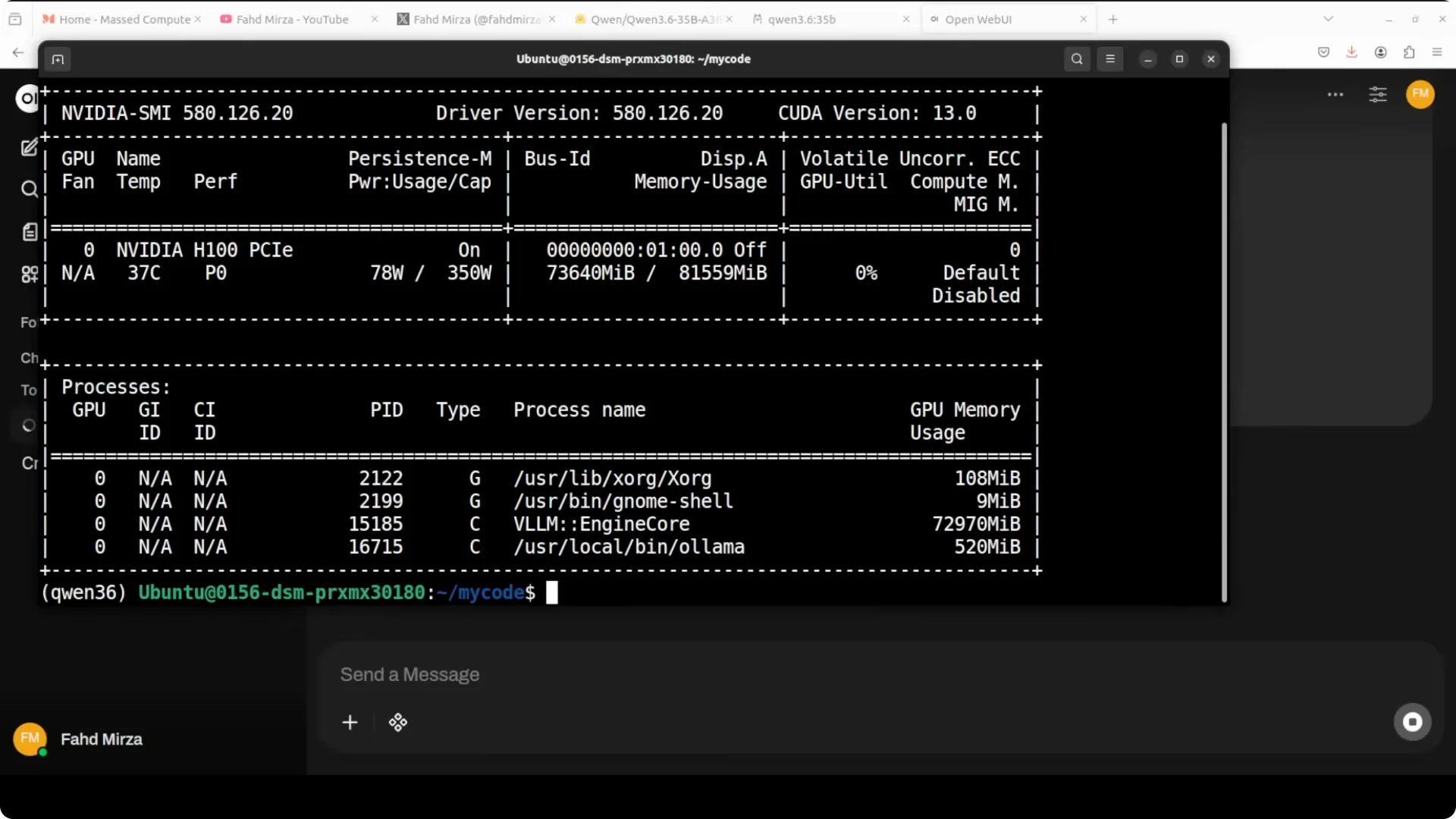
The quantized Ollama Q4_K_M model occupied roughly half the VRAM of the full precision build once loaded and stayed within my 80 GB VRAM budget even alongside other services. It was slower in step-by-step reasoning but did not get stuck in loops and stayed coherent. For many prompts, you can expect near-parity on simpler tasks, with more gaps surfacing as complexity rises.
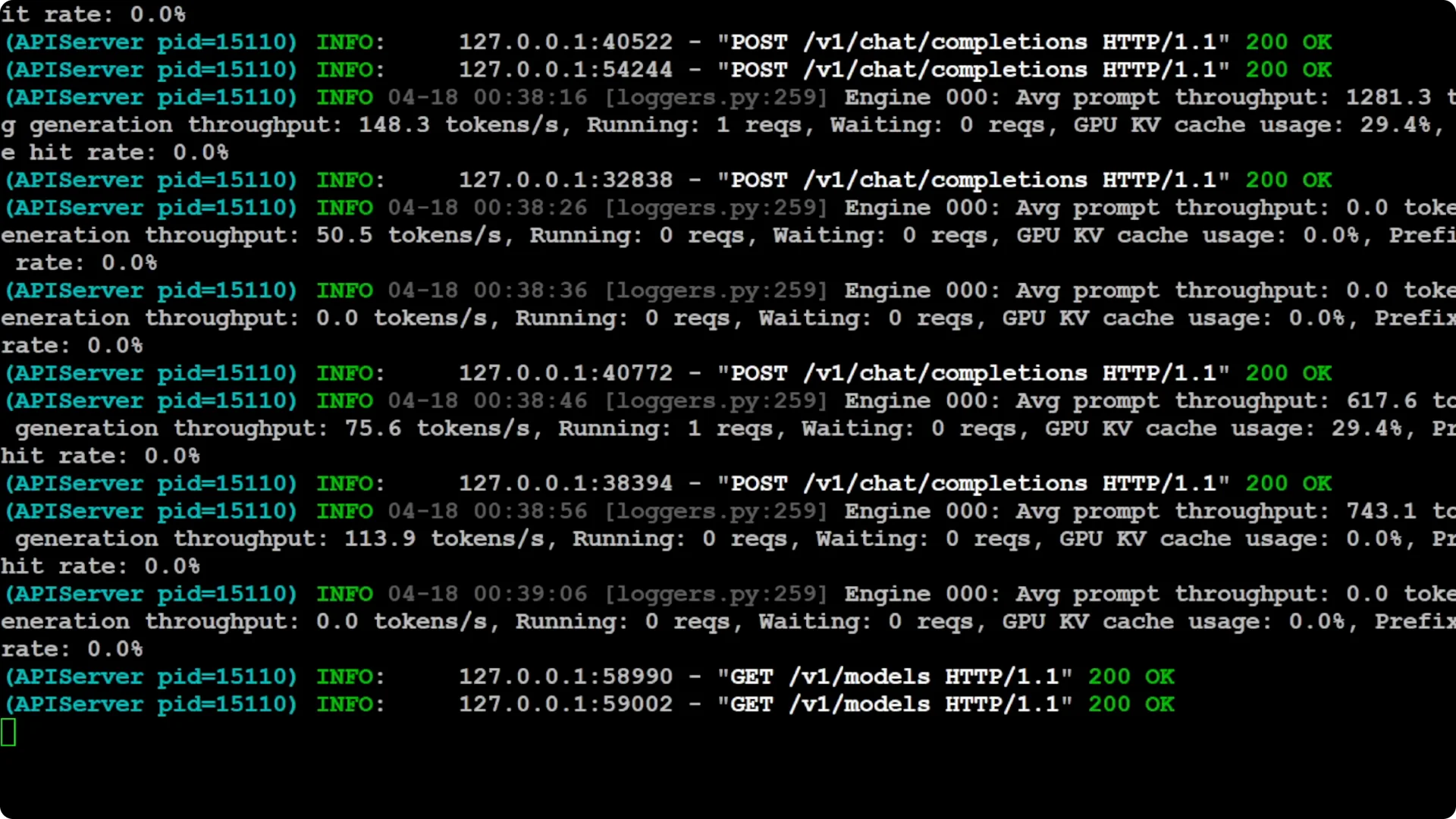
If vLLM is already serving a large full precision model, you may need to stop it to free headroom for a large quantized model to load and respond quickly. Performance differences here came from memory pressure and quantization overhead, not just raw model size. Planning for concurrency on a single GPU matters more than the headline size number.
Read More: Run Qwen 27B locally
Practical recommendations
If you have the hardware for full precision, the quality difference justifies it. For production use, I recommend the full precision Qwen 3.6 35B MoE. It was consistently more accurate in code logic completeness, linguistics, and vision text recognition.
If you are on a consumer GPU with tighter VRAM, the Ollama Q4_K_M build gives you about 85 percent of the quality at a small fraction of memory. It is a strong choice for prototyping, non-critical workloads, internal tools, and batch runs where perfect recall is not required. Expect occasional gaps in reasoning depth, richer edge cases, and fine-grained perception.
Where each choice fits
Use full precision for code generation where correctness and completeness matter, multilingual content that must read natively, and vision tasks that rely on small textual cues. It is also better when latency and throughput consistency are priorities.
Use the quantized build when you need local serving on limited VRAM, want to run side-by-side with other services, or must fit into a single-GPU box for demos, evaluation, or internal assistants. You will get strong outputs on many prompts and a clear memory win.
Read More: Deepseek vs Kimi vGLM vs Qwen MiniMax vs Mimo
Step-by-step quick start
Check your local Ollama registry with ollama list. If Qwen 3.6 is not present, run the appropriate pull command for the Ollama Q4_K_M build so it starts downloading to about 23 to 24 GB. Once both models are visible in your UI, send identical prompts for fair comparison.
For code tests, compile outputs with a simple GCC call and fix your environment if needed with a simple export before re-running the compiler. Both of my binaries ran, with full precision showing zero errors and the Ollama build showing two minor unused-parameter warnings. Runtime behavior revealed the deeper quality difference, especially the missing flood fill.
If memory becomes tight, stop the other serving process, load the model you want to test, then restart your services in sequence. Watch VRAM with nvidia-smi so you understand loading behavior and peak consumption. This keeps your evaluation consistent and avoids hidden contention.
Read More: Run Deepseek V4 Flash locally
Final thoughts
Across complex C coding, multilingual one-liners, and satellite image analysis, the full precision Qwen 3.6 35B MoE consistently produced more accurate and complete results. The Ollama Q4_K_M quantized build was not far behind and often impressively clean, but the gaps were real, such as the missing flood fill, a small language slip, and a misread image label.
If you can afford the VRAM, go full precision. If not, the quantized build offers strong quality for its size and makes local inference practical on modest hardware without a dramatic collapse in output quality.