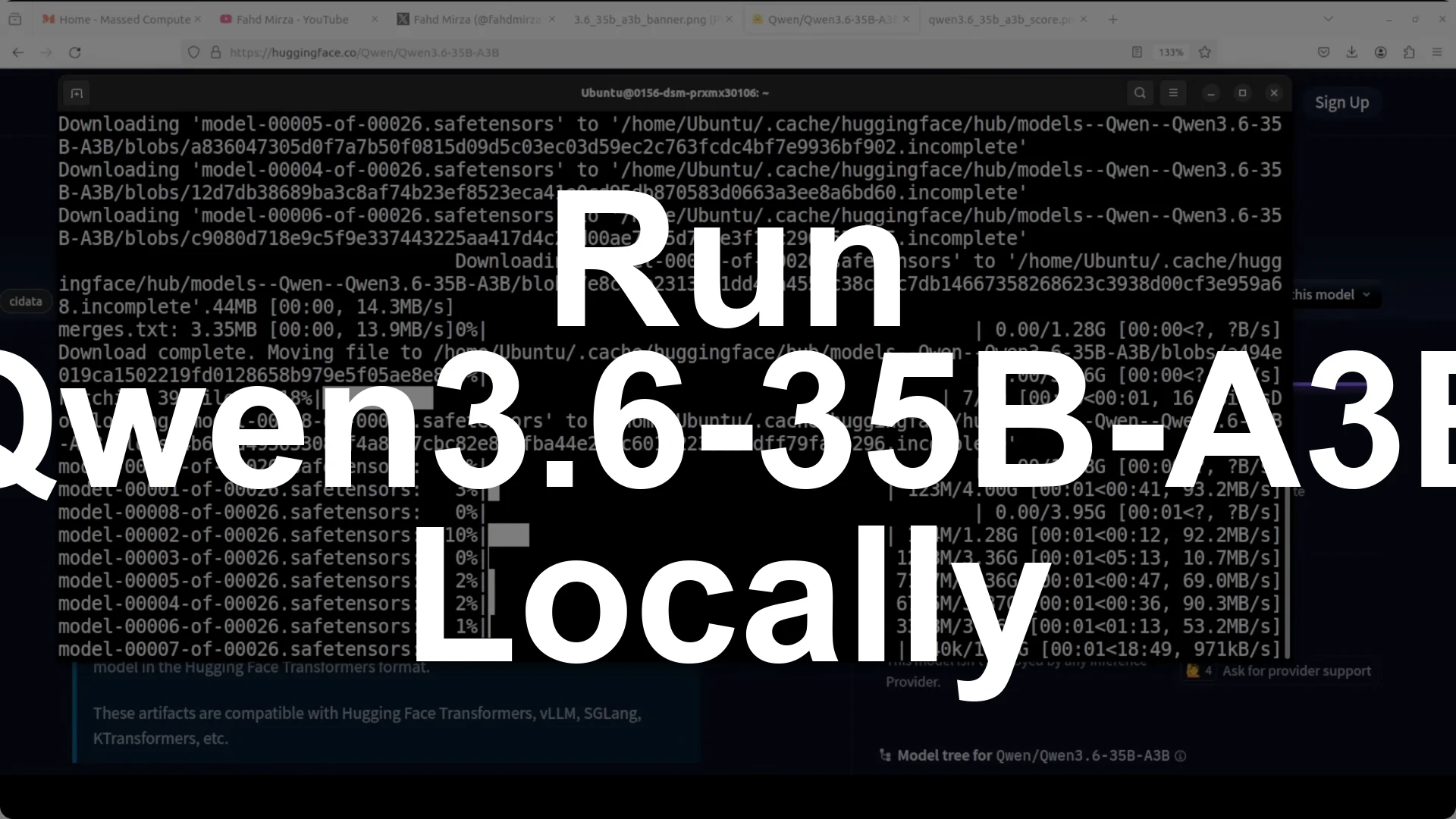
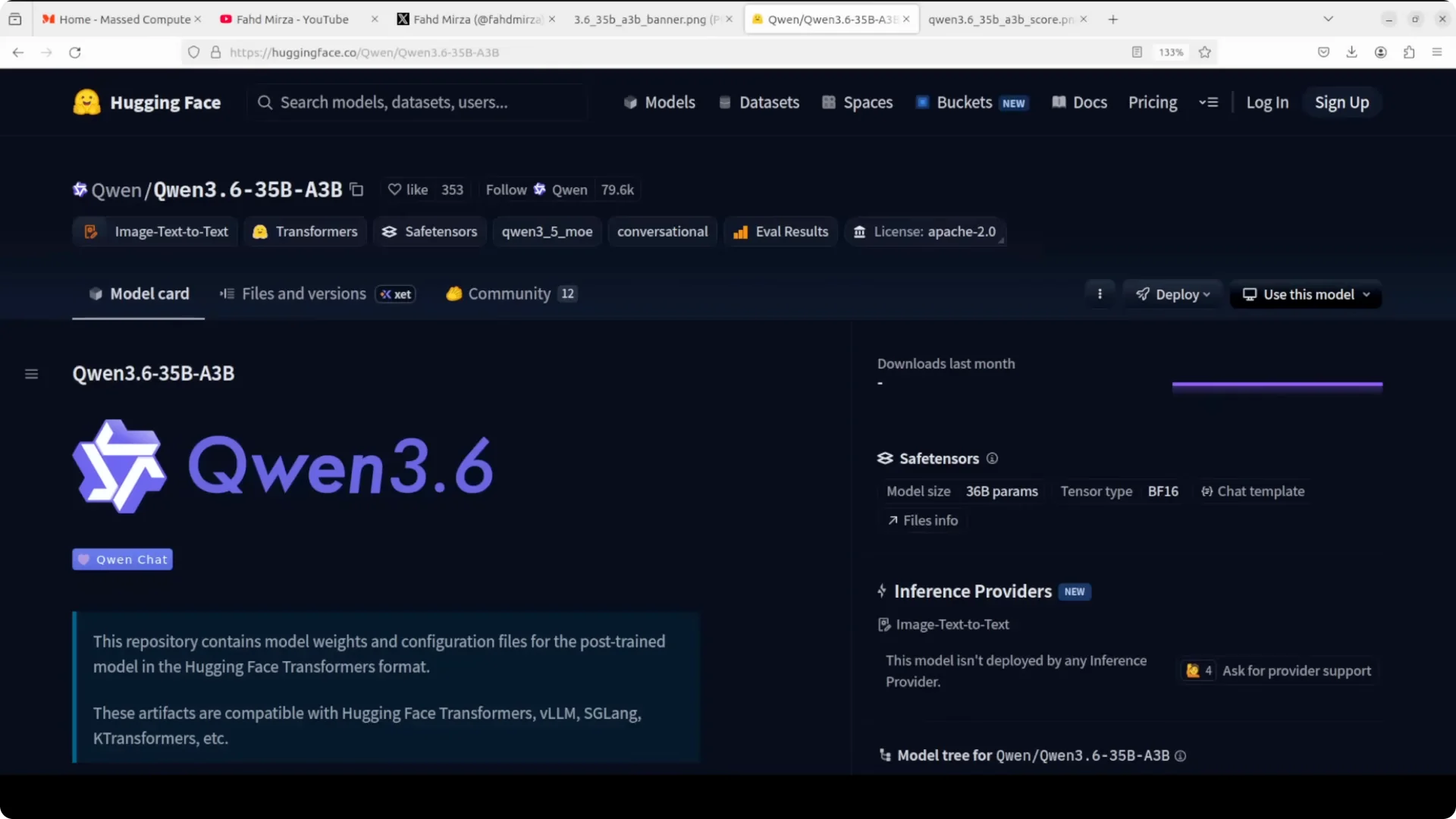
Qwen 3.6 35B A3B is a fully open weights Mixture of Experts model from Alibaba’s Qwen team with
35 billion total parameters but only ~3 billion active per token. It
routes each token through a small subset of experts so you get the capacity of a larger model at the compute cost of a much smaller one, with
native multimodal support, a
262k token context window extensible toward 1 million, and a new
thinking preservation feature that retains the reasoning chain across turns for long agent sessions. You can run it locally on Ubuntu with a single Nvidia H100 80 GB by serving it through
vLLM,
capping the context at 32k, and
setting GPU memory utilization to 0.90, which leaves headroom for KV cache and keeps total VRAM around the
mid 70 GB range.
I use Hugging Face CLI to download the model and vLLM to serve it. The key runtime choices are
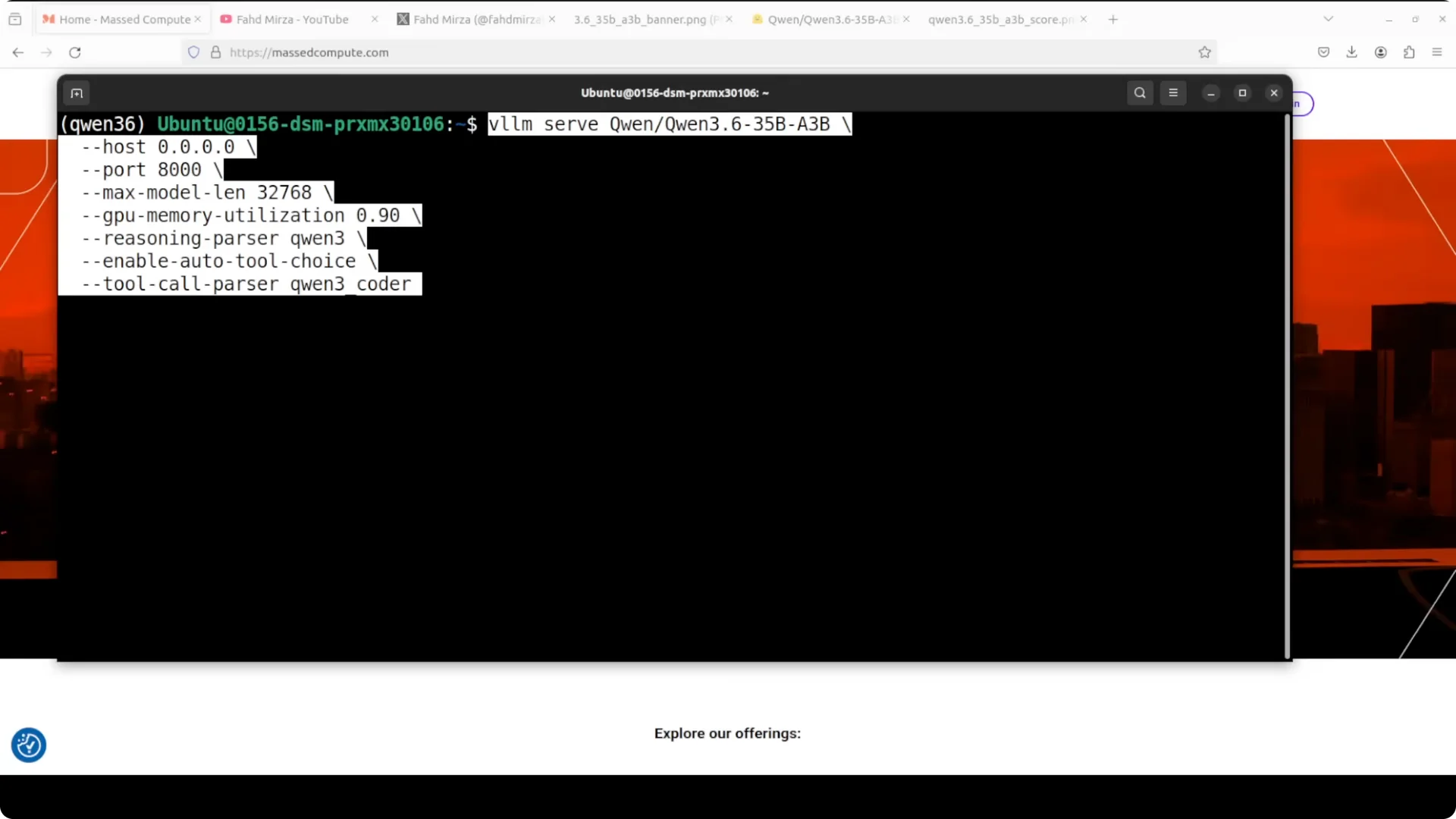
–max-model-len 32768 to cap context on a single GPU,
–gpu-memory-utilization 0.90 to keep a safety buffer, and enabling tool use through the standard OpenAI Tools interface so the model can call functions smoothly inside agent frameworks.
In practice this setup is fast, stable, and preserves the model’s reasoning traces across multi turn tasks.
What stands out
It alternates
40 layers between a linear attention block often described as a gated DeltaNet style mechanism and standard gated attention, feeding into the
Mixture of Experts block with 256 experts. It activates
eight routed experts plus one shared expert per token.
The context window is
natively around 262k tokens, and with scaling it can stretch to
about 1 million. It is
multimodal out of the box across text, images, and video.
Why I cap context at 32k on a single H100
The model weights alone push around
70 GB in full precision. If you try to run the full 262k context by default on a single H100 80 GB,
there is not enough headroom for KV cache.
I set
–max-model-len 32768 and
–gpu-memory-utilization 0.90. This leaves a small buffer and keeps the server responsive.
If you are exploring dense Qwen variants on local hardware, see how to run a 27B model in our guide here:
run Qwen 27B locally.
Hardware and environment
I am using
Ubuntu, a
single Nvidia H100 80 GB, and
vLLM as the inference engine. vLLM gives very fast serving and works well with MoE routing and long context on a single card.
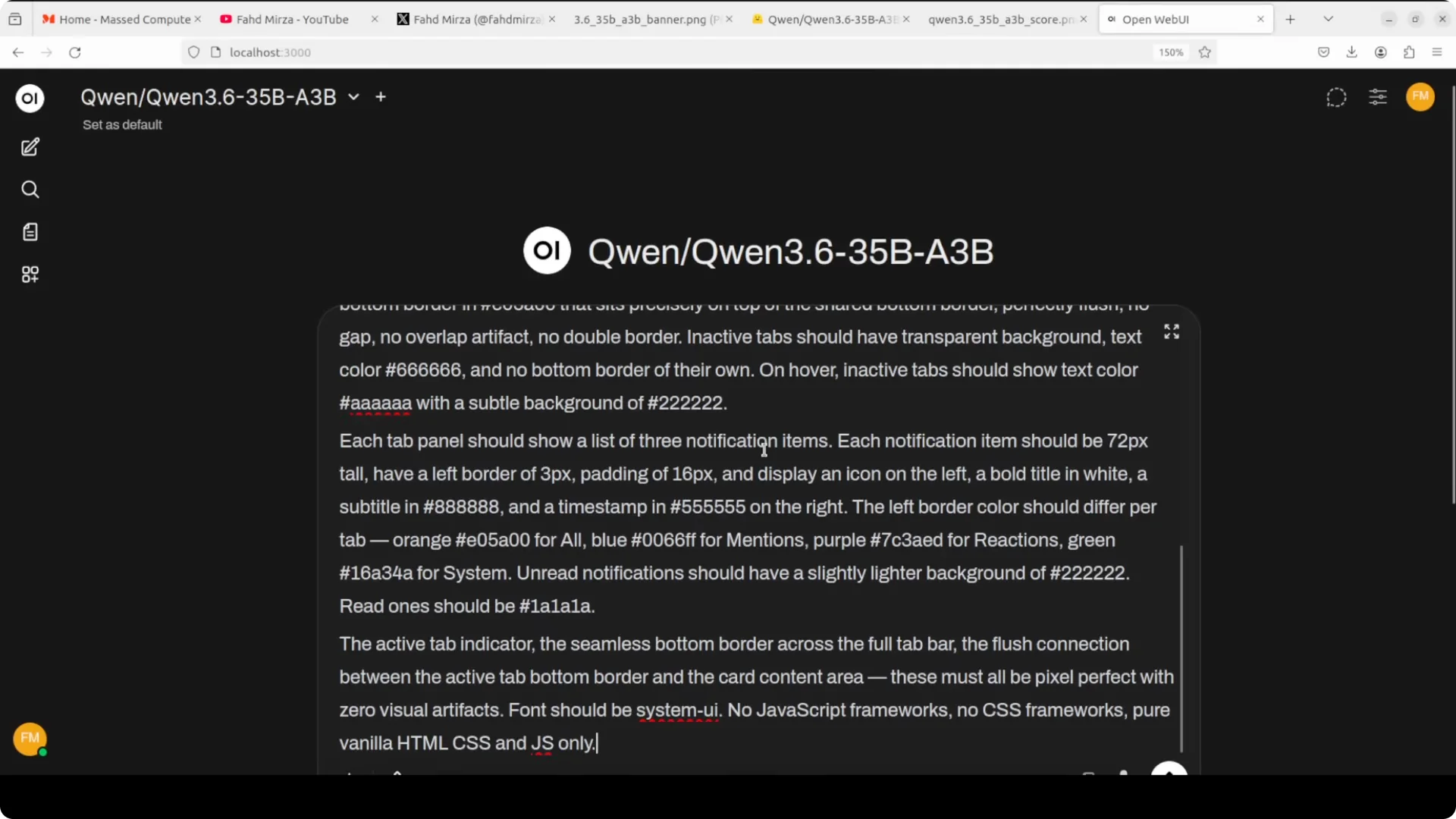
If you want a desktop UI for chat and quick testing, try this setup with
Open WebUI Desktop.
Install prerequisites
Create a clean Python environment and install vLLM and Hugging Face tools. Login once to pull the model snapshots from Hugging Face.
python3 -m venv .venv
source .venv/bin/activate
pip install --upgrade pip
pip install "vllm>=0.6.0" "huggingface_hub>=0.23.0" transformers accelerate
huggingface-cli login
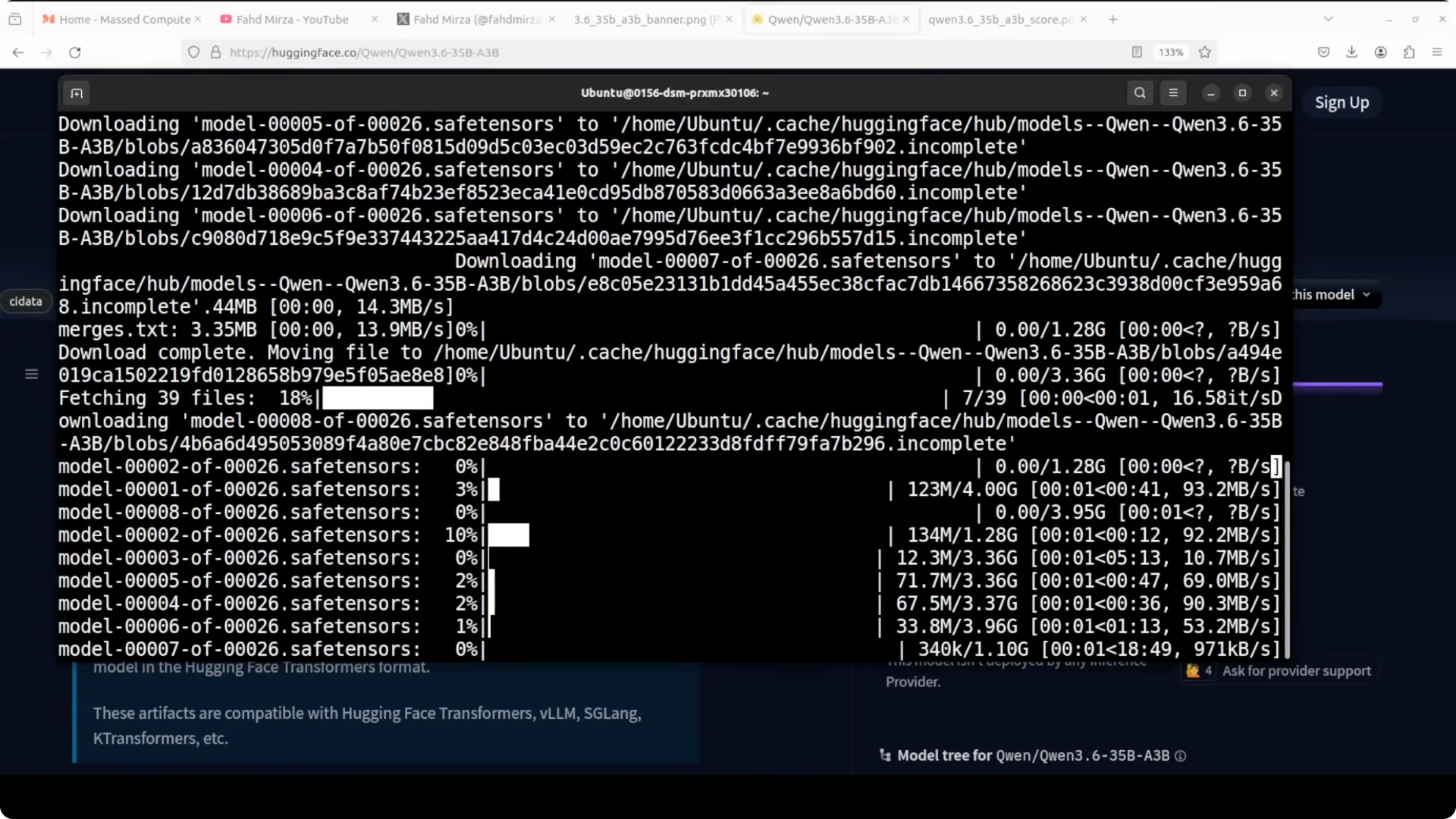
Download the model
Use snapshot download to fetch all shards locally. Replace the repo name with the exact Qwen 3.6 35B A3B identifier on Hugging Face.
export MODEL_REPO="Qwen/Qwen3.6-35B-A3B"
huggingface-cli snapshot-download "$MODEL_REPO" --local-dir ./qwen-3_6-35b-a3b
If you prefer a smaller or flash tier for fast iteration on modest GPUs, you can also consider this guide:
run DeepSeek V4 Flash locally.
Serve with vLLM
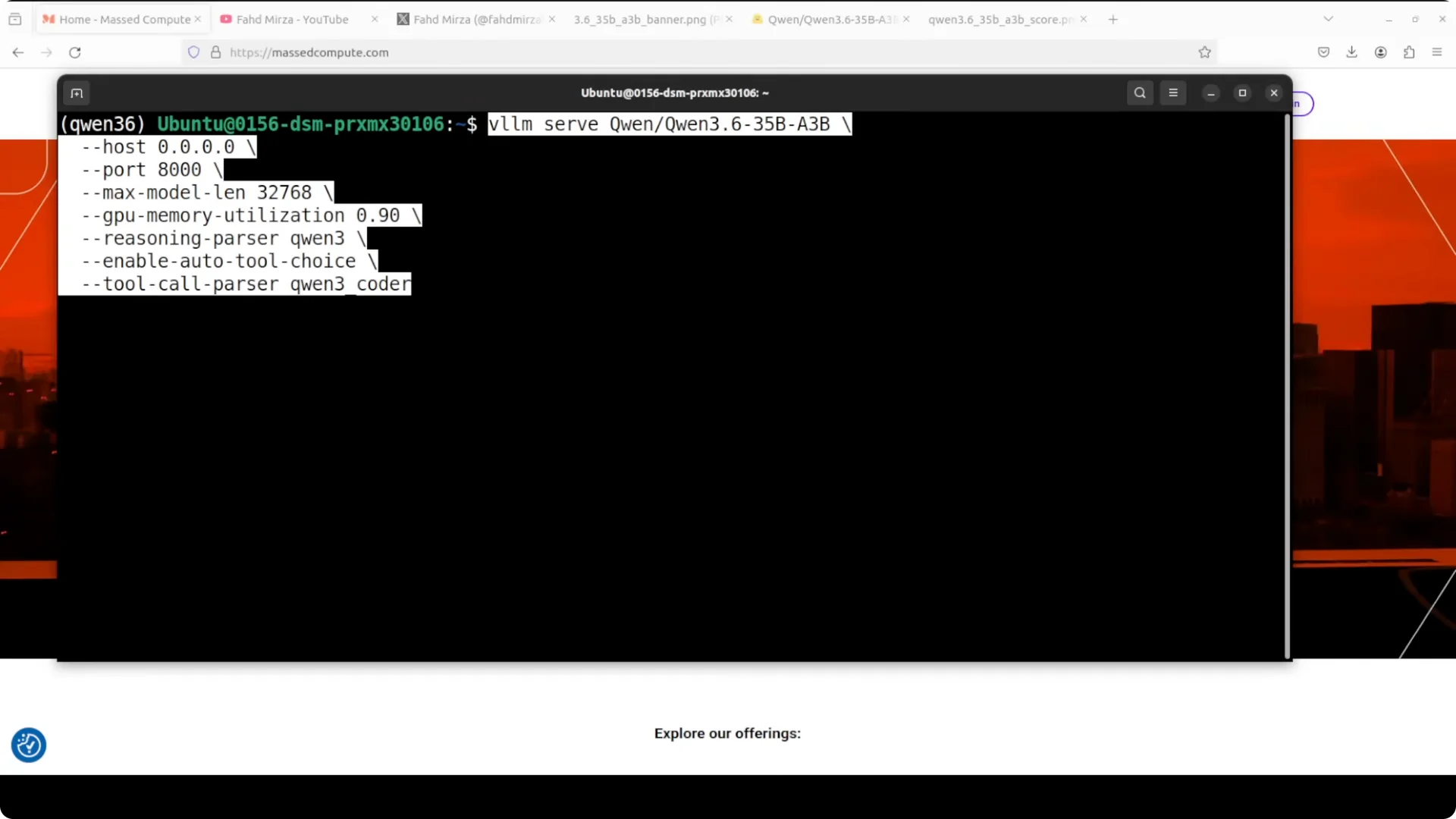
These are the exact parameters I use on a single H100 80 GB. The
max model length is capped at
32k, and
GPU memory utilization is
0.90 to keep a small buffer.
python -m vllm.entrypoints.openai.api_server \
  --model ./qwen-3_6-35b-a3b \
  --dtype bfloat16 \
  --max-model-len 32768 \
  --gpu-memory-utilization 0.90 \
  --served-model-name qwen-3_6-35b-a3b
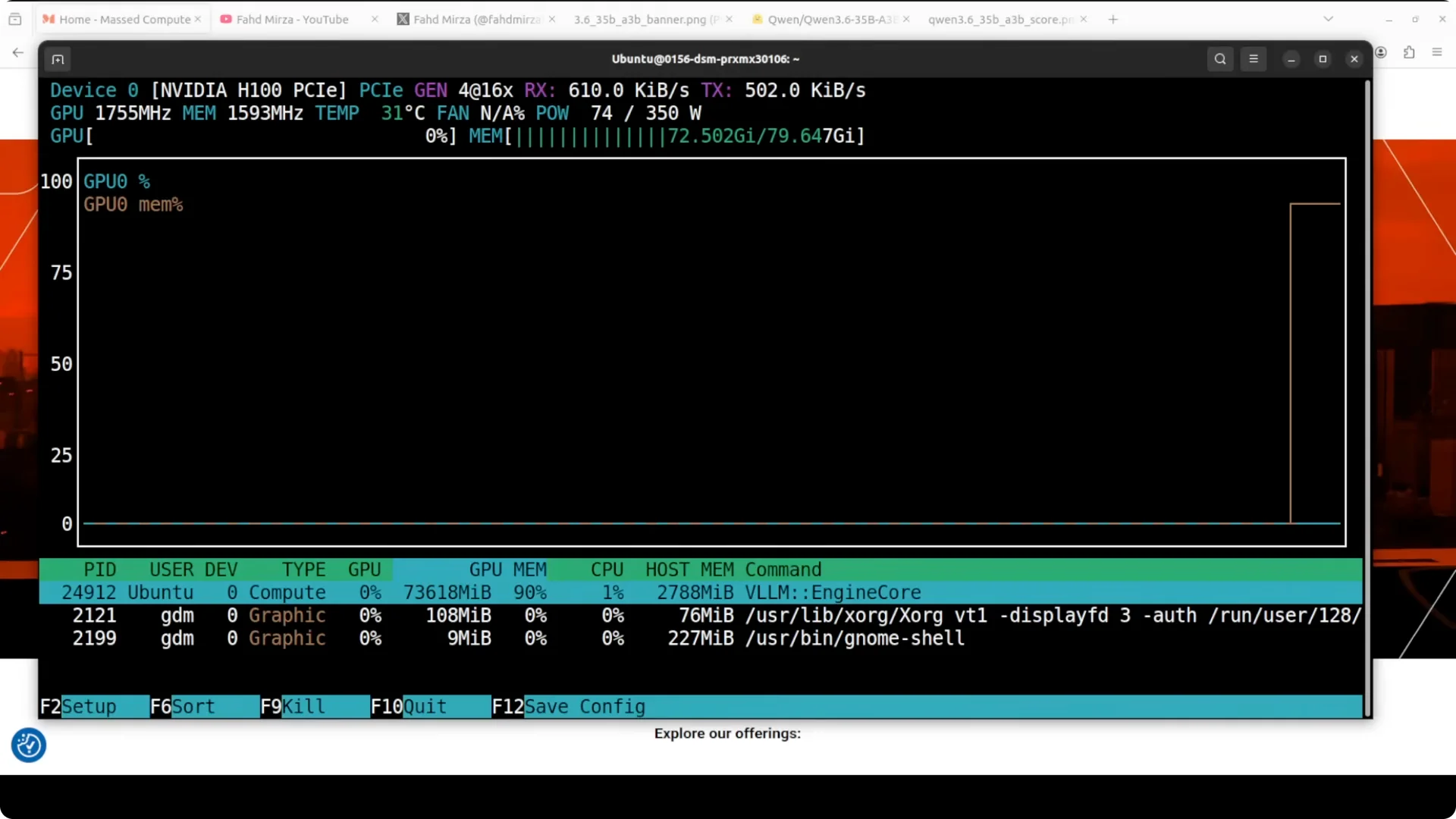
With this configuration, expect
just under 74 GB of VRAM consumption after warmup. That keeps you within safe limits on an 80 GB card.
Reasoning preservation and tool use
The
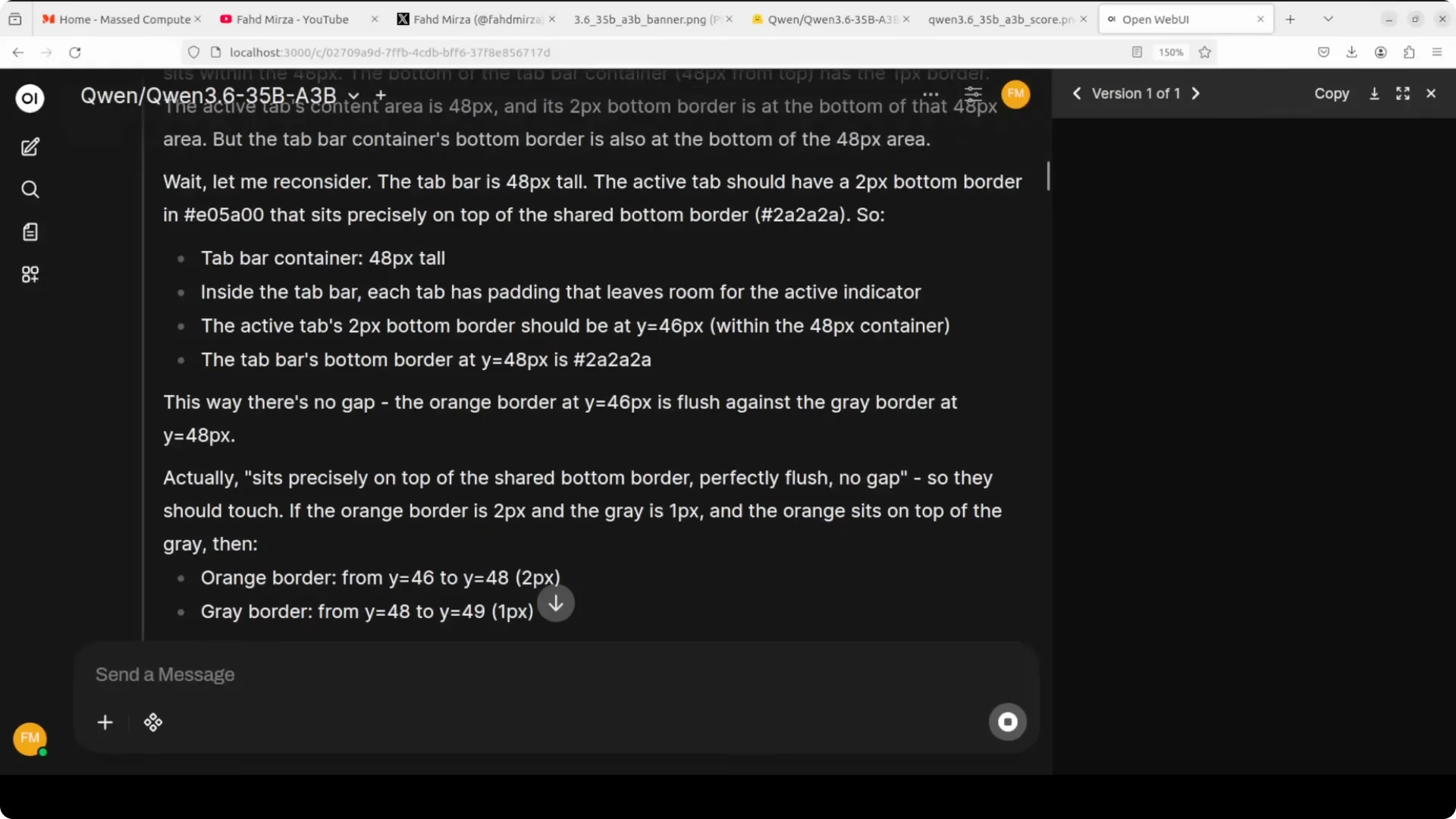
thinking preservation feature allows the model to
retain its reasoning chain across multiple turns in long agent sessions. vLLM handles Qwen thinking tokens cleanly so you can keep multi step context intact.
For tool use, send the OpenAI Tools schema in your client requests. Recent vLLM builds natively parse tool calls without extra server flags.
Multimodal inputs
Qwen 3.6 35B A3B accepts
text, images, and video as inputs. Video inference typically works by extracting frames and processing them through the same multimodal pathway.
OCR quality is strong, and
visual contextual reasoning around era cues, typography, and numerals is solid.
Benchmarks snapshot
The headline claim is that
with only ~3B active parameters it competes with much larger dense models. In
agentic coding benchmarks it surpasses its predecessor Qwen 3.5 by a clear margin.
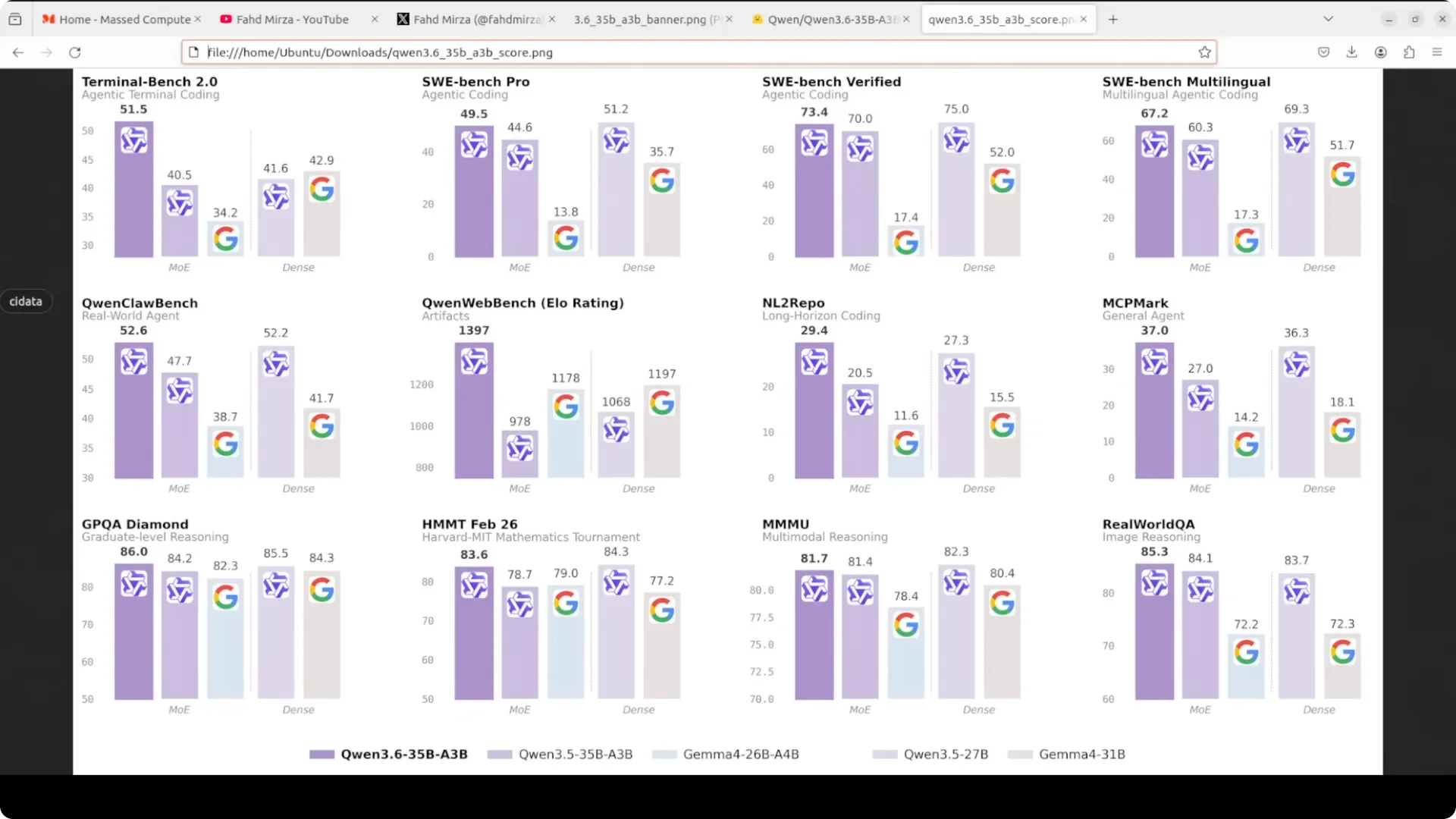
A larger
dense Qwen 3.5 27B still edges it on some general agent tasks, but the
efficiency to quality ratio here is very good. On multimodal suites it lands near the
4.5 tier in many categories, and we are already seeing
4.6 and newer baselines in the wild.
For current cross model perspective, see our comparison covering top stacks here:
DeepSeek V4 Pro vs Claude Opus vs Qwen 3.6 Max.
Step by step usage
Start the server as above and connect with any OpenAI compatible client. For chat, set temperature and top p as usual and keep the
max tokens balanced with the 32k context cap.
Tool calling works through the standard tools array and function schema in your request. For a friendly desktop interface, wire the same endpoint into
Open WebUI Desktop.
Practical tips
If you see CUDA OOM, lower
–max-model-len to
24k or
16k. Keep
–gpu-memory-utilization at
0.90 or lower to reserve headroom for KV cache and activations.
If you need the dense route for specific general tasks, this guide helps you run a strong 27B sibling locally:
Run Qwen 27 B Locally.
Use cases
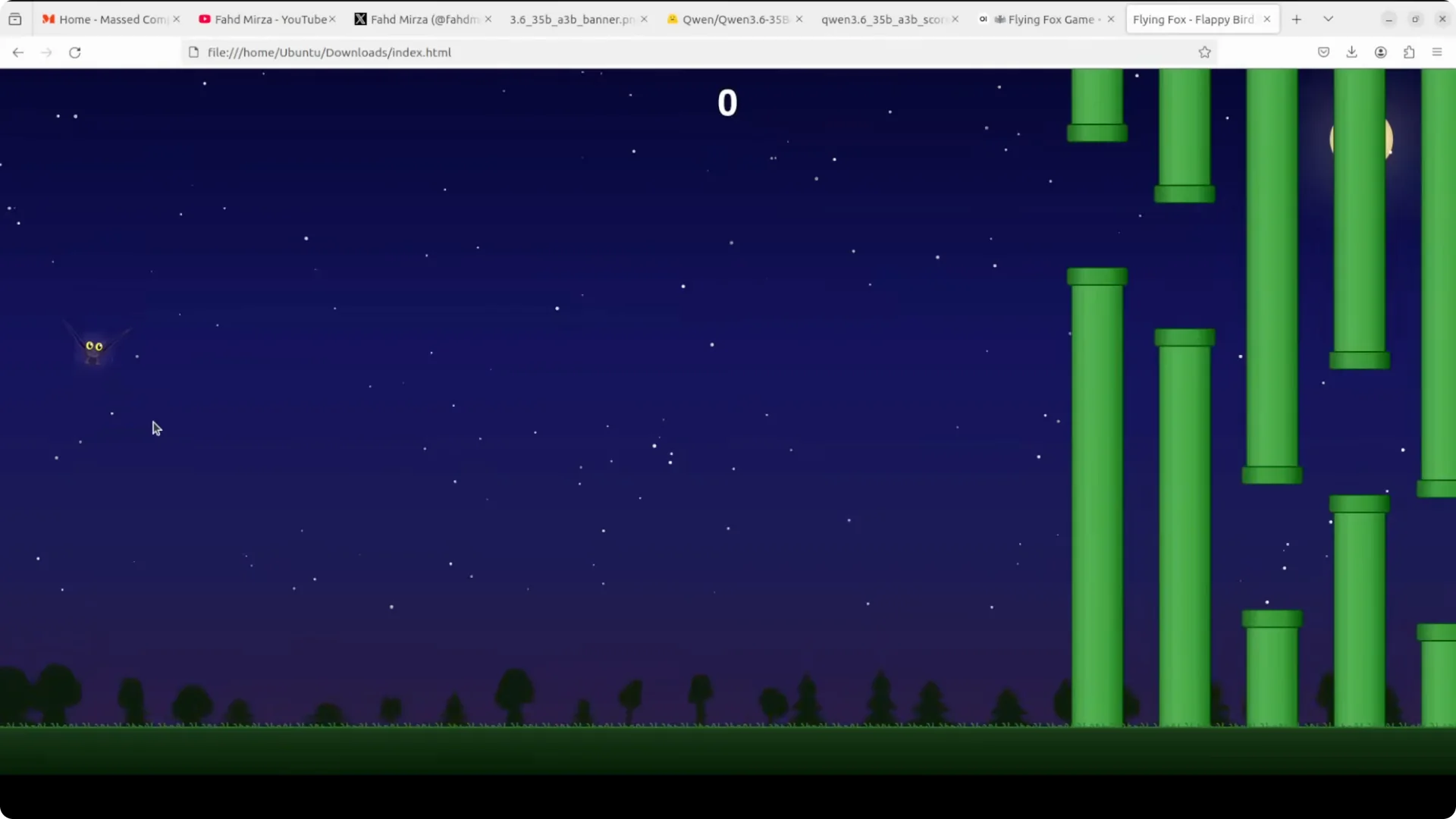
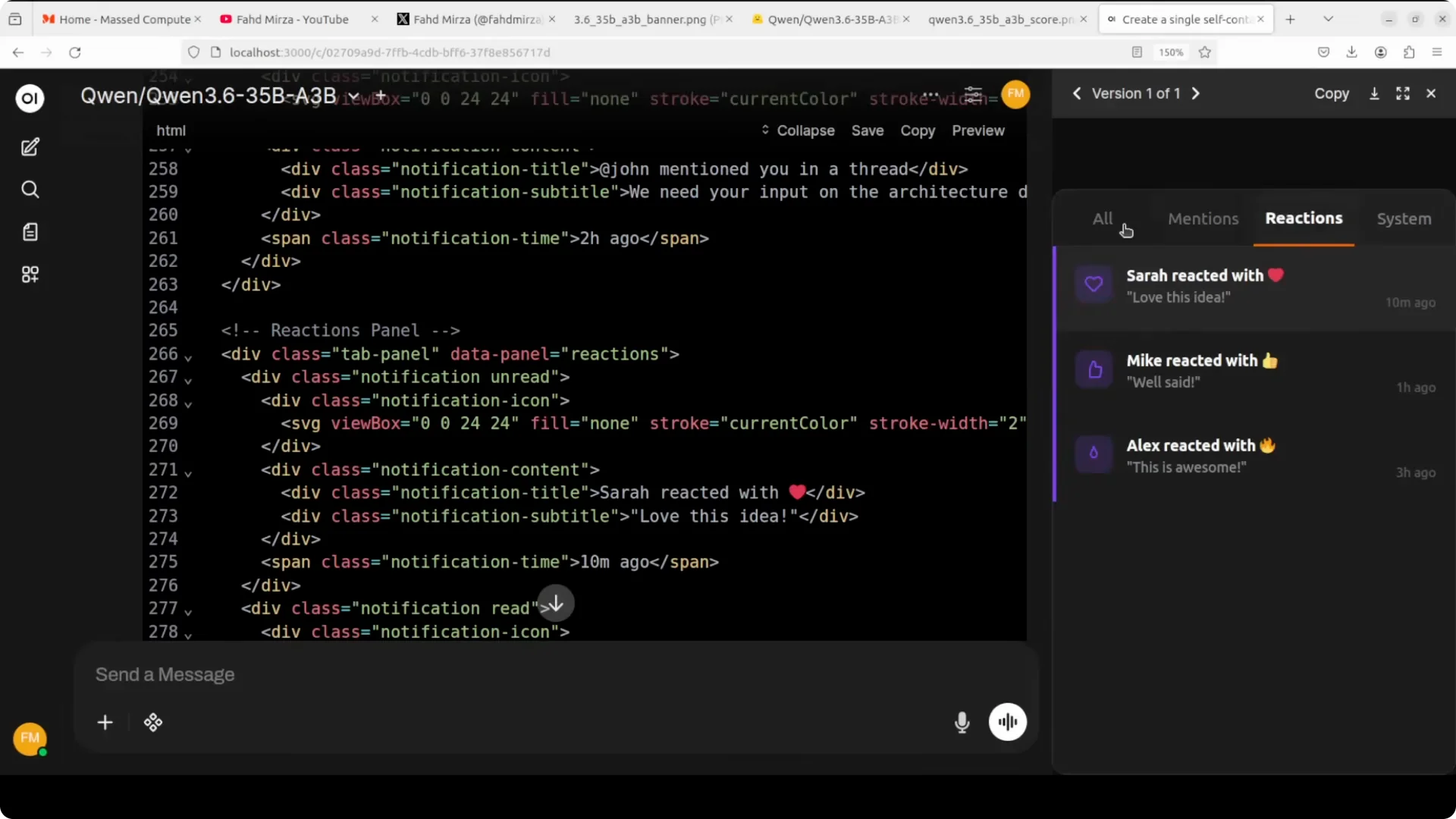
Agentic coding with persistent reasoning across turns for refactors, test generation, and multi file edits.
The model stays coherent through long sessions where tools and function calls are required.
Multimodal analysis for
document understanding, OCR heavy workflows, spatial reasoning, and product research on marketing imagery. Long context chat for planning, research notebooks, and
session continuity over hundreds of pages.
If you track frontier general models side by side, this note on
Claude Opus 4.6 is useful context:
Claude Opus 4.6 update.
Troubleshooting
If throughput is low, update vLLM to the newest version and use
bfloat16. If latency spikes, reduce
–max-model-len and verify PCIe or NVLink bandwidth is not the bottleneck.
Keep your Nvidia driver and CUDA libraries aligned with the vLLM prebuilt wheels. That avoids kernel mismatches and odd stalls.
Final thoughts
Qwen 3.6 35B A3B is efficient, fully open, and strong at agentic coding and multimodal reasoning. The single GPU vLLM setup with a
32k cap is practical and stable on an
H100 80 GB.
If you need dense alternatives or fast flash tiers, the linked guides will get you there quickly.
Open source is moving fast and this release is a very solid addition.