CohereLabs has released a new transcribe model: a 2 billion parameter automatic speech recognition system under the Apache 2 license, built on a conformer encoder with a lightweight transformer decoder. It supports 14 languages, handles long audio with built-in chunking, runs up to three times faster than models of a similar size, and I found VRAM use sits just under 5 GB. The tradeoffs are clear too: there is no language detection, no timestamps, no speaker diarization, and it can hallucinate text when fed silence, which they call out plainly in the model card.
You can install it locally with PyTorch, Torchaudio, and Transformers, authenticate to Hugging Face for the gated weights, load the model on GPU, and transcribe multi-minute files with chunking. I’ll show clean steps, corrected commands, and a minimal script that loads CohereLabs/cohere-transcribe-03-2026 and generates text, along with practical tips for language selection, memory, and accuracy.
What this model does
You give this model an audio file and it gives you back the spoken words as text. It first converts the raw audio waveform into a MEL spectrogram, a visual representation of sound that breaks audio into frequency bands over time. That spectrogram is much easier for a neural network to process than raw audio samples.
The MEL spectrogram is then fed into a
conformer which combines two ideas. Transformers are great at understanding long range patterns in a sequence, and convolutional layers are great at picking up fine local patterns like the subtle shape of a single phone. That mix makes conformers well suited for audio tasks.
The output of the conformer encoder is then passed to a lightweight transformer decoder that generates the actual text tokens one by one. On public benchmarks, the model performs really well on various European languages plus a few Asian ones. I ran it across its supported set and the results line up with those claims.
Features and limits
The model has
two billion parameters, supports
14 languages, and is
up to three times faster than other dedicated ASR models of their size. It
handles long audio automatically through built-in chunking. It is fully open source under
Apache 2.
There are a few limits. It does not do
language detection, it does not do
timestamps or
speaker diarization, and it can
hallucinate on long silence. Keep these in mind before you wire it into production.
If you are building a local AI toolkit around ASR and text models, you can also check a simple local runner to keep everything on your machine with our guide to a
free local AI assistant setup.
System notes
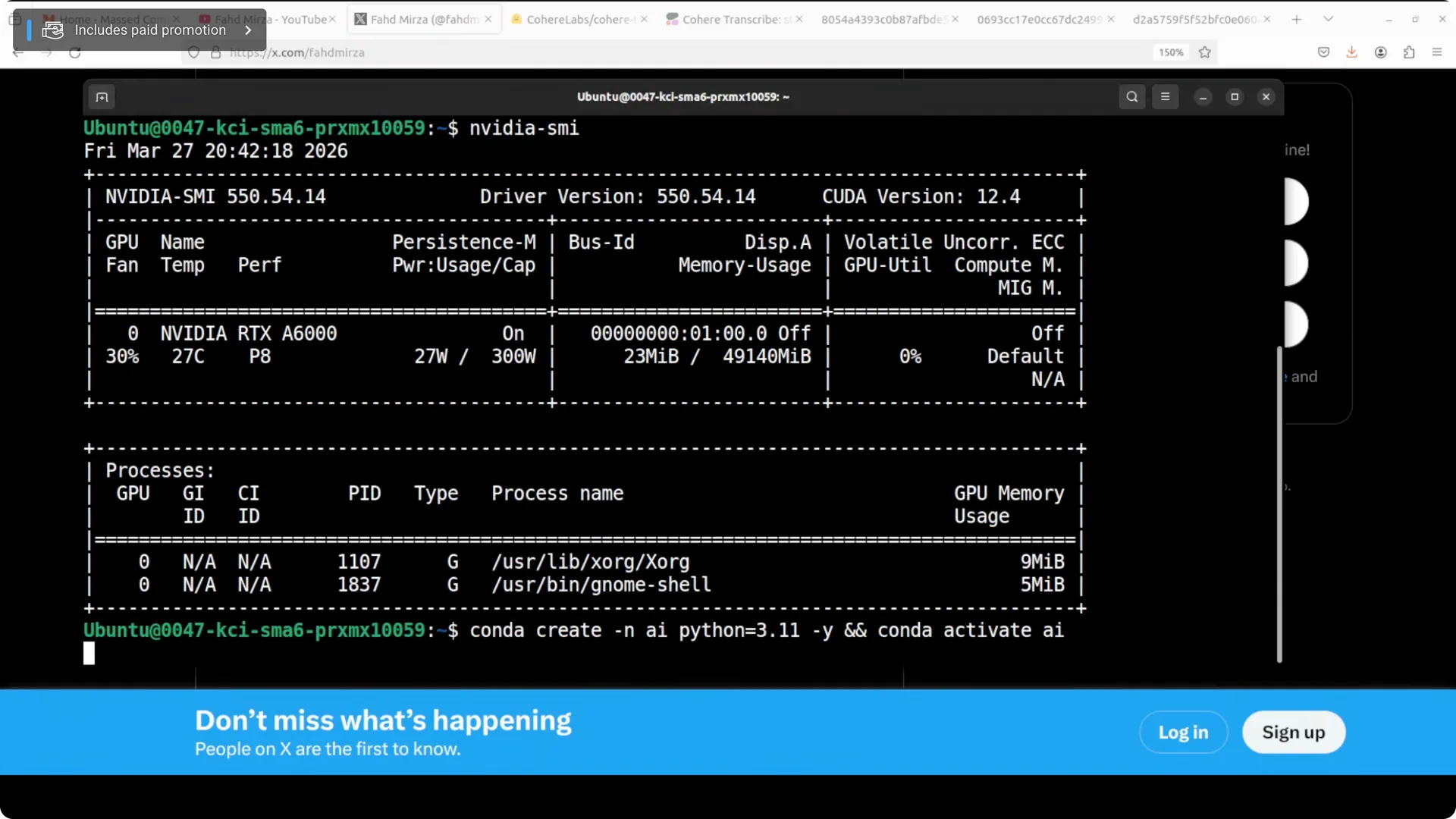
I ran this on Ubuntu with a single Nvidia RTX 6000 48 GB card.
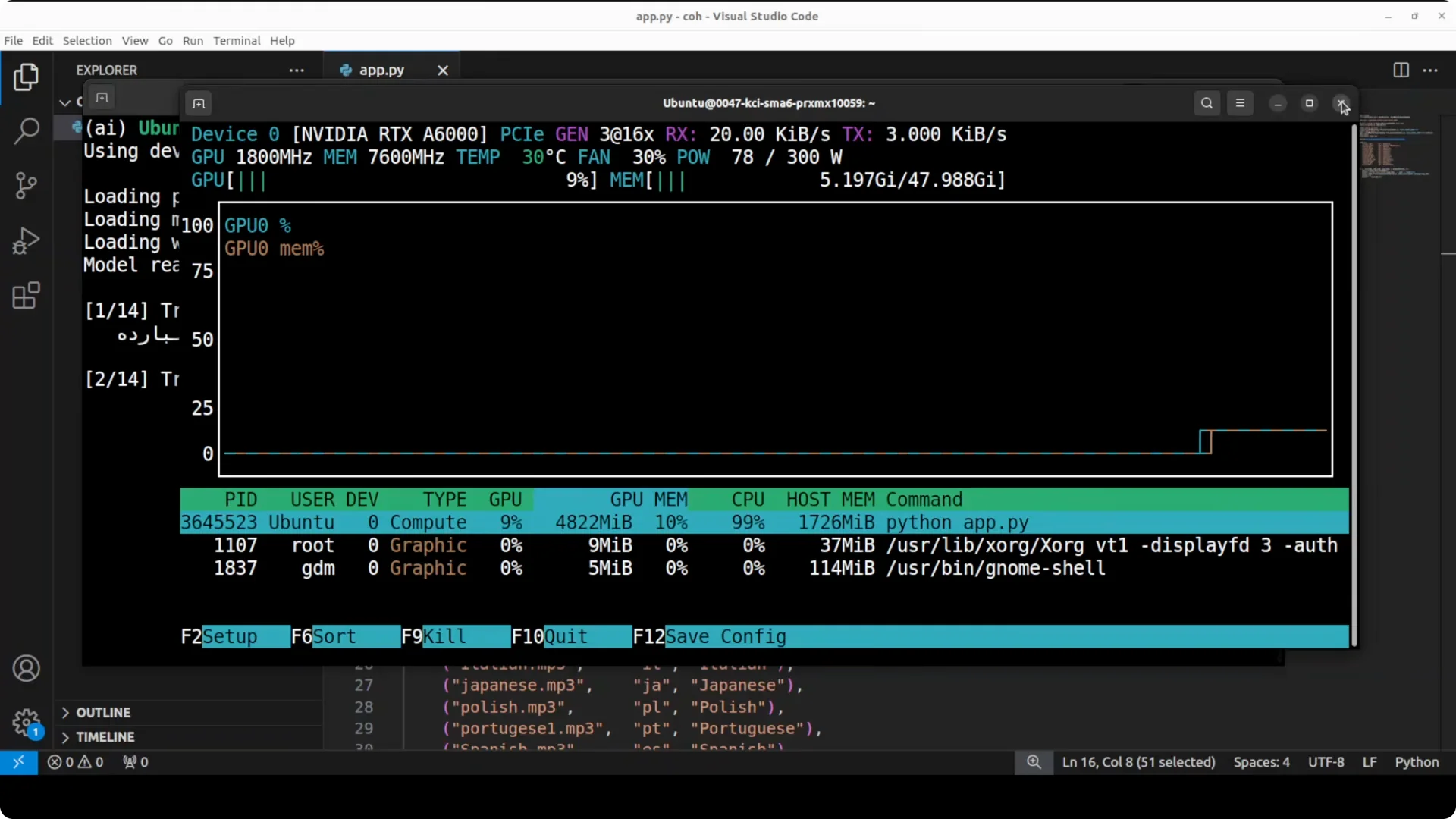
VRAM consumption sat just under 5 GB during end to end transcription for multi language tests. That footprint leaves headroom for batching or longer chunks.
For windowed environments with large memory footprints, see this practical overview of
high memory settings on Windows.
Install locally
Step 1 – Create a clean environment
Use a virtual environment to keep dependencies tidy.
python3 -m venv .venv
source .venv/bin/activate
python -m pip install --upgrade pip
Step 2 – Install PyTorch, Torchaudio, and core libs
Pick the CUDA wheel that matches your Nvidia driver. The example below uses CUDA 12.1. For CPU only, drop the index URL.
# GPU (CUDA 12.1)
pip install --index-url https://download.pytorch.org/whl/cu121 torch torchaudio torchvision

<img src="https://modelscopeai.com/wp-content/uploads/2026/07/cohere-transcribe-accurate-local-asr-for-14-languages-2.webp" alt="Cohere Transcribe: Accurate Local ASR for 14 Languages screenshot 2" style="max-width:100%; height:auto;" />

Common Python deps
pip install -U transformers accelerate datasets huggingface_hub librosa soundfile
If you hit rate limits or auth edge cases during tool setup, these notes on
quota limits and OAuth behavior can help.
Step 3 – Authenticate to Hugging Face
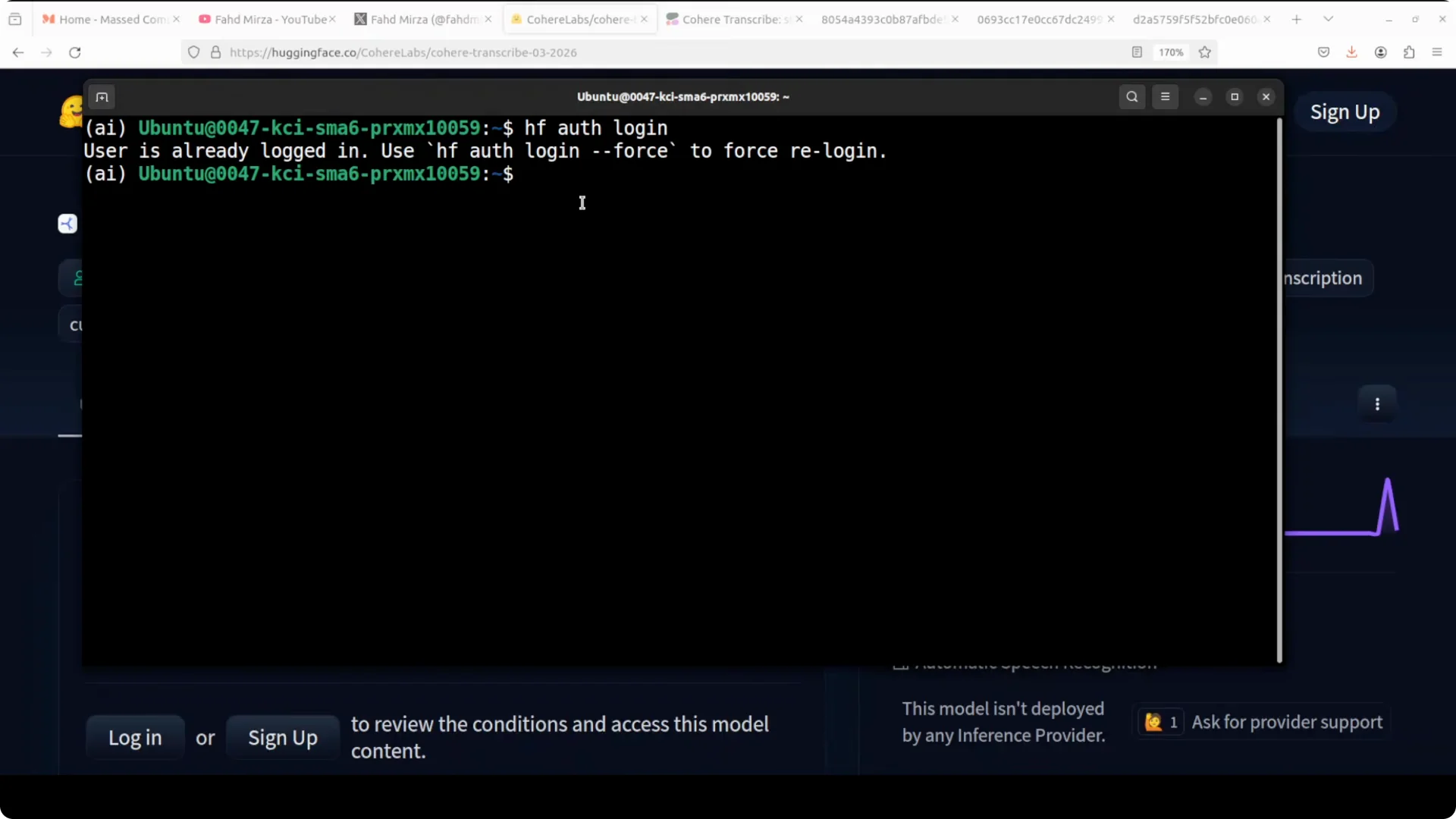
The model is gated. Accept the terms on the model page with your Hugging Face account, then log in from your terminal.
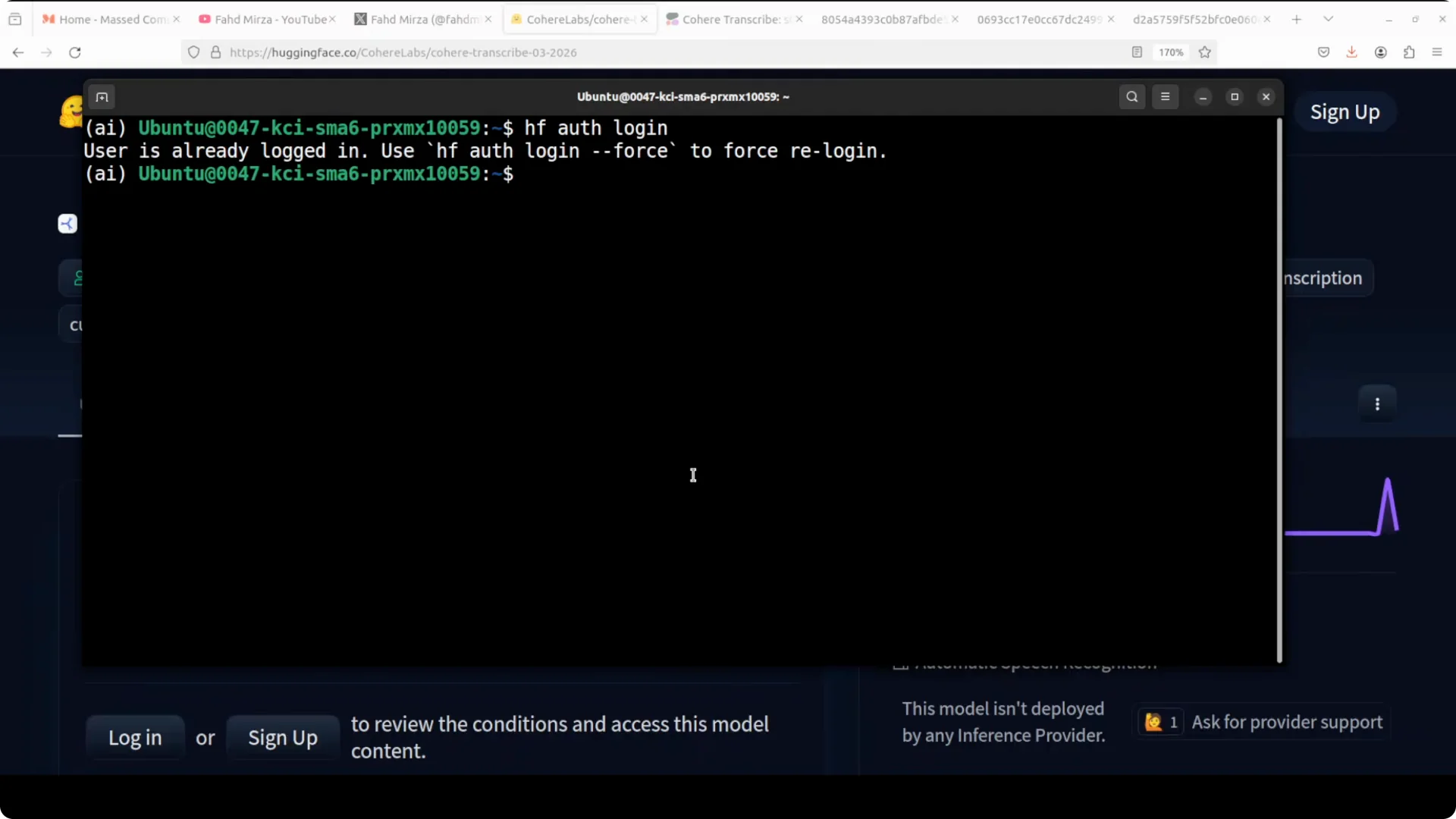
huggingface-cli login
Paste your read token when prompted. You will see a “Logged in as …” confirmation.
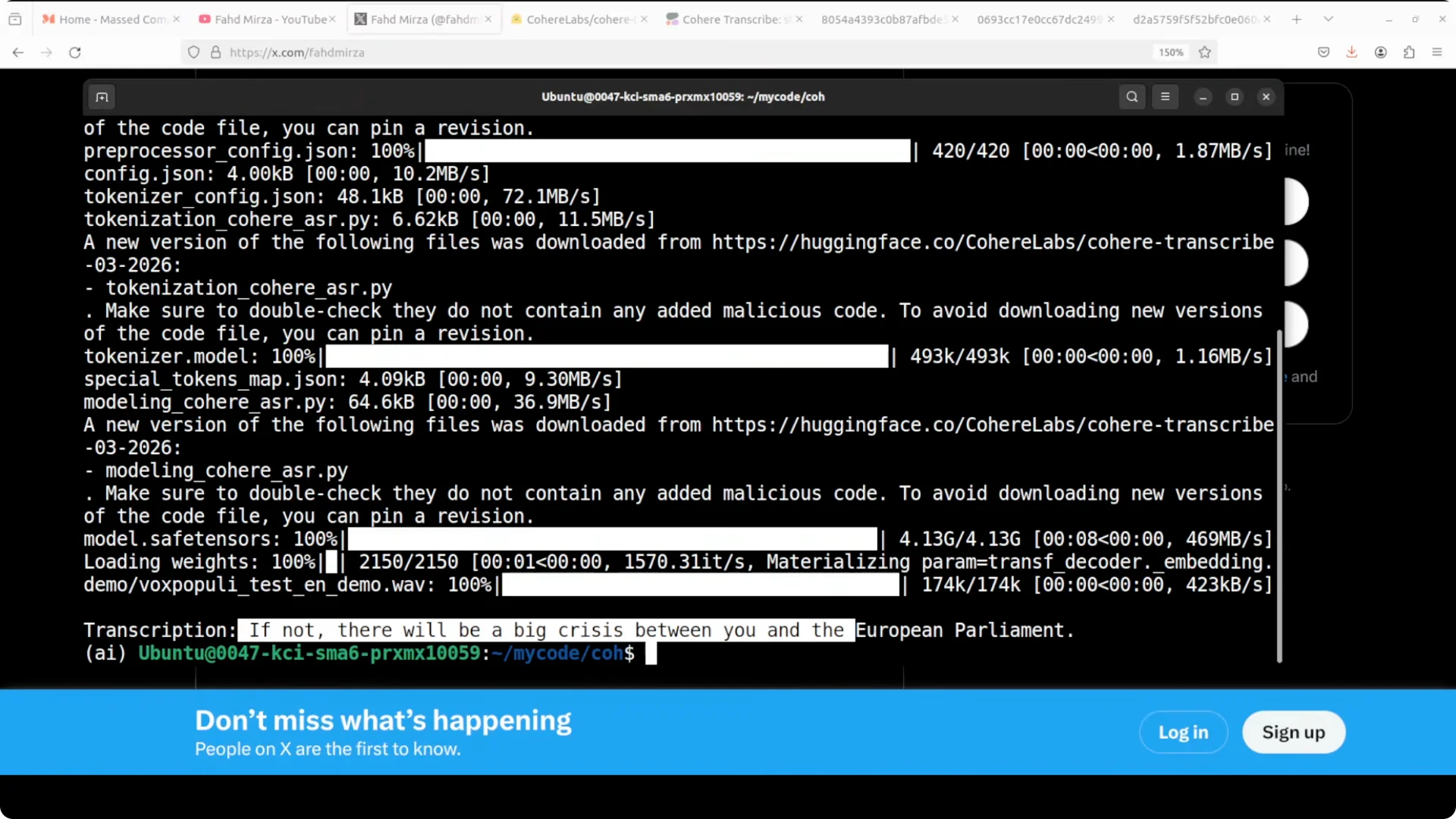
Step 4 – Quickstart transcription
This is the quickest path to get text from an audio file with built in chunking.
from transformers import pipeline
import torch

model_id = "CohereLabs/cohere-transcribe-03-2026"

device = 0 if torch.cuda.is_available() else -1

asr = pipeline(
    task="automatic-speech-recognition",
    model=model_id,
    device=device,
    chunk_length_s=30,     # built-in long audio chunking
    batch_size=16
)

IMPORTANT: set the language explicitly since auto detection is not provided
out = asr("path/to/audio.wav", generate_kwargs={"language": "en"})
print(out["text"])
Step 5 – Fine control with processor and dtype
Load the model and processor explicitly to tune dtype and memory.
import torch
from transformers import AutoProcessor, AutoModelForSpeechSeq2Seq, pipeline

model_id = "CohereLabs/cohere-transcribe-03-2026"
dtype = torch.float16 if torch.cuda.is_available() else torch.float32

model = AutoModelForSpeechSeq2Seq.from_pretrained(
    model_id,
    torch_dtype=dtype,
    low_cpu_mem_usage=True
)

processor = AutoProcessor.from_pretrained(model_id)

if torch.cuda.is_available():
    model = model.to("cuda")

asr = pipeline(
    "automatic-speech-recognition",
    model=model,
    tokenizer=processor.tokenizer,
    feature_extractor=processor.feature_extractor,
    chunk_length_s=30,
    batch_size=16,
    return_timestamps=False,
    device=0 if torch.cuda.is_available() else -1
)

Set a supported language code such as en, fr, de, es, ar, vi, ko, ja, pl, pt, nl, el
result = asr("path/to/audio.wav", generate_kwargs={"language": "en"})
print(result["text"])
If your stack mixes LLMs and ASR on the same GPU, a compact local LLM like
Zaya1 8B for local intelligence can keep memory use balanced.
Multilingual coverage
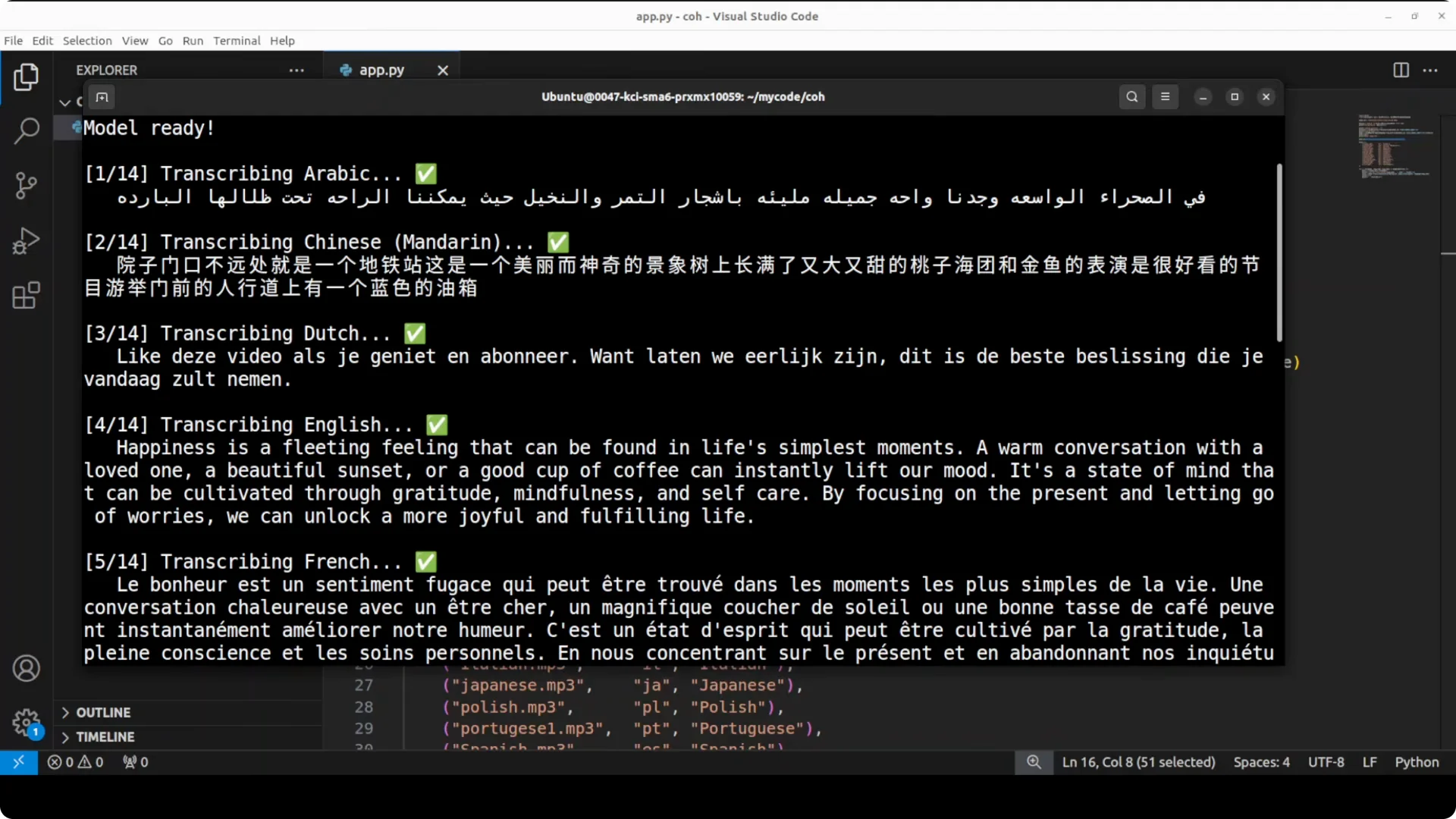
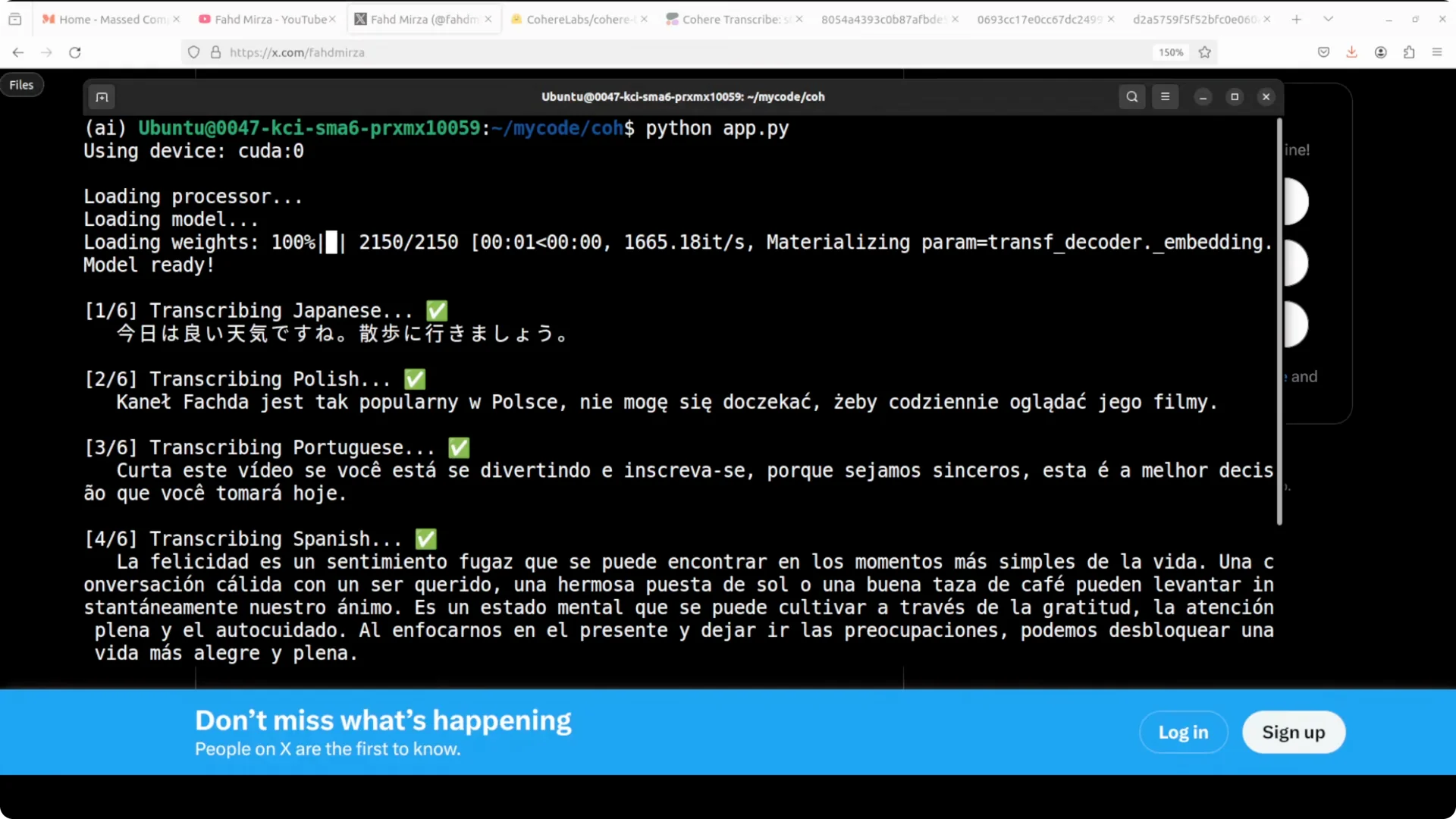
The supported set spans Arabic through various European languages, plus Southeast Asian Vietnamese, Korean, Spanish, Polish, Japanese, Portuguese, Dutch, Greek, German, French, and English. With explicit language selection, the model stays stable and produces strong results. That aligns with the reported benchmark spread.
If you prefer to stage audio jobs across machines and hit cloud APIs only for uploads, these notes on
fixing sudden quota reductions can save time during rollout.
Known gaps and practical workarounds
No language detection means you should set the language each time. A simple wrapper that maps file paths or folders to language codes will keep runs consistent.
No timestamps or diarization means you need an external timing or speaker pass. You can segment audio first, then feed segments to this model for stable content and keep timing from the segmenter.
Silence can cause hallucinations. Trim leading and trailing silence, and apply a basic VAD pass on long meetings before transcription to reduce blank spans.
Performance and memory
Model weights load quickly and stay steady on GPU. I measured
just under 5 GB of VRAM with 30 second chunks and a batch size of 16, which is comfortable for single GPU workstations. Built in chunking kept throughput smooth on long files.
For broader local orchestration beyond ASR, a small host tool can help manage models and prompts; see this compact
local assistant workflow for a simple launcher approach.
Practical use cases
Meeting notes transcription across English, French, German, Spanish, and Arabic with long recording stability. Media subtitling where you do your own timing and feed content chunks here for consistent text. Call review or QA where diarization runs upstream and this model focuses on high quality text.
Troubleshooting
If the login prompt is not found, confirm that your shell sees the Hugging Face binary with
which huggingface-cli. If downloads throttle or fail, re run
huggingface-cli login and verify the token scope. For rate or token issues tied to OAuth or service limits, these
quota and OAuth pointers are handy.
On Windows with large temp files and paging during long recordings, revisit
high memory Windows tips to avoid swapping. If you see API quotas dip during CI or shared runners, apply the steps in
this quota reduction fix.
Final thoughts
CohereLabs’ transcribe model is a fast, open, conformer based ASR that performs strongly across 14 languages with low VRAM needs and clean long audio handling. Just remember to set the language, and plan for your own timestamps and diarization if you need them. For a local-first stack that pairs ASR with compact LLMs, consider a lightweight runner and models like
Zaya1 8B or a simple
local assistant tool to keep everything on your machine.