Retrieval augmented generation breaks when a question needs multiple pieces of evidence, and the fix is to add Chroma Context 1 as a dedicated retrieval model that decomposes the query, searches iteratively, prunes irrelevant chunks, and returns a ranked set of relevant documents. Pair those retrieved chunks with a strong frontier model to produce the final grounded answer, which gives you quality on par with much larger systems at a fraction of cost and latency.
Install Context 1 locally, load your corpus, pass the entire document set with the user query to Context 1, take the ranked chunk IDs and their justifications, extract those chunks, and send only that context to your chosen frontier model like MiniMax M2.7 through an Anthropic compatible SDK. Context 1 does not answer questions by itself by design, it only retrieves the right context, and that architectural split is the key to reliable RAG.
Why single pass RAG fails
Most RAG stacks do a one shot similarity search and hope the top K chunks cover the whole question. The moment your question requires chaining facts from different sections, single pass retrieval misses critical pieces. That is the nuanced failure mode Chroma targeted.
What Context 1 is
Chroma released a 20 billion parameter open weight model trained specifically for retrieval. It acts as a search sub agent that decomposes the query, alternates search terms, prunes its own context window, and explains why documents are relevant. The result is retrieval quality that matches far larger models at a fraction of cost and latency.
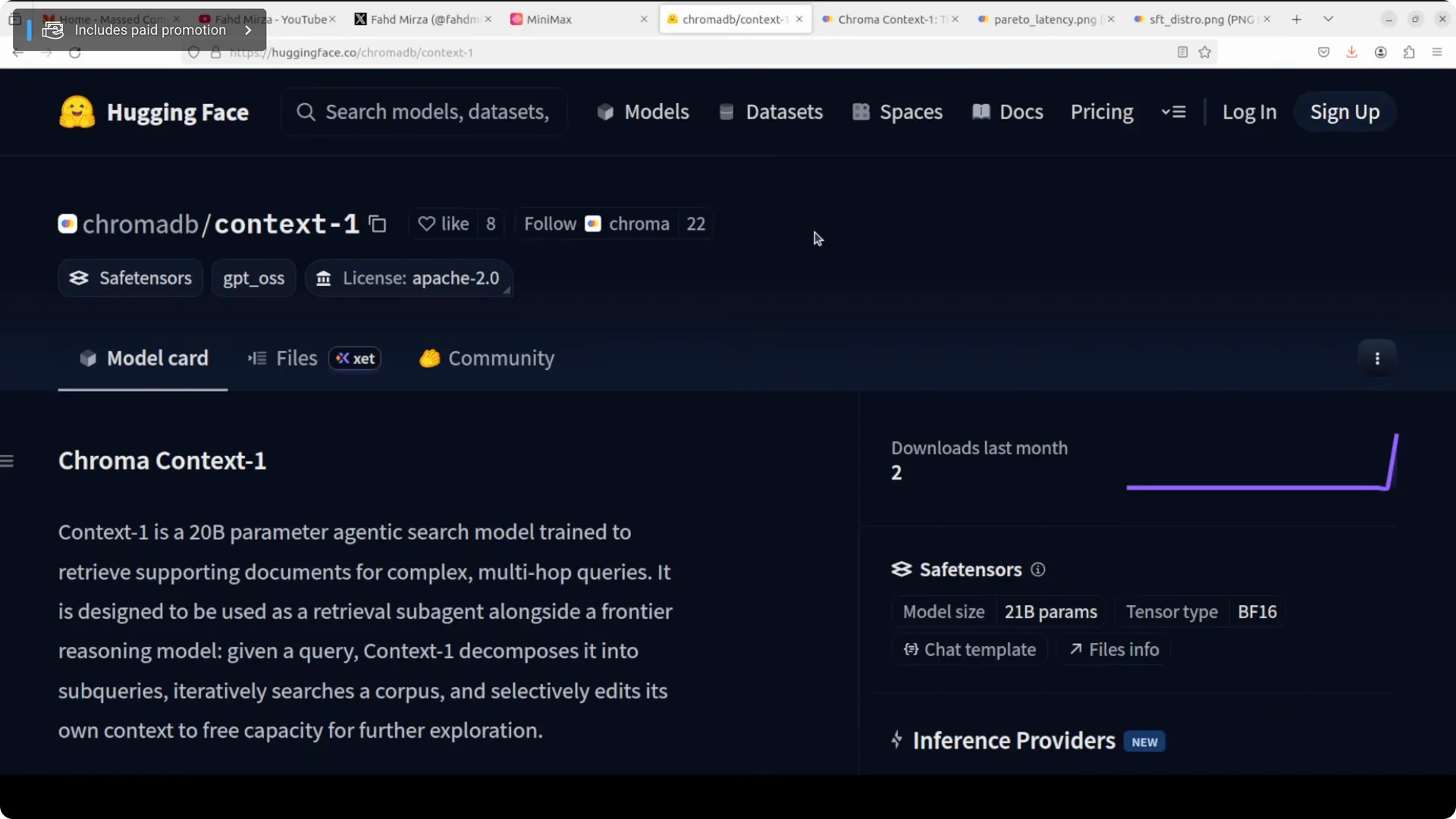
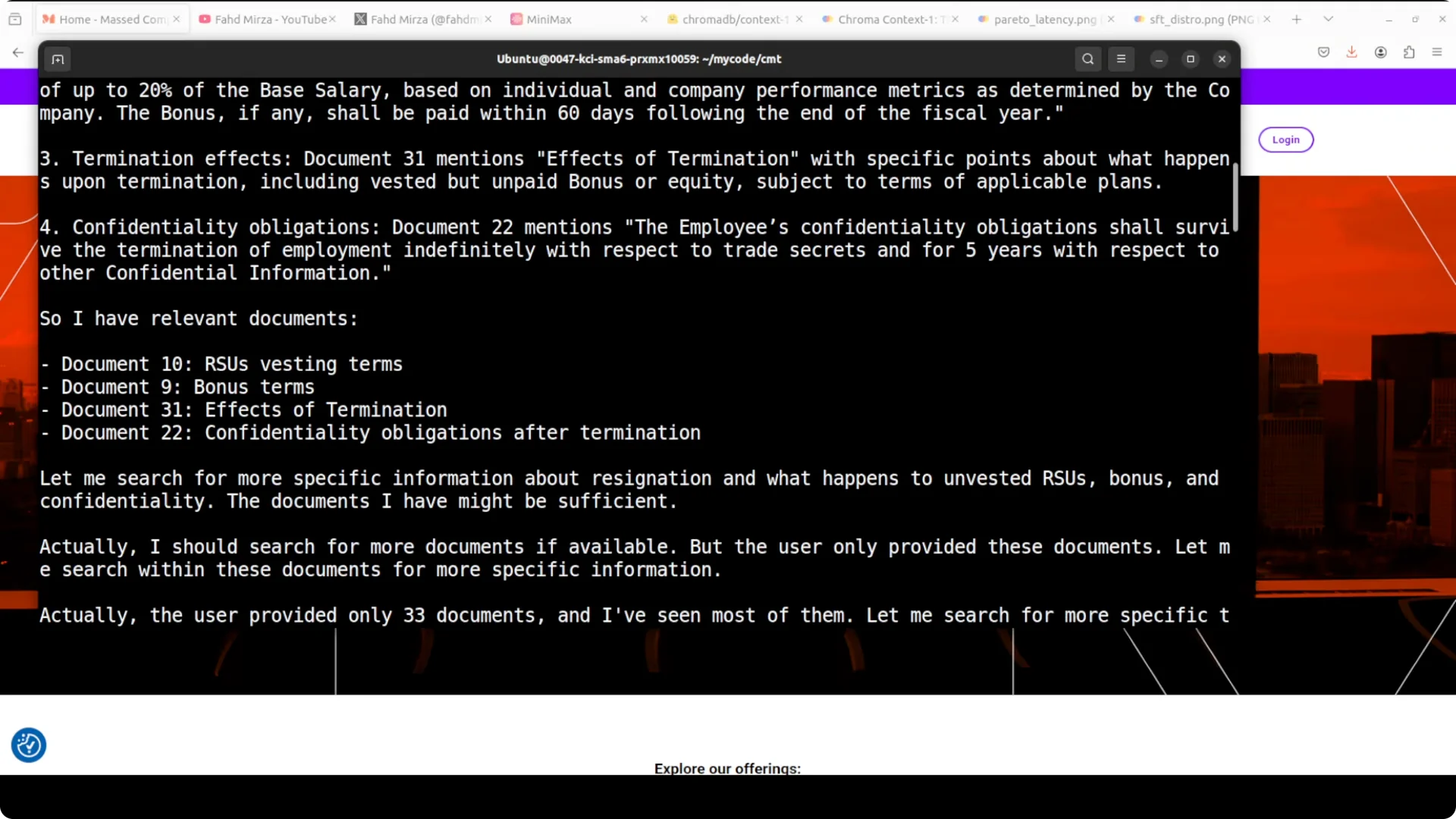
It actively reflects on its own retrieval by searching again and checking the earlier result. It outputs a ranked list of document IDs with reasoning but does not answer the question itself. That separation is by design.
It is heavy on VRAM when loaded at full precision. On an RTX A6000 with 48 GB VRAM, I observed around 43 GB while running. Plan about 42 GB of disk space for weights and artifacts.
Read More: tips for Gemini model switching
System setup
Requirements
I used Ubuntu with an NVIDIA GPU. If you want smooth full precision inference, target a card with around 48 GB VRAM. Have at least 42 GB of free disk space for the model.
Create a Python environment
Use a fresh virtual environment to keep dependencies clean. Activate it before installing packages.
python -m venv .venv
source .venv/bin/activate
python -m pip install --upgrade pip
Install prerequisites
Install PyTorch, Transformers, and common inference deps. Pick the correct PyTorch build for your CUDA setup.
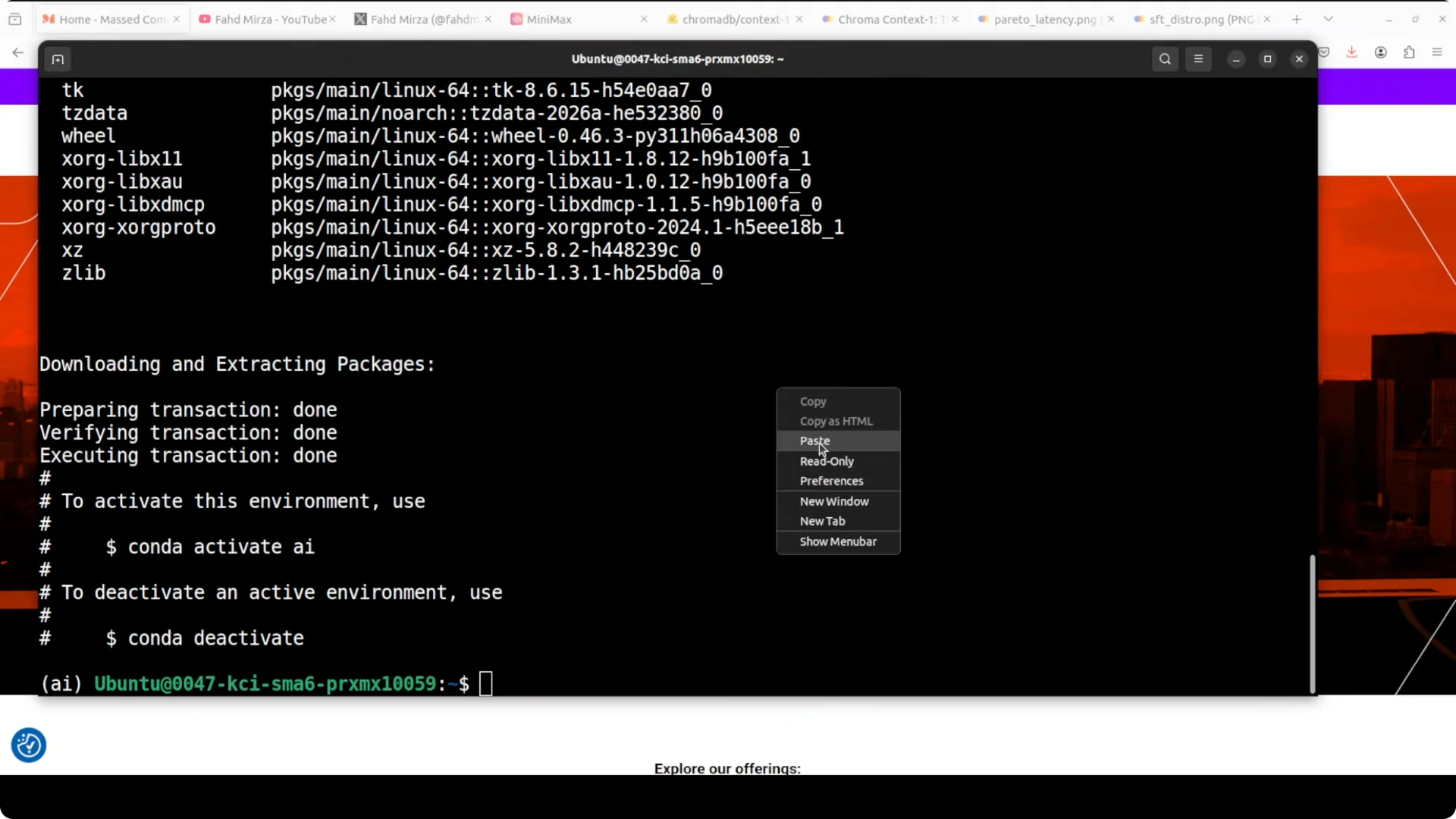
# Example for CUDA 12.1. Adjust index URL for your CUDA version.
pip install --index-url https://download.pytorch.org/whl/cu121 torch torchvision torchaudio

pip install transformers accelerate bitsandbytes sentencepiece safetensors huggingface_hub chromadb
If you prefer CPU only for testing the API surface, install the CPU PyTorch build. For GPU inference at scale, stick to CUDA builds.
Get the model from Hugging Face
You can clone with Git LFS or use snapshot download. Make sure you have enough disk space.
sudo apt-get update
sudo apt-get install -y git-lfs
git lfs install
git clone https://huggingface.co/chromadb/context-1
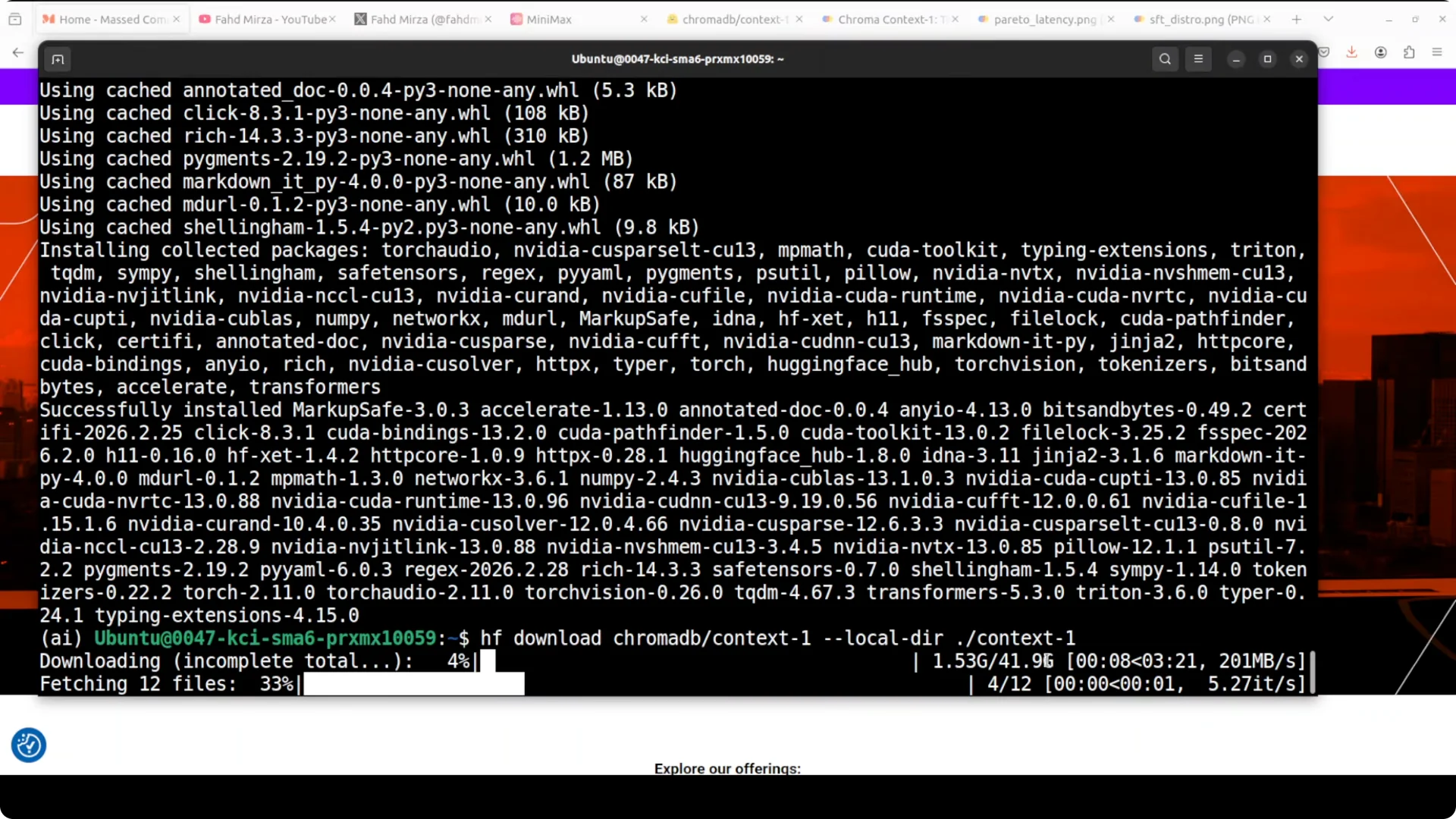
Or:
python -c "from huggingface_hub import snapshot_download; snapshot_download('chromadb/context-1')"
Read More: troubleshooting a Gemini endpoint swap
Configure the frontier model API
I paired Context 1 with MiniMax M2.7 via Anthropic compatible endpoints. Install the SDK and set your environment variables.
pip install anthropic
export ANTHROPIC_BASE_URL="https://api.minimax.chat/v1"   # example placeholder
export ANTHROPIC_API_KEY="your_minimax_api_key"
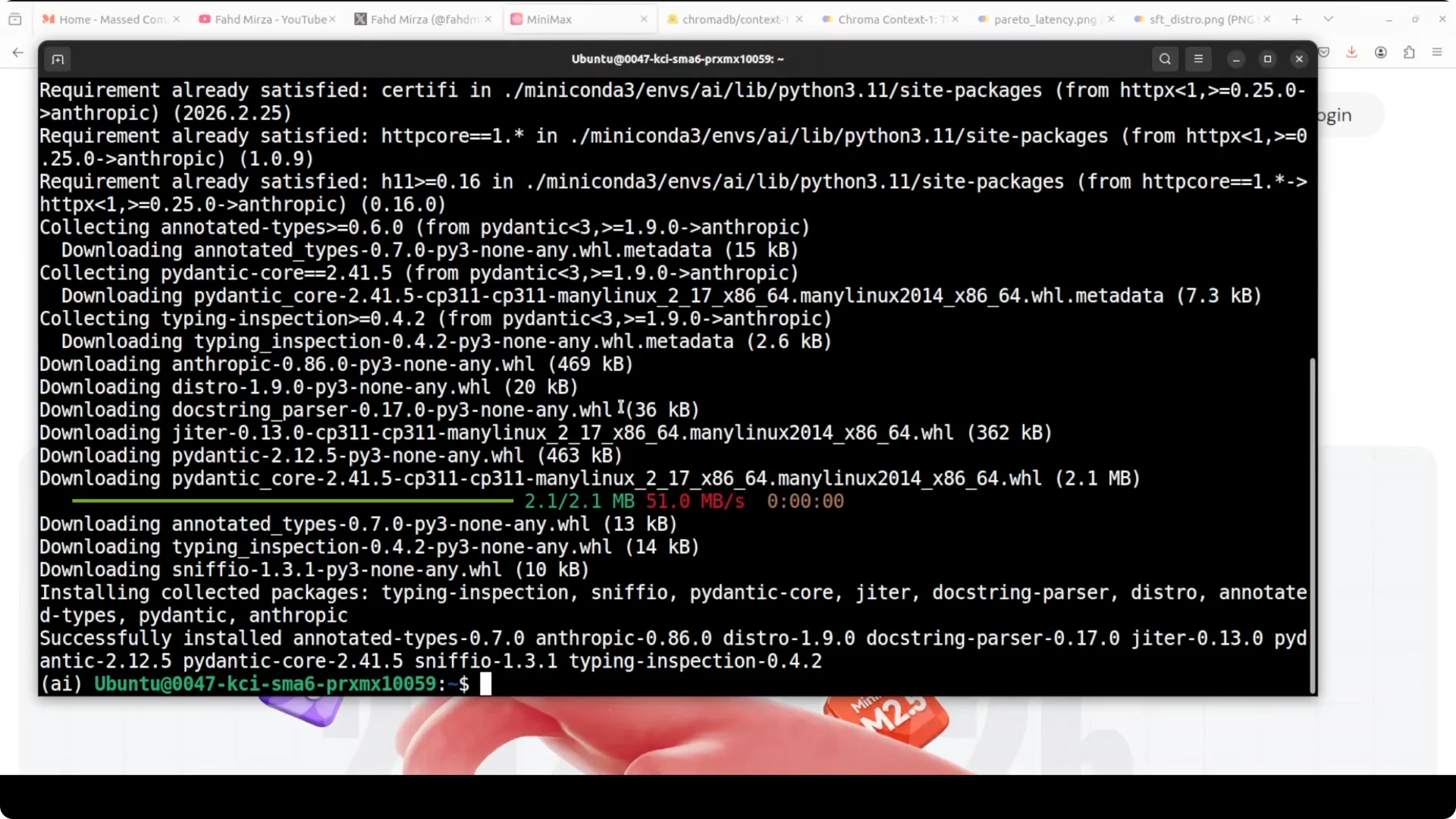
You can swap MiniMax with any frontier model you trust. For a local stack, consider a strong open source option like Qwen.
End to end retrieval to answer pipeline
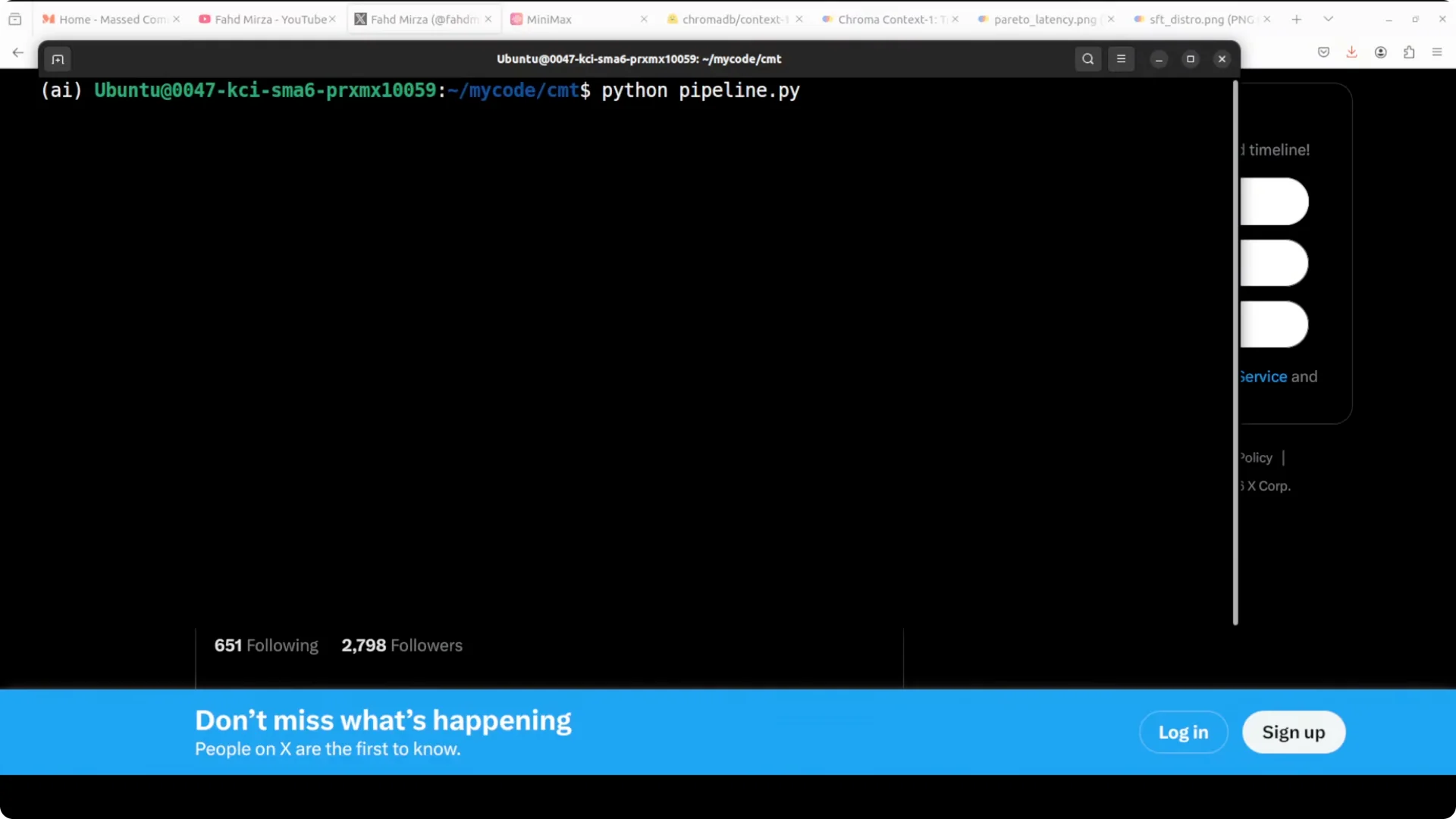
Load Context 1
Load the tokenizer and model to GPU. Full precision loads can be bfloat16 on modern GPUs.
import os
import json
import torch
from transformers import AutoTokenizer, AutoModelForCausalLM

MODEL_ID = "chromadb/context-1"

tokenizer = AutoTokenizer.from_pretrained(MODEL_ID, trust_remote_code=True)
model = AutoModelForCausalLM.from_pretrained(
    MODEL_ID,
    torch_dtype=torch.bfloat16,
    device_map="auto",
    trust_remote_code=True
).eval()
Prepare your corpus
Split your documents into section level chunks and assign stable IDs. Keep chunks small enough to fit as candidates in the retrieval prompt.
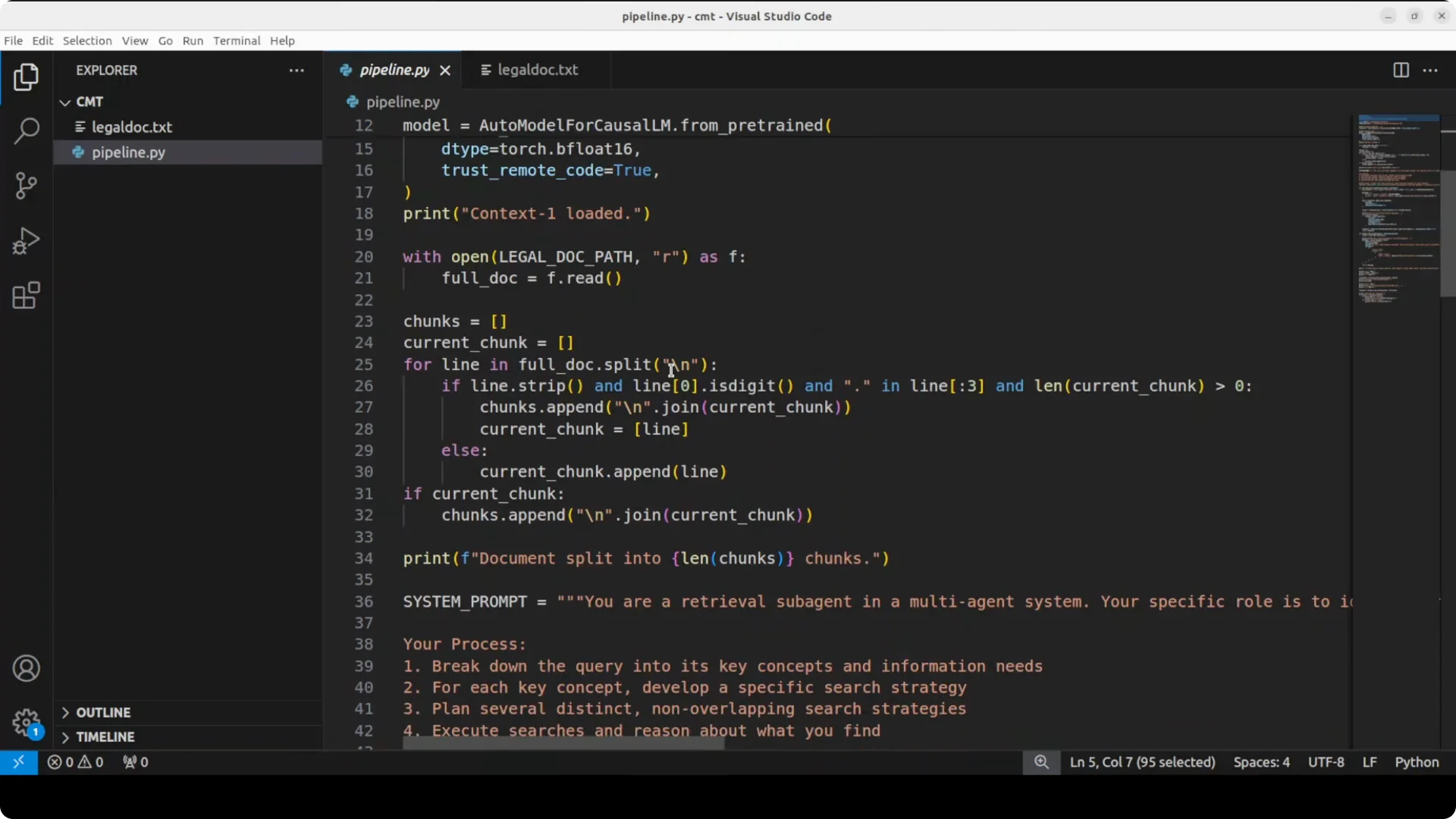
def chunk_text(text, max_tokens=350):
    sentences = text.split(". ")
    chunks, buf = [], []
    count = 0
    for s in sentences:
        tok = tokenizer.encode(s, add_special_tokens=False)
        if count + len(tok) > max_tokens and buf:
            chunks.append(". ".join(buf).strip())
            buf, count = [], 0
        buf.append(s)
        count += len(tok)
    if buf:
        chunks.append(". ".join(buf).strip())
    return chunks

doc_id = "employment_agreement_v1"
raw_text = open("employment_agreement.txt", "r", encoding="utf-8").read()
chunks = chunk_text(raw_text)
candidates = [{"id": f"{doc_id}_{i}", "text": c} for i, c in enumerate(chunks)]
Prompt Context 1 for retrieval
Context 1 is a retrieval model. Give it the user query and the candidate list, and ask for a ranked JSON list of IDs with brief reasons.
def build_retrieval_prompt(query, candidates, top_k=8):
    header = (
        "You are a retrieval model. Decompose the query into sub questions, "
        "reason over the candidate chunks, and return a JSON object with keys "
        '"results": [{"id": "...","reason": "..."}] of the top relevant chunks. '
        f"Only include the top {top_k} unique IDs. Do not answer the query.\n\n"
    )
    q = f"Query:\n{query}\n\n"
    cat = []
    for c in candidates:
        cat.append(f"ID: {c['id']}\nTEXT: {c['text']}\n")
    body = "Candidates:\n" + "\n".join(cat) + "\n\nReturn only JSON."
    return header + q + body

def generate(model, tokenizer, prompt, max_new_tokens=1024):
    inputs = tokenizer(prompt, return_tensors="pt").to(model.device)
    with torch.no_grad():
        out = model.generate(
            **inputs,
            max_new_tokens=max_new_tokens,
            temperature=0.0,
            do_sample=False
        )
    text = tokenizer.decode(out[0], skip_special_tokens=True)
    # Strip the prompt if the model echoes it
    return text[text.rfind("}"):].strip() if "}" in text else text

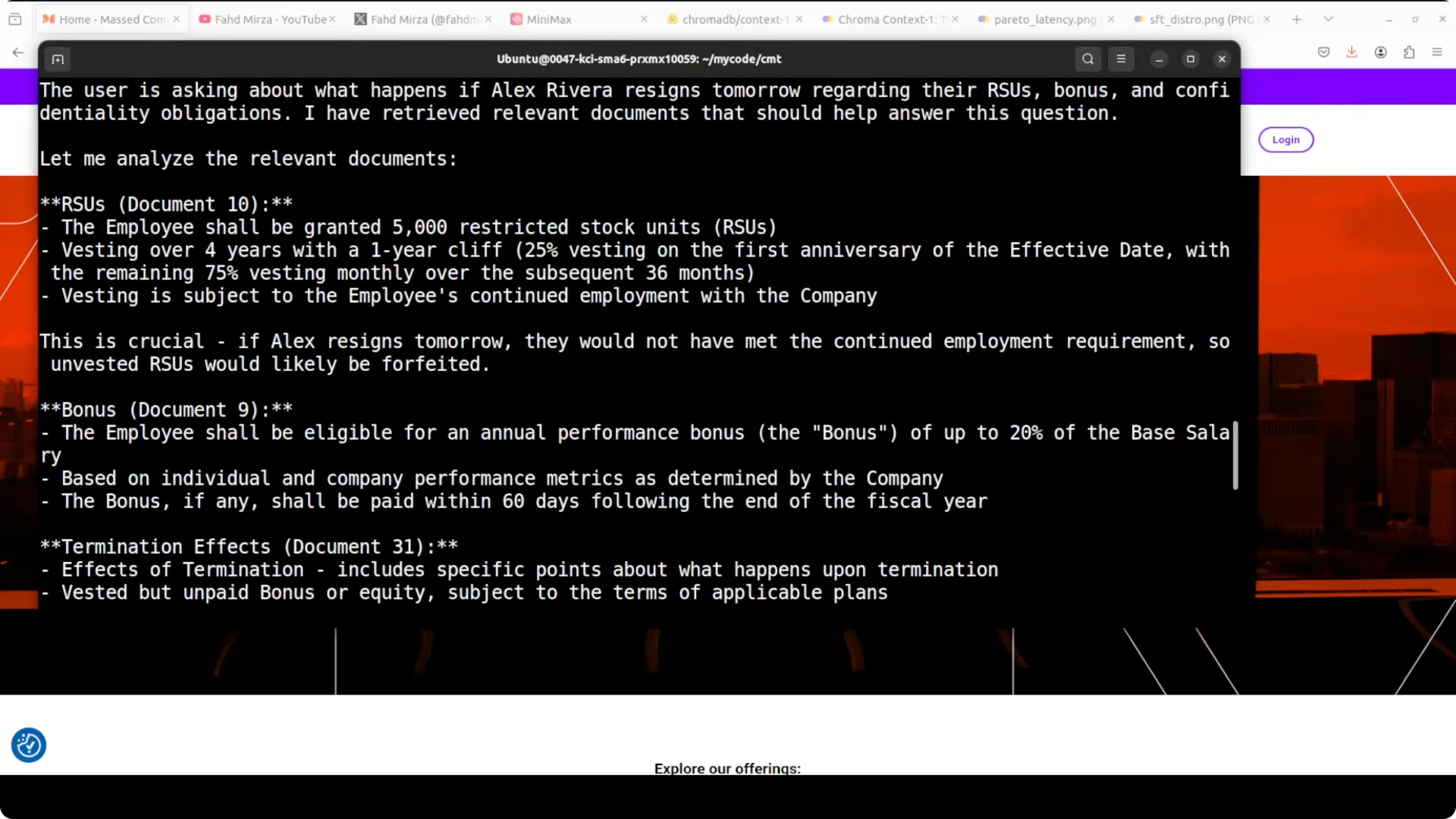
user_query = "If an employee resigns tomorrow, what happens to their bonus and related compensation?"
prompt = build_retrieval_prompt(user_query, candidates, top_k=8)
raw = generate(model, tokenizer, prompt)

<img src="https://modelscopeai.com/wp-content/uploads/2026/07/how-chroma-context-1-transforms-rag-pipeline-workflows-8.webp" alt="How Chroma Context-1 Transforms RAG Pipeline Workflows? screenshot 8" style="max-width:100%; height:auto;" />

def parse_results(raw):
    try:
        # Extract JSON block
        start = raw.find("{")
        end = raw.rfind("}") + 1
        data = json.loads(raw[start:end])
        return data.get("results", [])
    except Exception:
        return []

results = parse_results(raw)
top_ids = [r["id"] for r in results]
selected = [c for c in candidates if c["id"] in top_ids]
context_text = "\n\n".join([f"[{c['id']}]\n{c['text']}" for c in selected])
Send retrieved context to the frontier model
Only send the selected chunks to the frontier model. That keeps answers grounded and reduces tokens.
from anthropic import Anthropic

client = Anthropic(
    api_key=os.environ.get("ANTHROPIC_API_KEY"),
    base_url=os.environ.get("ANTHROPIC_BASE_URL")
)

system_prompt = (
    "Answer the user's question using only the provided context. "
    "Cite the chunk IDs you used."
)
messages = [
    {"role": "user", "content": f"Context:\n{context_text}\n\nQuestion:\n{user_query}"}
]

resp = client.messages.create(
    model="MiniMax-M2.7",  # example name as used on your provider
    max_tokens=800,
    system=system_prompt,
    messages=messages,
    temperature=0.0
)

answer = resp.content[0].text if hasattr(resp, "content") else str(resp)
print(answer)
Monitor VRAM during load
You can watch memory while the model loads and runs. Keep an eye on peaks.
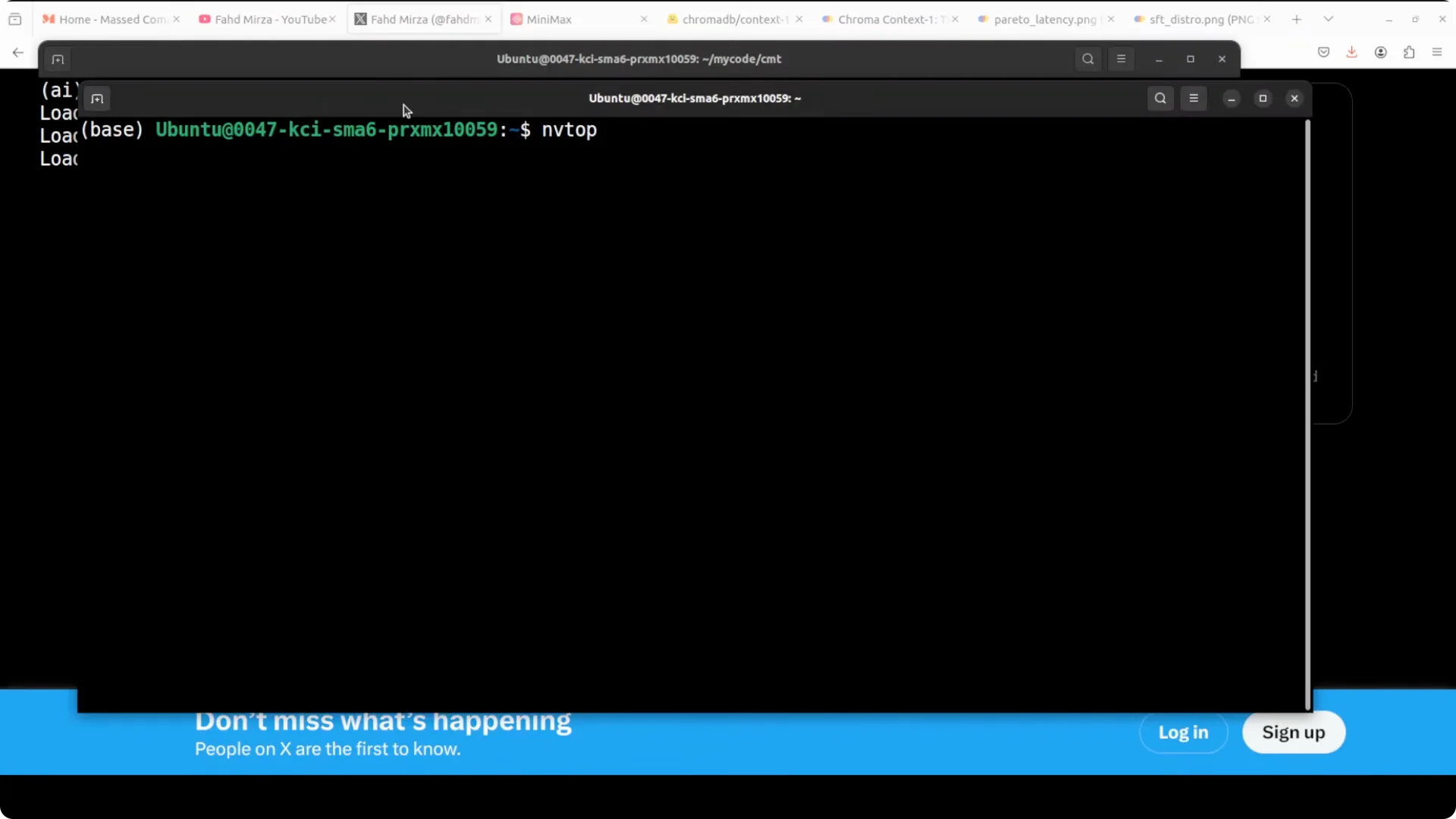
watch -n 1 nvidia-smi
Read More: managing model switch issues on Gemini
Performance and operating notes
Token budget and pruning
Context 1 actively prunes its working set as it reasons over candidates. That helps it stay within the context window while preserving the most useful spans. You still control final top K.
Cost and latency
Only the retrieved chunks move into the answer model. That reduces API tokens, improves latency, and improves answer grounding for clients. You can also cache retrieval outputs to save cost.
Read More: endpoint swap tips for production workflows
Planned orchestration layer from Chroma
Chroma mentions an upcoming orchestration layer for Context 1. It will manage token budget, context pruning, deduplication, and the multi turn search loop the model was trained on. What you saw above is already a workable approximation.
Read More: notes on quota constraints that affect reliability
Use cases that benefit most
Legal contracts and employment agreements where compensation, termination, and exceptions are scattered across sections. Company policies and HR handbooks that need cross section reasoning for eligibility and compliance. Technical documentation and release notes where features, flags, and footnotes live in different chapters.
Customer support knowledge bases where procedures reference prerequisite articles and attachments. Financial product terms that span definitions, schedules, and annexes. Research workflows that need evidence from multiple papers or sections to support a single answer.
Troubleshooting
Out of memory on GPU
If you hit OOM, try loading in 8 bit with bitsandbytes. You can also reduce max candidates per prompt or lower max tokens.
model = AutoModelForCausalLM.from_pretrained(
    MODEL_ID,
    load_in_8bit=True,
    device_map="auto",
    trust_remote_code=True
)
If memory is still tight, run retrieval on a dedicated GPU and send compact IDs to a separate node for answering. You can also split your corpus into collections and search them sequentially.
Output parsing
Constrain the model to return JSON and validate strictly. If the output includes extra text, extract the JSON block with simple bounds checks as shown above.
Final thoughts
Context 1 fixes the brittle part of RAG by treating retrieval as its own reasoning problem. It decomposes, searches, prunes, and returns only what the answer model needs. Paired with a solid frontier model, you get grounded answers, lower token bills, and faster responses.
Resources
Official model page: https://huggingface.co/chromadb/context-1