How to fix Account restricted without warning for Google AI Ultra and OpenClaw in Antigravity?

Featured

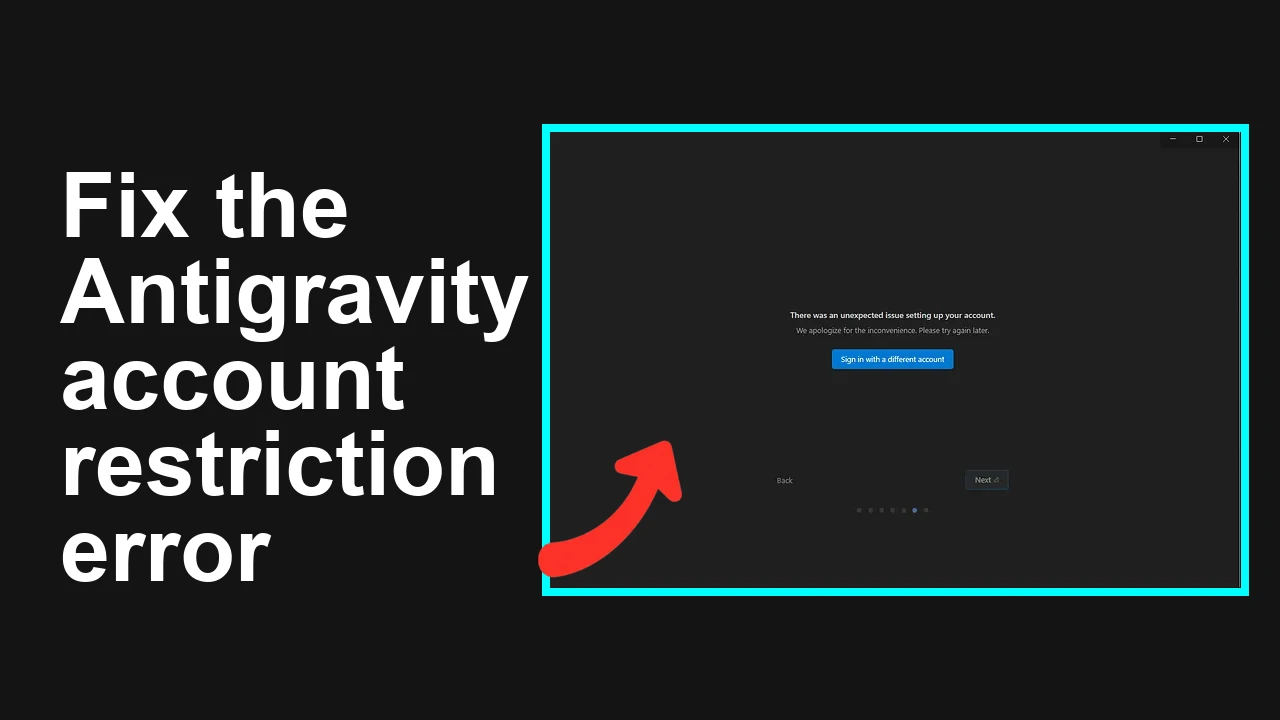
Your Google AI Ultra account was suddenly restricted after connecting Gemini models through a third party OAuth app, and you received no warning. You cannot sign in to the app to submit feedback, and support has not replied. Google AI Ultra account restricted after OpenClaw OAuth You connected Gemini through a third party OAuth integration … Read more

How to fix HTTP 500 Internal Server Error for a specific Google Workspace user in Antigravity?

Featured

You are hitting an HTTP 500 Internal Server Error in Antigravity for one Google Workspace user after a primary email rename. Other accounts in the same environment work, which strongly indicates an identity and token mapping issue for that specific user. HTTP 500 only for one Workspace user after primary email rename in Antigravity The … Read more

How to fix Agent executor error and Message truncation failure in Antigravity?

Featured

Your agent crashes with a truncation failure during execution. The log shows agent executor error: could not convert a single message before hitting truncation on version 1.20.5. Agent executor message truncation failure on v1.20.5 You are seeing intermittent failures where the agent cannot even convert the first chat message because the conversation is already beyond … Read more

How to Install and Use Claude Code in Antigravity?

How to Install and Use Claude Code in Antigravity? - Featured Image

The quick answer for how to install Claude Code in Antigravity is this. Download and install Antigravity from antigravity.google.com, open the app, install the Claude Code extension, open a project folder, start a new Claude chat, switch to Auto mode, paste a professional prompt, and let it build the project. That covers both how to … Read more

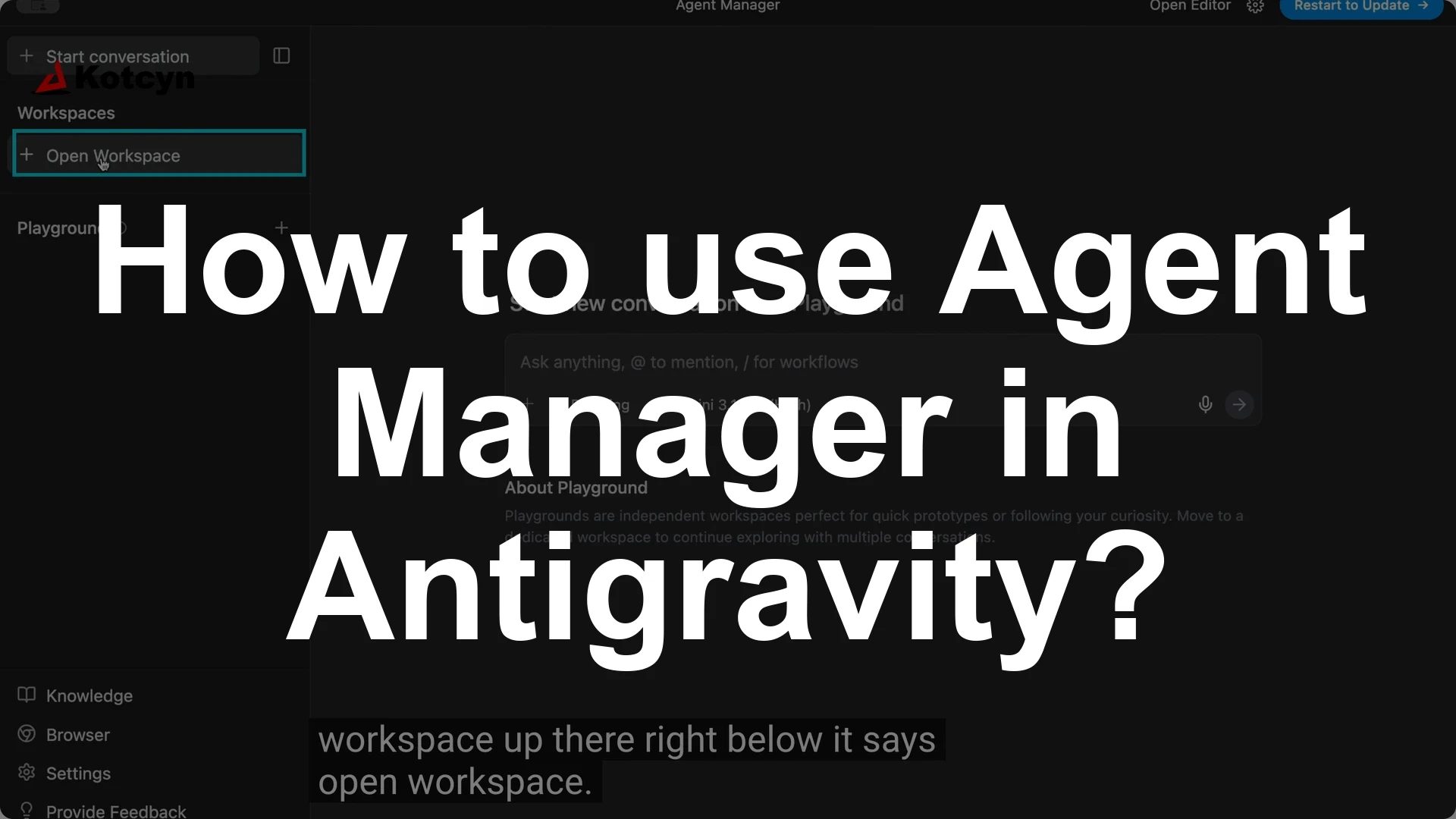
How to use Agent Manager in Antigravity?

How to use Agent Manager in Antigravity? - Featured Image

You can create multiple agents in Google Anti-gravity inside your workspace by opening Agent Manager, opening a workspace, and starting a new conversation for each agent. Click Open Agent Manager, click Open workspace, then click Open new workspace, and use Start conversation to add your first agent, then click Start conversation again for each additional … Read more