
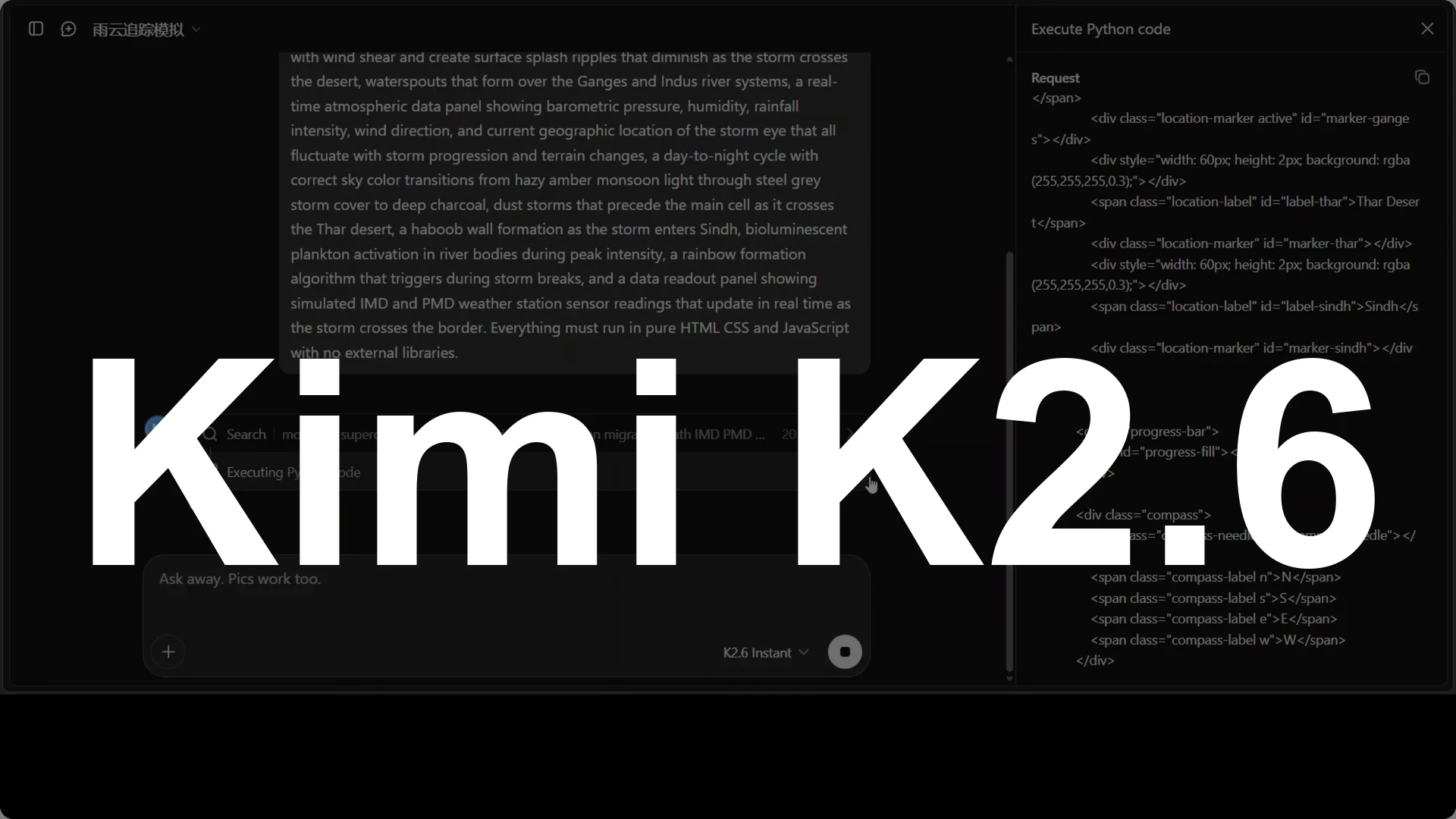
Gemini K2.6 is a Mixture of Experts model with 1 trillion total parameters where only 32 billion are active per token, 61 layers, a 256K token context, and a built-in vision encoder MoonWit for native image and video understanding. It runs tool use that includes authentic web search and executes Python in its own sandbox, supports int4 quantization for easier local deployment, and offers instant mode and thinking mode for speed or depth. In my tests it delivered a real-time coding simulation in a single HTML file, strong multilingual generation across 80 languages, precise OCR plus geopolitical reading in Arabic, and meticulous transcription and analysis of 28 handwritten physics equations.
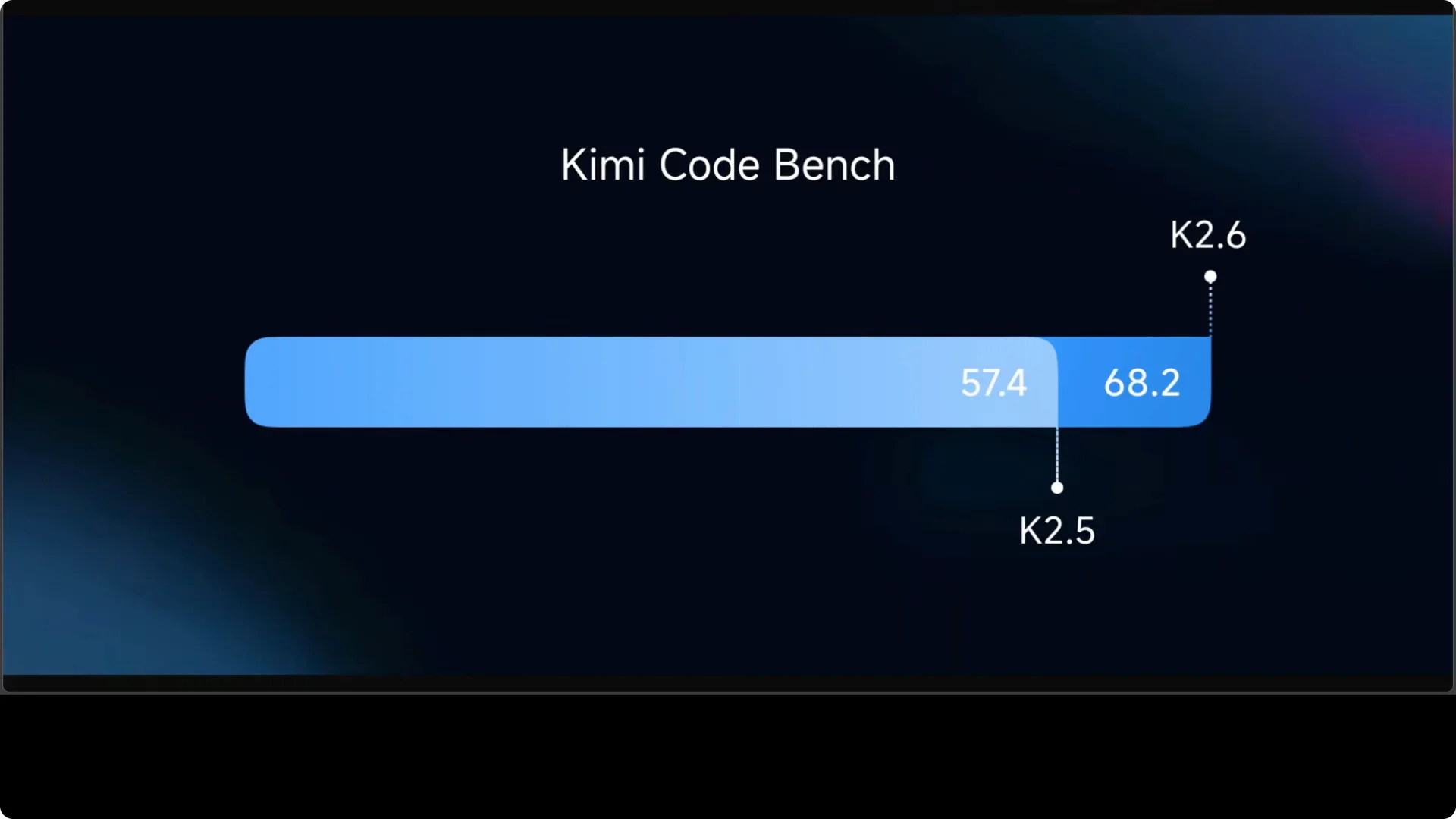
On benchmarks the jump is clear: Codebench moves from 57.4 to 68.2 percent, roughly an 18 percent improvement on real-world coding tasks that include repo level reasoning. The clearest difference from K2.5 is language quality: translations feel culturally tuned, reasoning reads clean and grounded, and humor lands without losing clarity. That points to a meaningful architectural or training breakthrough that shows up in day one tasks, not just synthetic scores. For broader context, see head to head results across top models here: broader head-to-head results.
Model basics
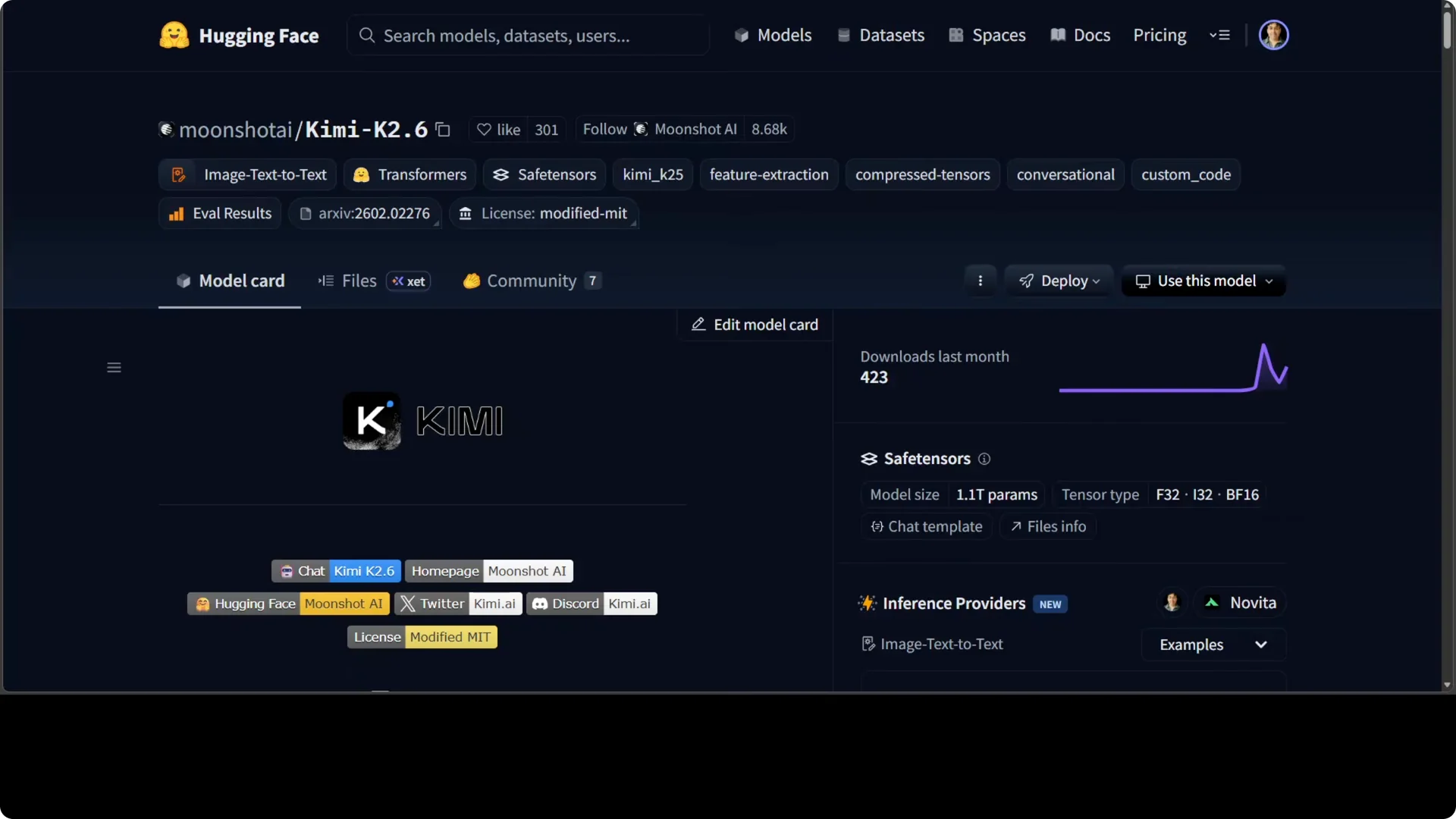
It routes each token through 8 of 384 experts, which keeps inference efficient while the full trillion parameter capacity sits ready. MoonWit handles visual inputs natively and feeds them into the same reasoning stack without extra adapters. With int4 quantization, local runs become practical on a single machine.
If you plan heavier local tests on Windows, a high memory setup helps keep the context stable under large batches and long prompts. For notes on system tuning and memory targets, see this guide: high memory Windows setup.
Coding simulation test
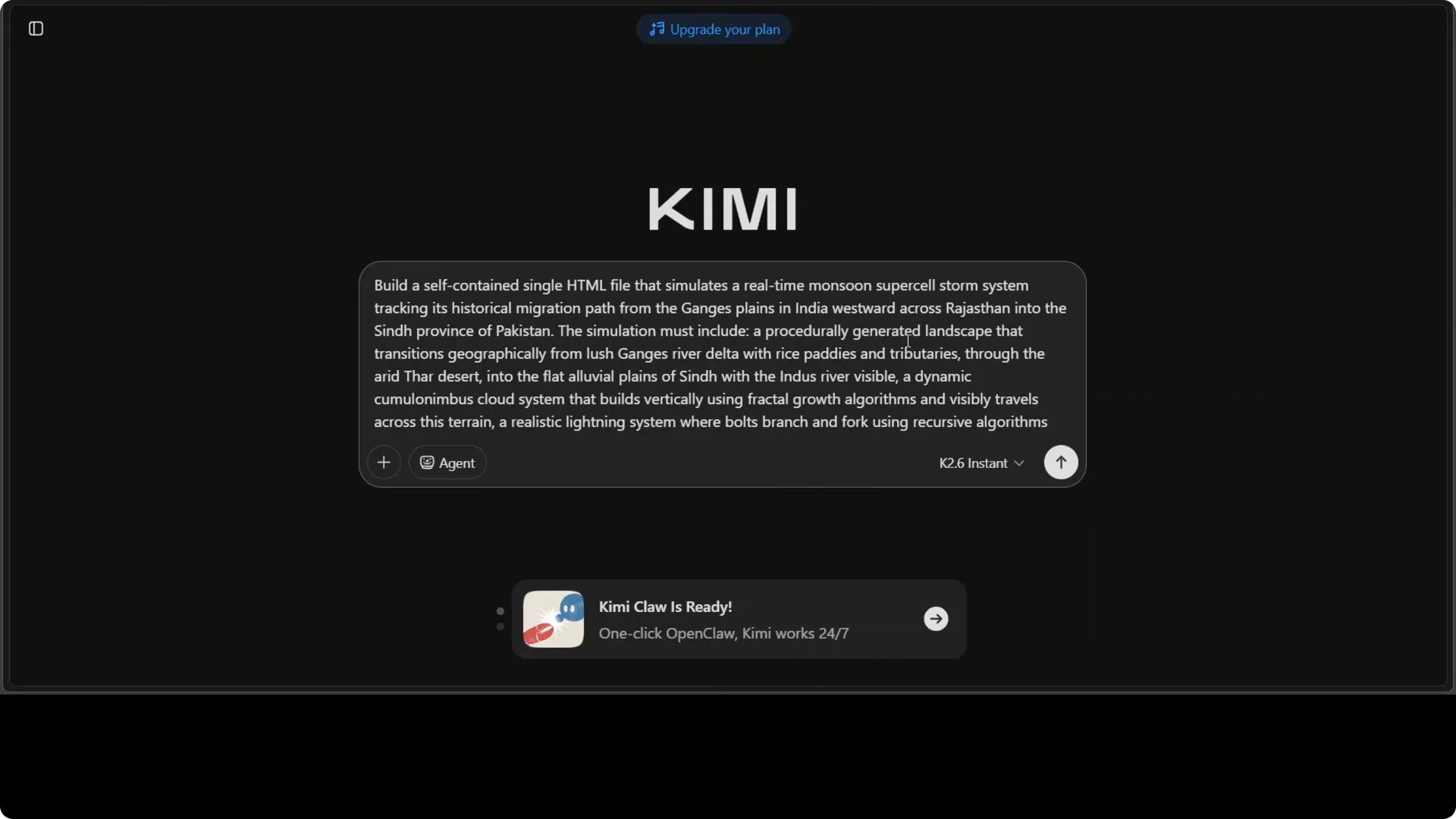
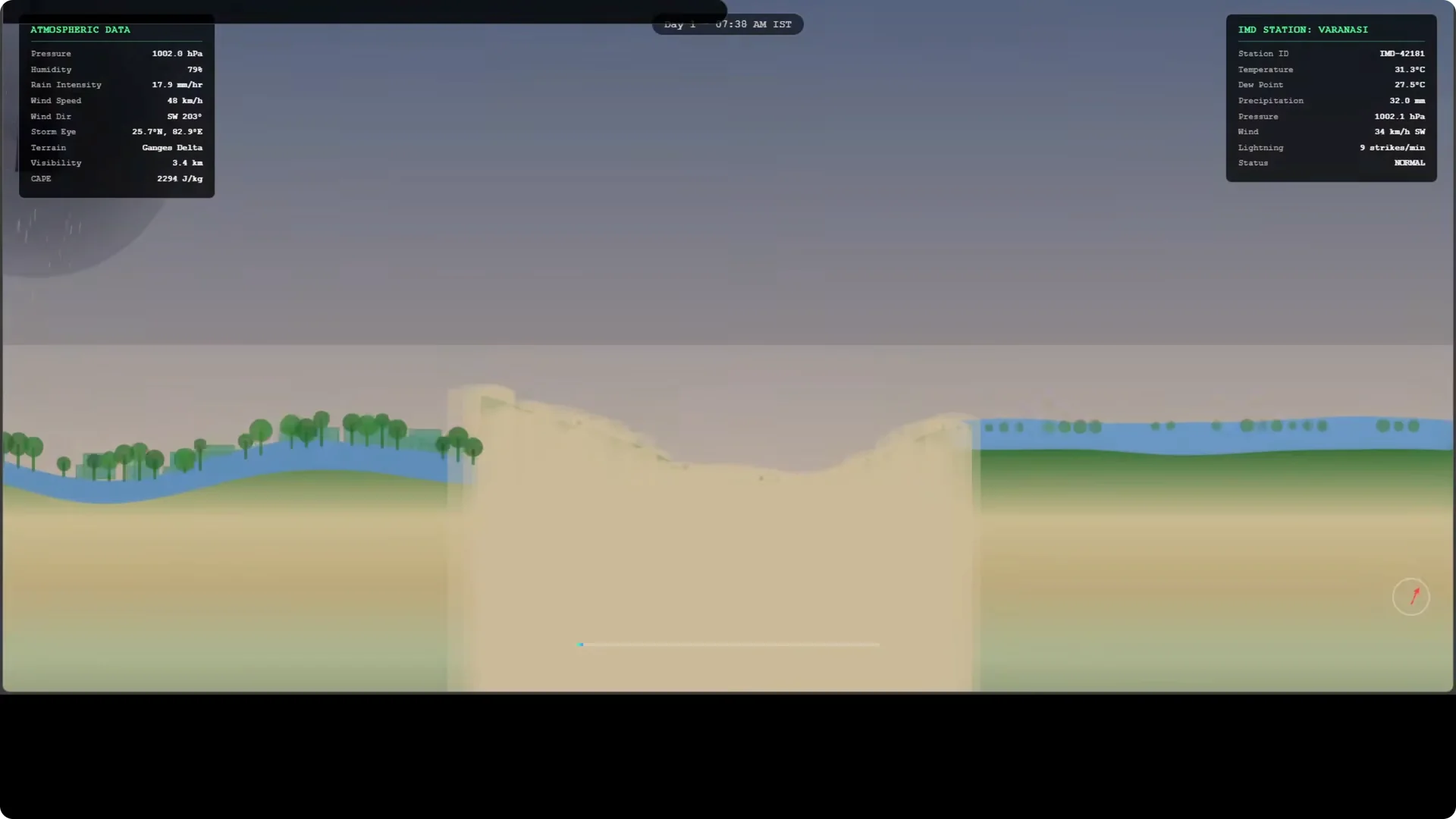
I prompted K2.6 to create a real-time monsoon supercell simulation tracking its migration from the Ganges plain west across Rajasthan, crossing Sindh in Pakistan, and intensifying over water bodies with extra effects. The model did a web search with its tooling and executed Python in its sandbox, then produced a single self contained HTML file. I opened it in the browser and the storm ran with atmospheric data, day and night transitions, regional stations like IMD Varanasi, rainbows, wind effects on trees, and lightning.
There are elements to improve, but the fact that it ran as plain HTML with no external dependencies is the point. Instant mode was enough to get this working end to end, which is impressive for a first pass. The output showed both the simulation loop and a readable on screen parameter panel for weather variables.
Reproduce the simulation
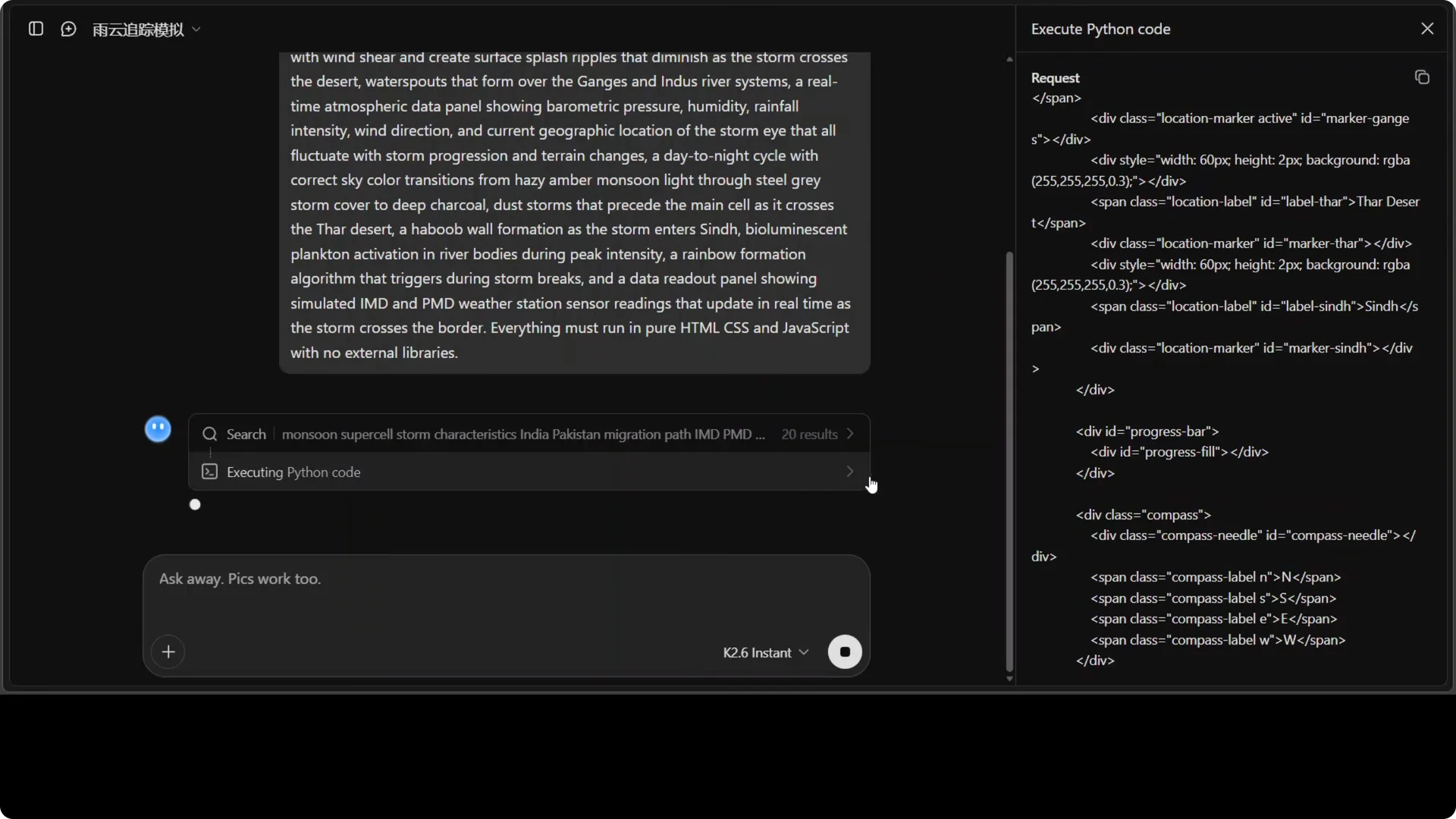
- Provide a natural language prompt that specifies the geography, path, timing, intensification over water, and on screen telemetry you want.
- Allow the model to run web search and Python in its sandbox, then ask for a single HTML file with embedded scripts and styles.
- Open the HTML in a modern browser and validate day and night transitions, station overlays, lightning, wind effects, and parameter updates.
Multilingual one-liner test
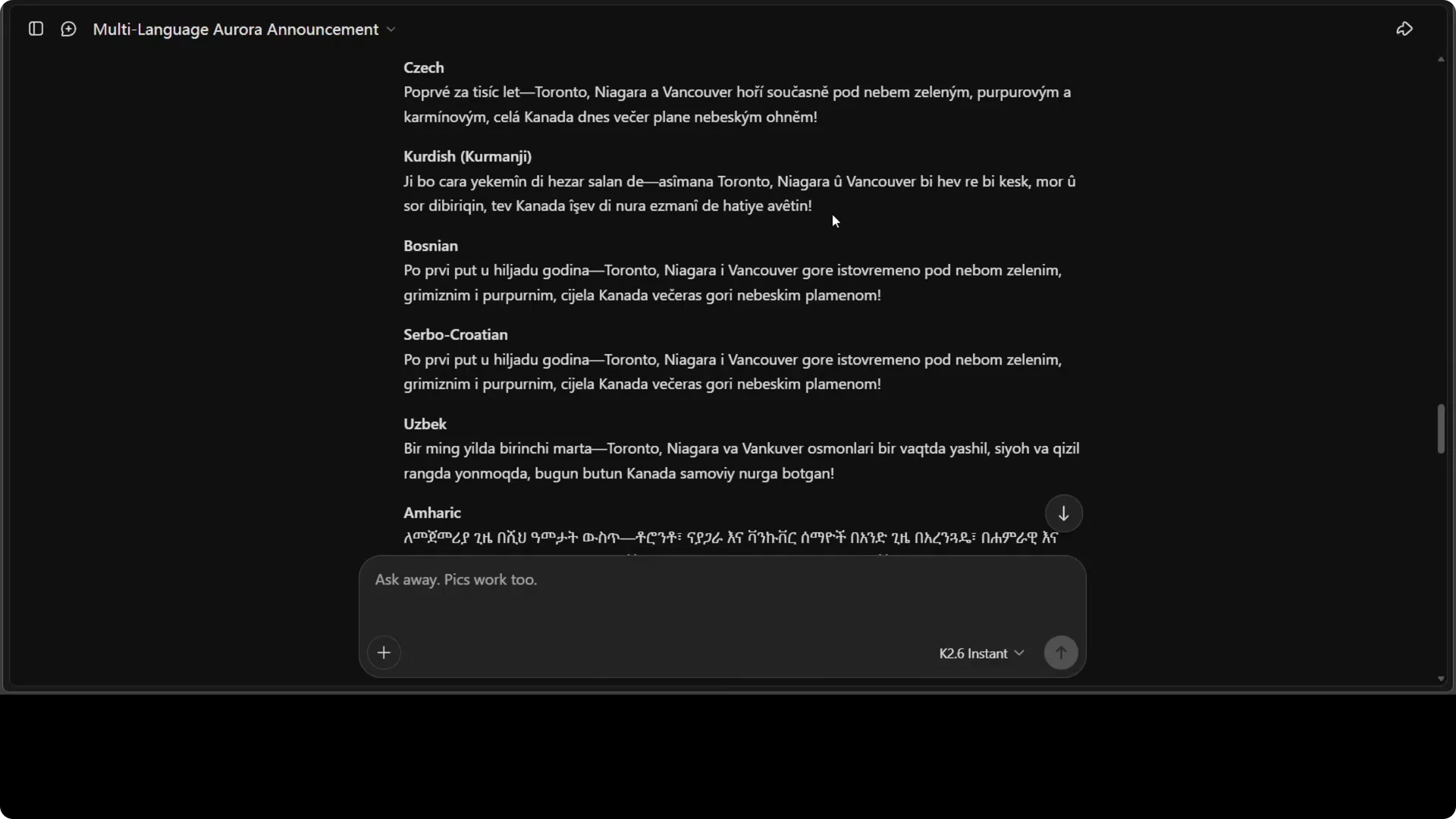
I asked for a single excited one liner announcing a rare aurora event visible over Toronto, Niagara Falls, and Vancouver for exactly 48 hours. The core English line that anchored the style was: “The sky itself has ignited. Canada burns with a thousand years of light in green, purple and crimson.” It produced 80 languages with no skips, and most read genuinely excited and culturally appropriate rather than mechanical.
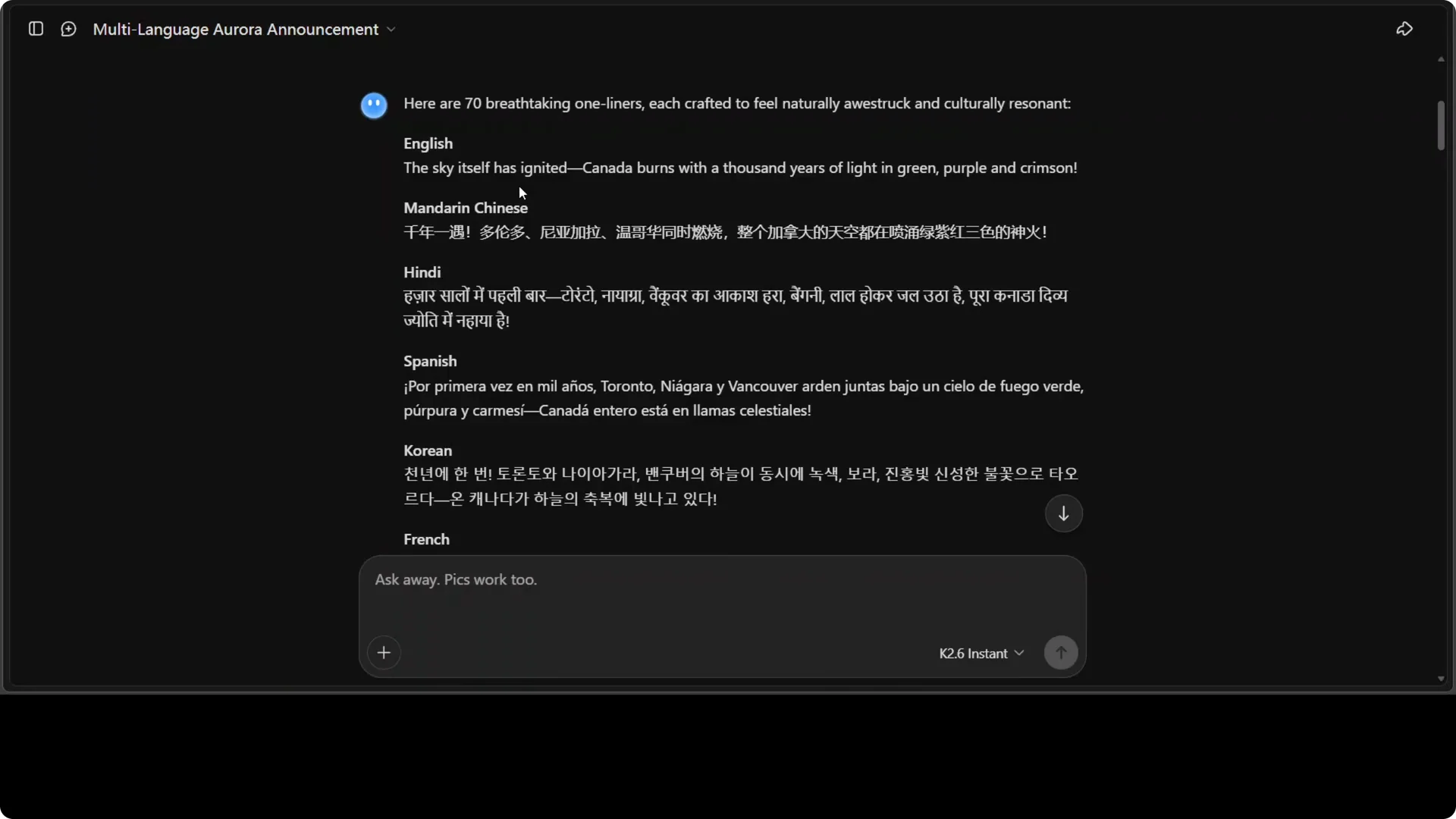
There was one issue: Tigrinya appeared identical to Amharic, which suggests the model conflated two distinct languages. Everything else held up well in my checks. This is the clearest proof of the language lift from K2.5 to K2.6.
For more on multilingual breadth across vendors, see this comparison: cross-vendor comparison.
Humor and philosophy in thinking mode
I asked “What is life” with references to quotes from philosophers from across the world, a line from me, and a playful nod to my membership. Thinking mode walked through a stepwise plan, checked consistency, and delivered lines like “it’s redemption, it’s dialogue, it’s friendship.” Nietzsche, Freud, and Schopenhauer came through with distinct tonal signatures, and the punchline about me as a subscriber landed clean.
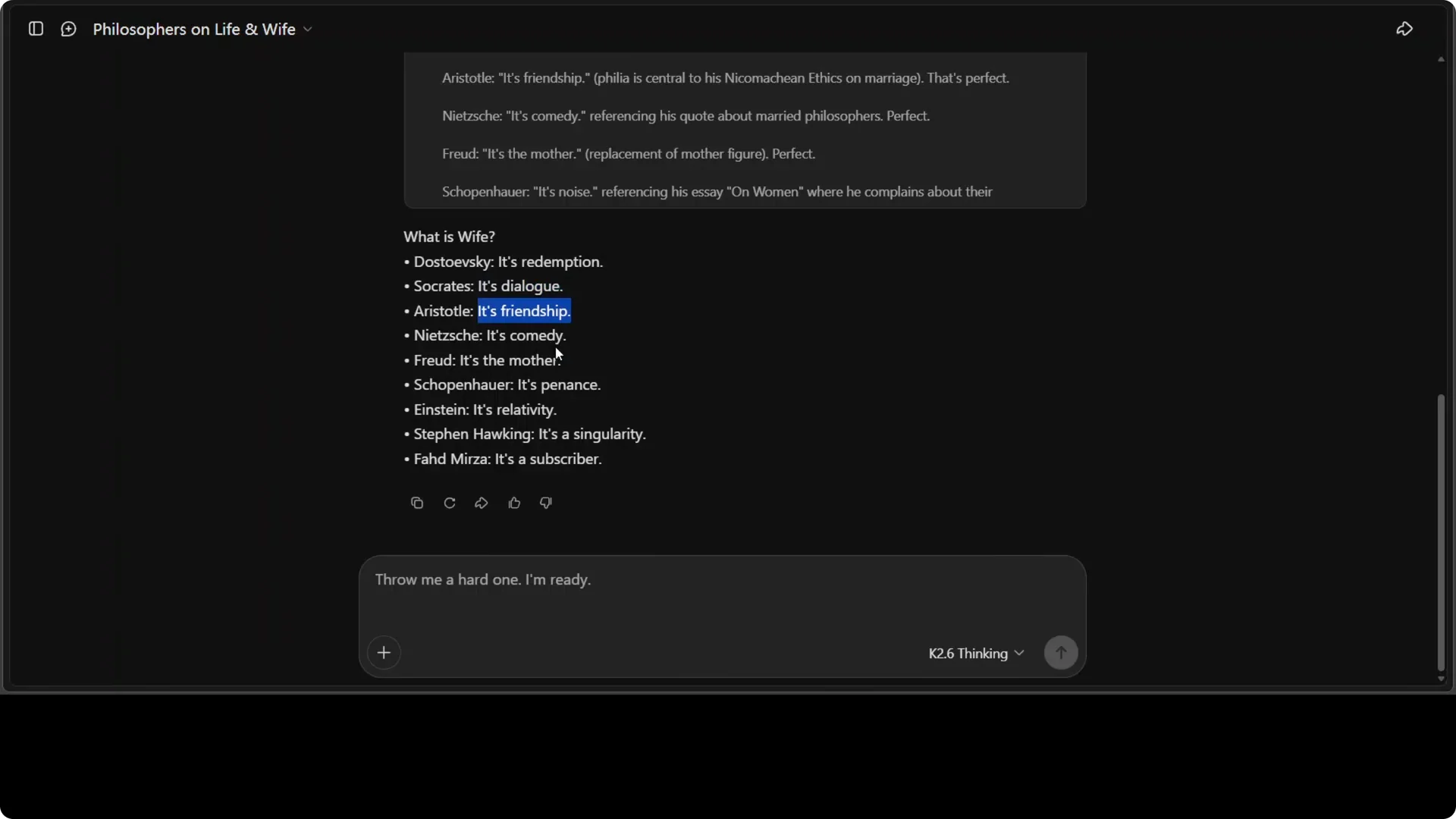
The humor remained subtle and did not distort the voices. The stack thought wide and deep, yet stayed targeted to the prompt’s structure.
If you compare reasoning styles across models for work like this, you might also scan this analysis: Claude Opus reasoning work.
Arabic OCR and context reading
I supplied an Arabic page and asked K2.6, as an expert in Arabic and Middle Eastern affairs, to identify the language, translate, and infer the likely context. It identified Arabic abjad, translated to English with good fidelity, and discussed tone and rhetorical structure. It also tied the text to layers of political and cultural meaning, calling it a master class in Arabic eloquence to forge a unified national narrative that transcends citizenship.
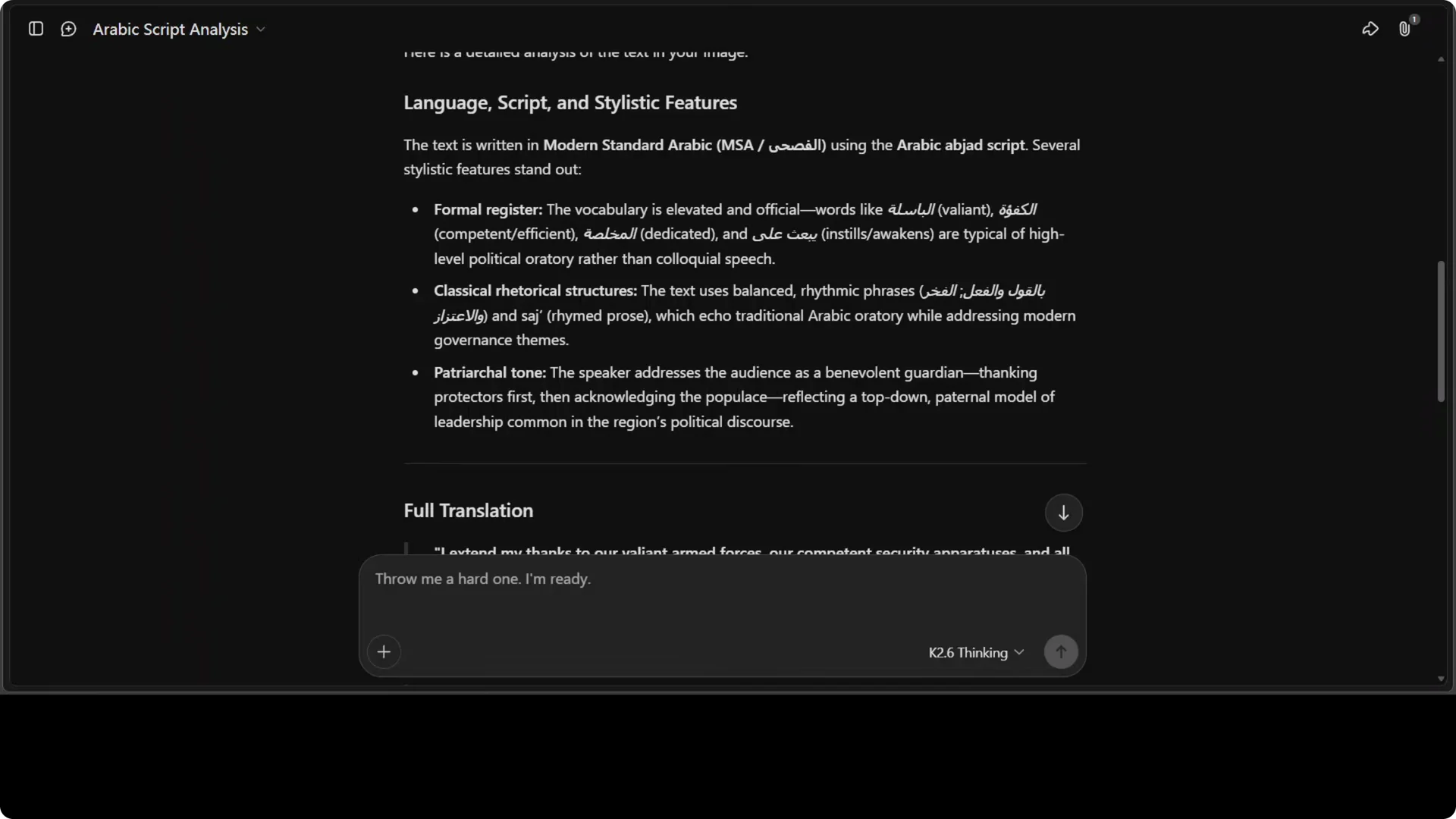
The translation quality matched external checks. The notable part is the movement from OCR to contextual reading without flattening nuance.
For production deployments that must throttle OCR and translation pipelines, plan around API quotas and auth flows. Here is a practical reference: quota and OAuth planning.
Handwritten physics sheet transcription
I gave K2.6 a handwritten page of physics equations with cross outs and asked it to transcribe, explain each, and assess the sheet. The response was exceptional: it transcribed all 28 equations accurately, then explained the historical significance of each after building an organized table. It connected the ultraviolet catastrophe to Einstein’s Nobel work on the photoelectric effect and correctly diagnosed the sheet as a sophomore undergraduate modern physics set.
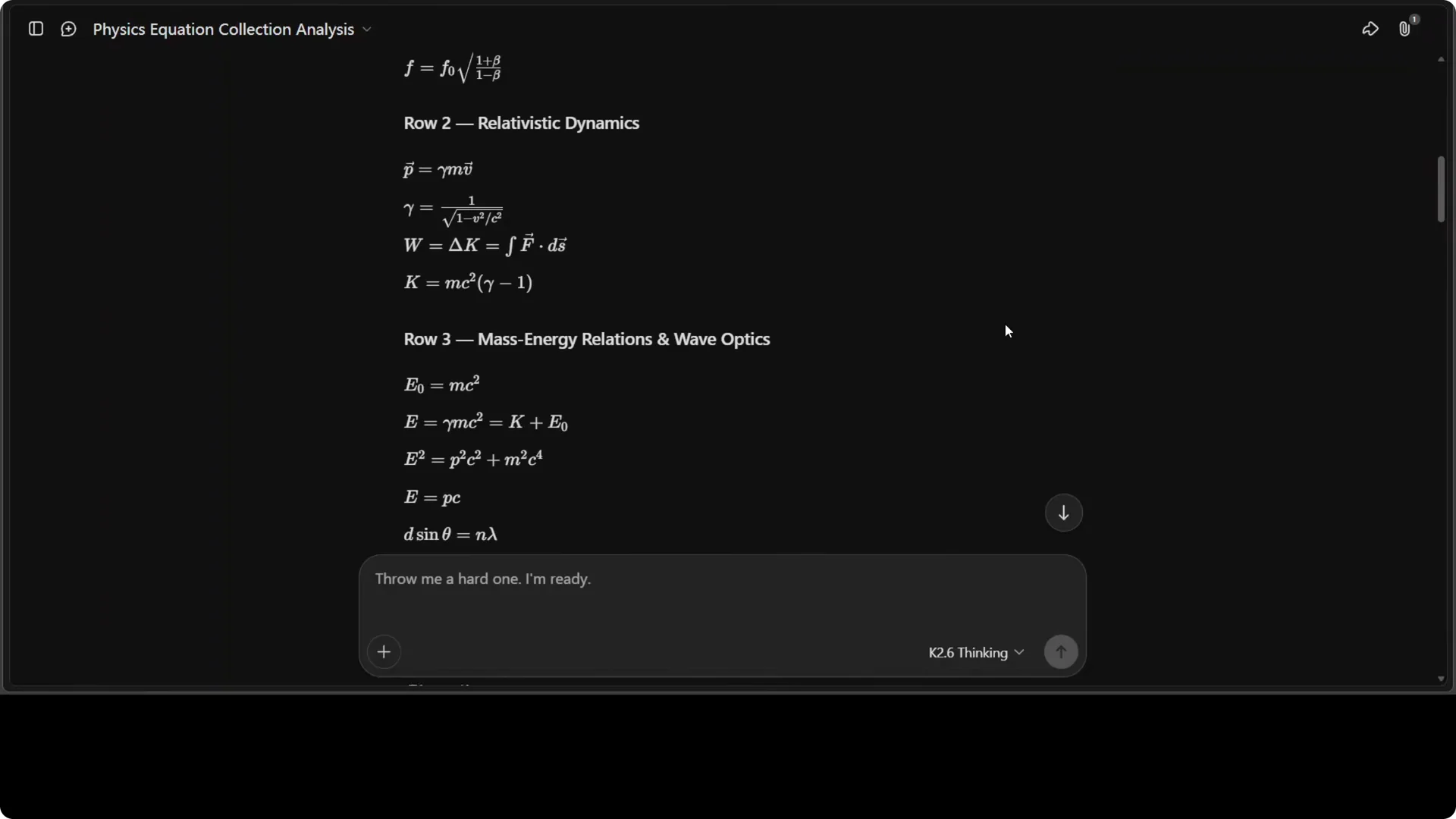
It also provided a thematic analysis that connects special relativity and old quantum theory through wave particle duality, which reads like genuine understanding rather than pattern recall. This is not just reading text off an image.
If you are benchmarking similar reasoning across labs and releases, this roundup helps frame expectations: comparison of high end models.
Instant vs thinking mode
Instant mode is fast and, as the simulation shows, plenty for generative builds that do not require heavy chain of thought. Thinking mode shines on profound, multi voice synthesis, cross cultural inference, and multi step academic analysis. My rule is simple: start with instant, escalate to thinking when you need layered reasoning or long horizon planning.
Quick workflow
- Run instant mode for code generation, translation, summaries, and UI assets where speed matters.
- Switch to thinking mode for philosophy, legal, policy, scientific analysis, and long technical reviews.
- Keep prompts explicit about structure, deliverables, and evaluation criteria to reduce retries.
Local deployment notes
Int4 quantization makes local runs much easier, especially for long context work like 256K tokens. Keep an eye on RAM, VRAM, and disk bandwidth when you ask for large embedded assets or persistent tool calls. If you are running Windows with larger projects, see this guide for stability tips: Windows high memory guidance.
For cross vendor model selection and migration planning, it helps to review how families evolve and compare on representative tasks: model family comparison.
Benchmarks and progress
I treat Codebench 68.2 percent as meaningful because it stresses real world programming and repo level reasoning. The jump from 57.4 to 68.2 between versions is unusually large and aligns with what I am seeing in language and reasoning tasks. The language progress from K2.5 to K2.6 is the major difference in daily use.
Release and openness
I give full marks to Kimi and Moonshot for releasing the model and its weights in full from day zero. MiniMax followed later, which is also good work, but Moonshot took the lead here on timing. That openness accelerates real testing and local deployment.
For context on quotas and app integration when you scale, have a look at this reference: API quotas and OAuth setup.
Use cases
Media teams can spin up single file interactive explainers that run offline for events, climate, or sports analysis. Researchers can combine OCR plus contextual reasoning to analyze archives in multiple languages with source aware commentary. Educators can build course level sheets with linked historical notes, then ask for cross topic bridges that surface deeper structure.
Final thoughts
K2.6 thinks wide and deep yet stays targeted, writes with clean multilingual fluency, and builds working artifacts that run in a browser. The jump in code and language quality shows up immediately in practical tasks. If you asked me for the single biggest shift from K2.5, I would say language has lifted a lot, and everything else benefits from that.