
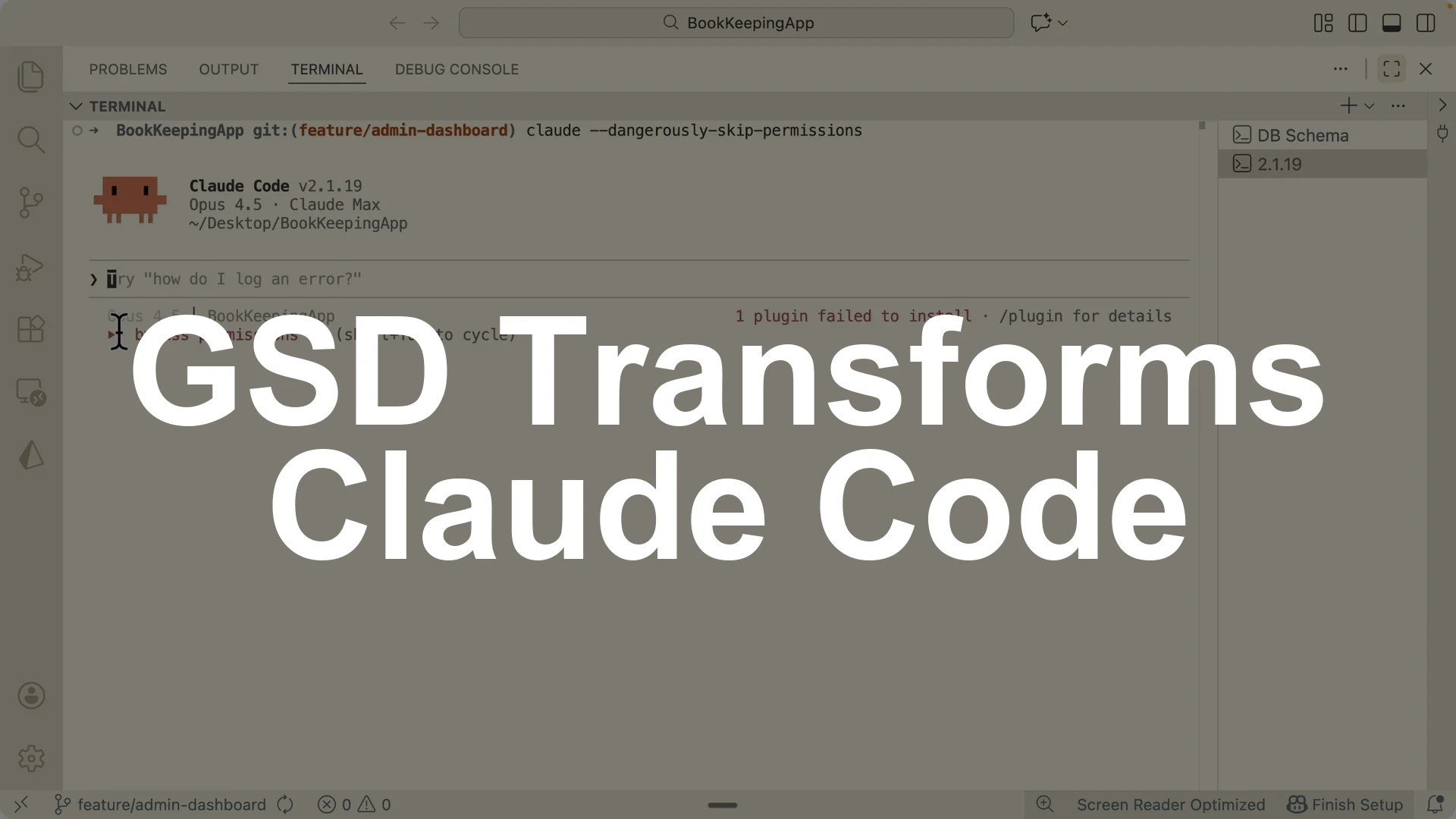
GSD is an open source spec driven development framework that orchestrates multiple sub agents to take a rough idea to a production ready application.
The direct answer is this: use GSD to split planning, research, implementation, and verification into dedicated sub agents, each with a fresh context window, then run phases sequentially for higher accuracy while GSD commits work and verifies against goals after each task and phase.
Here is exactly how I set it up in Claude Code and run it end to end.
Install GSD, map the existing codebase, initialize the project with your feature spec, let GSD run research and generate a multi phase roadmap, pick planning depth and execution mode, then execute phases one by one with a clean session for each agent and verify at the end.
Why sub agents with fresh context
Traditional spec driven approaches like BMA method, spec kits, and taskmaster forced everything into a single context.
Planning, research, development, and verification in one window raises token pressure and drops accuracy.
GSD fixes this by delegating each phase to a sub agent with a fresh context.
You will consume more tokens, but accuracy improves a lot compared to one big window.
Install GSD in Claude Code
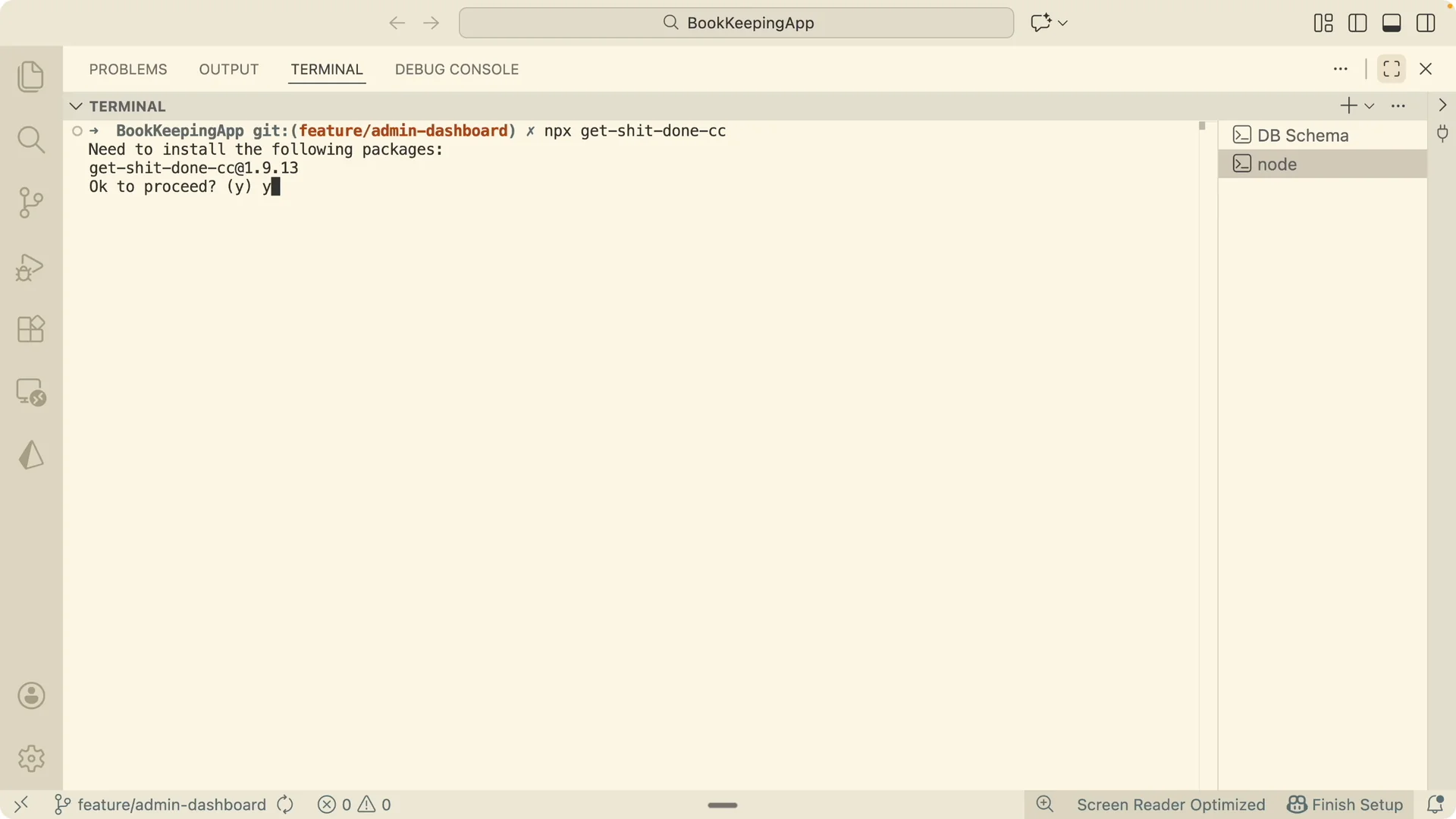
Navigate to the GSD repository and run its installer command in your project terminal.
Choose Claude Code as the target, and install globally so it is available across projects.
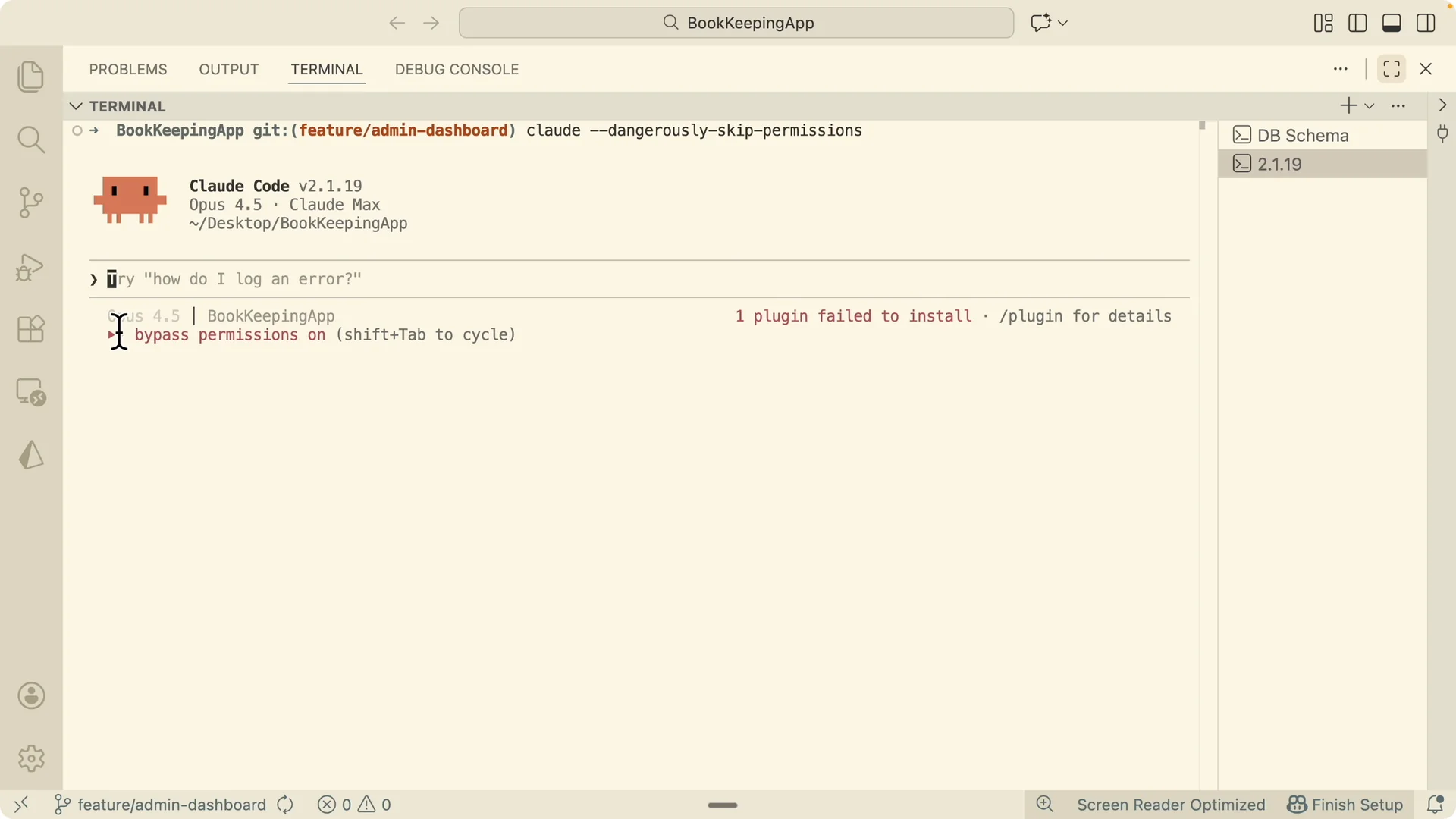
GSD adds a status line showing the model name, current task, and context window usage.
You can replace your existing status line with the GSD one or keep your own and continue.
If you need remote control for your editor workflow, see Claude Code remote control setup.
Verify installation and commands
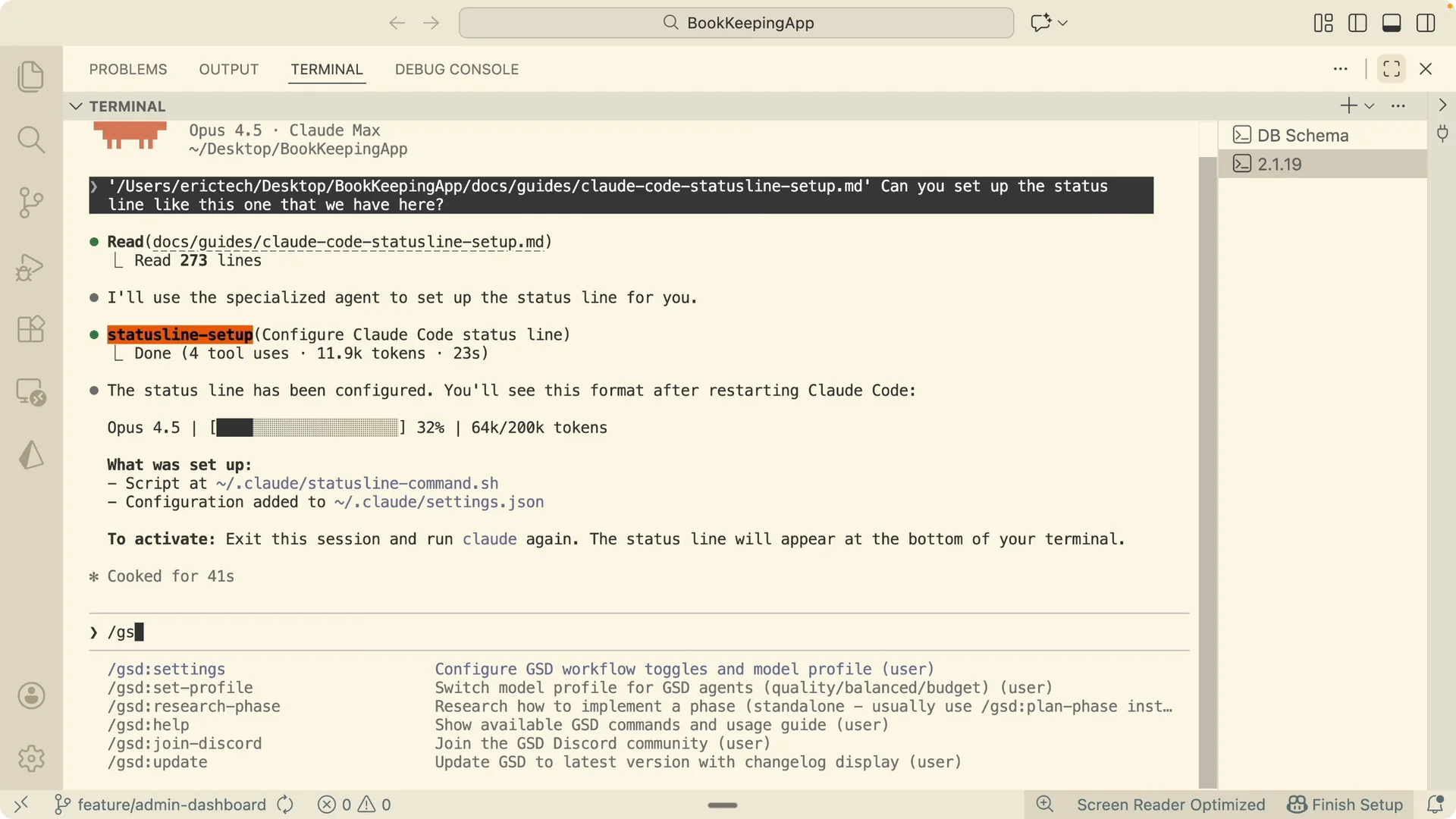
After installation, run `gsd` in the Claude Code terminal to confirm commands are available.
You should see custom GSD commands and prompts in the terminal.
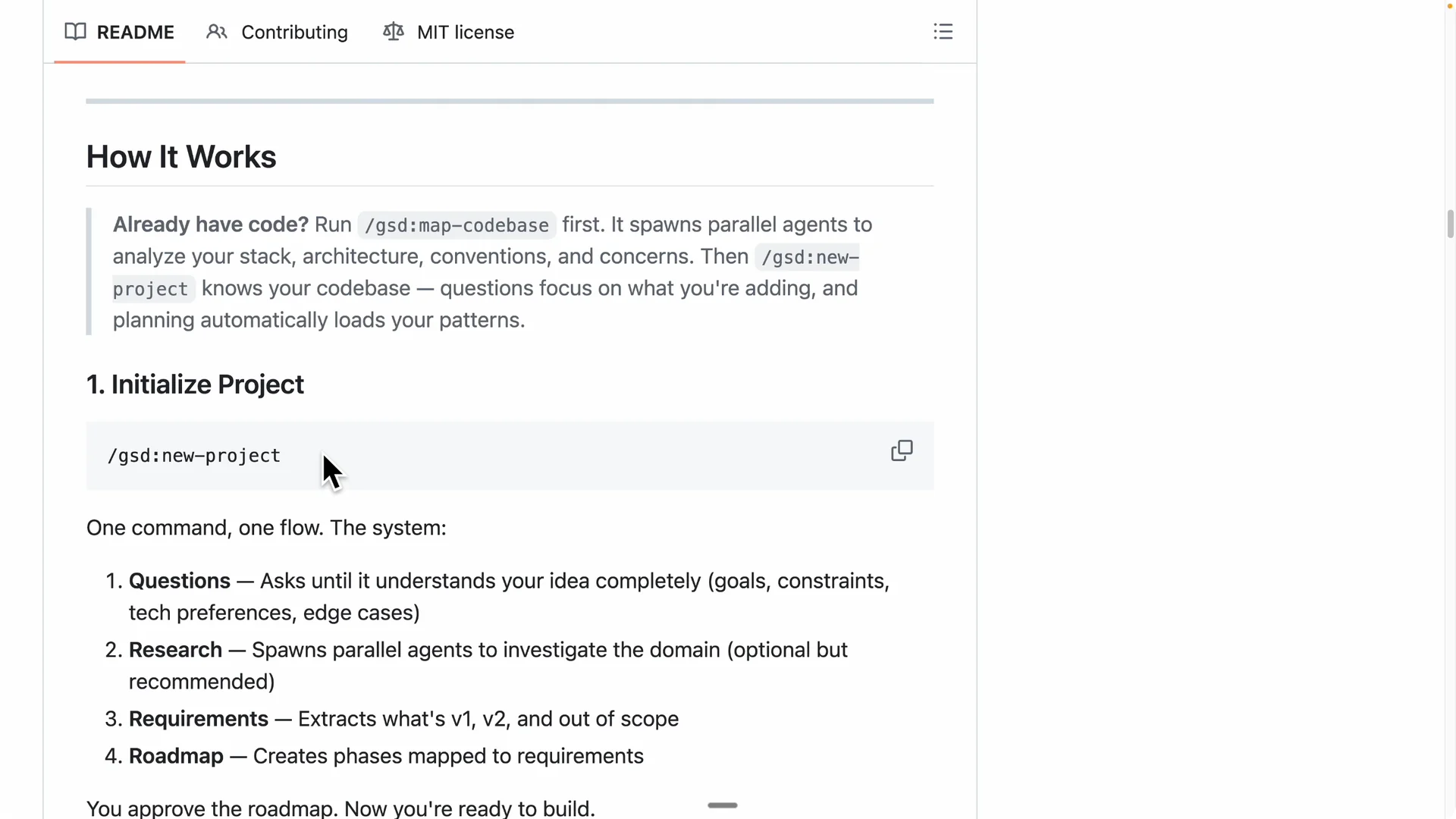
If you are starting a brand new codebase, run `gsd:new-project`.
For existing projects, start with mapping.
Map an existing codebase
Run the codebase mapping command to analyze the stack, architecture, conventions, and concerns.
GSD spins up multiple mapper sub agents in parallel to build a full picture of the repo.
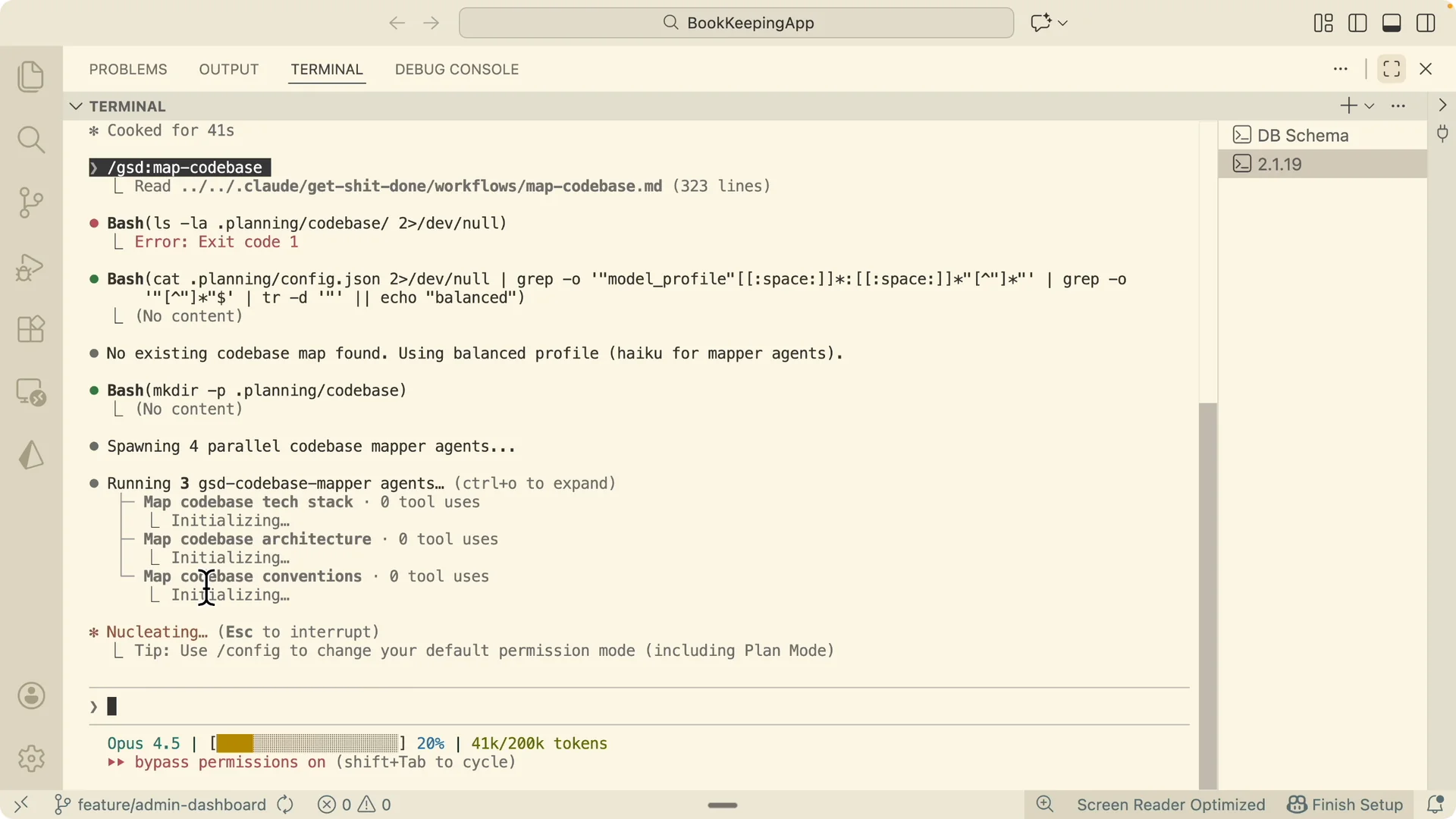
When mapping completes, reset the Claude session to clear the in memory context.
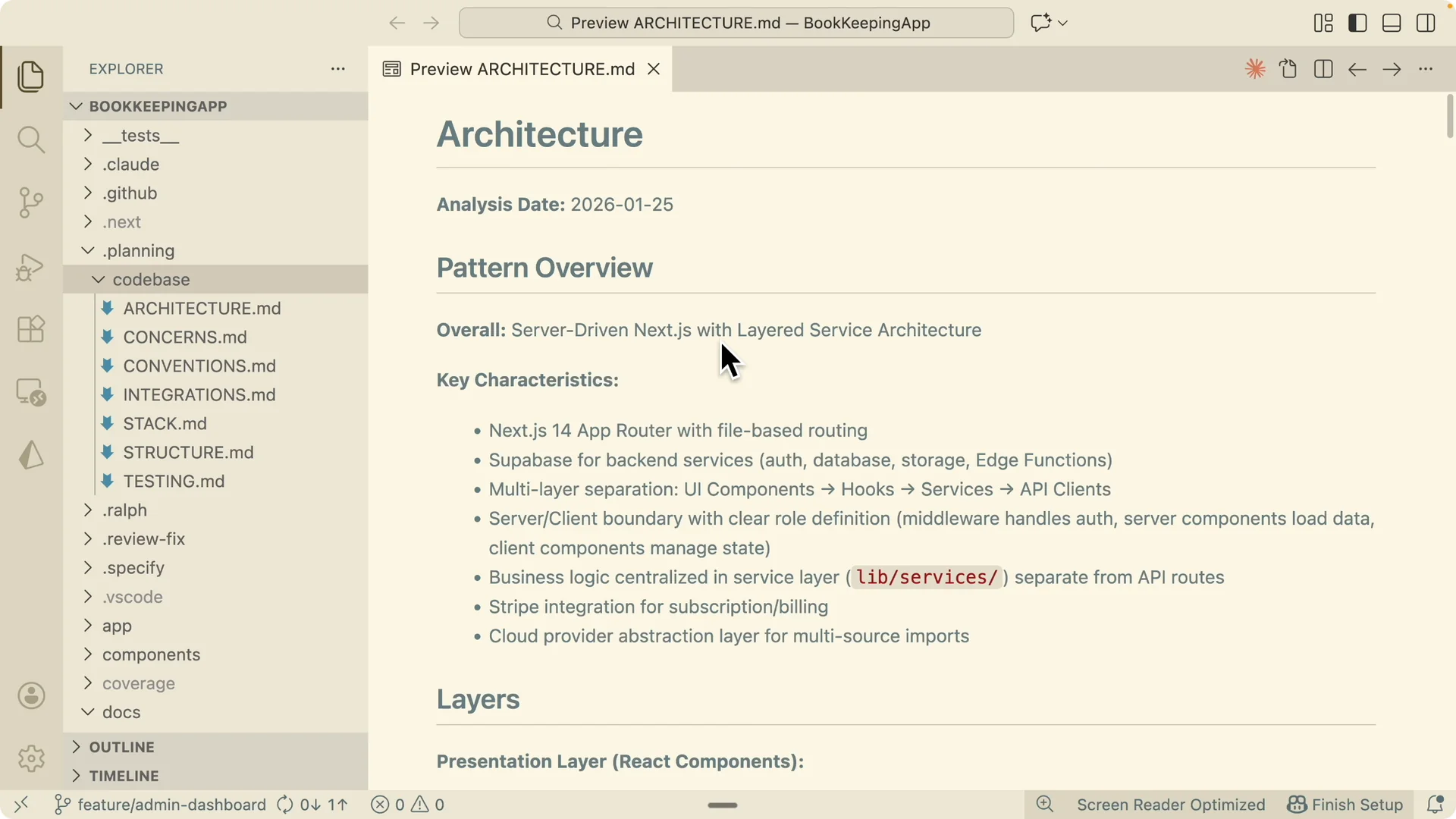
The mapping artifacts persist under `planning/codebase` with summaries of architecture, concerns, conventions, and integrations.
Initialize the project
Initialize the project and point GSD at your feature spec or backlog item.
I used a short spec to add an admin panel tab with user management and support tools, plus MVP features and UI mockups.
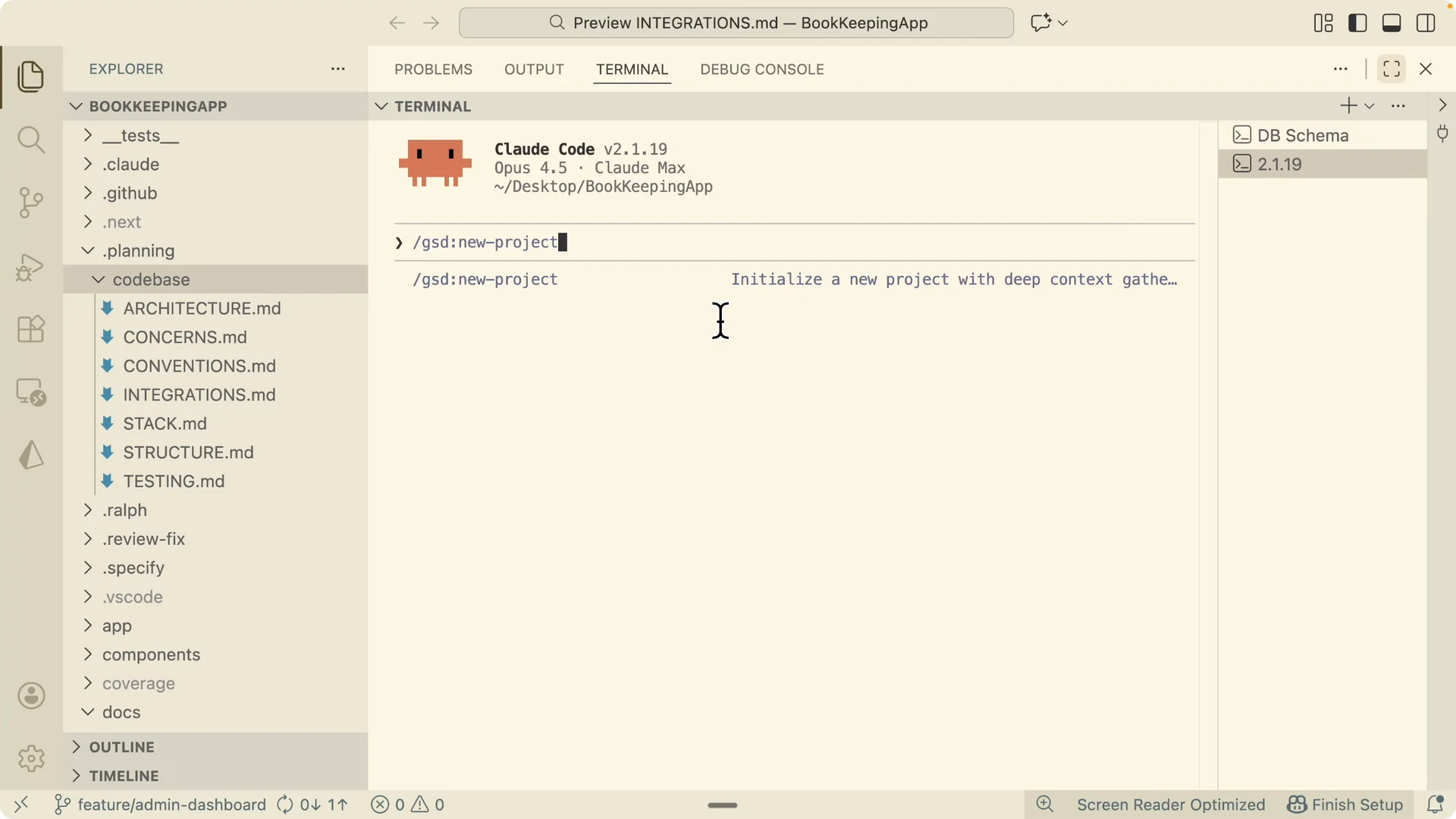
GSD reads the spec, then asks clarifying questions to confirm scope.
It broke the four features into smaller increments and asked how I prefer to verify, so I set manual testing for the first pass.
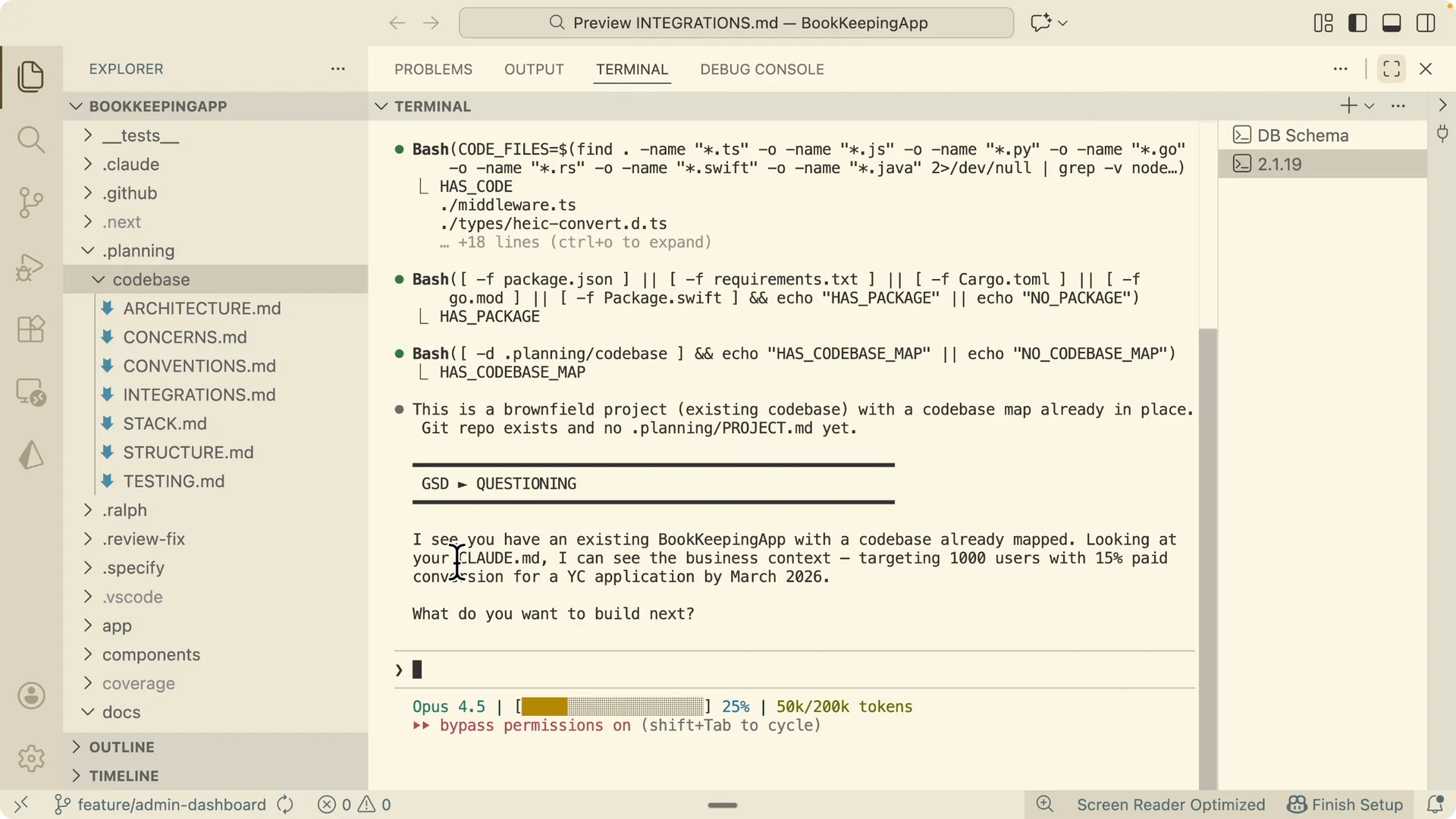
I also confirmed my launch target.
I needed the admin panel before the January 30 date, so GSD kept that timeline in mind while shaping the plan.
Research and close gaps
GSD spun up research sub agents across security, UX, best practices, and technical gaps. It summarized issues including missing admin middleware protection, cookie handling, in memory rate limiting, admin delete actions, and a broken isAdmin function.
I instructed GSD to fix the critical gaps first.
Once those were addressed in the plan, I approved moving forward to generate `project.md`.
Planning depth, execution mode, and tracking
I enabled yolo mode to allow auto approval and execution.
For planning depth I selected the standard option with a balanced scope across five to eight phases.
For execution I chose sequential. Sequential is safer if credits or time are constrained, because you finish complete plans one after another instead of risking half done work in parallel.
I committed planning docs to git. I also enabled pre planning research, verification that plans meet goals before execution, and verification after each phase.
For model preference I selected higher quality models like Opus for research and roadmap depth. GSD wrote all of these choices to `config.json`, which I can edit later.
If you want to keep work organized while phases run, see managing tasks in Claude Code Desktop.
Roadmap and approval
GSD synthesized research, then produced a roadmap with five phases and 36 mapped requirements covering database, backend, and UX.
I reviewed the structure, approved it, and told GSD to start making changes.
Each phase received a concrete plan, and GSD prepared plans for later phases in parallel while I proceeded with phase one.
Read More: Claude Code Nano Banana Ai Images
Execute phases with fresh sessions
I asked Claude to execute GSD phases sequentially with a fresh session for each plan. GSD’s executor spun up a clean sub agent per plan with a large context window so nothing bleeds across phases.
It ran all plans autonomously across database schema, backend APIs, UI for credit management, and an audit log viewer.
Each sub agent committed its completed work and spun up a verifier to check results against goals.
After all phases were implemented, I verified the end state manually as planned. The approach looped through discuss, plan, execute, and verify until the milestone completed without manual while loops.
Results in the admin panel
In the admin tab I can list users, search by text, and filter by tiers. I can see credit usage, signup dates, and adjust credits with a reason stored in the audit log.
I increased a user from 510 to 560 credits with the reason “test.” A notification confirmed the change, the component re rendered, and the table updated from 510 to 560.
The analytics view shows total users, paid users, tier breakdowns, credit usage, and most active users. The audit log tracks each action, such as adjust credits and sync credits, with the target user and details.
For the instant UI update after an adjustment, I used Zustand for state management so changes propagate across components without a full page refresh.
Centralizing state made the admin tools feel responsive while keeping the codebase clean.
Final thoughts
GSD lets me orchestrate research, planning, execution, and verification through sub agents with fresh context so accuracy stays high. The roadmap, config driven planning depth, sequential execution, and automatic verification make it practical to ship real features from a short spec to a production ready admin panel. Once configured, it runs end to end with minimal supervision and leaves a clear paper trail in planning and commits.