
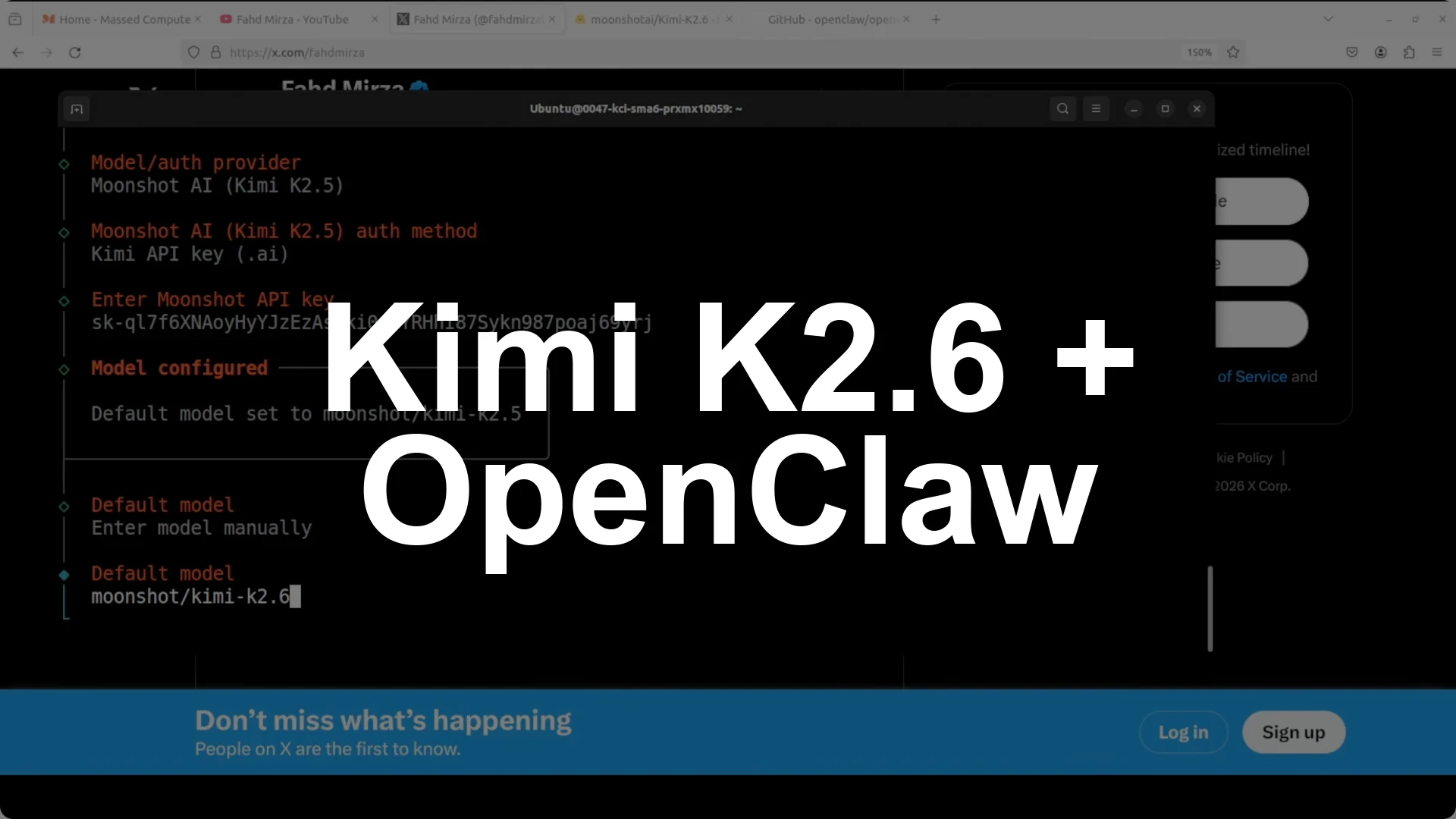
Here is the shortest path to get Kimi K2.6 running in OpenClaw and building a real app with two agents. Install OpenClaw, select the hosted Moonshot provider, enter your Kimi API key from platform.moonshot.ai, set the model identifier to Kimi K2.6, update agents.default via the CLI, restart the gateway, and verify with the CLI. Open two terminals, start an Architect session to write a full spec and data layer, and start an Implementer session that waits for the spec and builds a complete React plus Vite app from it.
Core commands and checks are simple. Use the default quick start to set up OpenClaw, select the hosted provider, and manually change K2.5 to K2.6 in the model field if the picker still shows the older label. If you see model not found, update agents.default via the CLI, restart the gateway, then confirm with: openclaw models list.
Install and quick start
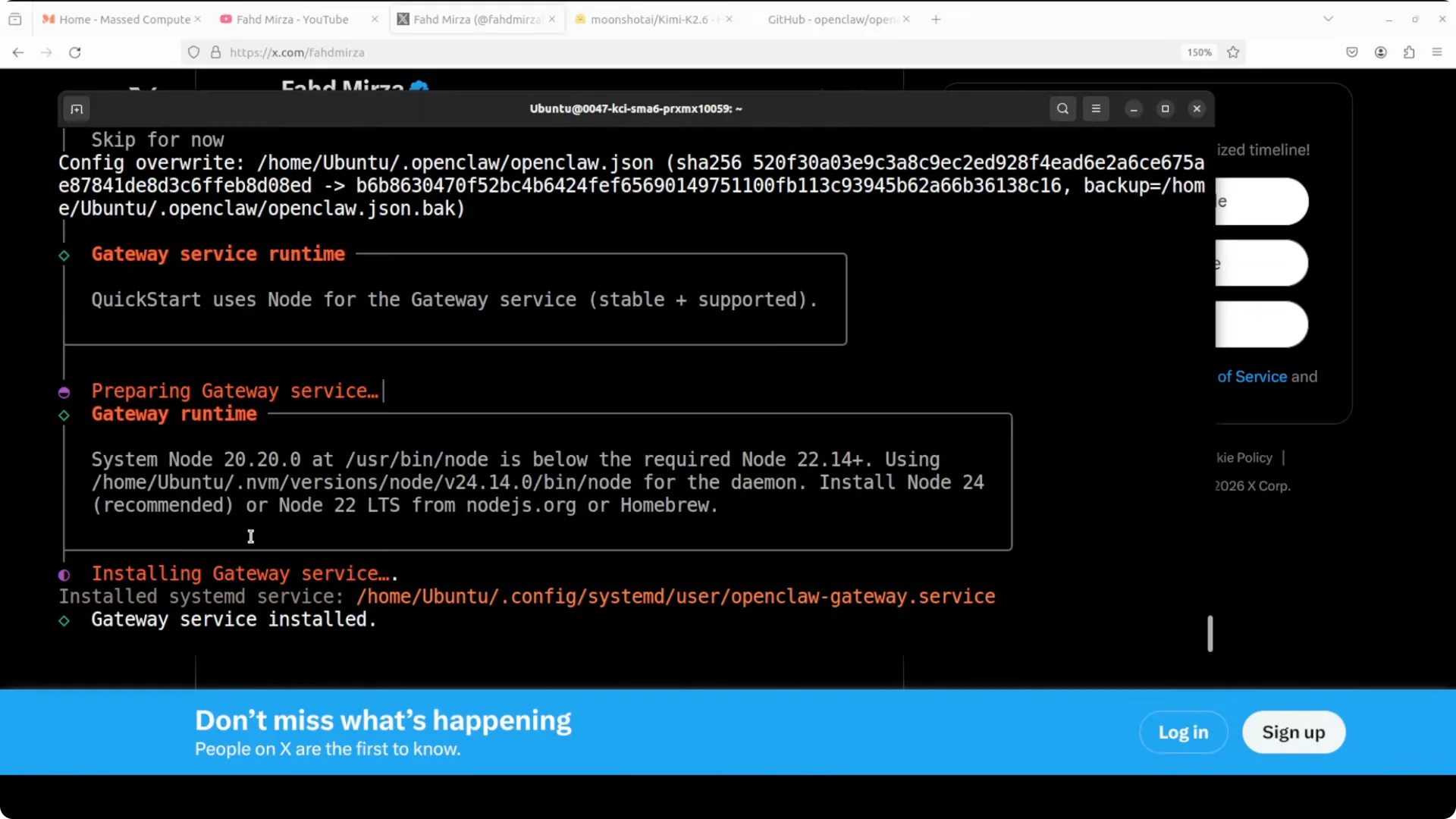
I am going with the default vanilla installation and quick start. It installs the gateway, brings up the core, and reboots it automatically.
If you want another strong pairing with OpenClaw, see this overview of Qwen 27B on OpenClaw for model support considerations: Qwen 27 B Openclaw.
Configure Kimi K2.6
Kimi K2.6 is a mixture of experts model with 32 billion active parameters, a 256k context window, and strong agentic benchmarks. I am using the hosted API, and it is also available with weights for local installation.
Select Moonshot as the provider and enter your Kimi API key. If the UI still shows K2.5 because it is early, select enter model manually and change the identifier to Kimi K2.6.
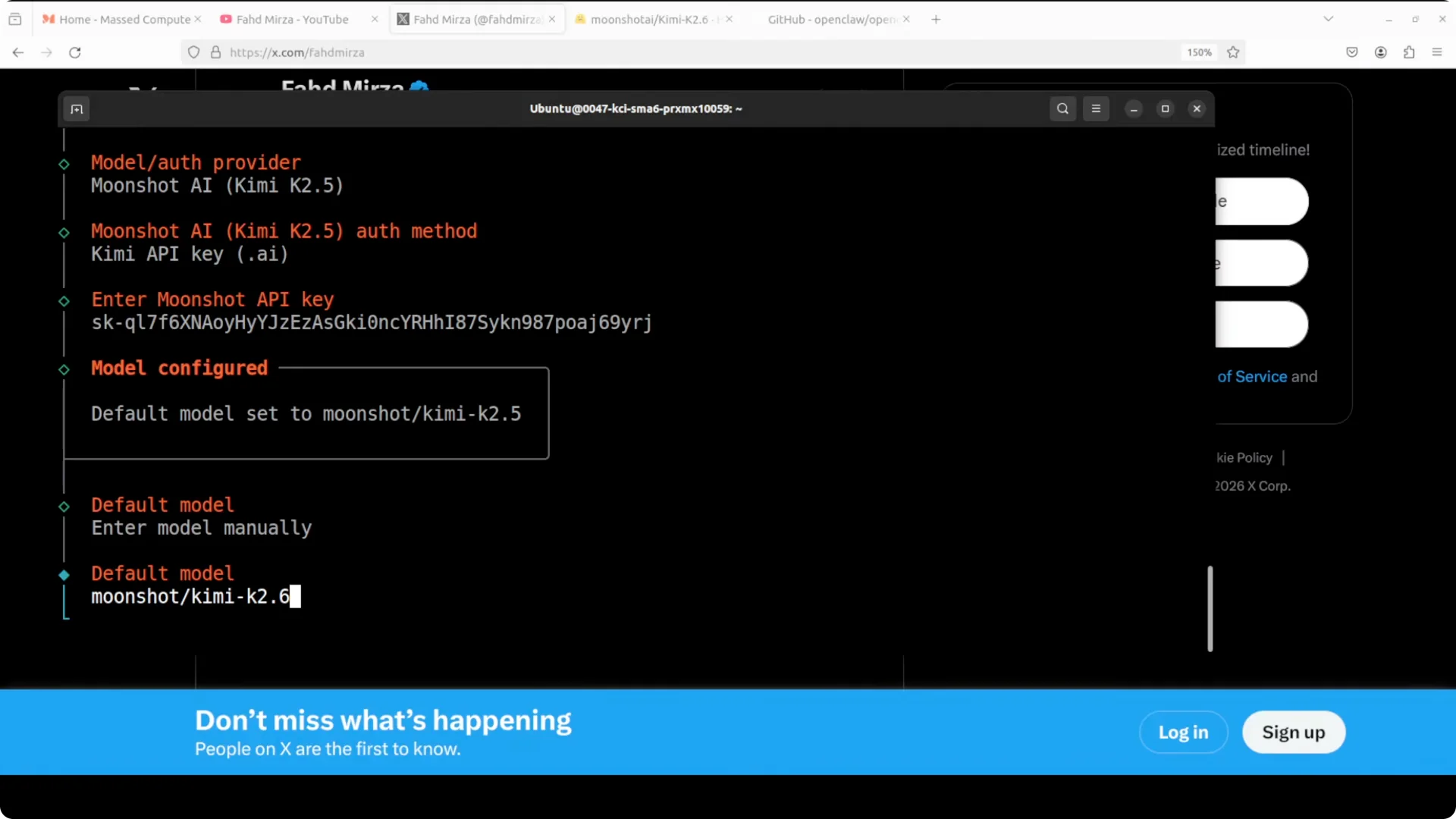
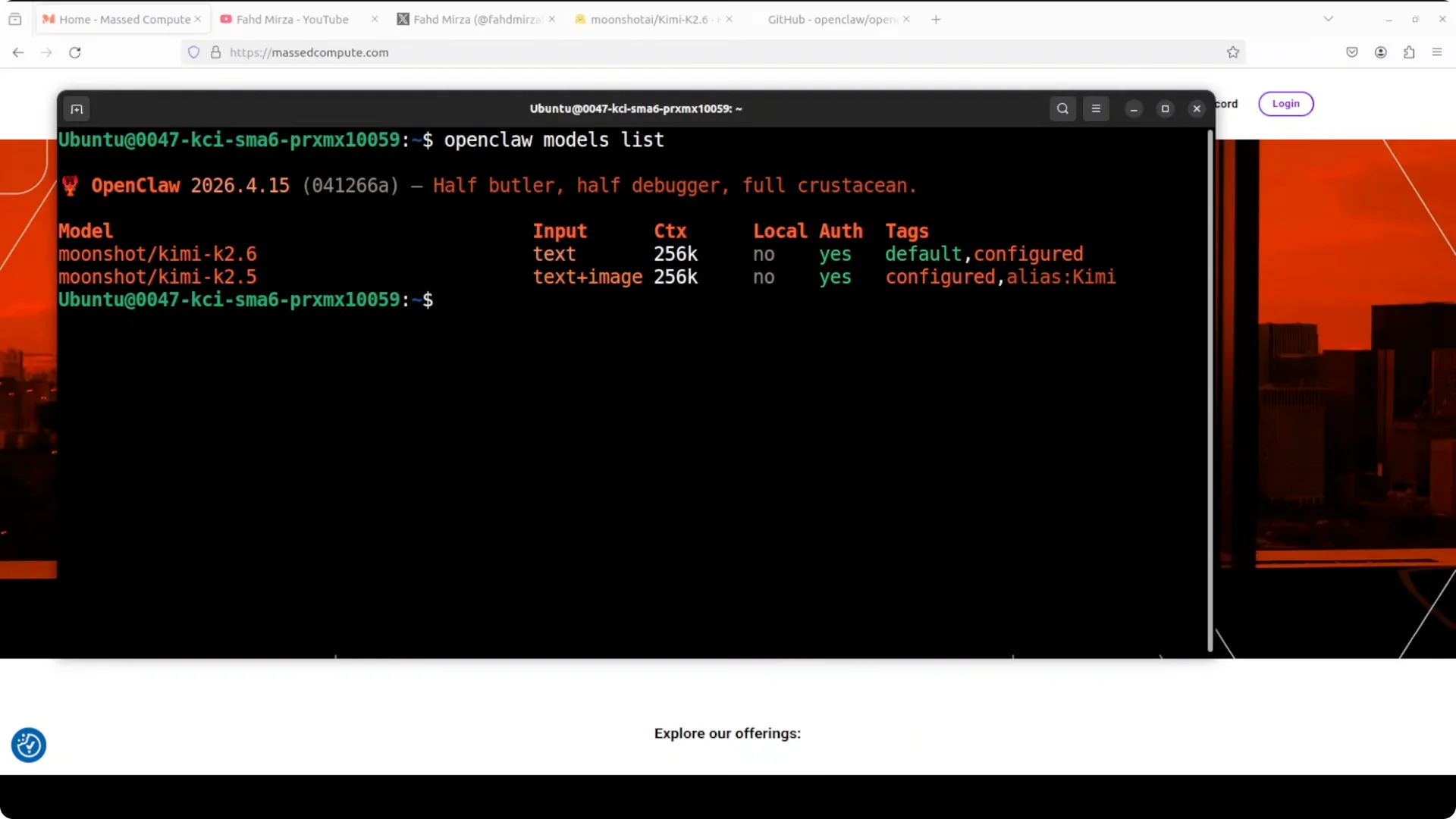
You may get a model not found message initially. Update agents.default with the CLI, restart the gateway, and the endpoint becomes available. Verify with openclaw models list, which should show Kimi K2.6 as default and configured.
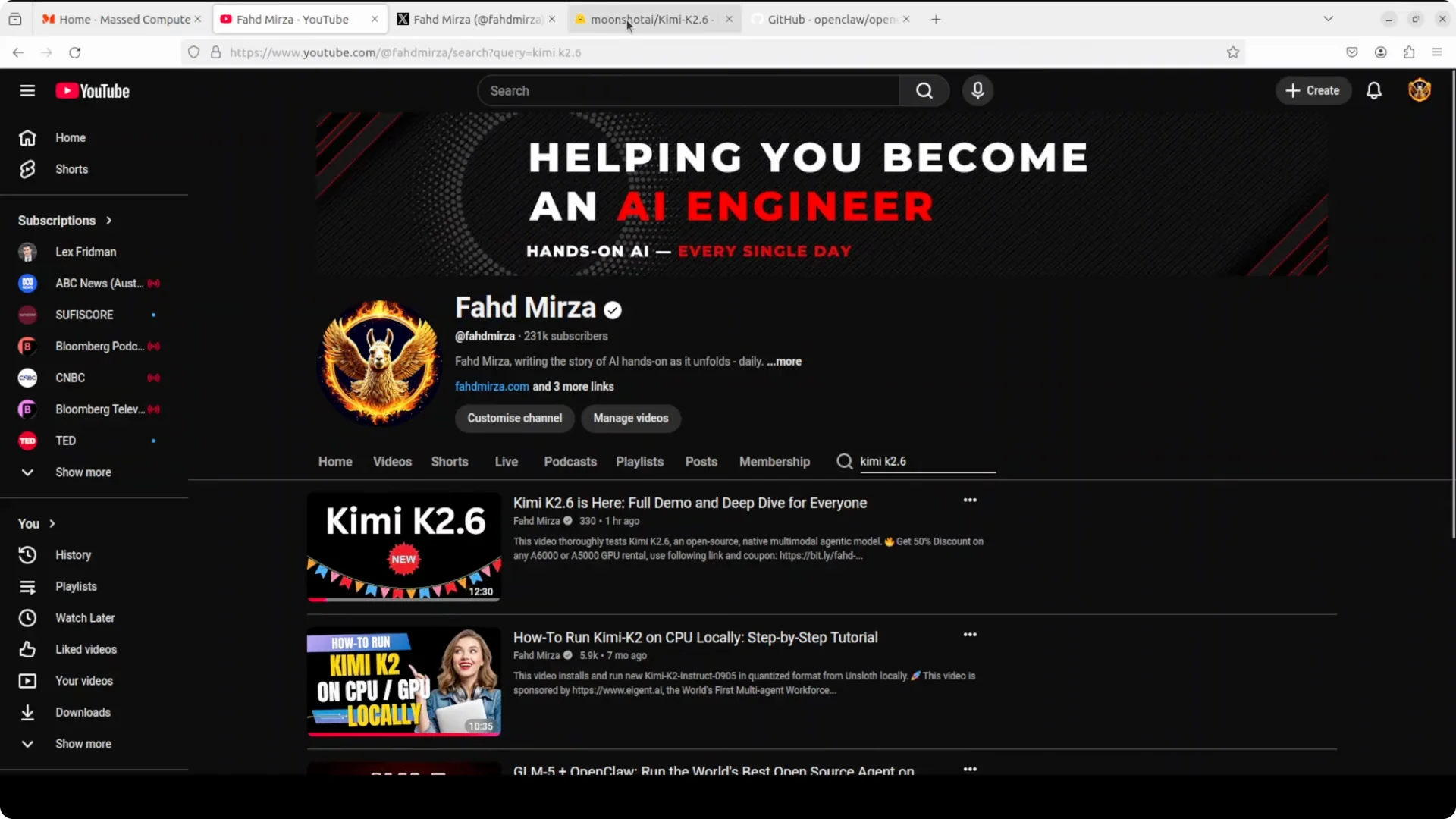
For context on model strengths and trade offs across popular options, here is a compact model comparison of DeepSeek, Kimi, Qwen, MiniMax, and Mimo: Deepseek Vs Kimi V Glm Vs Qwen Minimax Vs Mimo.
Two agents working in parallel
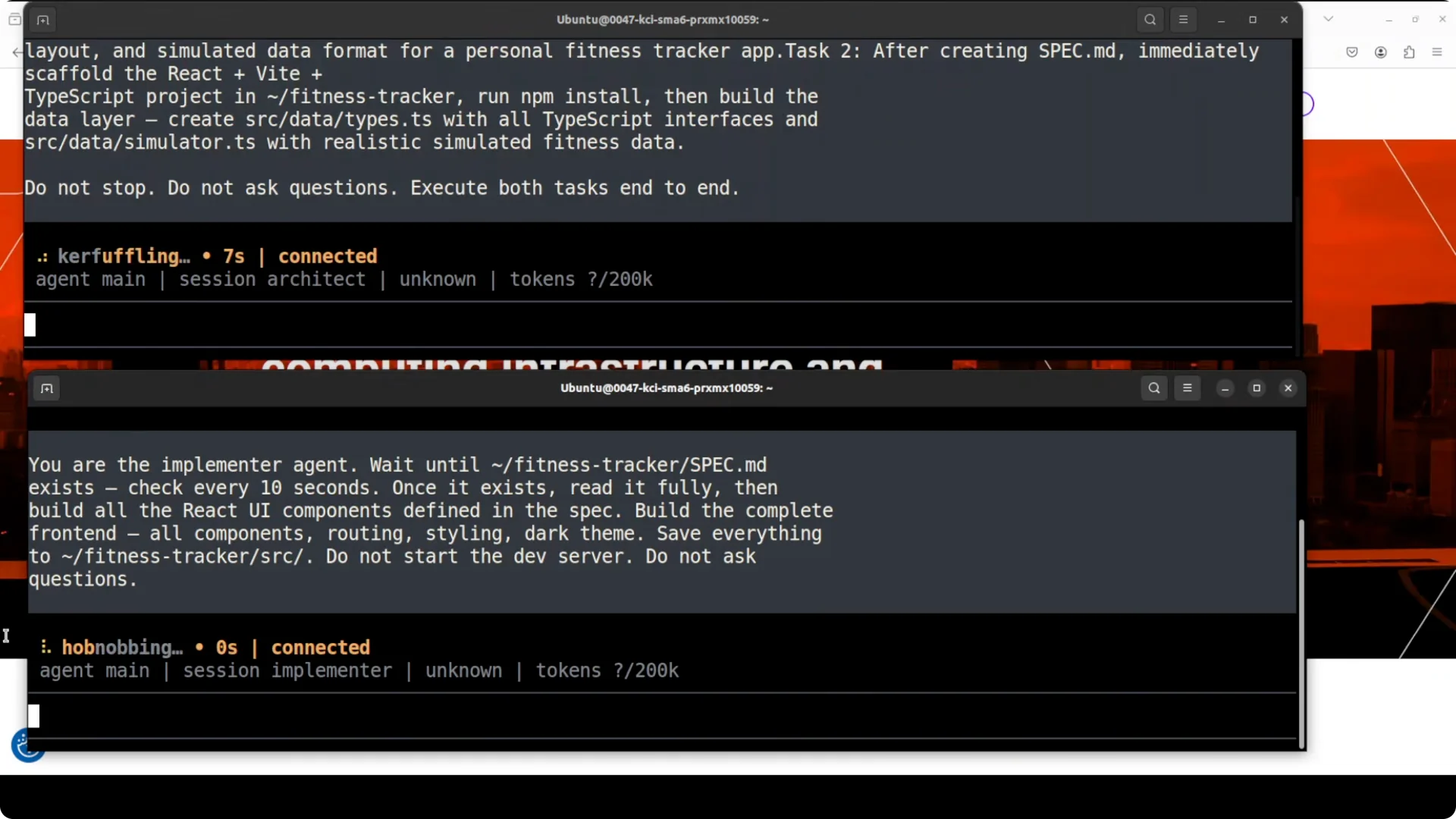
We are going to run two completely independent agents at the same time, each handling a different part of the same long horizon coding project. The Architect writes a detailed technical spec with component breakdown, data models, workout types, progress charts, streak tracking, calorie goals, color schemes, and layout. The Implementer reads that spec and builds the complete React plus Vite app for a personal fitness tracker.
Both sessions are ready and connected in separate terminals. I have both prompts pasted, and we are running two independent Kimi K2.6 agents at the same time. The Architect is designing and building the data layer while the Implementer is watching for the spec and starts building the UI the moment it lands.
If you work across multiple agent frameworks and model backends, you may also find this useful reference on Claude Opus support in Antigravity: Claude Opus 4 6 Support Antigravity.
Architect responsibilities
The first agent produces the technical spec and places the project files. Spec.md is created with tasks and structure for the Implementer to follow.
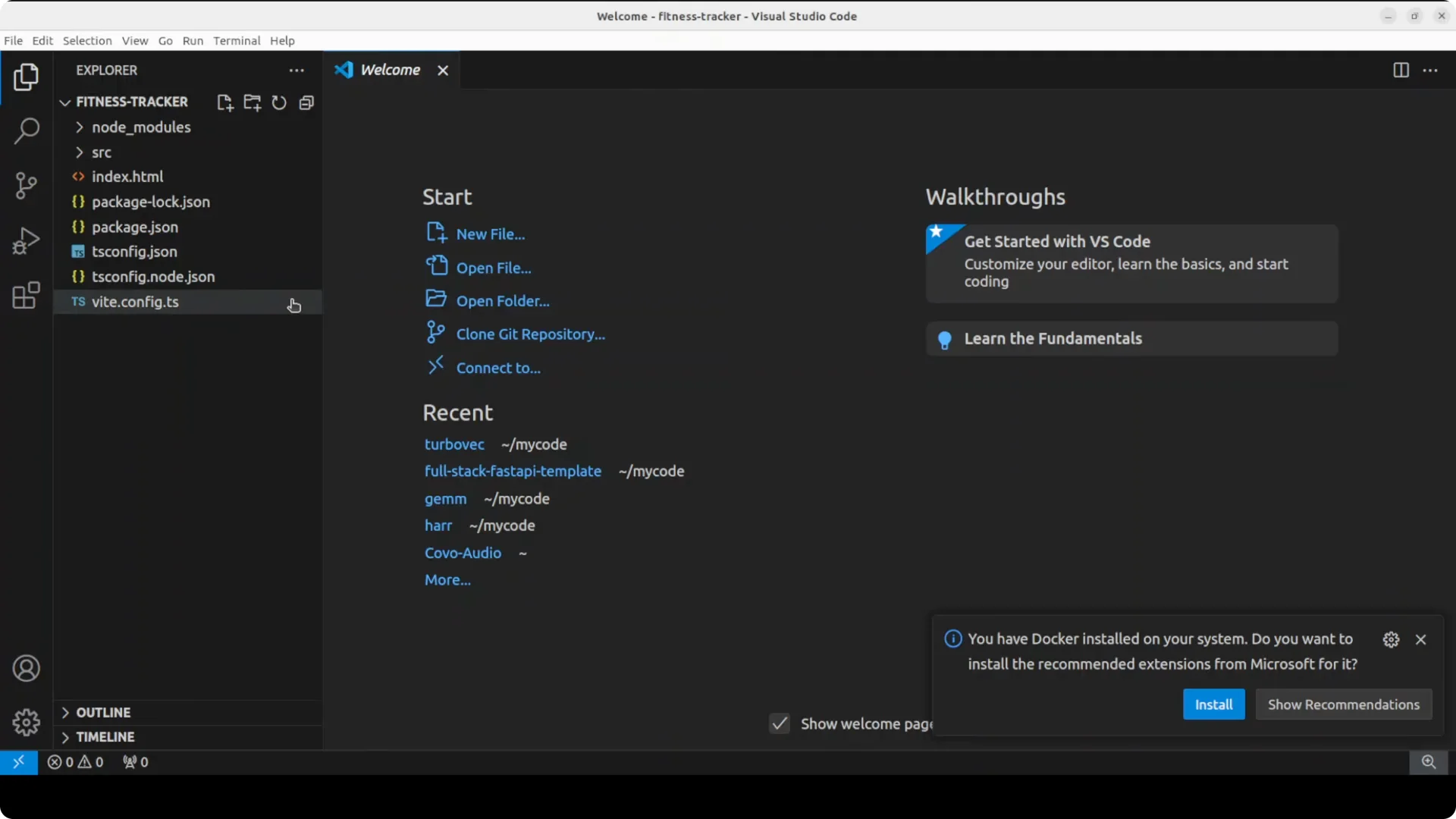
It also sets up the data layer the UI will consume. This keeps the Implementer focused on components and interactions.
Implementer responsibilities
The second agent builds every UI component from the spec, including the dashboard, responsive calendar, progress charts, goals, and the activity feed. It starts work the moment Spec.md appears.
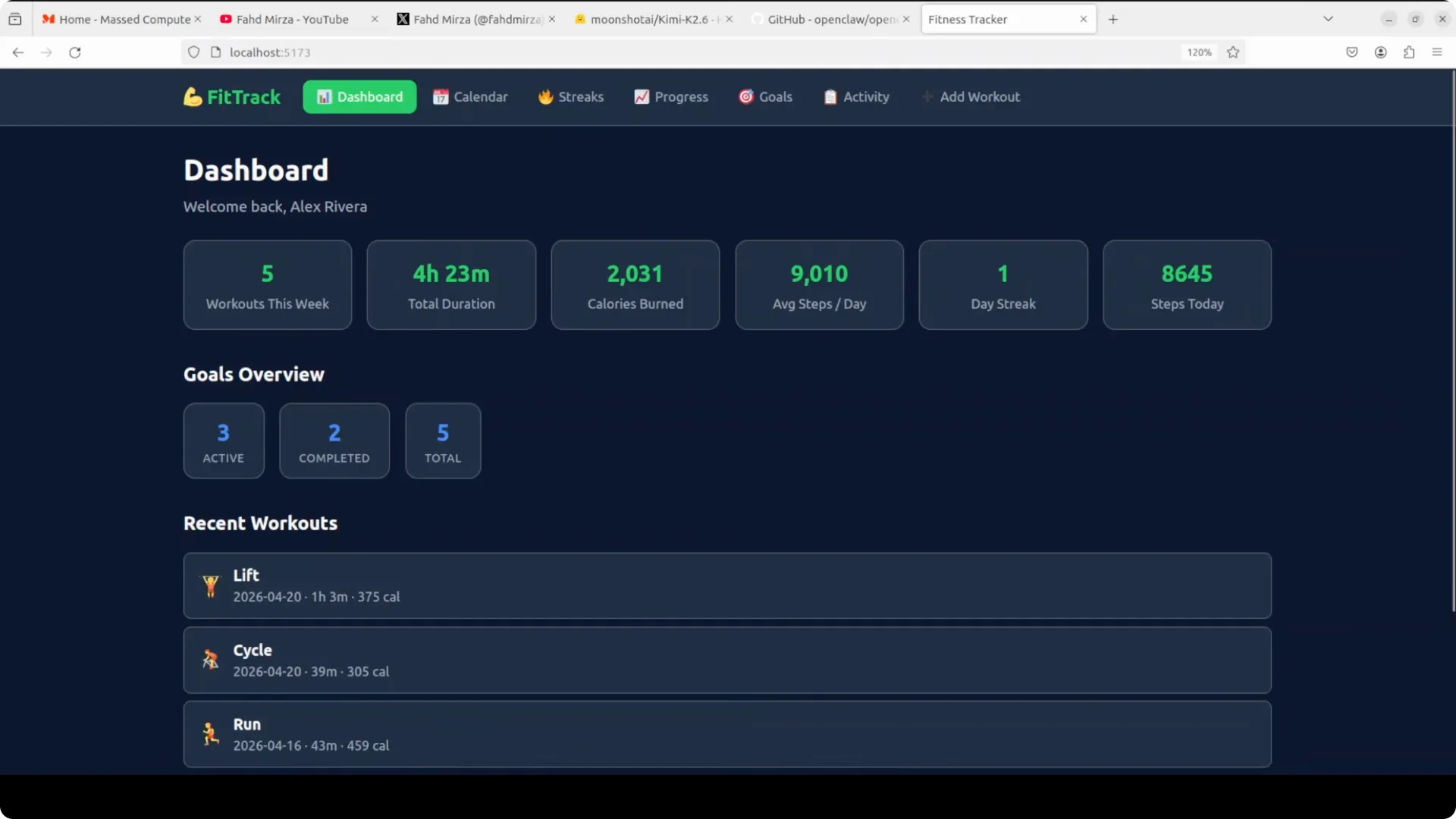
The state management updates the dashboard metrics as activities are added. The result is a complete app scaffold aligned to the spec.
For a sense of how Kimi stacks up against other large models in complex builds, this side by side head to head offers helpful perspective: Deepseek V4 Pro Vs Claude Opus Vs Qwen3 6 Max.
Run and verify
From the root of the generated project, start the development server. Open the app at localhost:5173 to review the fitness tracker.
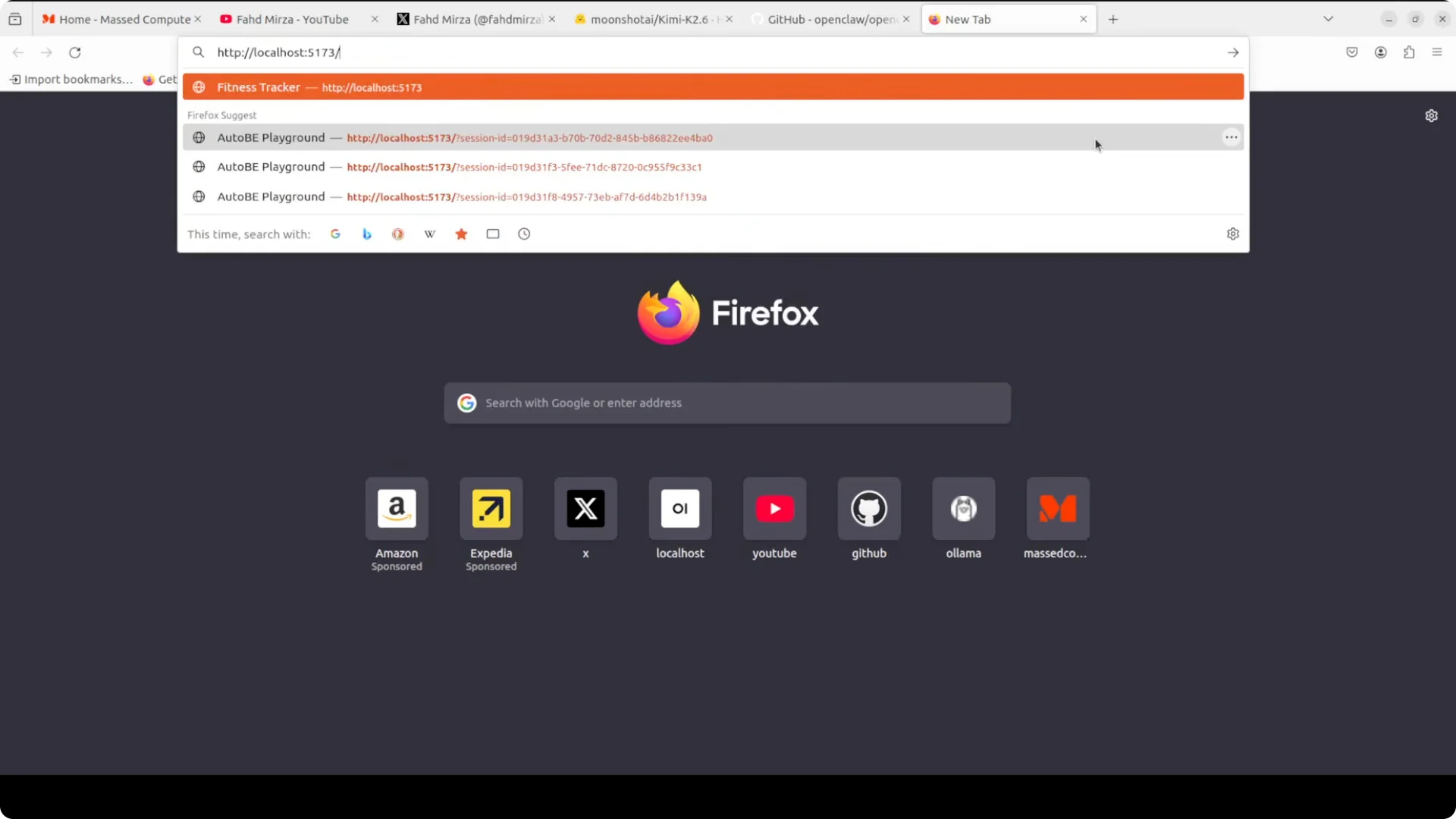
The architect designed the spec and data layer. The implementer read that spec and produced the entire UI, all generated in one shot in OpenClaw with zero human code written.
If you run into provider constraints on other stacks, this note on account restrictions and OpenClaw setup can help you plan around limits: Account Restricted Google Ai Ultra Openclaw.
Tips and troubleshooting
If you see model not found, update agents.default with the CLI, restart the gateway, then confirm the endpoint with openclaw models list. After the API key is used once, the endpoint resolves and the picker will accept K2.6.
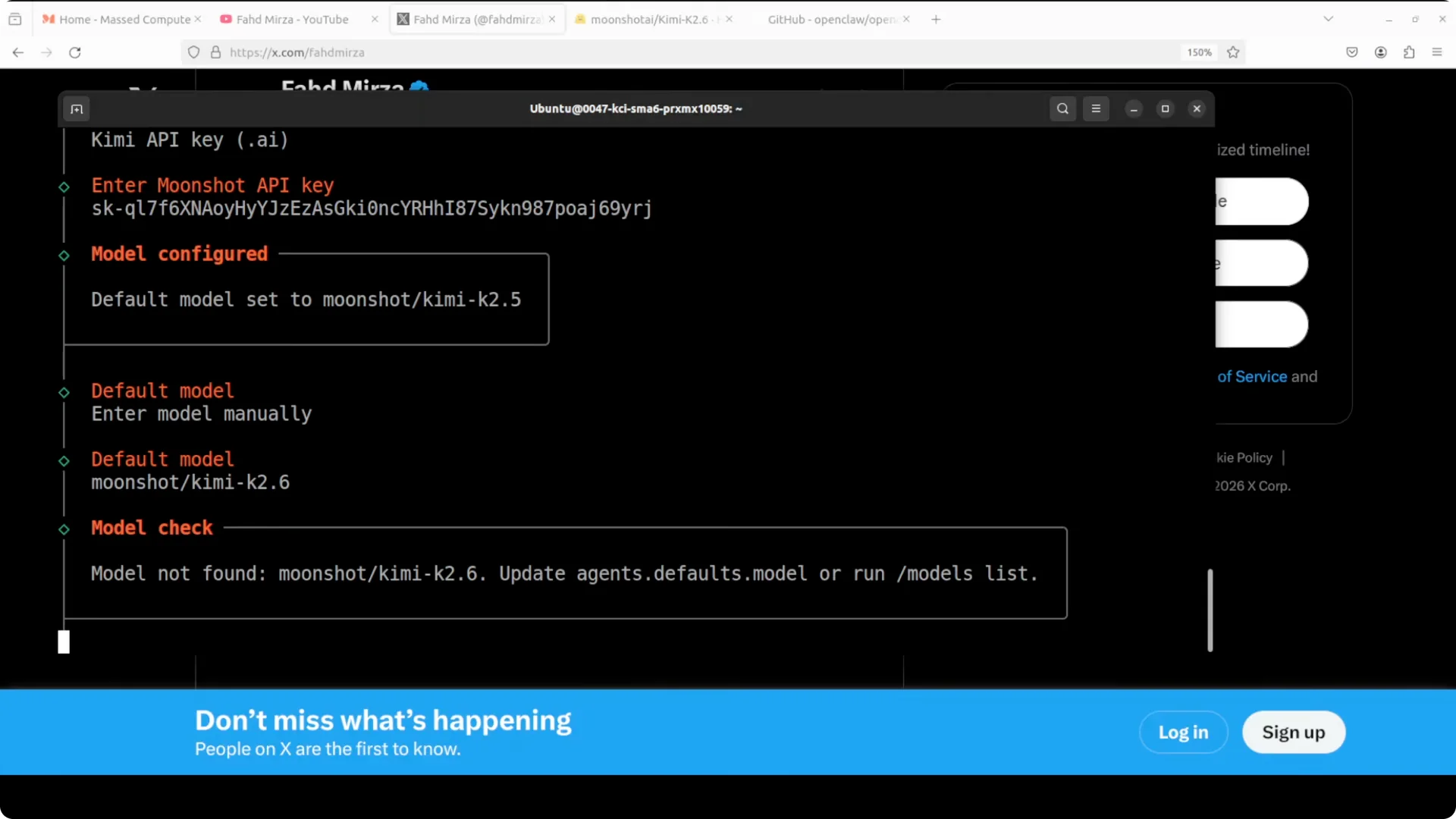
Skip optional hooks on the first run and keep defaults for a clean base configuration. You can layer hooks later once the model is confirmed.
Use cases
This two agent pattern fits dashboard builds, CRUD tools, and internal admin apps where a clear spec feeds rapid UI assembly. Assign an architect to own the spec, schema, and data flow, and an implementer to build components against that contract.
It is also effective for documentation driven development, long horizon refactors, and product scaffolding that benefits from a stable spec and automated implementation.
For broader context on pairing models and orchestrators for multi agent flows, this brief guide is a helpful complement: Claude Opus 4 6 Support Antigravity.
Final thoughts
Kimi K2.6 integrates cleanly with OpenClaw and can code for days without stopping when paired with tools and an agent loop. Two independent agents collaborating on a single project produced a working fitness tracker with a full spec, data layer, and UI. Hosted API or local weights both work, and the default installation path is fast once you set K2.6 as the model and verify with openclaw models list.