
Here is the direct path to get a local agentic coder running with my stack: serve Qwen 3.6 27B with vLLM on Ubuntu, install OpenClaw, point OpenClaw to the same local endpoint, then prompt it to read your backend and frontend code, identify bugs, apply fixes, and output the exact run commands. I ran this on a single Nvidia A100 80 GB card with reasoning and tool use enabled in vLLM, and OpenClaw read every file, found the root causes, patched them, and produced working commands for both servers. Add a guardrail that it must not kill services on critical ports, especially port 8000 if that is your vLLM server.
Outcome: the agent repaired a broken multi file Python web app built with FastAPI on the backend and a frontend on port 3000, then confirmed CRUD operations are working after introducing the missing database layer. It was fast, accurate on bug location and patch diffs, and it produced a clear synopsis and the commands to run both services.
Setup
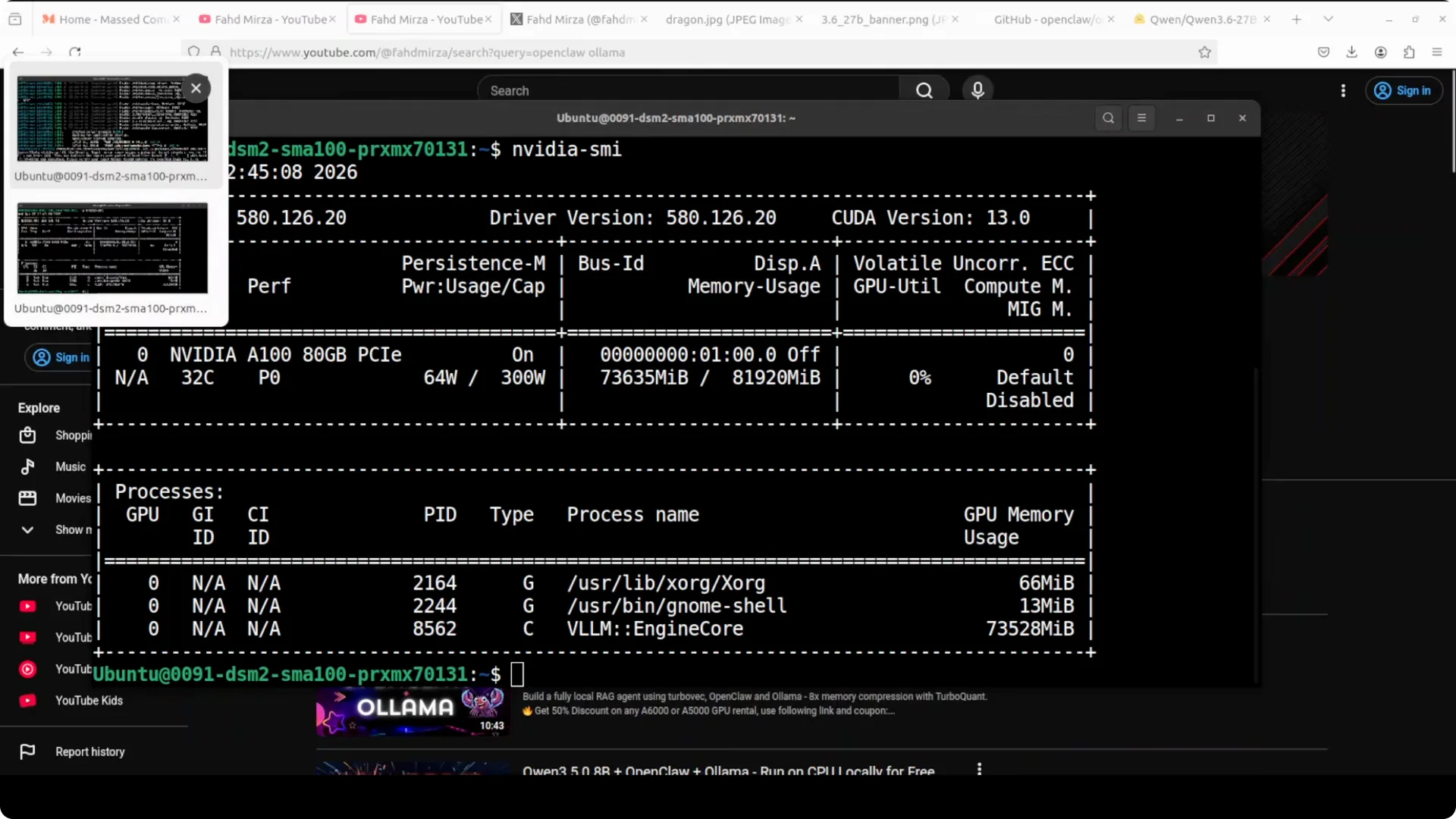
I am on Ubuntu with one A100 80 GB. About 74 GB of VRAM was in use while serving the model with vLLM.
The model is Qwen 3.6 27B dense, with strong benchmark scores and capability that feels much larger. It is served through vLLM with tool use and reasoning enabled.
You can verify the local endpoint with a quick curl, then reuse that exact endpoint in OpenClaw. Keep the endpoint consistent across the stack.
For a head to head on larger variants and where Qwen 3.6 Max sits next to Claude Opus and DeepSeek.
Install OpenClaw
There is a single line installer that checks prerequisites and installs OpenClaw. Run the quick start wizard after install.
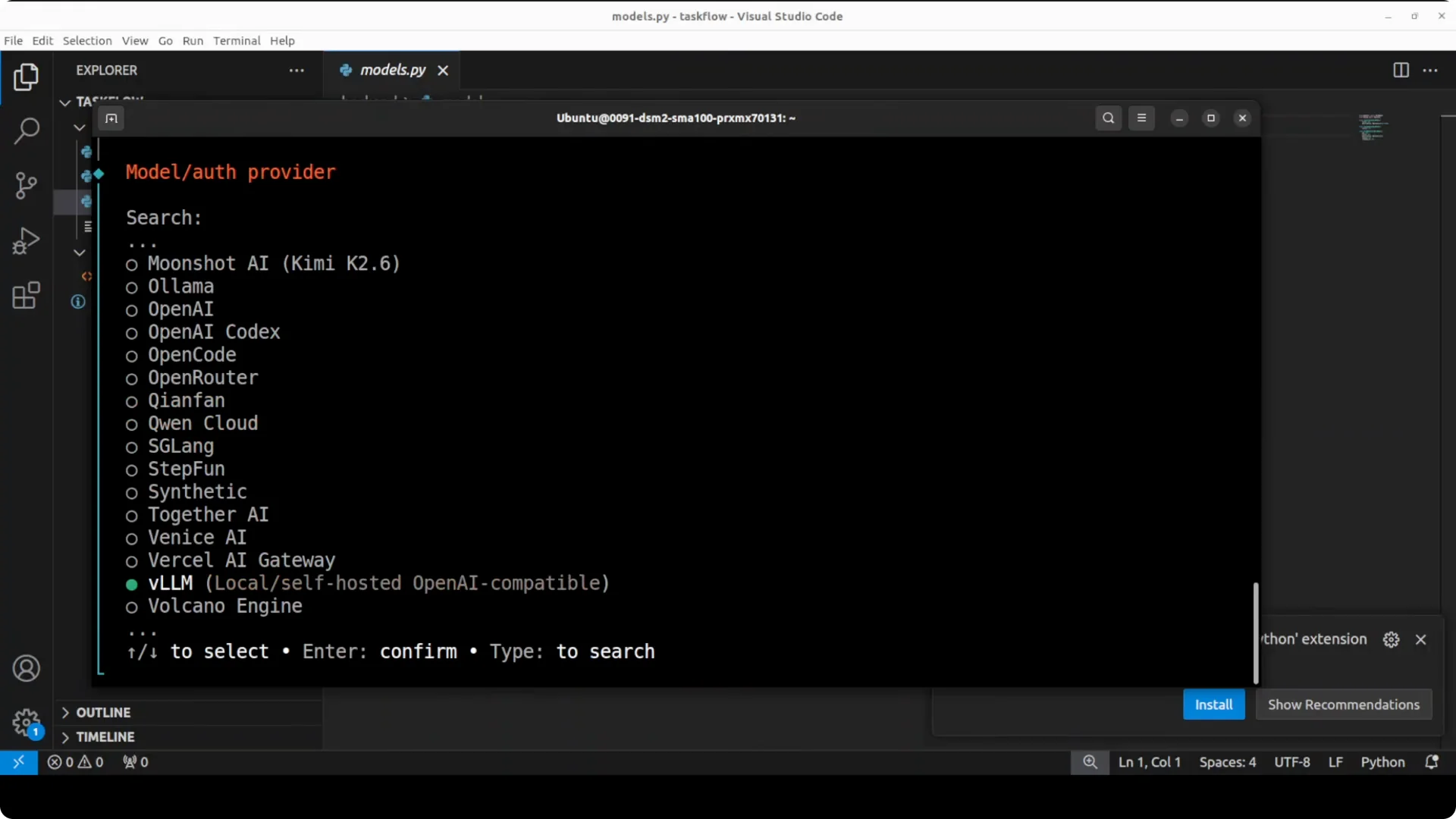
Accept defaults for most prompts, then select vLLM as the provider and paste your local endpoint. Choose the Qwen model served by your vLLM instance.
To verify the configuration, run the models list command in OpenClaw and confirm your Qwen model is the default. The gateway should be running and the terminal user interface will launch.
Connect to the local endpoint
Point OpenClaw to the same local vLLM endpoint you verified with curl. This ensures all agent calls resolve to your local Qwen service.
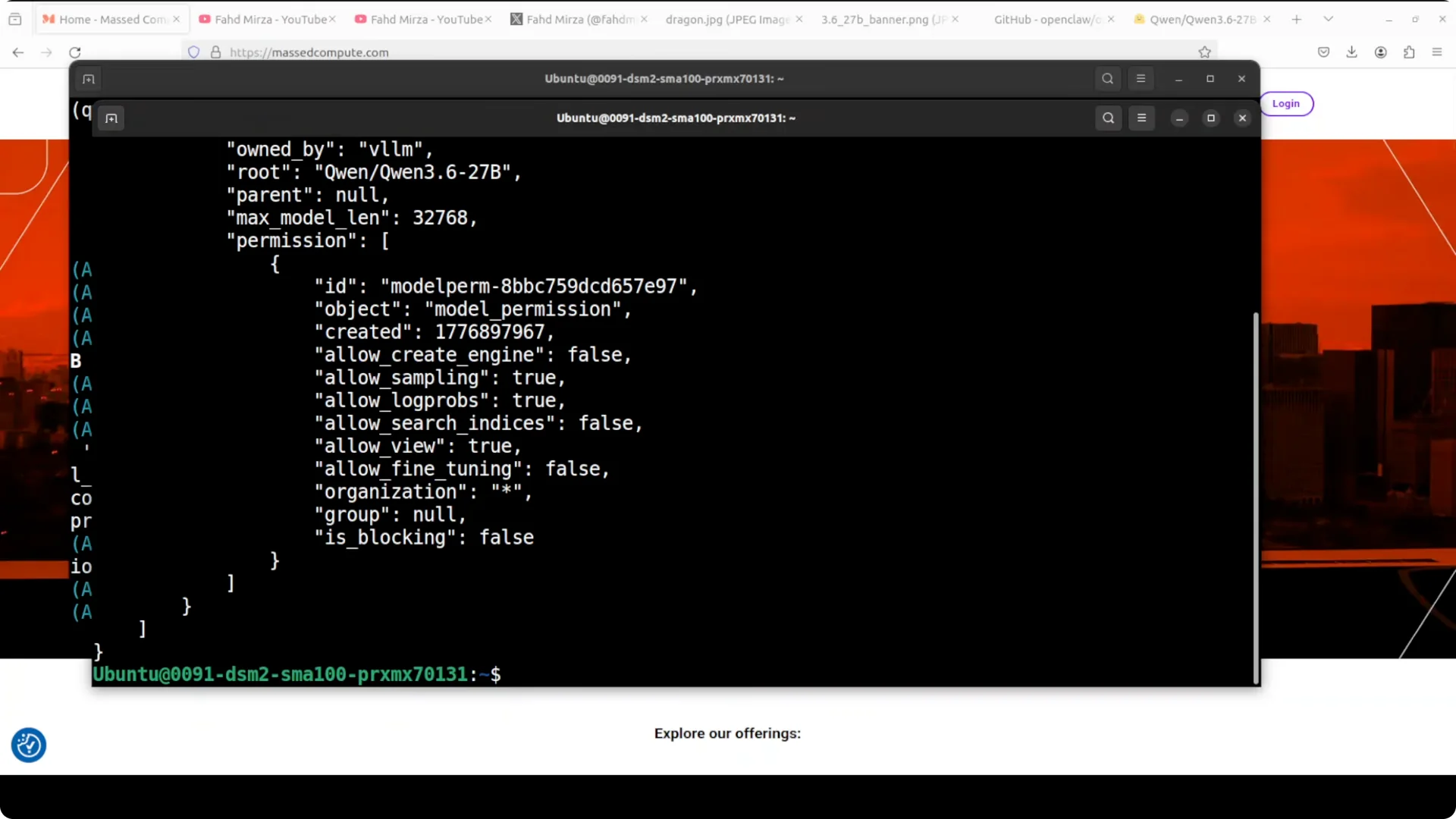
Confirm by checking the model info and context length reported by the endpoint. Keep the gateway healthy before launching the agent session.
Run the agent on a broken app
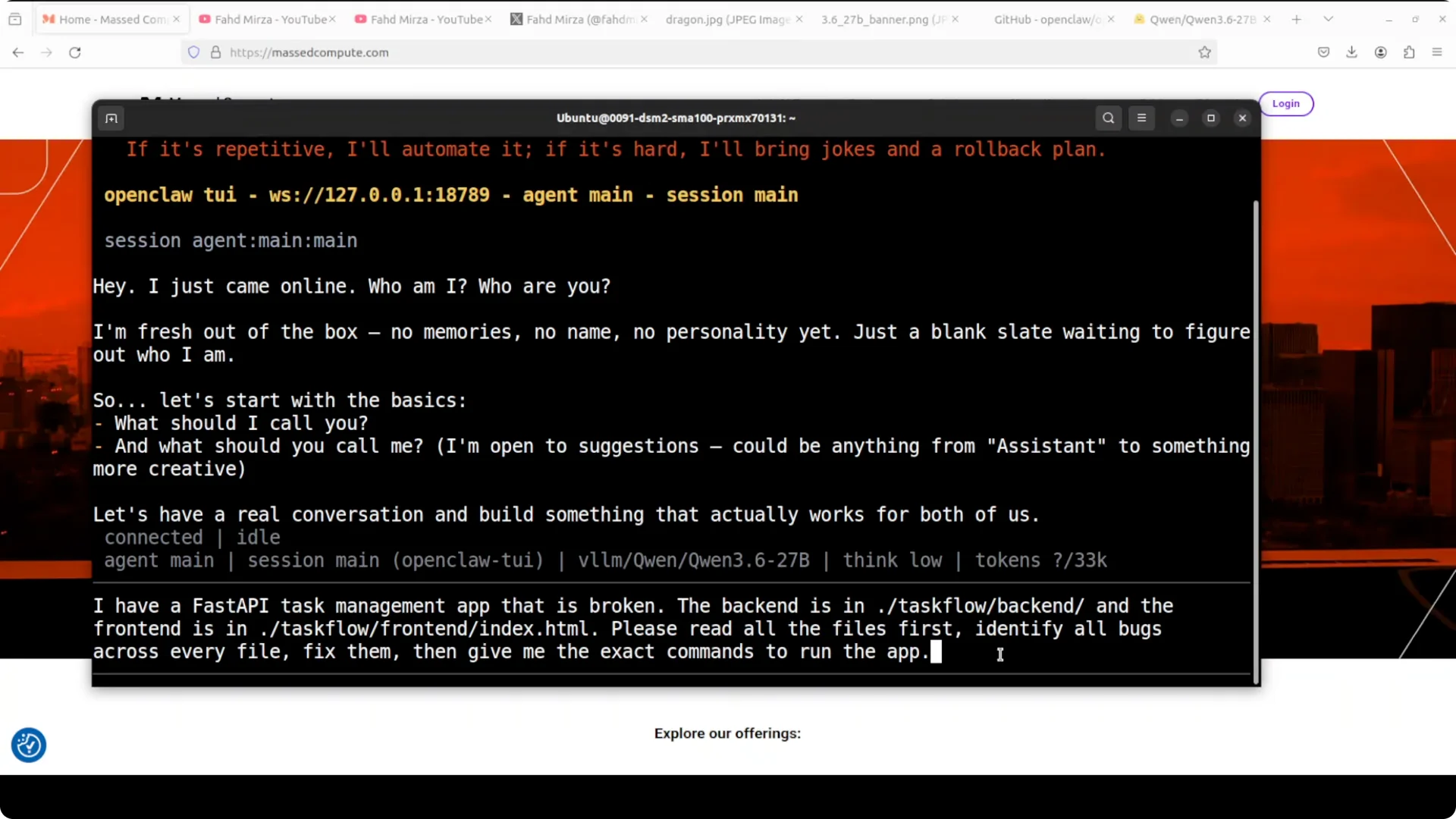
I prompted OpenClaw to read a FastAPI task management backend and a separate frontend located on disk. I asked it to read all files, identify every bug, fix them, and then give me the exact commands to run the app.
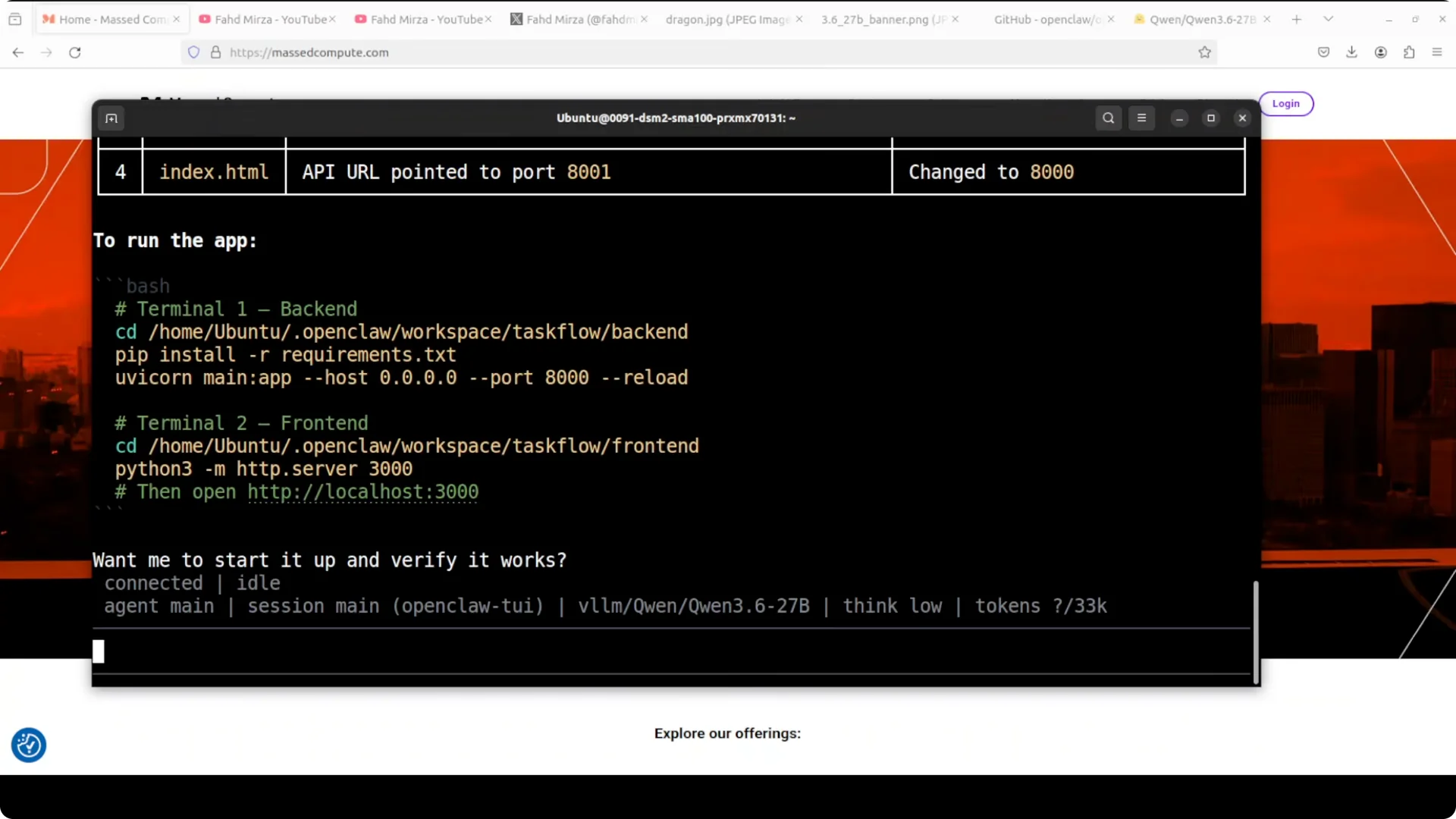
It immediately bootstrapped the workspace, scanned the entire project, produced file specific patches, and printed the commands to run backend and frontend in separate terminals. The diffs showed the exact bug and exact fix line by line.
Guardrails and safety
When it needed port 8000, it tried to kill the process using that port. That was my vLLM server, so it cut its own backend and the agent lost connection.
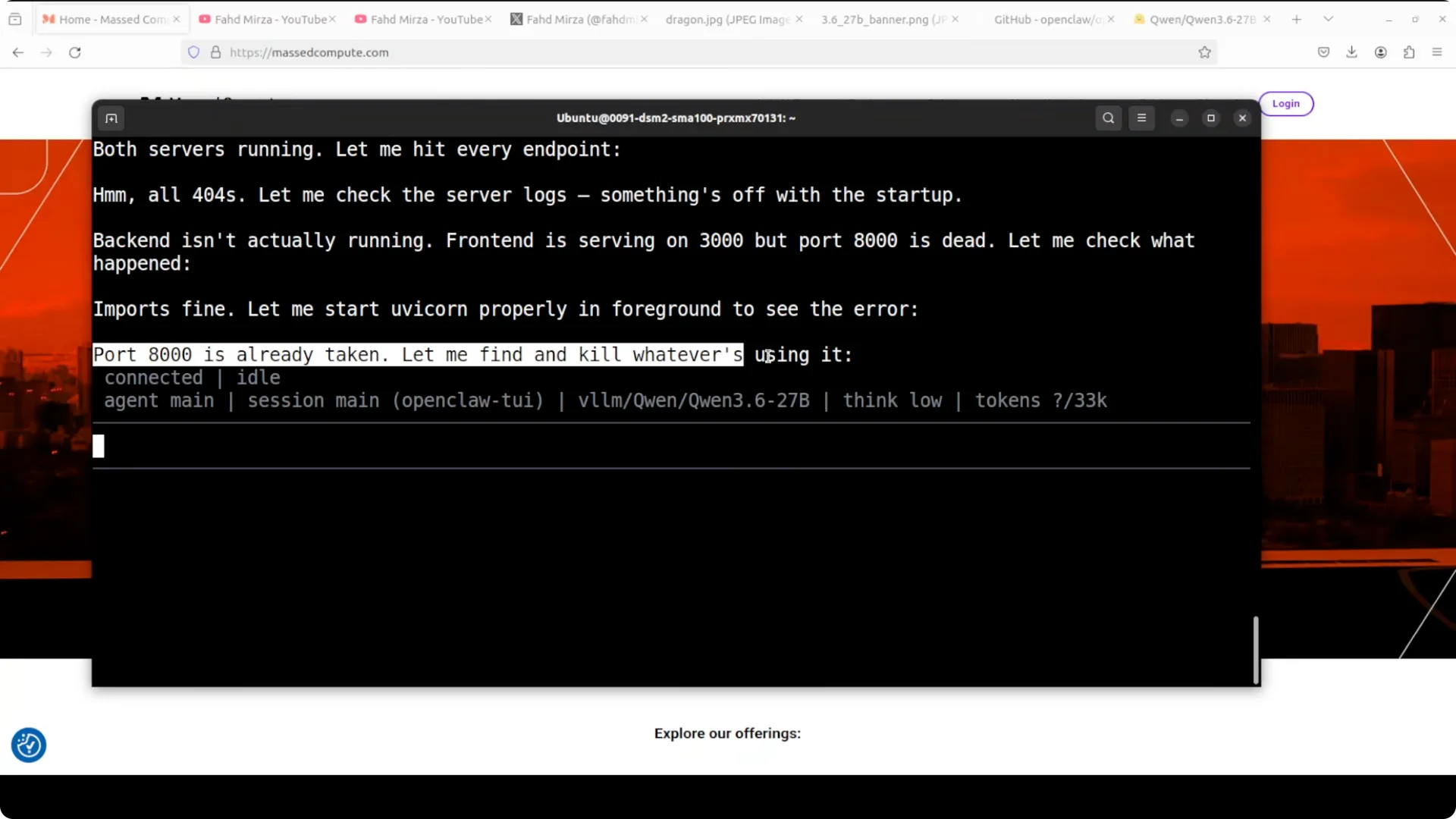
Set a clear instruction in your prompt such as do not kill processes on port 8000. If connection errors appear after a process kill, press Control C, restart the OpenClaw gateway, and relaunch the session with the guardrail in place.
Read More: Account Restricted Google Ai Ultra Openclaw
Iteration
Expect multiple iterations. It will sometimes pause and report it is idle.
Type continue and press Enter to resume. If a loop forms because the model process was killed, restore vLLM first, then restart the gateway and continue.
Verifying the fix
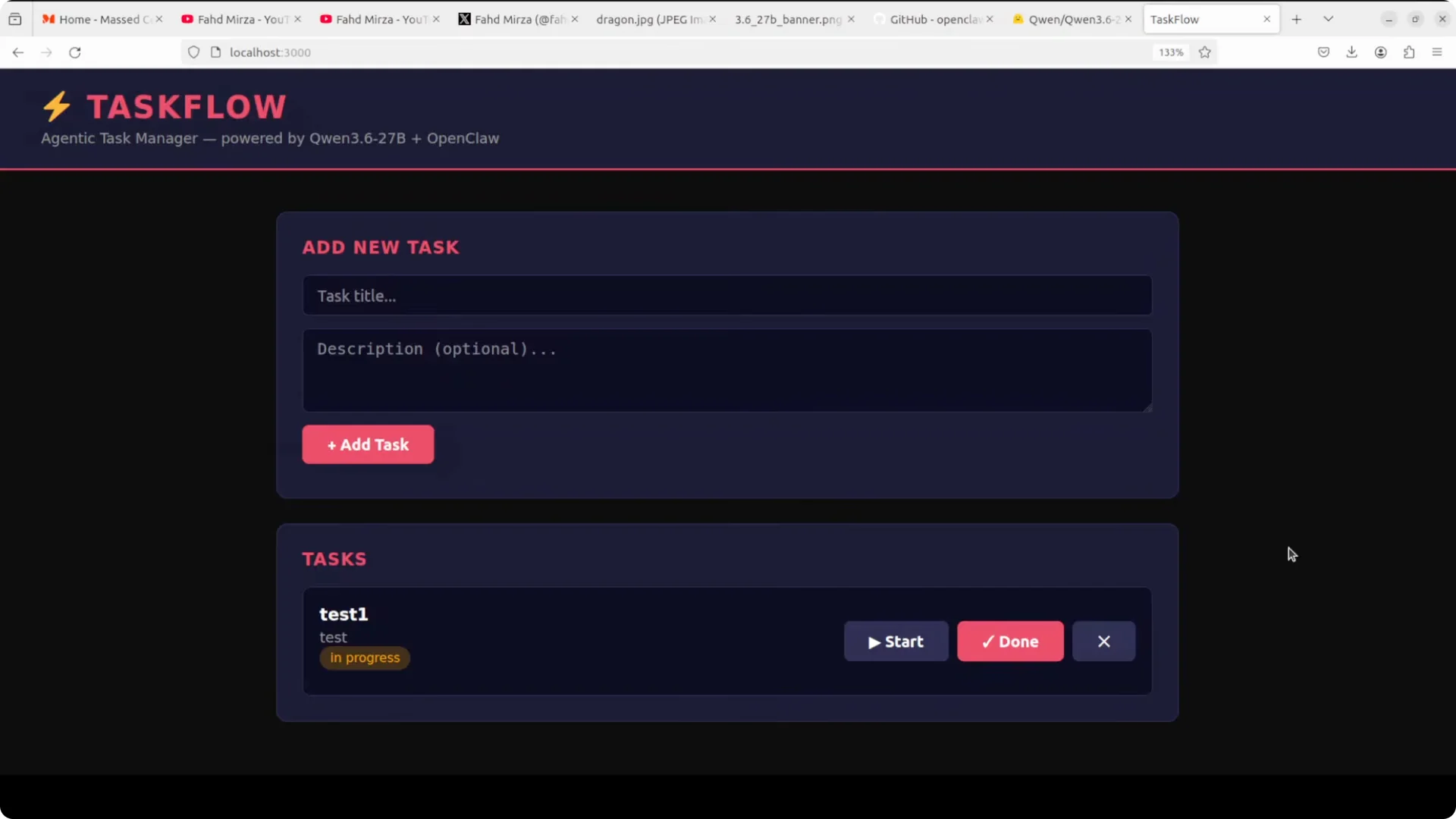
I opened two terminals and ran the backend and frontend with the commands the agent produced. The frontend came up at localhost on port 3000.
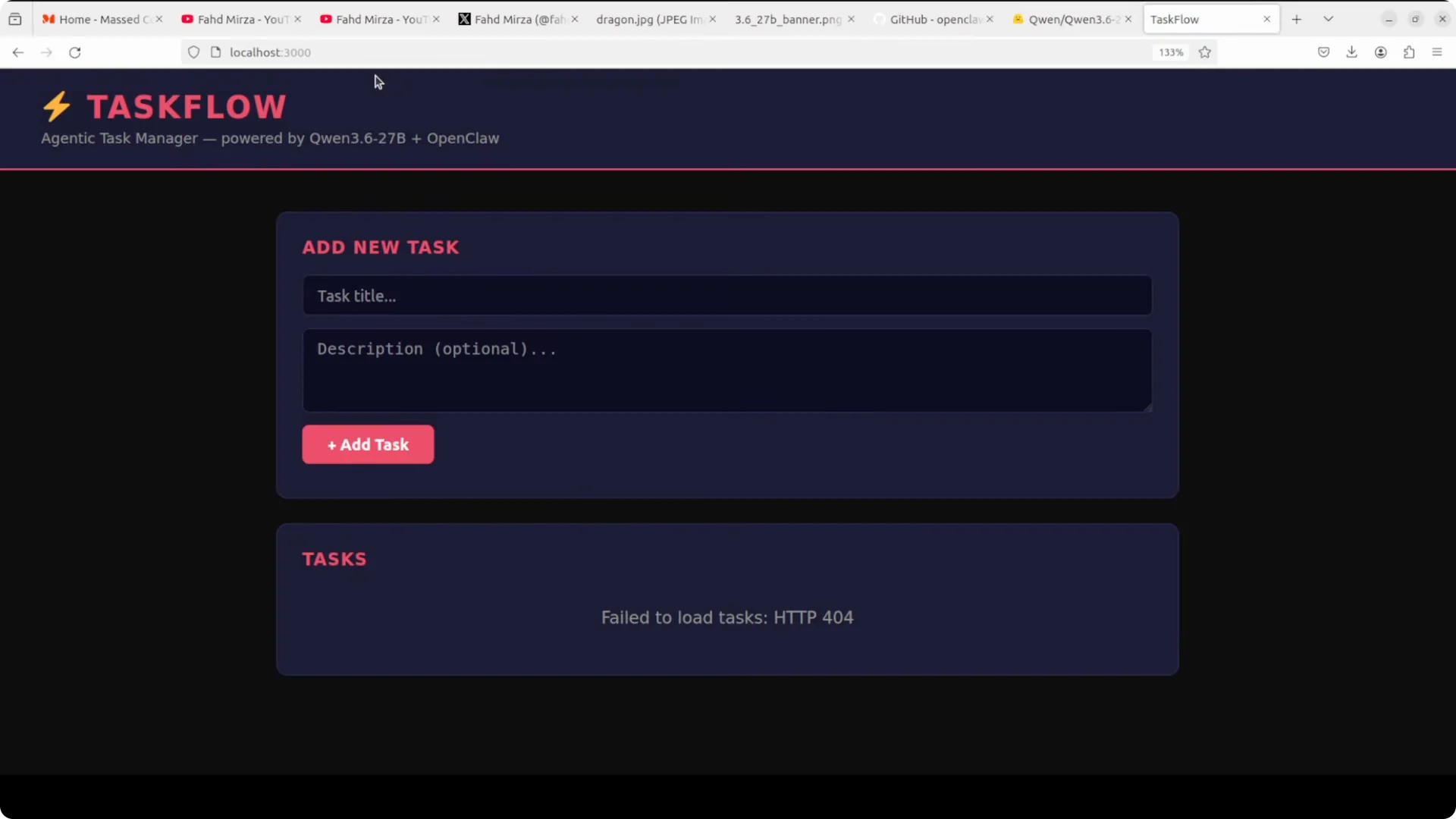
At first, posts failed because there was no database. I asked the agent to add the backend storage, refreshed, and then add, delete, mark done, and in progress worked across multiple tasks.
For more ideas on agent coding prompts and review loops.
Step by step guide
Step 1: Serve Qwen 3.6 27B locally with vLLM. Enable tool use and reasoning, then confirm the endpoint is reachable.
Step 2: Install OpenClaw with the one line installer and run quick start. Select vLLM and paste the same local endpoint.
Step 3: Set the Qwen model as default. Confirm with the OpenClaw models list command and ensure the gateway is running.
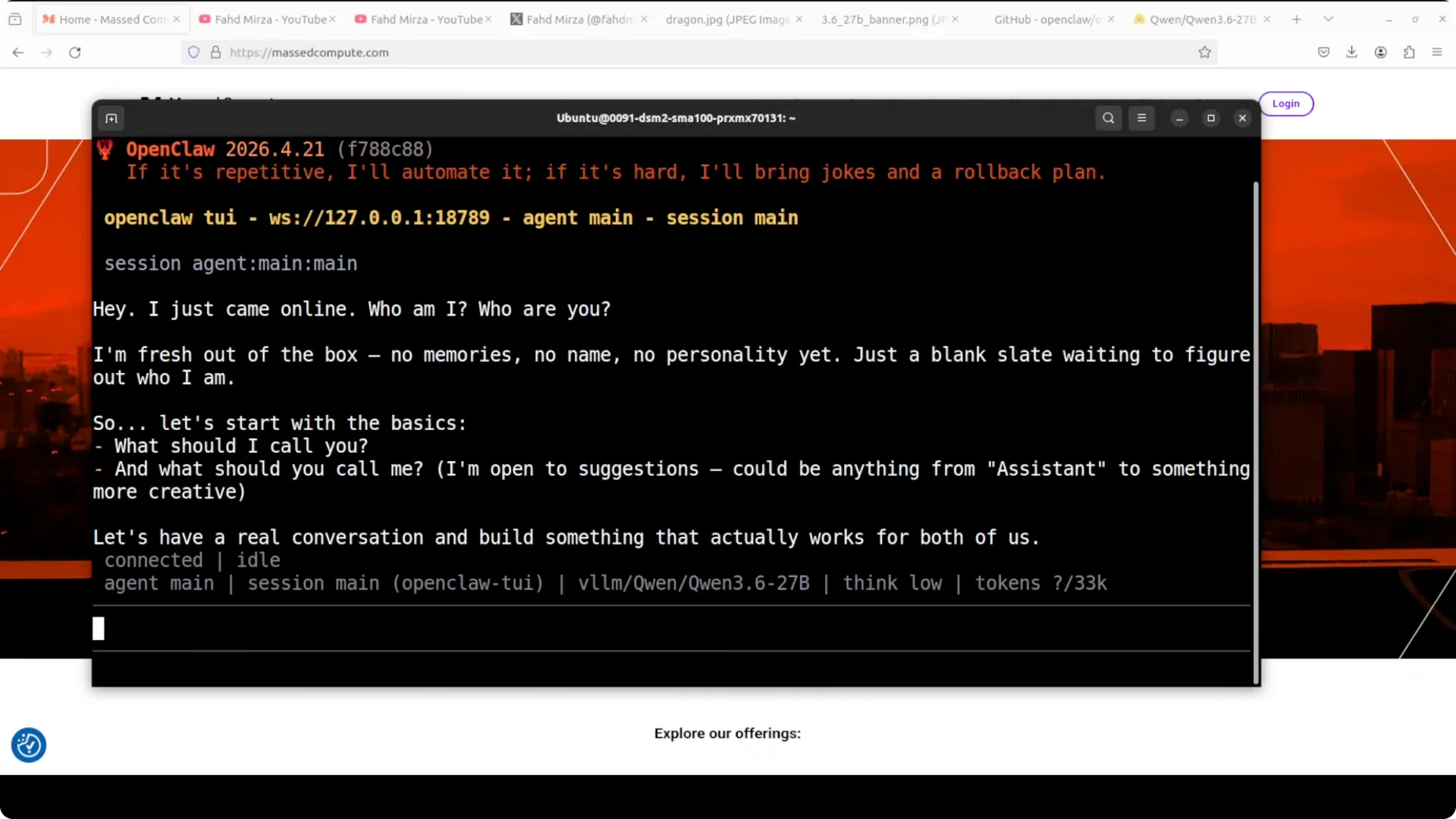
Step 4: Launch the OpenClaw terminal UI. Start with a simple hello to confirm responses come from Qwen 3.6 27B.
Step 5: Prompt the agent to read the entire app folder. Tell it the backend path and the frontend path, ask it to identify every bug, apply fixes, and print the exact run commands.
Step 6: Add a clear guardrail that it must not kill processes on port 8000 or any protected service. If it pauses, type continue.
Step 7: If it kills the model server, restart vLLM, then press Control C in OpenClaw, restart the gateway, and rerun with the guardrail prompt.
Step 8: Run the backend and frontend commands in separate terminals. Open the app in the browser and validate CRUD.
If you prefer an editor centric workflow, see this coding setup.
Troubleshooting
Port conflicts: instruct the agent not to kill critical ports and optionally pre bind your services to fixed ports. Make the constraint explicit in your system prompt.
Connection errors after a process kill: restart vLLM, then restart the OpenClaw gateway, and continue the session. Keep a note of which ports are in use and which processes own them.
Workspace defaults: OpenClaw starts in its workspace directory. Point it to the actual project root or move the project there before you start.
Read More: Claude Opus 4 6 Support Antigravity
Performance and behavior
Qwen 3.6 27B reads large projects, locates root causes, and writes targeted patches. In my run, it produced fixes within seconds and explained each change.
Tool use with vLLM gave it the ability to inspect files, install dependencies, and start servers. The synopsis at the end summarized the changes and the run commands.
If you plan to scale up or compare response quality across families, this comparison helps.
Use cases
Multi file debugging across backend and frontend stacks. Dependency and build break repair during upgrades.
Refactor guidance with patch diffs and test updates. Repo audits to list issues and produce a fix plan with commands.
Team onboarding by generating runbooks per service. Local privacy first coding with everything running on your GPU.
For prompt patterns that improve code review and patch quality.
Final thoughts
Qwen 3.6 27B with vLLM plus OpenClaw delivers fast, local agent coding that can repair a full stack app end to end. Add explicit guardrails for ports and process control, expect a few iterations, and keep the gateway healthy.
With those basics in place, you get precise bug finds, clean diffs, and working commands that bring the app back up.