How to Install and Use Claude Code in Antigravity?

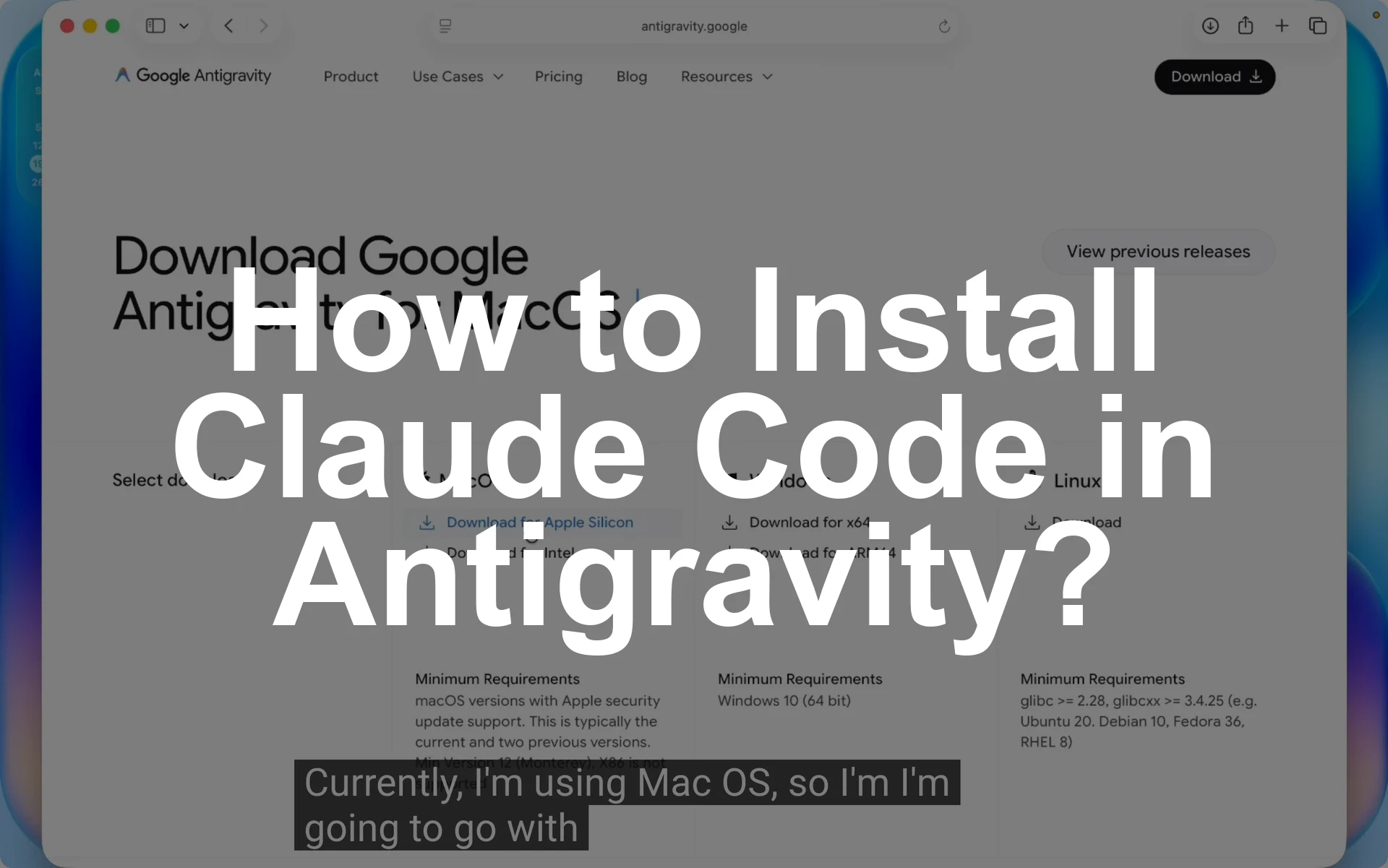
How to Install and Use Claude Code in Antigravity? - Featured Image

The quick answer for how to install Claude Code in Antigravity is this. Download and install Antigravity from antigravity.google.com, open the app, install the Claude Code extension, open a project folder, start a new Claude chat, switch to Auto mode, paste a professional prompt, and let it build the project. That covers both how to … Read more

How to use Agent Manager in Antigravity?

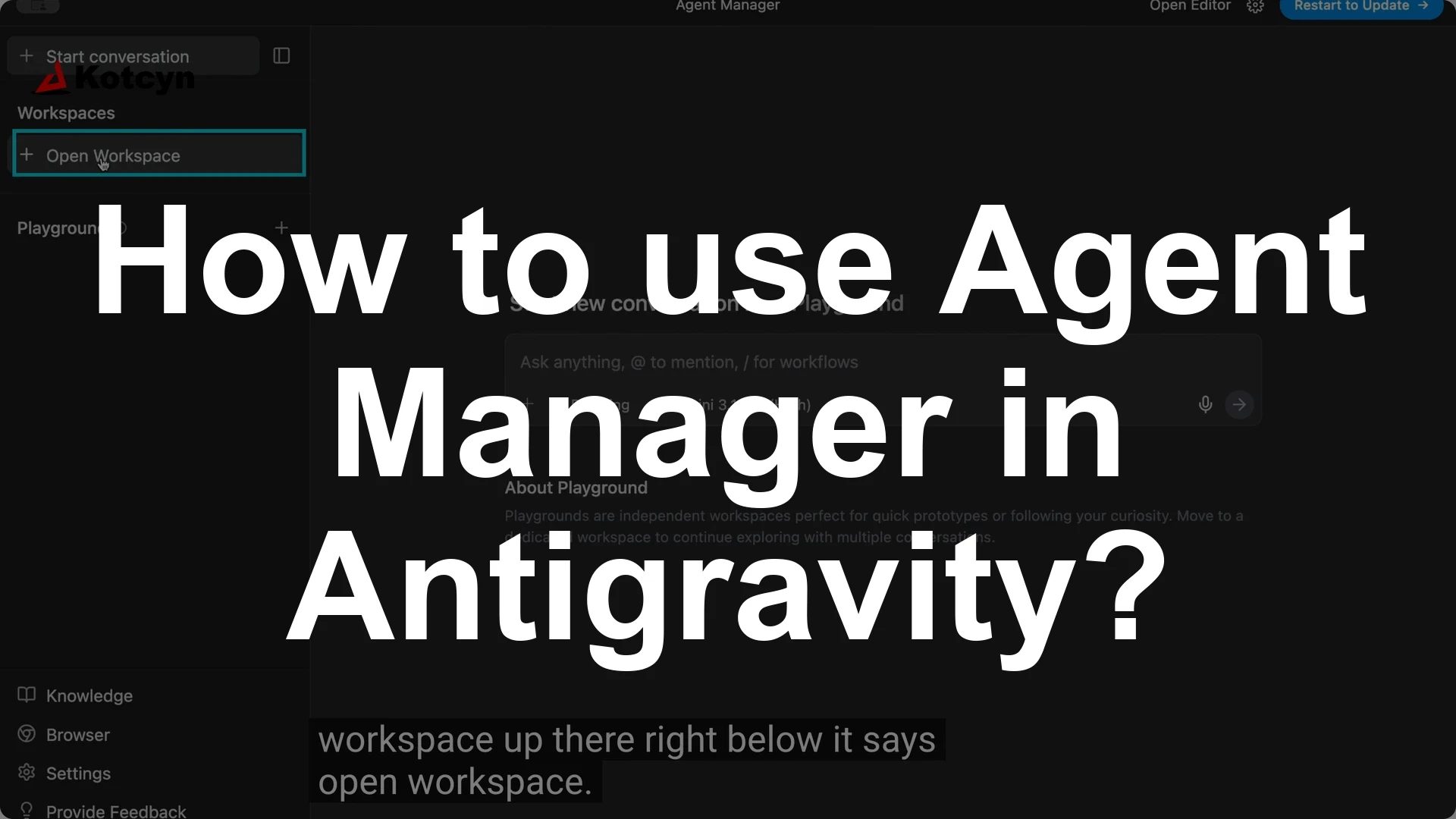
How to use Agent Manager in Antigravity? - Featured Image

You can create multiple agents in Google Anti-gravity inside your workspace by opening Agent Manager, opening a workspace, and starting a new conversation for each agent. Click Open Agent Manager, click Open workspace, then click Open new workspace, and use Start conversation to add your first agent, then click Start conversation again for each additional … Read more

6 Best way to use Claude Code in 2026

6 Best way to use Claude Code in 2026 - Featured Image

You get the best results from Claude Code by staying in control, using Plan mode, creating focused agents and skills, being explicit over implicit, trusting but verifying, and still writing code yourself when it is faster or clearer. I do not run Claude Code in a loop, I do not live code, and I prefer … Read more

7 Best Claude Code Skills (You Need to Know)

7 Best Claude Code Skills (You Need to Know) - Featured Image

Here are the seven Claude Skills for Business that replaced hours of my manual work with single-command flows: Skill Creator, Daily Plan (/today), Watch Video (/watch), AI Digest (/ai-digest), Newsletter (/newsletter), Article Optimizer (/article), and Decision (/decide). These live as reusable instructions Claude runs on demand, and I use them every day. A skill is … Read more